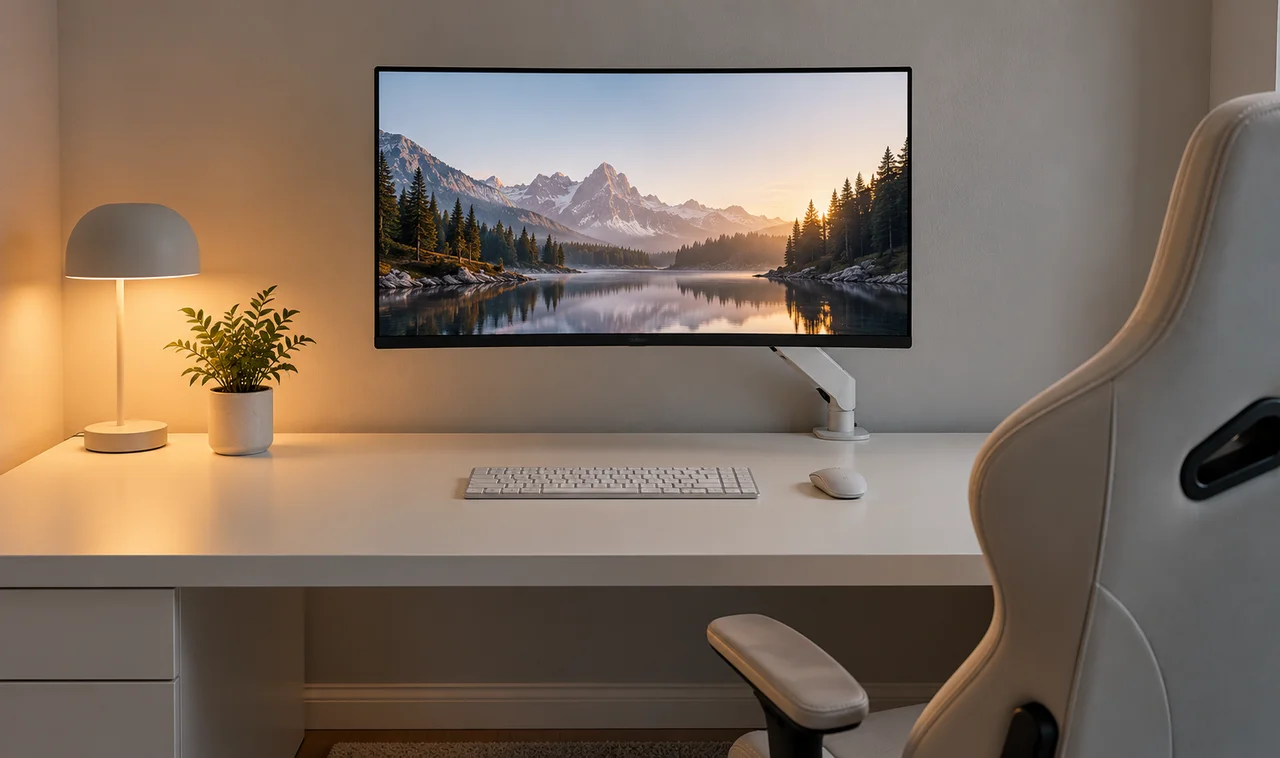
Walk into most gaming setups and your eyes do not know where to land. Cables spill off the desk, boxes pile in the corner, and three different colors of light fight for attention. It looks busy, and after an hour it feels busy too.
A minimalist gaming setup does the opposite. It is not about owning less for the sake of it. It is about removing everything that distracts you so the things you actually use can stand out. One screen, one keyboard, one clean surface. When the room goes quiet, your focus gets louder.
The good news is that minimalism here is mostly editing, not buying. Most of these 15 minimalist gaming setup ideas cost little or nothing: hiding cables, clearing the desk, choosing one color and sticking to it. A few smart mounts and one good storage piece handle the rest.
Pick the three that bother you most about your current setup and start there. Small removals add up fast, and by the weekend your space can feel like a completely different room.
1. Mount Your Monitor on an Arm
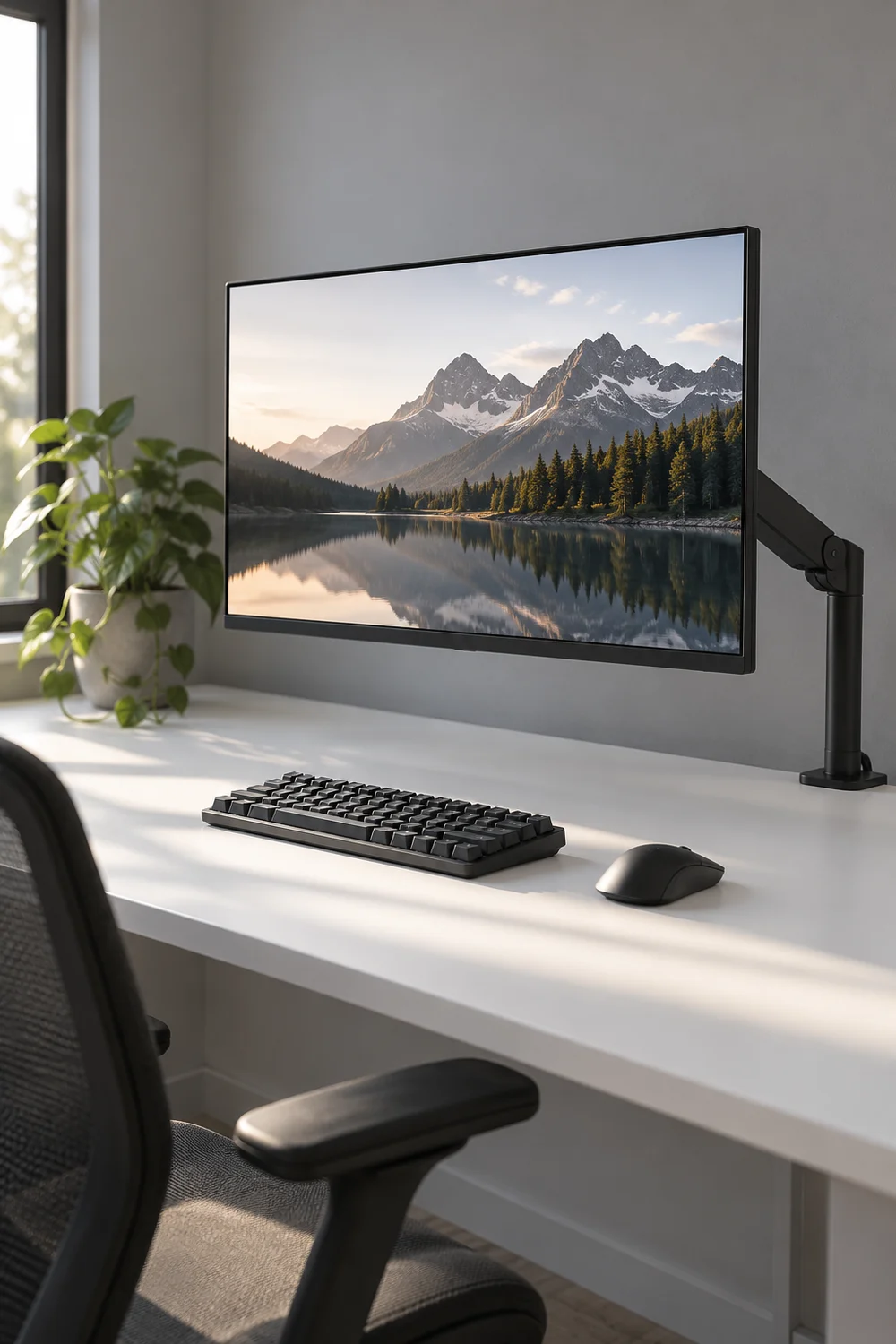
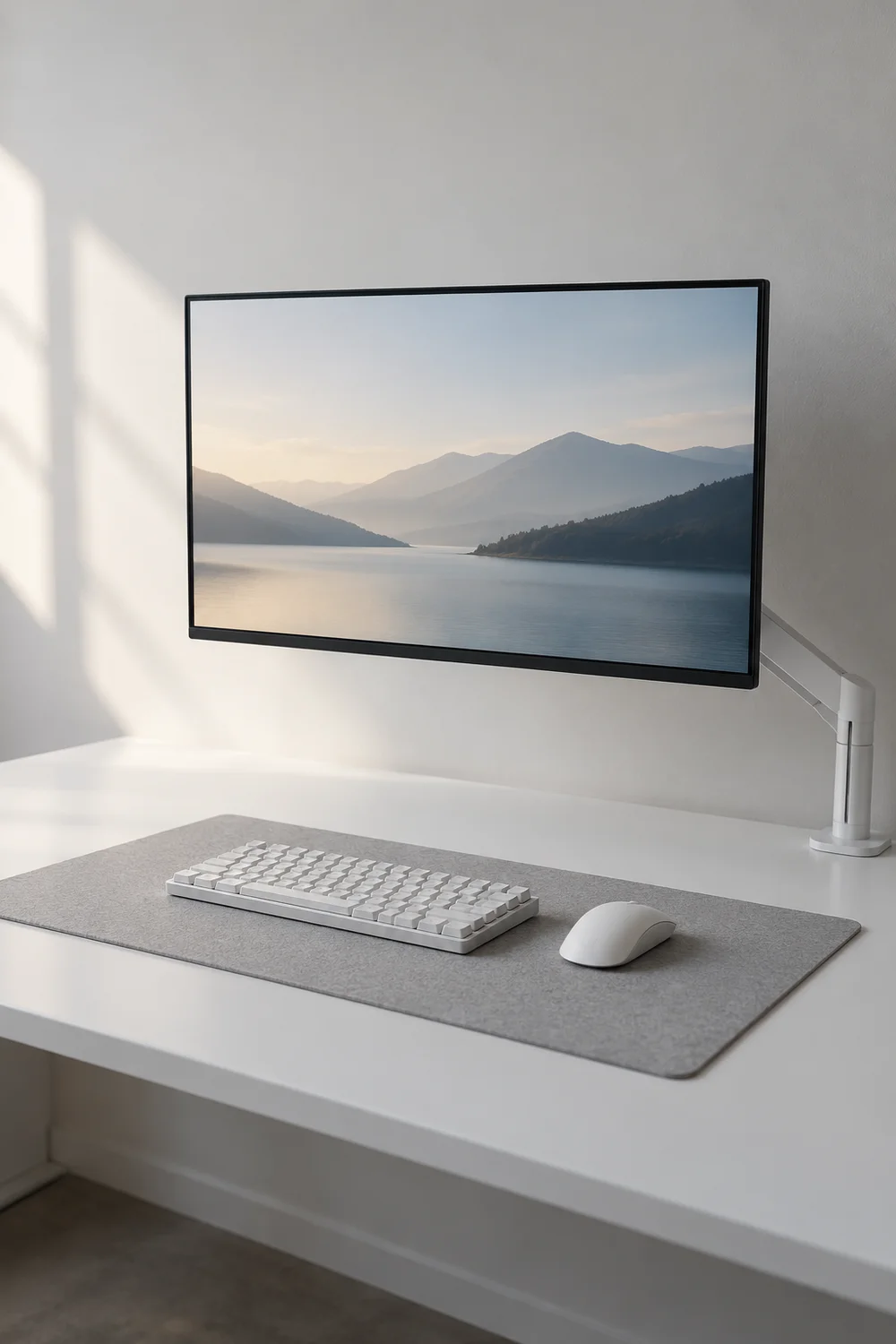
The stand your monitor came with eats a shocking amount of desk. A single monitor arm replaces it entirely: it clamps to the back edge of the desk, lifts the screen to eye level, and gives you the whole surface back. Your keyboard and mouse finally have room to breathe, and the setup gains that floating look you see in photos.
Pick an arm rated for your screen’s size and weight, and route the display cable through its built-in channel so nothing dangles. One screen on one arm reads as calm. Two monitors on two arms can still work, but be honest about whether you use the second one daily.
2. Pick a Desk With a Built-in Cable Tray
If you are buying a desk anyway, buy one that hides cables by design. A tray under the back edge holds the power strip, every brick, and all the adapters, so nothing dangles where you can see it. Measure your gear before you buy: the tray should fit the power strip plus slack for the monitor, charger, and lamp cables.
Metal mesh trays beat solid ones. They breathe, they weigh less, and dust stays visible so you actually clean it instead of discovering a gray felt mat of cables a year later.
💡 Quick Tip
Measure the power strip first. A tray that almost fits is a tray you will hate.
3. Go Fully Wireless
Every cable you remove is one less line crossing your desk. A wireless keyboard, mouse, and headset cut three of the busiest cables in a single move, and modern wireless has no lag you can feel in real play. One small dock or a single USB receiver keeps everything connected without a forest of dongles.
Charge everything on the same night each week so nothing dies mid match. Keep one wired backup in a drawer for dead battery emergencies or tournament days. Wireless is freedom, but a spare cable in a drawer is insurance.

4. Hide the PC Tower
The tower is the biggest visual noise in most setups. Slide it under the desk on a small rolling stand, or tuck it inside a ventilated cabinet with a mesh or open front. Out of sight does not mean out of reach: keep the power button and front USB ports accessible.
Leave breathing room around it for airflow, especially on carpet. And if your case has glass panels and lighting you love, that is fine. One glowing box reads much calmer than a tower plus a tangle of cables pooled around it.
Measure the clearance under your desk.
Add a rolling stand or a ventilated cabinet.
Route cables up, not across the floor.
5. Stick to One Neutral Palette
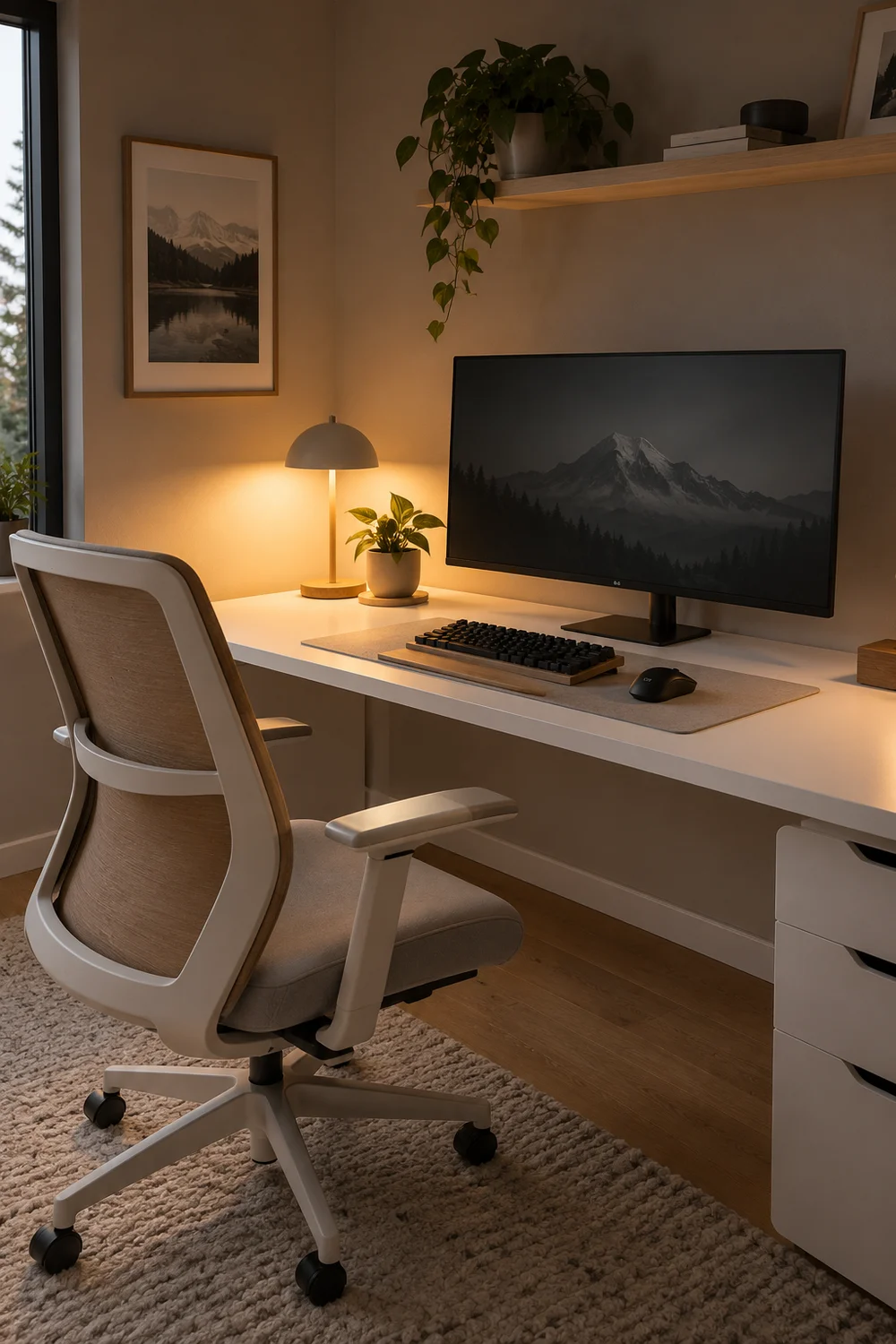
Minimalism is mostly color discipline. Pick three: a light tone like white or warm gray, a dark like black or charcoal, and one natural material such as light wood. Then audit everything visible against those three. The neon mousepad, the red headset, the blue fan either get replaced over time or move out of sight.
You do not need to rebuy everything at once, and you should not. Let the palette guide each future purchase instead. Within a few months the room drifts calmer on its own, and every new addition automatically matches.
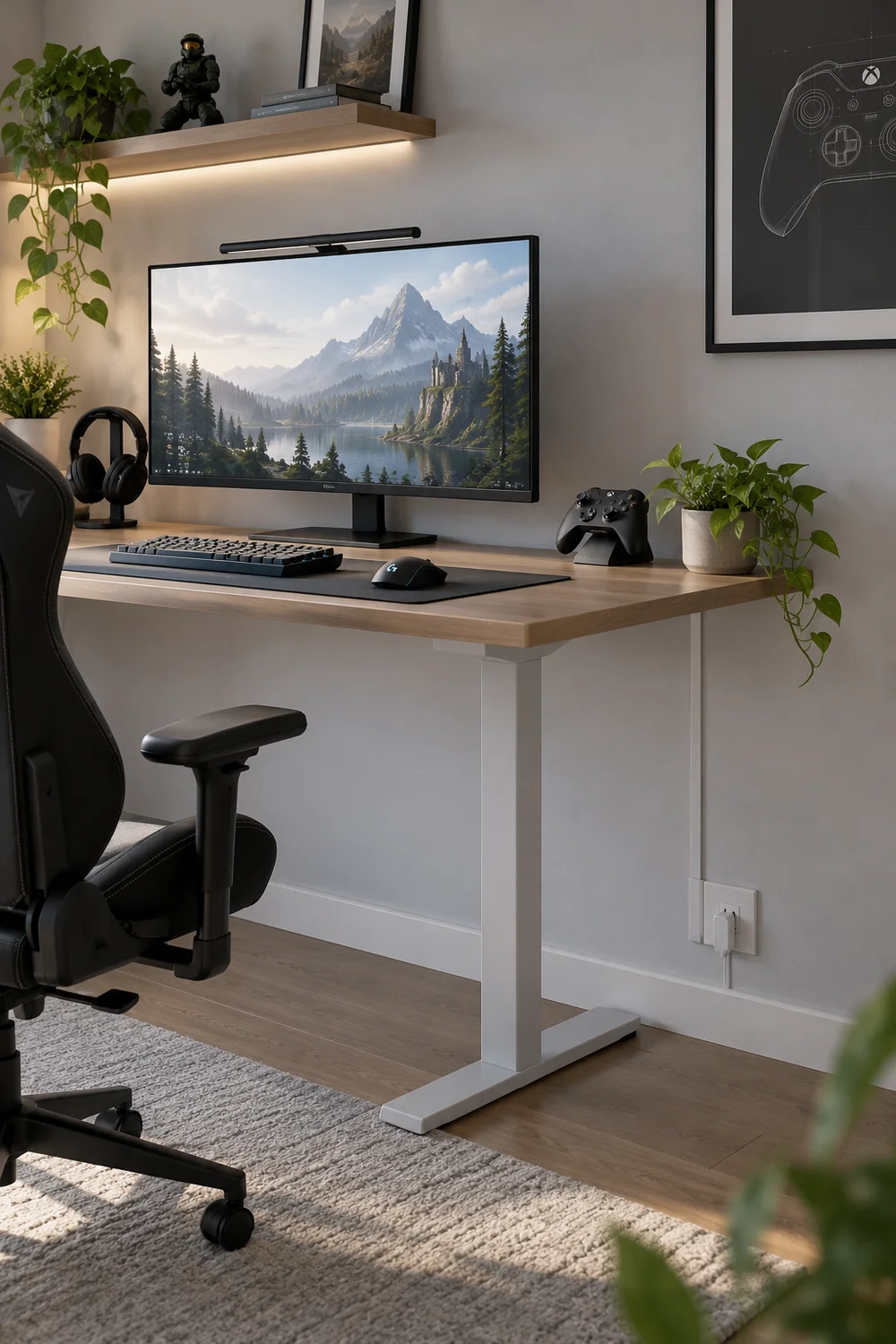
Four brands, five colors, one visual argument on your desk.
Three tones, one calm room that feels twice as big.
6. Use a Single Closed Cabinet
Open shelves display clutter; closed doors hide it. One low cabinet beside the desk swallows controllers, discs, chargers, and spare cables behind clean lines. Choose one with adjustable shelves so tall boxes fit, and add small bins inside so it does not become a junk drawer with doors.
Keep the top surface clear, or allow it exactly one object: a small plant, a clock, nothing more. The moment the top becomes storage, you have two problems instead of one.
Every object needs a home with a door. If it cannot be hidden, it should earn its place in the open.
7. Run Cables Through a Wall Raceway
The last visible cables usually run from the desk to the wall outlet. A slim adhesive raceway covers them in one straight vertical line. Paint it the exact color of your wall and it nearly disappears into the background.
Measure the run first and cut the channel with a small saw. Click the cables inside before sticking it to the wall, working top to bottom. Combine cables into one channel where you can. One slim line looks intentional; three parallel channels look like plumbing.
Raceway checklist
8. Light It With One Warm Desk Lamp
A minimalist room does not need light strips on every edge. One warm lamp gives a clean setup all the light it needs: soft on the desk for late sessions, low and warm so the screen stays the star of the room. Pick a lamp with a clamp base or a tiny footprint to protect desk space.
A dimmable one earns its keep. Bright for work and homework, low for winding down after the final match.
One warm, dimmable lamp on the desk.
Rainbow strips glowing on every edge.
9. Follow the Clear Desk Rule
Here is the whole philosophy in one habit: when you finish playing, everything leaves the desk except the monitor, keyboard, mouse, and mat. Controllers go in the cabinet, drinks go to the kitchen, papers go wherever papers go. It takes ninety seconds, and tomorrow you sit down to a clean setup instead of yesterday’s mess.
The rule only works if everything has a home, which is why the cabinet, the hooks, and the drawer matter. Storage is not the opposite of minimalism. It is what makes minimalism possible.
| Stays on the desk | Goes away |
|---|---|
| Monitor, keyboard, mouse, mat | Controllers and headsets |
| One lamp | Drinks, snacks, wrappers |
| Nothing else | Papers, chargers, random gear |
10. Match Your Peripherals
A white keyboard, a black mouse, and a gray headset are each fine alone and noisy together. Matching your peripherals in one color quiets the whole desk in a single move. You do not need a full set overnight; replace pieces as they wear out, always in your chosen color.
Even matching just the two things you touch most, the keyboard and mouse, changes the look more than any single purchase. Start there.
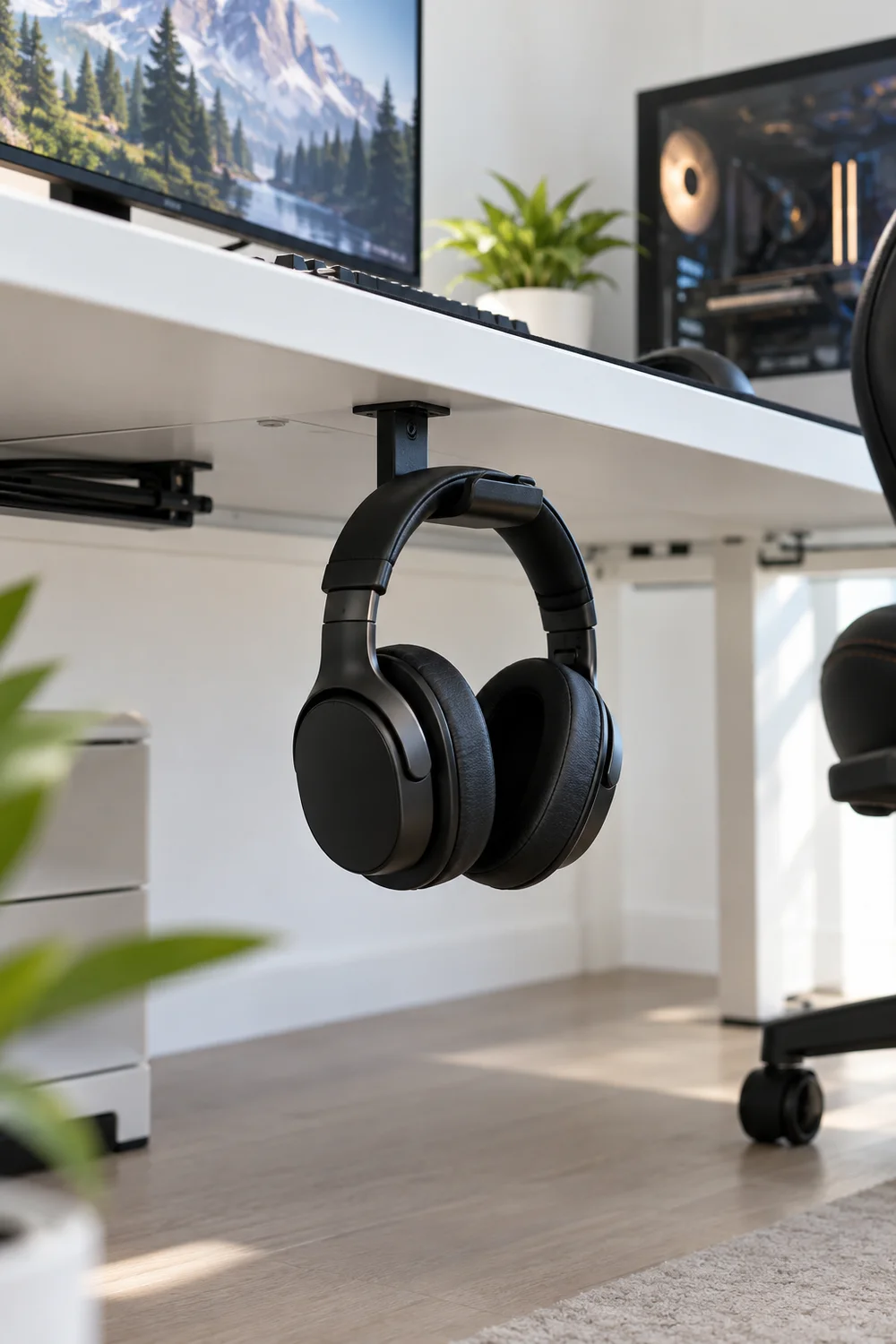
11. Hang Headphones Under the Desk
Headphones left on the desk eat space and collect dust. A small hook under the desk edge gives them a permanent home, invisible from the front and always within reach. Adhesive hooks work on smooth surfaces; a tiny screw-in hook holds heavier pairs forever.
Mount it on your dominant side so grabbing them is one motion. If you own two pairs, hang the daily one here and store the backup in the cabinet.
12. Hide the Router and Chargers
The router blinking in the corner and five chargers fighting over one outlet ruin the calm fast. Move the router onto a high shelf or into a ventilated box, and gather every charger into one drawer with a multi-port hub. Run a single cable from the drawer to the desk for the things that charge daily.
Ventilation matters more than looks here. A router sealed in an airtight box will overheat and drop your connection mid game, which is the opposite of calm.
⚠️ Watch Out
Never seal a router in an airtight box. Ventilation first, looks second.
13. Define the Zone With One Large Desk Mat
A single large mat under the keyboard and mouse does quiet visual work: it turns scattered gear into one composed zone. Pick a solid color from your palette with no giant logo shouting across it. Felt feels warmer under the wrists; smooth polyurethane wipes clean in seconds.
Size it to the keyboard plus mouse area with a little margin, not the entire desk. Letting the desk edge show around it frames the zone the way a mat frames a photo.
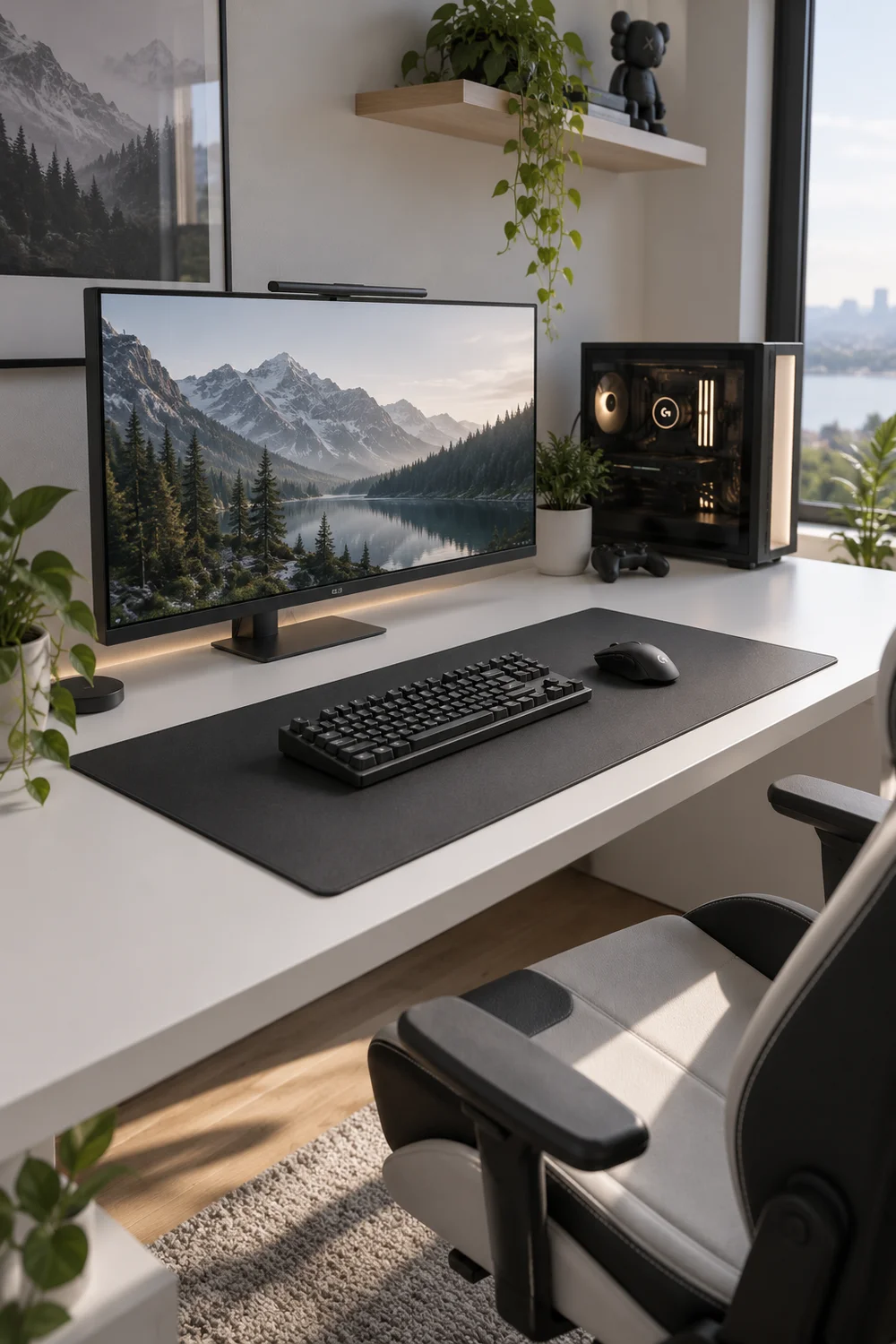
14. Hang One Simple Piece of Wall Art
Bare walls can feel unfinished, but a gallery wall is the opposite of minimal. One framed print, hung at eye level from your seated position, finishes the room. Black frame, white mat, simple subject: an abstract shape, a landscape, a single line drawing.
Leave the rest of the wall empty on purpose. Negative space is part of the design, not a problem waiting to be filled.
Choose one print you actually like.
Frame it in black with a white mat.
Hang it at seated eye level.
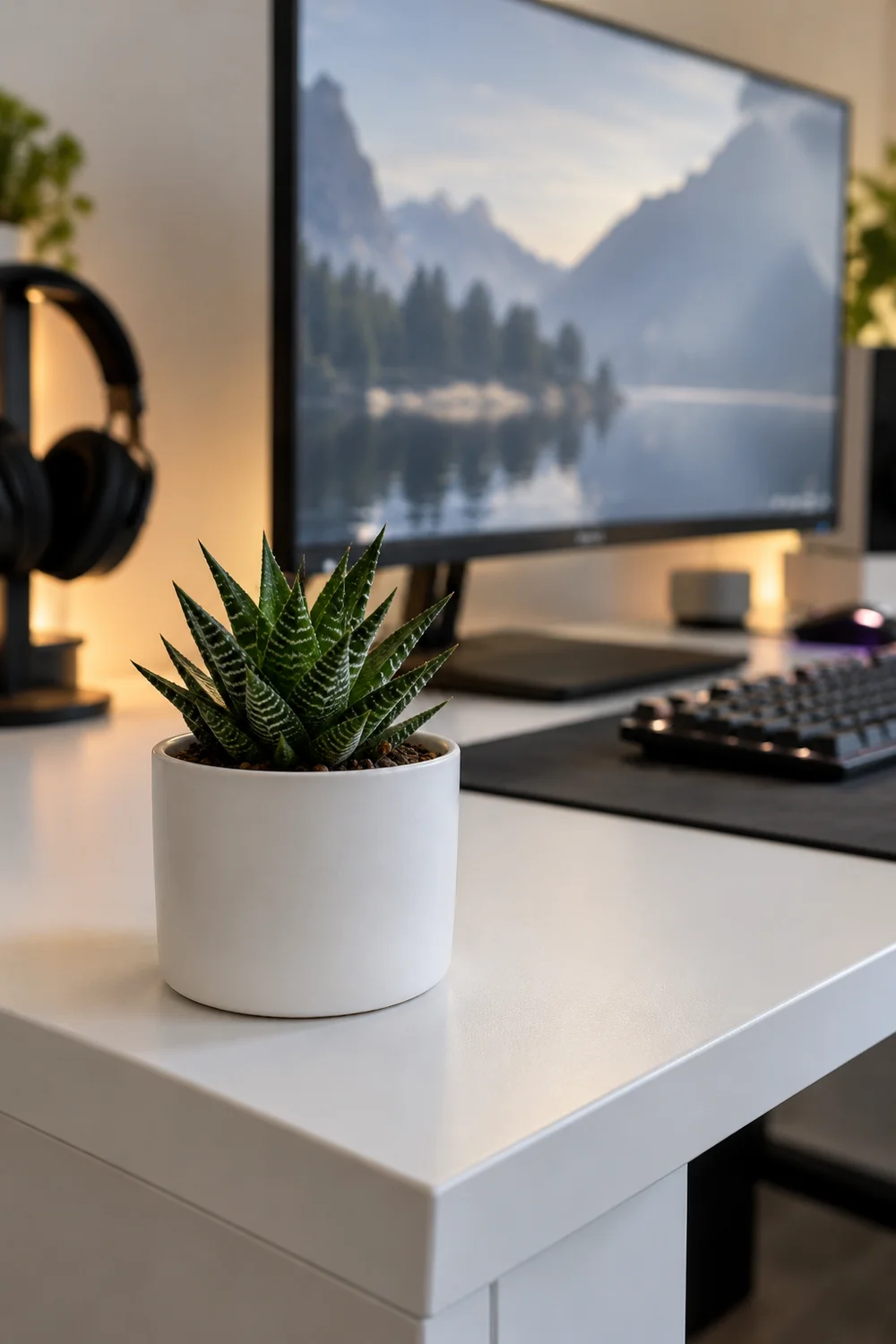
15. Add One Small Plant, or Nothing at All
A single small plant is the only decoration a minimalist setup needs, and even it is optional. One succulent or pothos in a plain pot adds life without adding visual noise. Water it when you think of it; both survive neglect.
If plants die on you, skip it entirely. An empty corner is also a choice, and a calmer one than a dead plant. Do not let decor creep back in one figurine at a time. The calm you built is the decoration.
The plant rule
Wrapping Up
A minimalist gaming setup is not a style you buy, it is clutter you remove. Start with the cables, then the desk surface, then the colors, and each step makes the next one easier. You do not need a perfect room, just one that feels calm when you sit down.
Save this list for the next time your setup starts creeping back toward chaos. Then pick one idea tonight and try it before your next session. Pin your favorite for later, and enjoy the quiet.
📌 Start tonight