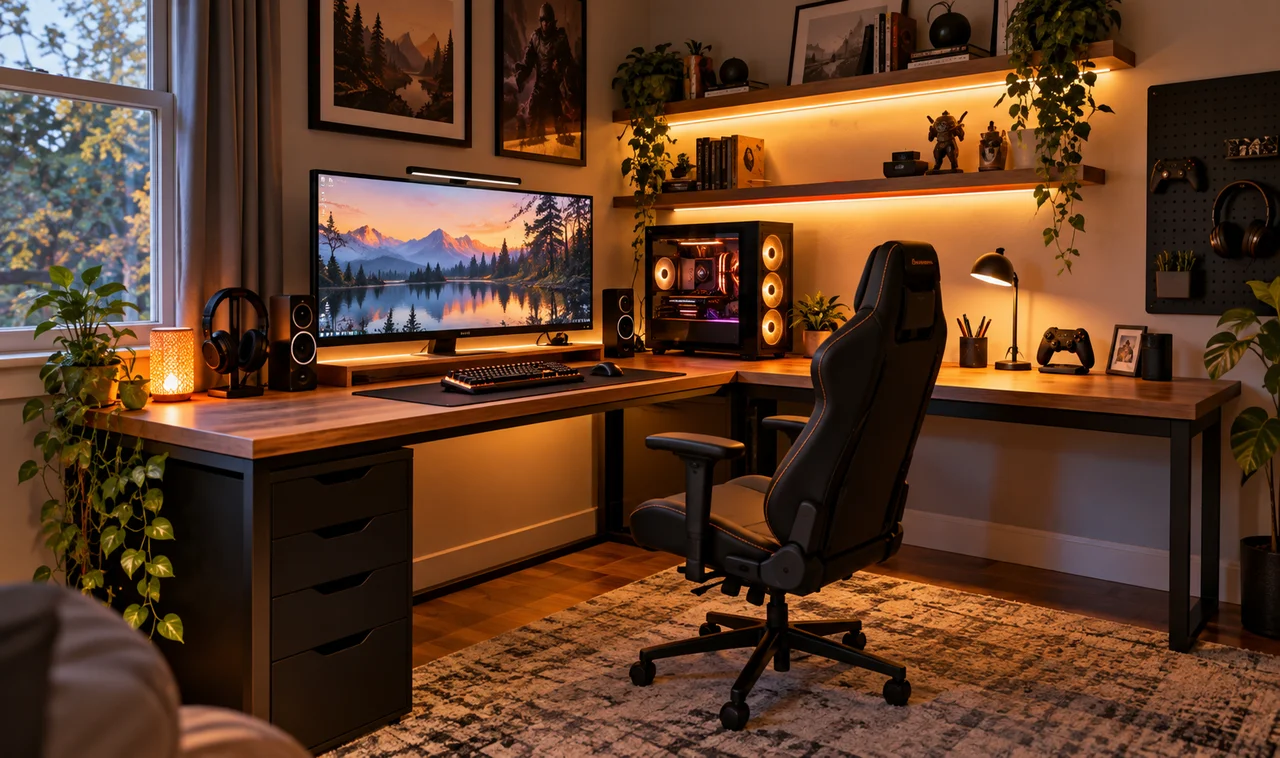
That dead corner of your room is wasted space. You walk past it every day: the awkward triangle between the wall and the bookshelf, collecting dust and nothing else. Meanwhile your gaming gear is crammed onto a desk that is too small, in a spot with terrible light. Turning an empty corner into a gaming station fixes both problems at once.
Corners are secretly the best gaming spots in any room. Two walls mean natural cable hiding, less glare bouncing around, and a cozy enclosed feeling that makes even a small setup feel deliberate. This guide takes you through eight steps, from measuring the angle to the final lighting check, and by the end of the weekend that forgotten triangle becomes the favorite seat in the house. Grab a tape measure and let’s claim it. Everything here is renter-friendly, and nothing needs more skill than hanging a picture frame, so there is no reason to wait.
- Tape measure
- Corner desk or L-shaped desk (minimum 42 inches per wing)
- Monitor arm (single, rated above your monitor’s weight)
- Power strip with a 10-foot cord
- Adhesive cable clips and a small cable tray
- Desk lamp with warm white bulb
- Chair that fits under the desk when pushed in
- Painter’s tape for marking the layout
- Measure the empty corner before it becomes a gaming station
- Pick a desk that fits the angle
- Position the desk for light and outlets
- Mount the monitor to free the surface
- Plan the cable path before plugging in
- Choose seating that tucks away
- Layer the lighting for day and night
- Add personal touches and do a final check
1. Measure the empty corner before it becomes a gaming station
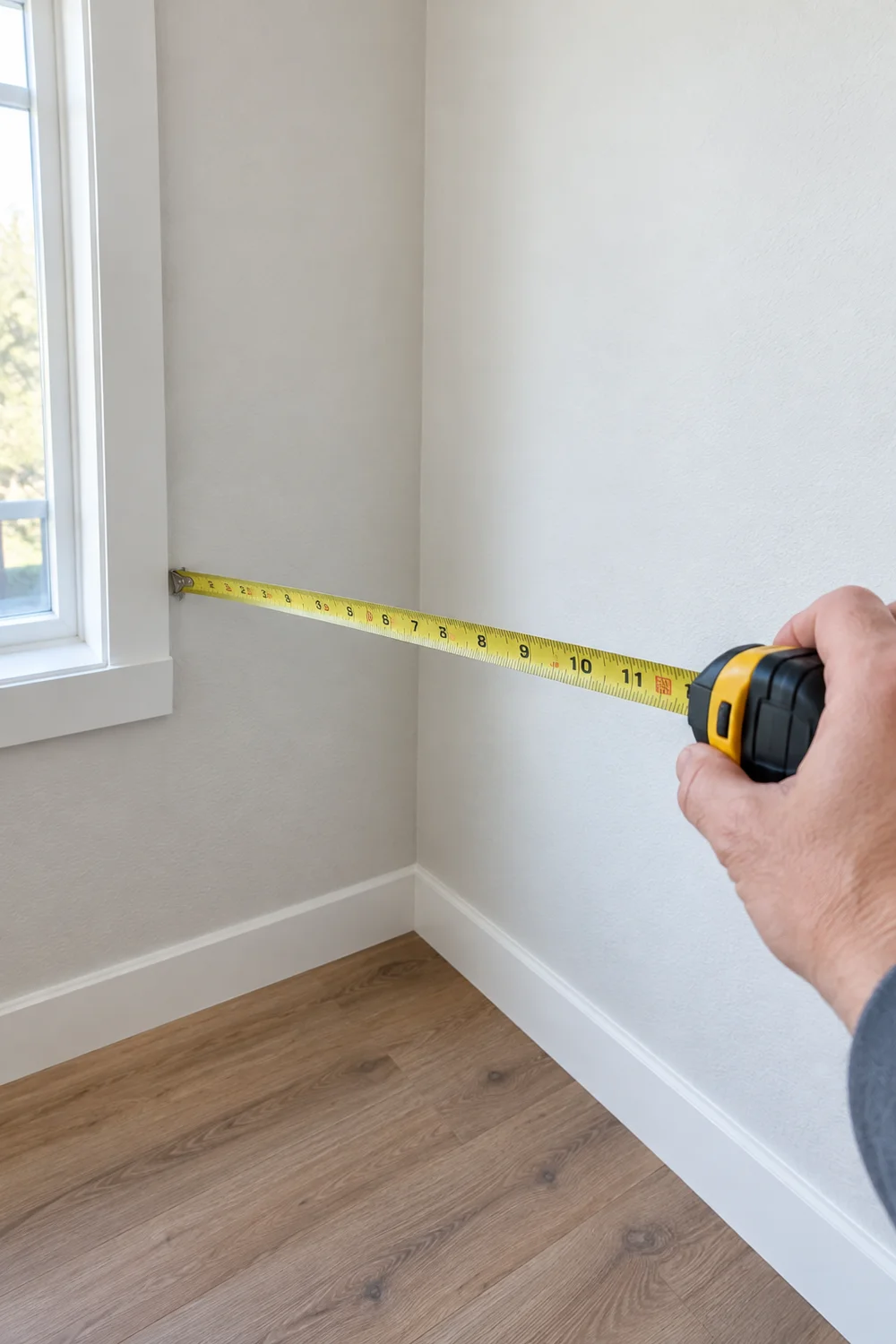
Corners lie. They look bigger than they are until furniture arrives. Measure both walls from the corner outward and write down the numbers, then measure the height of the nearest outlet and any windows. Mark the desk footprint on the floor with painter’s tape: a 48-inch square is a realistic minimum for a comfortable station. Sit in the taped square for a minute. If your elbows hit imaginary walls, the corner is too tight and you should pick a different one.
2. Pick a desk that fits the angle
A corner rewards a corner desk. An L-shaped or triangular desk slides into the angle and gives you depth where a straight desk would leave dead space behind it. Look for at least 24 inches of depth at the seating position so the monitor sits at a healthy distance. Check the weight rating if your PC tower will live on it. When the desk arrives, assemble it in the room, not the hallway; corner desks turn into puzzles in doorways.
3. Position the desk for light and outlets
Push the desk into the corner, then rotate your thinking to the chair side. The nearest outlet decides where the power strip lives, so keep the desk within 6 feet of one or plan for a longer strip cord. Face the screens away from direct window light to kill glare; a corner facing into the room usually works best. Leave 30 inches of clearance behind the chair so you can roll back without hitting the opposite wall.
4. Mount the monitor to free the surface
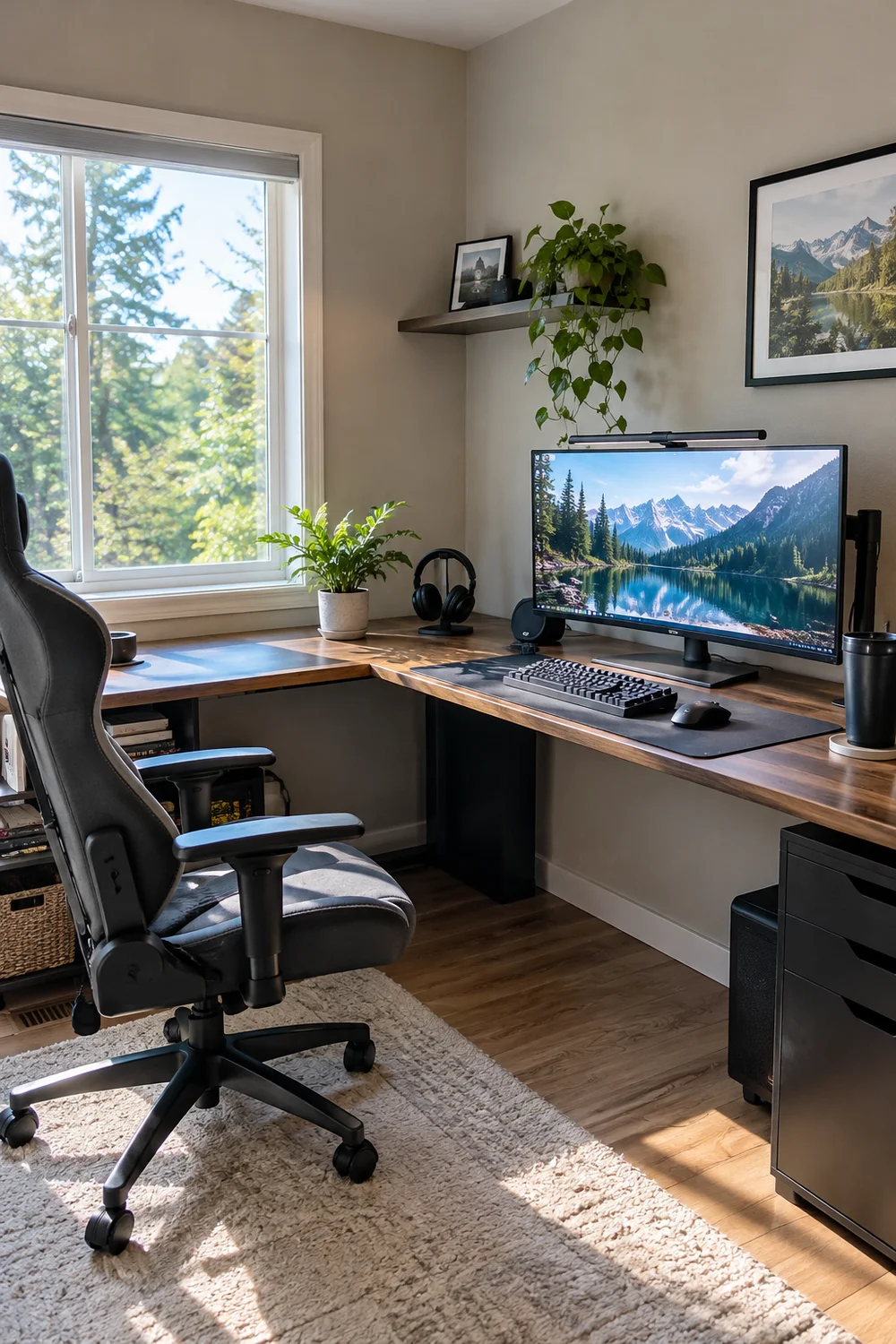
In a corner, desk space is precious, and a monitor stand eats a square foot of it. Clamp a monitor arm to the back edge and float the screen at eye level, about an arm’s length away. The arm also lets you swing the screen toward the room when friends come over to watch. Tighten every joint, then grab the screen and wiggle it hard; a loose arm in a corner is a disaster waiting to lean on the wall.
5. Plan the cable path before plugging in
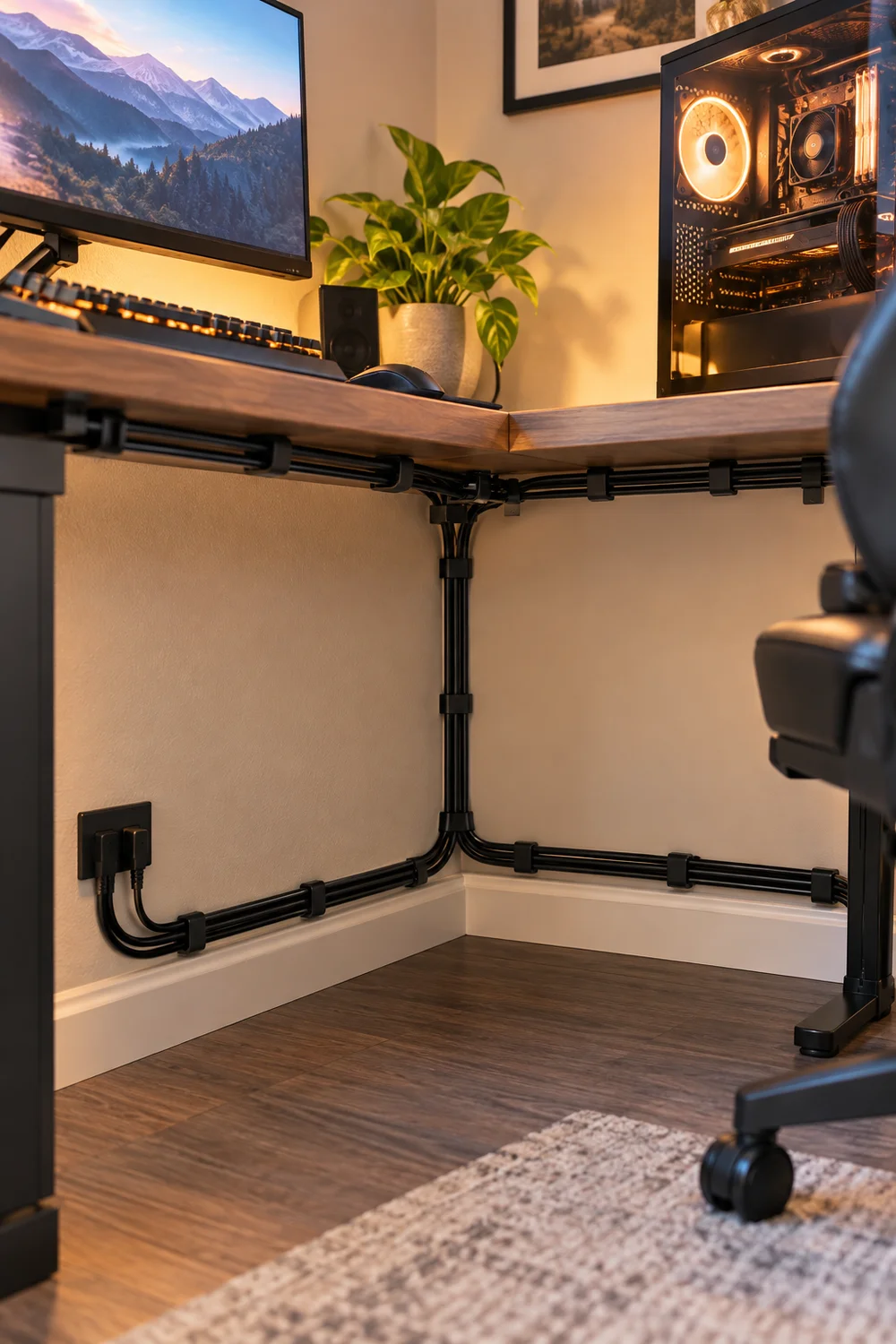
Two walls are a cable hider’s dream, so use them. Decide the route first: power strip low behind the desk’s back edge, monitor and PC cables dropping straight down into a small tray, peripherals running along the wall with adhesive clips. Stick the clips up while the desk is still empty; reaching behind a loaded corner desk is miserable. Label both ends of every cable now, because tracing a wire in a corner later means moving everything.
6. Choose seating that tucks away
The wrong chair ruins a corner. Measure the gap between the desk edge and the opposite wall, then pick a chair that slides fully under the desk when pushed in. Armless or flip-up arms work best in tight corners. Sit in it at the desk and check two things: your eyes land on the top third of the screen, and your feet rest flat. A footrest helps if the chair runs tall. Comfort matters more here than anywhere, because a cramped corner punishes bad posture fast.
7. Layer the lighting for day and night
Corners go dark early, so plan two layers. A warm desk lamp on the side opposite your mouse hand covers focused tasks without screen glare. A soft LED strip along the back edge of the desk adds ambient glow for night sessions and makes the corner feel intentional instead of forgotten. Put both on a small remote plug so you never crawl behind the desk to switch them. Test at night before calling it done; daylight lies about how a corner feels after dark.
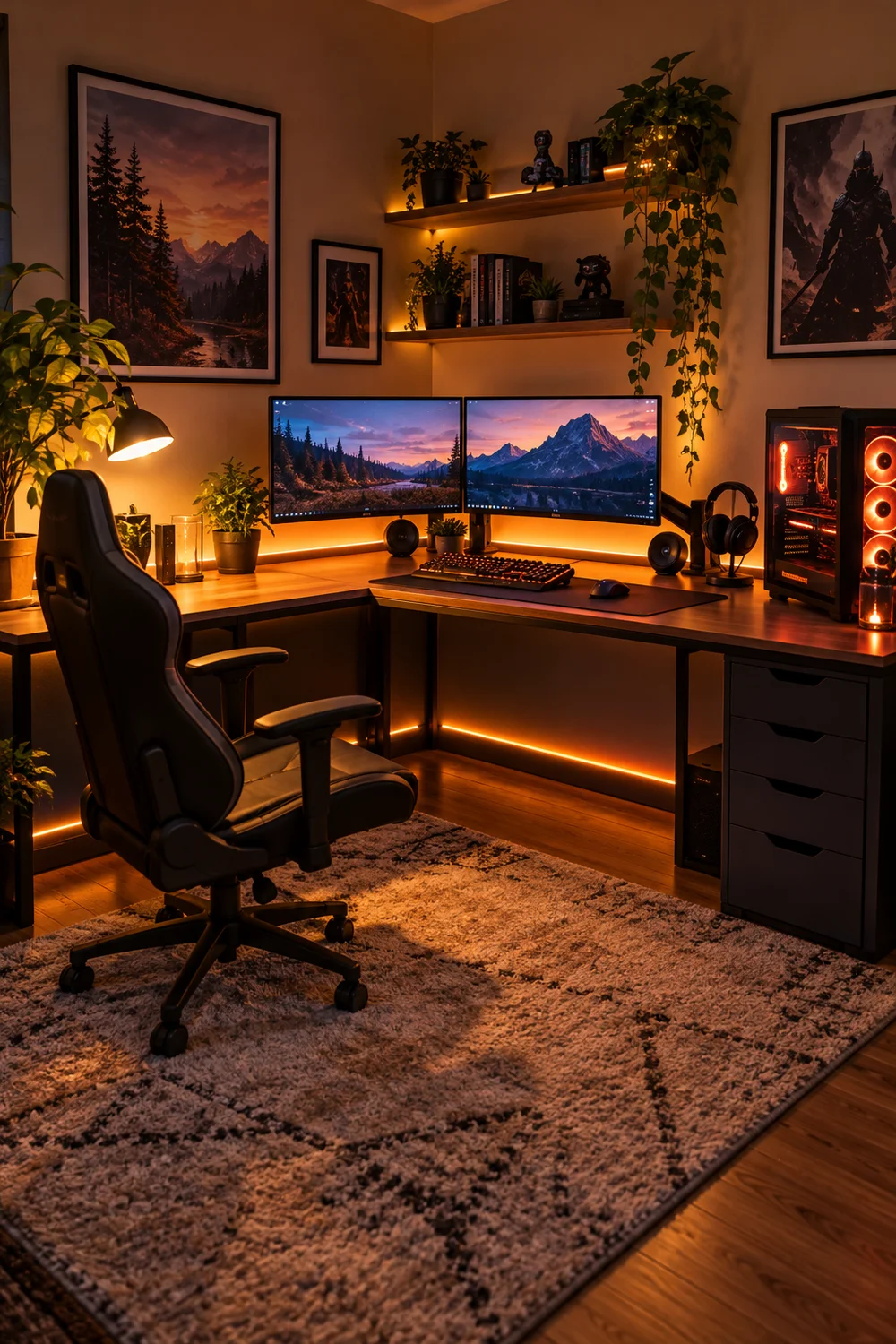
8. Add personal touches and do a final check
The station works; now make it yours. Hang one piece of art on each wall at eye level, add a small plant that survives low light, and keep the desk surface to the essentials. Then run the final check: sit down, play for 15 minutes, and notice what annoys you. A cable brushing your leg, a glare spot, a wobble. Fix those three things now and the corner is truly finished.
| If This Happens | Try This |
| The desk wobbles against the wall | Pull it 1 inch off the wall and level the feet. Walls are rarely straight; fighting them causes the wobble. |
| The corner feels claustrophobic | Raise the lighting and add a mirror or light-colored art on one wall. Brightness tricks the brain into feeling space. |
| Cables still show from the chair side | Add a fabric modesty panel under the back edge of the desk. It hides everything in one move. |
| The chair does not fit when pushed in | Swap to flip-up arms or remove the arms entirely. In a corner, arms are a luxury, not a requirement. |
Frequently Asked Questions
How small a corner can work?
A 48-inch square fits a compact station comfortably. Smaller than that, consider a wall-mounted folding desk instead.
Will a corner setup feel too closed in?
Not with layered lighting and light wall colors. Most people find the enclosed feeling cozy rather than cramped.
Can I fit two monitors in a corner?
Yes, with a dual monitor arm. Angle them slightly inward; the corner geometry actually suits dual screens well.
What if there is no outlet nearby?
Use a flat plug extension cord run along the baseboard with adhesive clips. Never run it under a rug, which traps heat.
You need: tape measure, corner desk, monitor arm, power strip, cable clips + tray, desk lamp, tuckable chair.
- Measure the corner and mark the footprint
- Pick an L-shaped or triangular desk
- Position for light, outlets, and chair clearance
- Mount the monitor on an arm
- Route cables along both walls
- Choose a chair that tucks under
- Layer lamp + LED strip lighting
- Personalize and play-test for 15 minutes
Wrapping Up
That forgotten triangle is now the hardest-working spot in your room. You turned an empty corner into a gaming station with nothing but a weekend, a tape measure, and a plan.
Live in it for a week, then fine-tune the one thing that bugs you most. Pin this guide so the steps are here when a friend asks how you did it, and enjoy your new favorite corner.