Working from home and gaming in the same room is a blessing and a trap. The blessing is one great space for everything. The trap is answering emails at midnight because your battlestation never lets you clock out.
The fix is not two rooms. It is one room designed with two modes. These 20 home office and gaming room ideas help you build a space that feels professional at 9 AM and fully immersive at 9 PM, with clear boundaries your brain actually respects.
The best dual-purpose rooms share three traits: gear that switches roles fast, lighting that changes the mood instantly, and storage that hides one life while you live the other. Get those three right and the room practically runs itself.
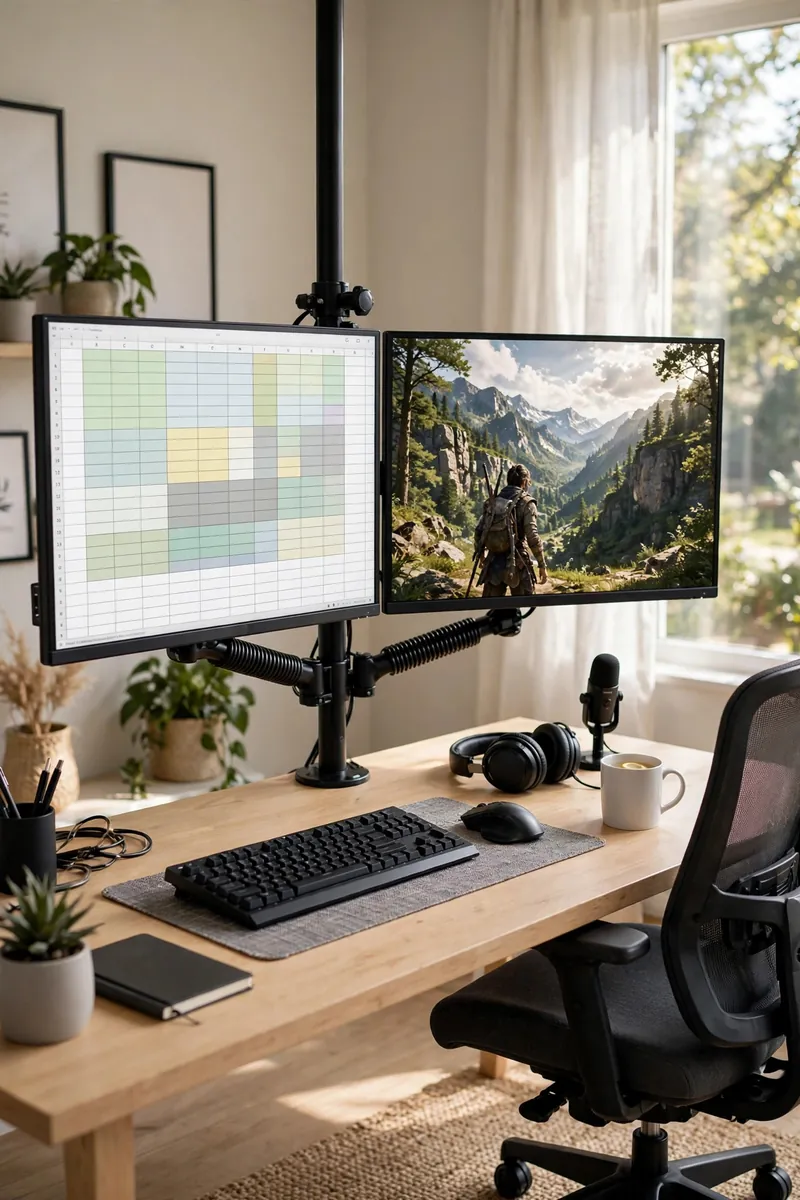
1. Mount Monitors on a Swing Arm for Both Modes
A monitor arm lets one screen serve two masters. Swing it toward you for spreadsheets, push it back and angle it for gaming, all without moving a single cable.
Choose an arm rated above your monitor’s weight with smooth gas-spring adjustment. Clamp mounts need no drilling, and routing cables through the arm keeps everything clean in both positions.
2. Split One Desk Into Work and Play Zones
You do not need two desks. Divide one long desk mentally: laptop dock and notebooks on the left for work, gaming PC and controller on the right for play.
A desk at least 60 inches wide gives each zone breathing room. When work ends, close the laptop and the work zone visually disappears.
💡 Quick Tip
A small desk shelf or riser between zones creates a physical boundary your eyes respect.
3. Share Screens With a KVM Switch
A KVM switch lets your work laptop and gaming PC share the same monitors, keyboard, and mouse. One button press swaps your entire battlestation between jobs.
Look for a KVM that supports your monitor’s refresh rate, since cheap switches cap gaming at 60Hz. USB-C KVMs also charge the laptop while docked.
4. Layer Task Lighting Over RGB Ambience
Work needs honest light; gaming needs mood. Layer both: a proper desk lamp for work hours and RGB strips for play, controlled separately.
A 4000K neutral desk lamp keeps video calls flattering and documents readable. When work ends, kill the task light and let the RGB take over. More glow ideas in our RGB gaming room ideas.
What to grab first
5. Buy One Great Chair for Both Lives
Eight hours of work plus three hours of gaming punish a bad chair. Invest once in an ergonomic chair with real lumbar support instead of buying a work chair and a gaming chair.
Look for adjustable armrests, seat depth, and lumbar. A chair that fits your body beats any racing-style throne for all-day comfort.
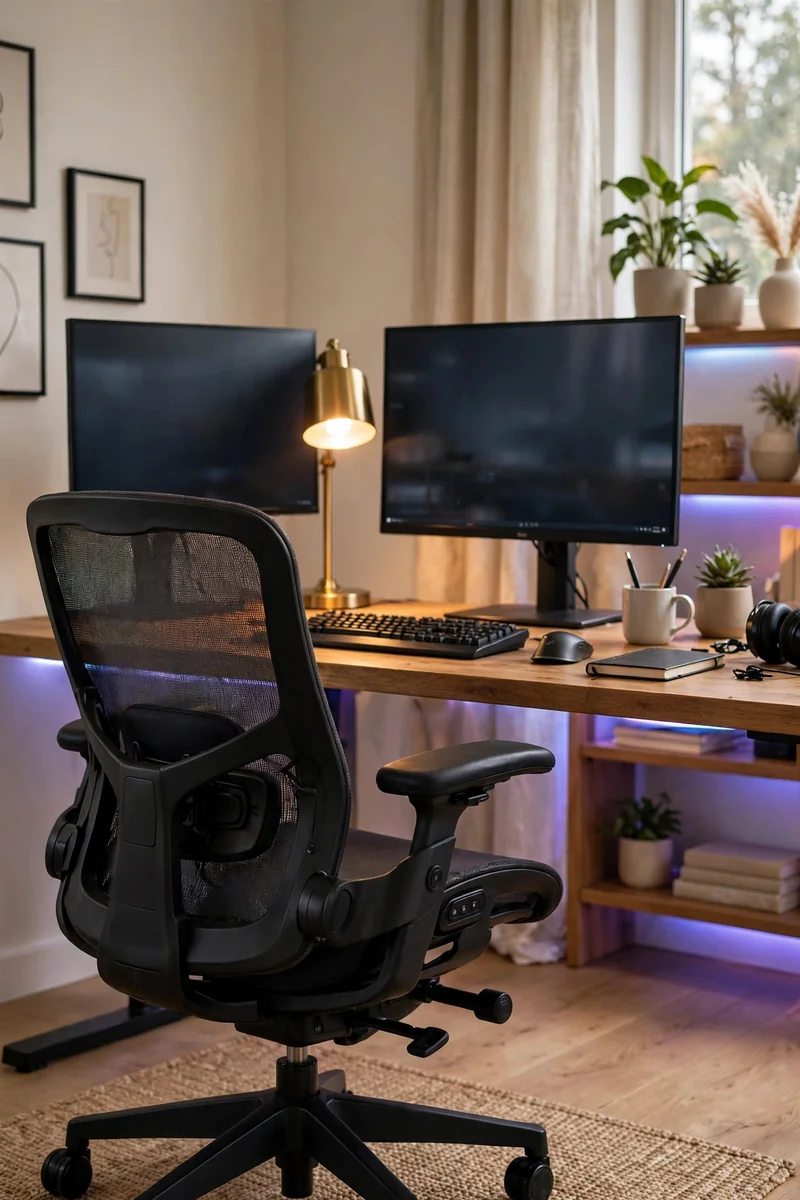
Your chair is the one item both lives share. Buy the best one you can afford.
6. Manage Cables for Two Machines
Two computers double the cable chaos. Plan one cable spine from the desk to the wall and route both machines through it.
Label every cable at both ends so troubleshooting does not mean crawling under the desk. Velcro ties beat zip ties because dual setups change often. Our cable hiding guide shows the full method.
Run one cable spine from desk to wall outlet.
Label every cable at both ends.
Use velcro ties so changes take seconds.
7. Hide Gaming Gear in Closed Storage by Day
Controllers and headsets on the desk scream gamer during client calls. A drawer, cabinet, or lidded box swallows gaming gear in seconds.
Dedicate one drawer to the gaming kit: controller, headset, and charging cables. Close it at 9 AM, open it at 6 PM. The room’s identity flips with the drawer.
Controllers and headsets scattered across the desk.
One closed drawer, and the desk is all business.
8. Keep Walls Neutral, Let Light Do the Talking
Paint or wallpaper in neutral tones keeps the room professional for video calls. Color comes from lighting, which you switch off for work and on for play.
Warm white walls bounce daylight beautifully during work hours. At night, RGB washes the same walls in game-night color. The room has two personalities with zero redecorating.
| Neutral Walls + RGB | Themed Paint Job |
|---|---|
| Professional by day, gamer by night. | Gamer all the time, awkward on calls. |
| Mood changes with one tap. | Repainting to change the vibe. |
9. Add a Standing Desk Converter
Alternating sitting and standing keeps long workdays bearable. A converter sits on your existing desk and lifts your monitors and keyboard in seconds.
Use standing mode for calls and email, sitting mode for deep work and gaming. Your back will notice the difference within a week.
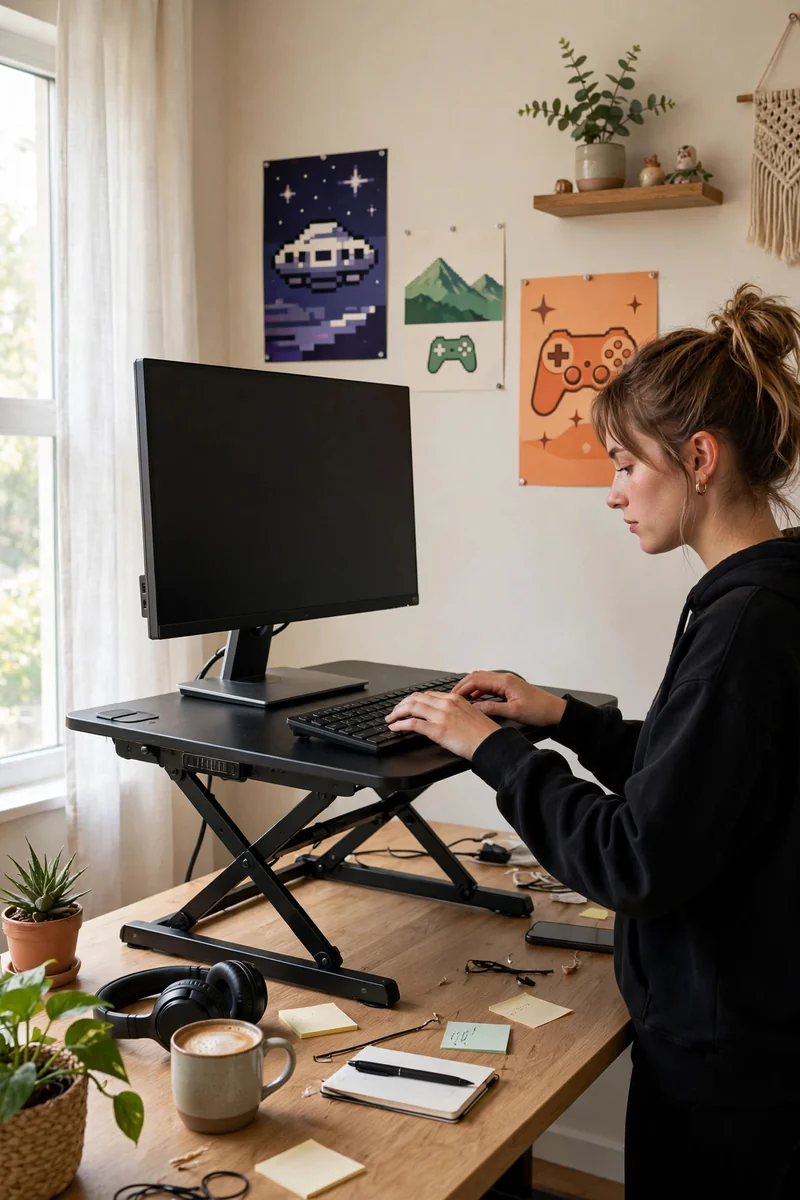
Stand for calls and light email.
Sit for deep work and gaming.
Standing all day without breaks.
A converter that wobbles under load.
10. Treat Sound for Calls and Games
Echo ruins video calls and muddies game audio. Soft furnishings do double duty: a rug, curtains, and a bookshelf calm the room for both.
Add a rug under the desk area first, it is the single biggest acoustic upgrade. Curtains over hard windows come second. Your mic and your ears both win.
- ▸A rug under the desk is the biggest single upgrade.
- ▸Curtains calm echo from hard windows.
- ▸Bookshelves scatter sound beautifully.
11. Design a Webcam-Friendly Backdrop
Your video-call background is your professional face. Arrange one clean, intentional backdrop behind your chair: a shelf, art, or a plant, nothing chaotic.
Keep gaming posters and RGB out of the webcam frame for work calls. A room divider or curtain can hide the gaming half entirely when the camera is on.
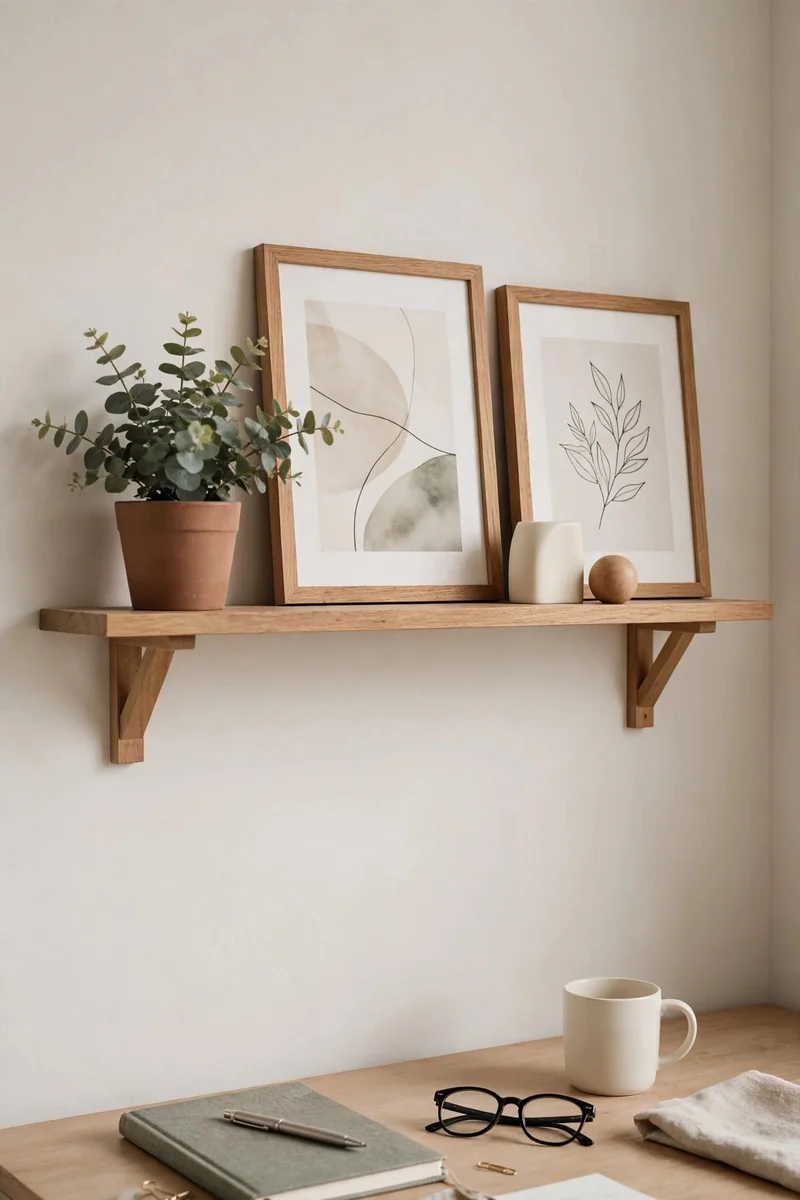
12. Organize Drawers for the Daily Swap
Small organizers turn one drawer into two kits: work supplies in front, gaming accessories behind. The swap takes ten seconds.
Use trays or dividers so nothing migrates. When everything has a slot, switching modes feels intentional instead of chaotic.
💡 Quick Tip
Label the trays. Future tired you will thank present organized you.
13. Keep Separate Keyboards for Work and Play
A quiet membrane or low-profile keyboard for work calls, a clicky mechanical for gaming. Swapping boards is a ritual that tells your brain which mode it is in.
Store the work board on a shelf when gaming. The physical swap becomes your clock-out moment, which remote workers desperately need.
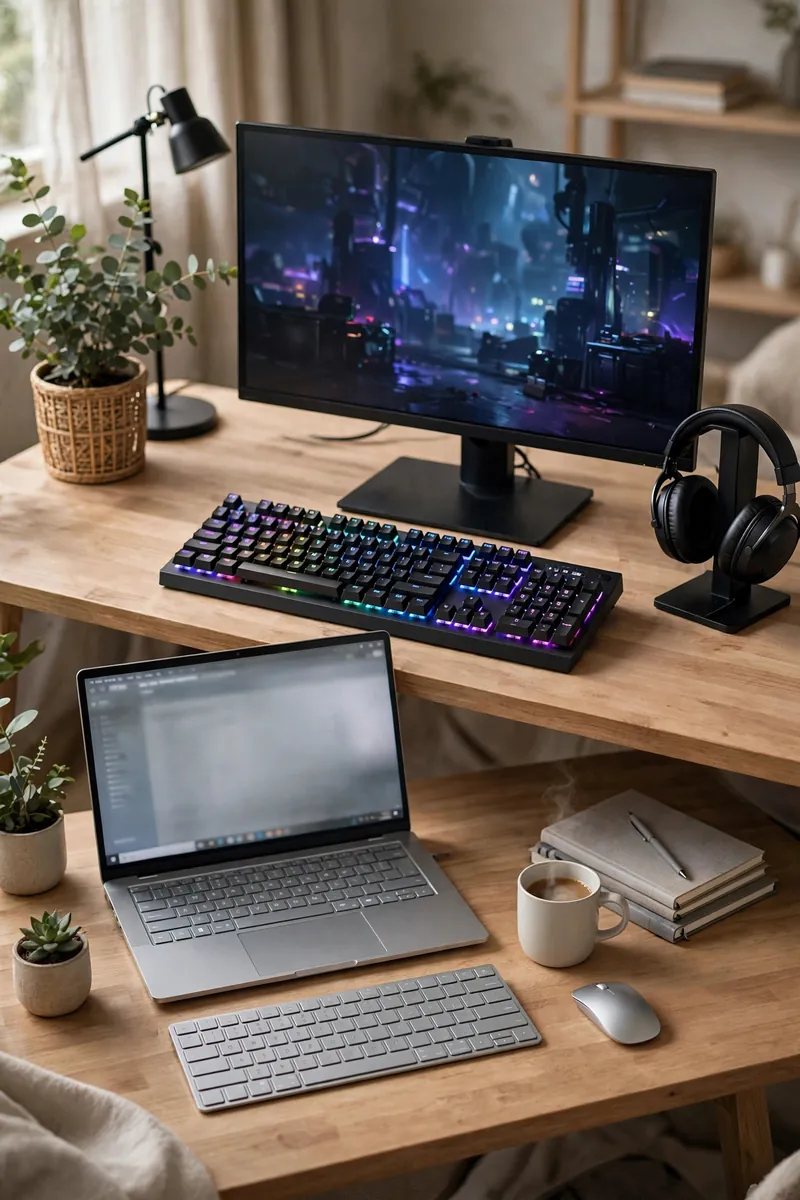
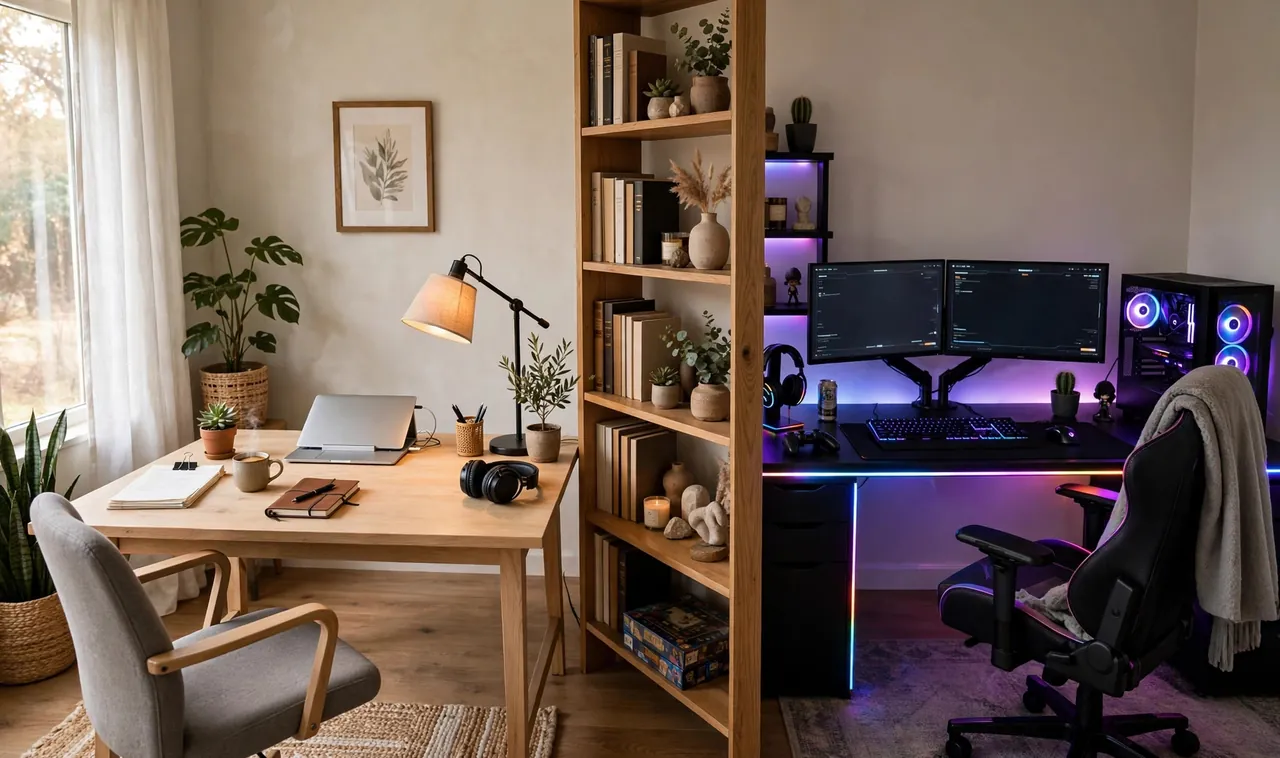
14. Divide the Room With a Bookshelf
In a larger room, a bookshelf standing perpendicular to the wall creates a genuine work zone and play zone. Work faces the window, gaming faces the cozy corner.
Style the work-facing side with books and the gaming side with collectibles. Each side greets you with the right mood.
What to grab first
15. Automate Modes With Smart Plug Scenes
Smart plugs turn mode-switching into one tap. A “work” scene powers the lamp and monitor; a “game” scene fires up the RGB, speakers, and console.
Group plugs by scene in the app and add a voice command. Saying “game mode” while the room transforms never gets old. See our cozy gaming room ideas for more atmosphere tricks.
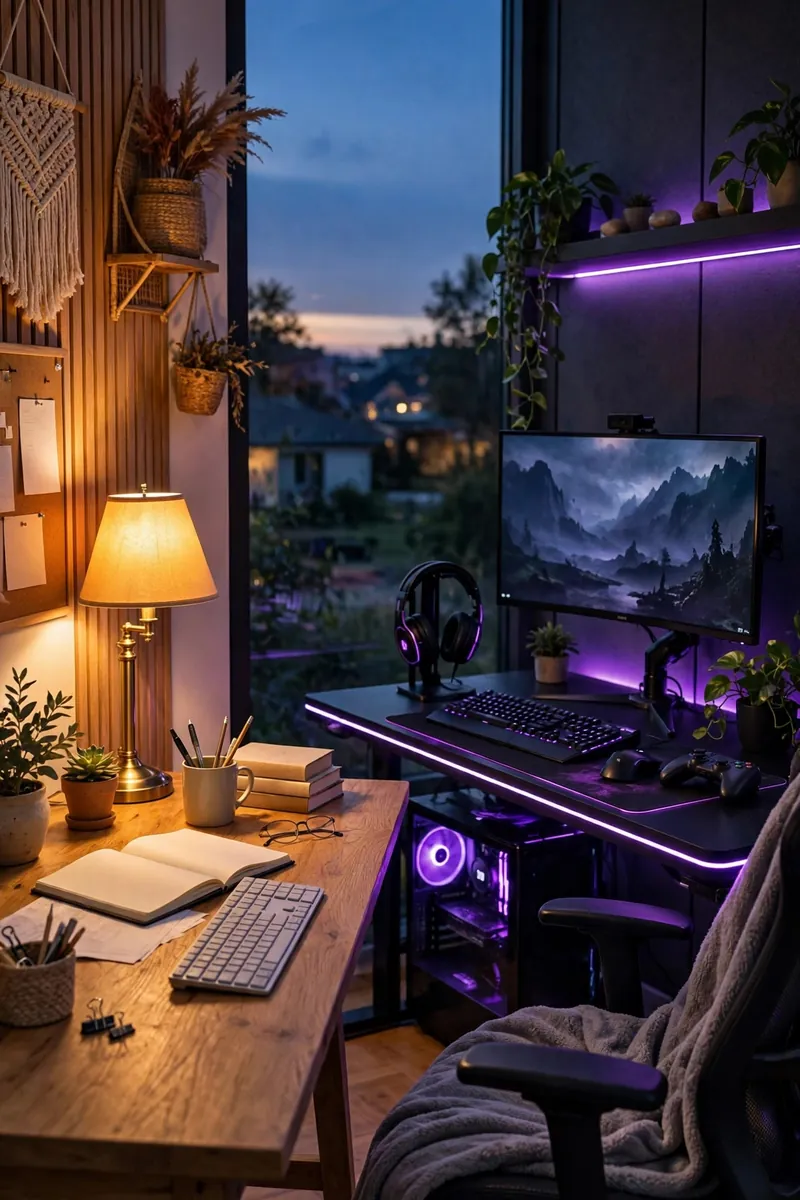
One tap should change the light, the sound, and the mood. That is a real mode switch.
16. Choose Quiet Clicks for Shared Walls
Clicky switches delight gamers and horrify call participants. If your office shares walls, pick quieter switches or keep a silent board for work hours.
Linear silent switches or a membrane board for meetings, your beloved clicky board for solo gaming. Housemates and colleagues both stay happy.
Use a quiet board for calls and shared spaces.
Save the clicky switches for solo gaming sessions.
A desk mat under the board dampens sound further.
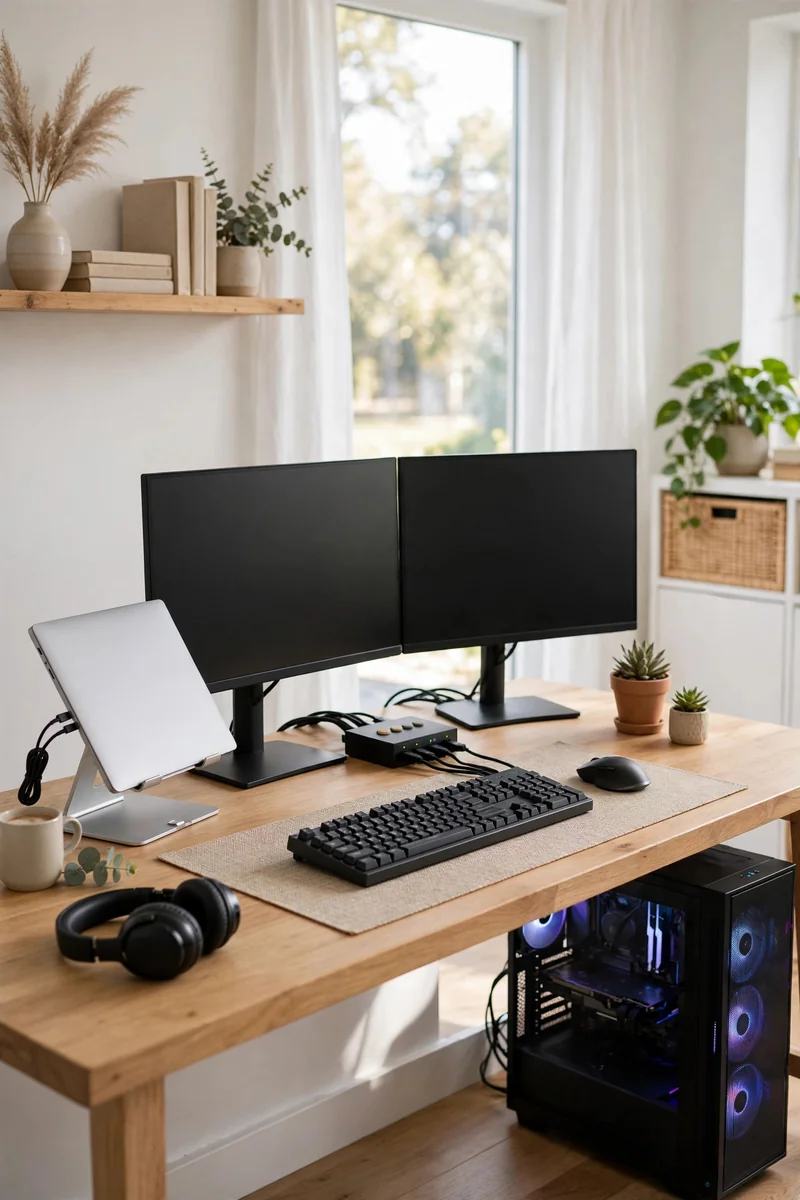
17. Dock the Laptop, Tower the PC
Give each machine its place: the work laptop lives on a vertical dock stand, the gaming PC sits on the floor or a low stand beside the desk.
A single USB-C cable connects the docked laptop to everything. Undock at day’s end and the desk belongs to gaming alone.
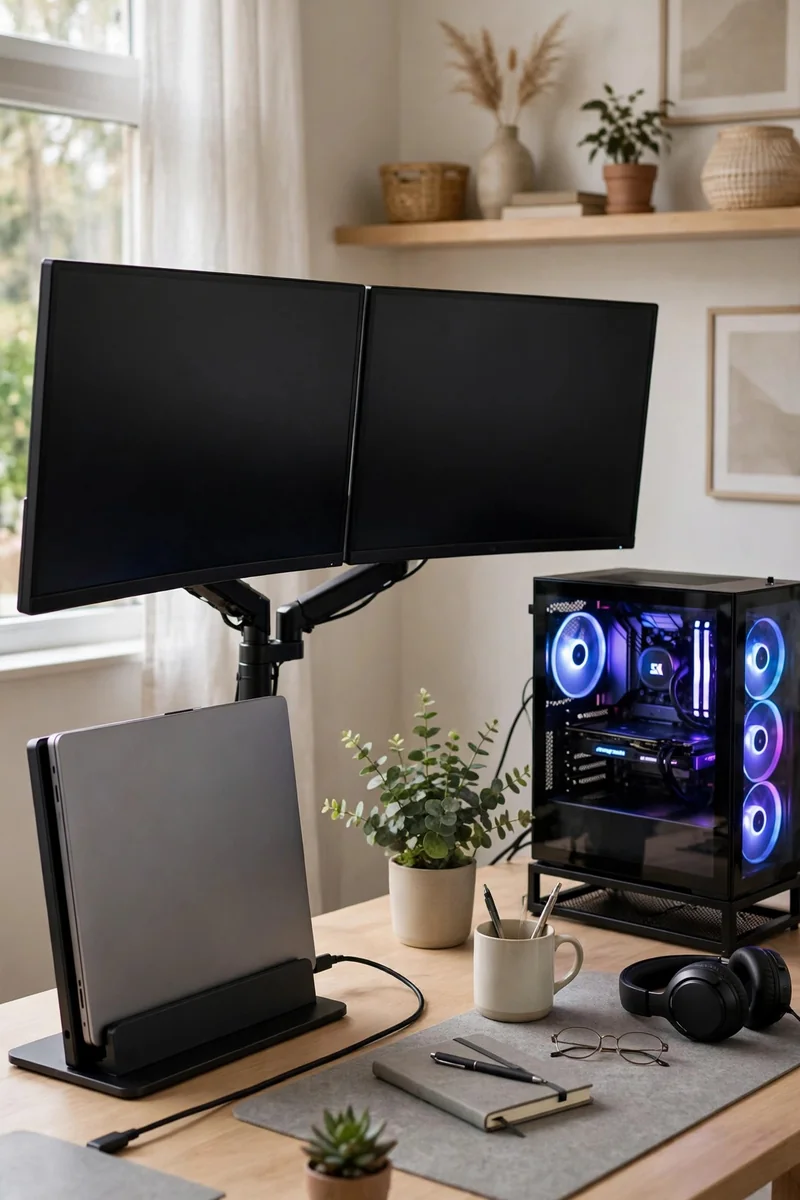
Two machines fighting for the same desk space.
Each machine docked in its own place, one cable to rule them.
18. Style for the Camera, Not Just Yourself
A plant, a framed print, and a tidy shelf behind you read as competent on every call. Style the webcam zone like a set, because it is one.
Keep this zone tidy always. It doubles as your streaming background later, which saves you a second setup.
| Camera-Ready | Camera-Chaos |
|---|---|
| Plant, print, tidy shelf. | Laundry, cables, clutter. |
| Soft front light on your face. | Window behind you, face in shadow. |
19. Upgrade Comfort With a Footrest
Small comfort upgrades pay off across both modes. A footrest under the desk improves posture for work and lounging for gaming.
Pair it with a lumbar cushion and your marathon sessions, work or play, stop ending in aches. Comfort is productivity and performance.
Adjustable footrest for posture.
Lumbar cushion for long sessions.
Dangling feet for eight hours.
Slouching through ranked matches.
20. Create a Shutdown Ritual
The hardest part of a dual room is stopping work. Build a ritual: close the laptop, swap the keyboard, dim the task light, fire the game scene.
Physical actions signal your brain that work is over. Without them, the office follows you into every game. With them, play actually feels like play.
- ▸Close the laptop and stash the work board.
- ▸Dim task lighting, trigger the game scene.
- ▸Same ritual daily, and your brain learns it fast.
A room that works twice as hard should feel half as stressful. Start with the mode switch, the lighting scenes, and the storage that hides one life from the other. Those three changes alone will make your days calmer and your nights more fun.
Build the dual setup once, build it right, and you will wonder how you ever worked at a kitchen table. Save this guide and start with the idea that fixes your biggest daily friction, then layer the rest in over a few weekends.