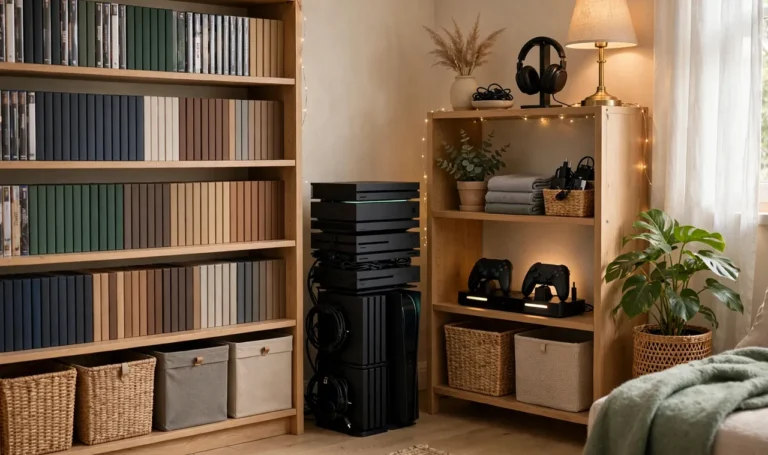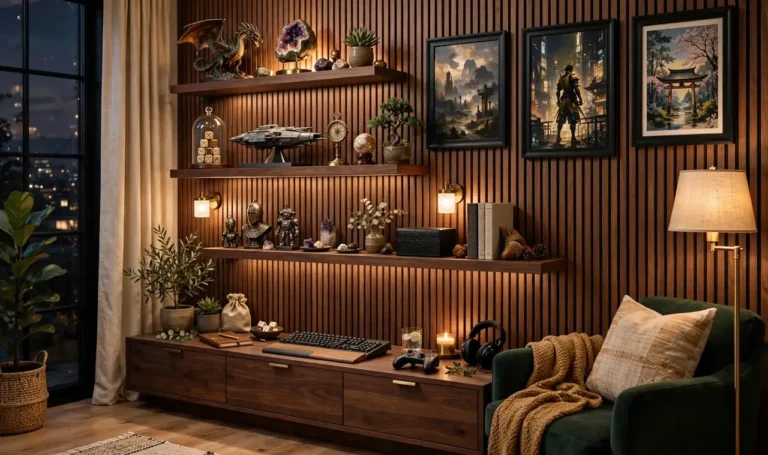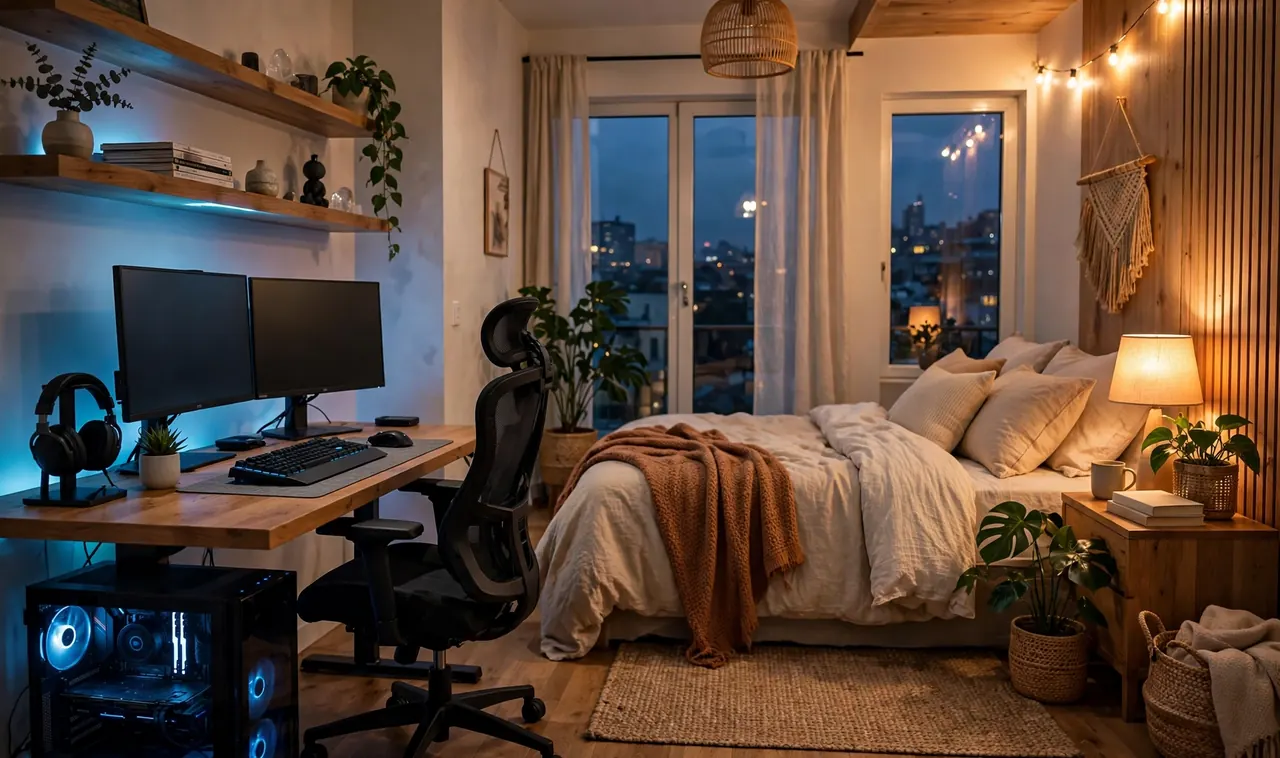
It’s 1 a.m. and your eyes are burning. The ranked match finally ended, your headset is on the pillow, and your bed is three feet away but it may as well be in another apartment. The room still glows blue, the PC fan hums, and falling asleep feels like work.
That is the trap of the modern gaming bedroom. The play side gets everything: the good monitor, the lighting, the chair, the plan. The sleep side gets leftovers, a mattress sitting in the corner of a room that never learned how to be quiet.
These gaming bedroom ideas treat the room as two jobs, not one. Every idea keeps your setup serious for play and your nights calm for sleep. Lighting that changes with the hour. Sound that stays in the room. A desk that goes dark when you are done.
Pick the three that fit your room. By next week, the same four walls can hold a battlestation and a bedroom without fighting each other.
Zone Your Room With a Rug: The Simplest of These Gaming Bedroom Ideas
Most gaming bedrooms fail because everything bleeds into everything. The desk chair rolls into the laundry pile, the bed becomes the snack table, and the room feels like one long session that never ends.
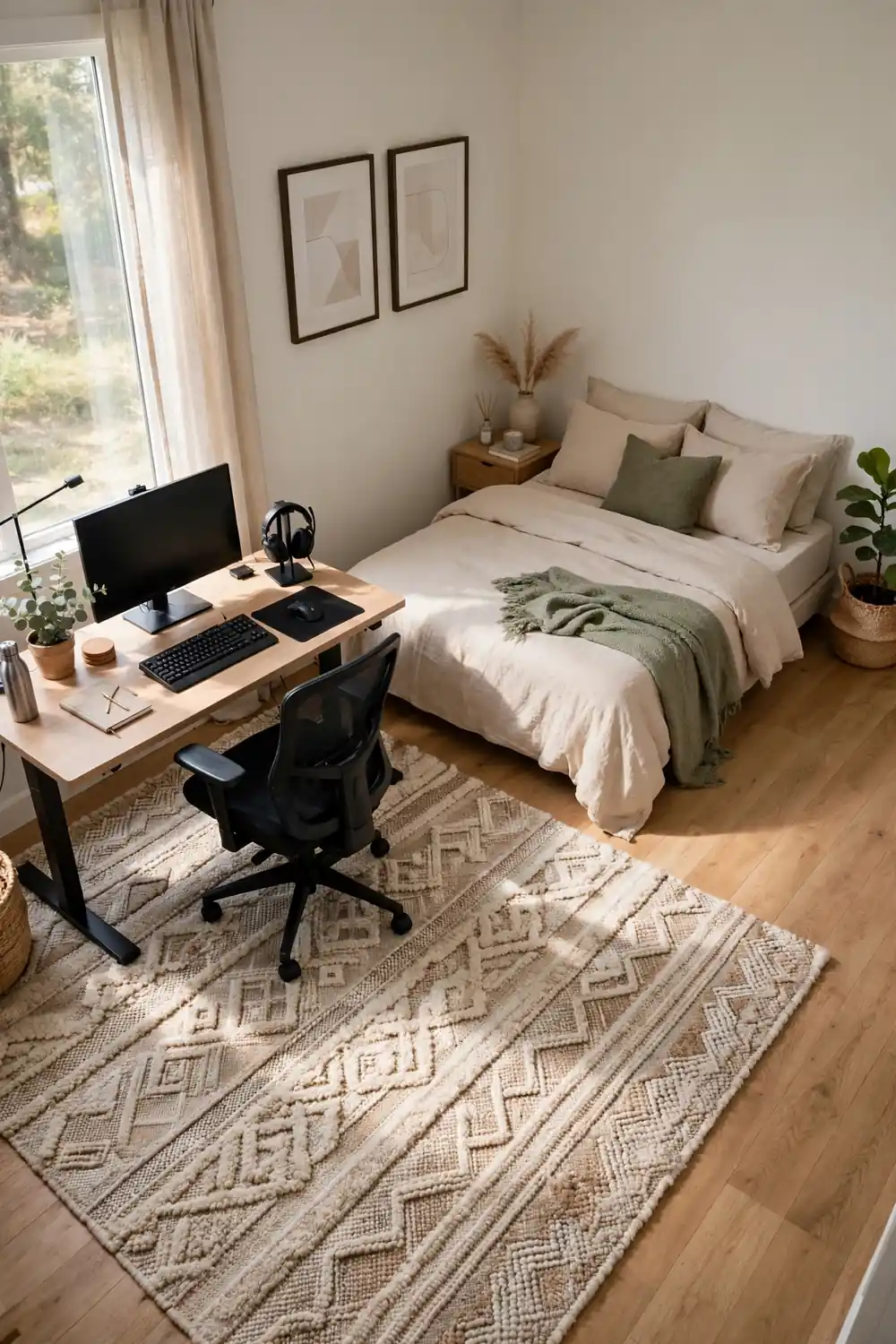
The fix costs less than a new game. Lay a large rug under the desk and chair to mark the play zone. Keep the bed and nightstand on bare floor or a second smaller rug. Your brain reads the texture change as a boundary, and the room suddenly has two addresses.
- Rug goes under the desk, chair, and PC tower
- Bed zone stays calm: no controllers on the duvet
- The walkway between them is the buffer
Face Your Screens Away From the Pillow
Here is the mistake almost everyone makes. The monitor faces the bed because the desk went against the only free wall, and now every late session bathes the pillow in blue light. Your body reads that glow as daytime, long after you log off.
Turn the desk so the screens face a wall, not the bed. If the room layout fights you, a simple monitor hood or even a tall bookshelf between the desk and the bed blocks the spill. The goal is simple: from the pillow, you should see the back of the setup, never the glow.
💡 Quick Tip
Test it at night. Lie on the bed with the PC on. If you can see any screen glow from the pillow, the angle is wrong.
Run Two Light Temperatures, Not One
Look at the room at 9 p.m. One overhead bulb trying to do two jobs: bright enough for a ranked match, soft enough for winding down. It does neither well.
Split the job. Put a cool daylight bulb or bias light behind the monitor for play hours. Keep a warm amber lamp by the bed for the wind down. When the match ends, kill the cool light first and let the warm one take over. Your eyes get the signal that the day shift is over.
- Cool white behind the monitor for focus
- Warm amber by the bed for the wind down
- Overhead stays off after dinner
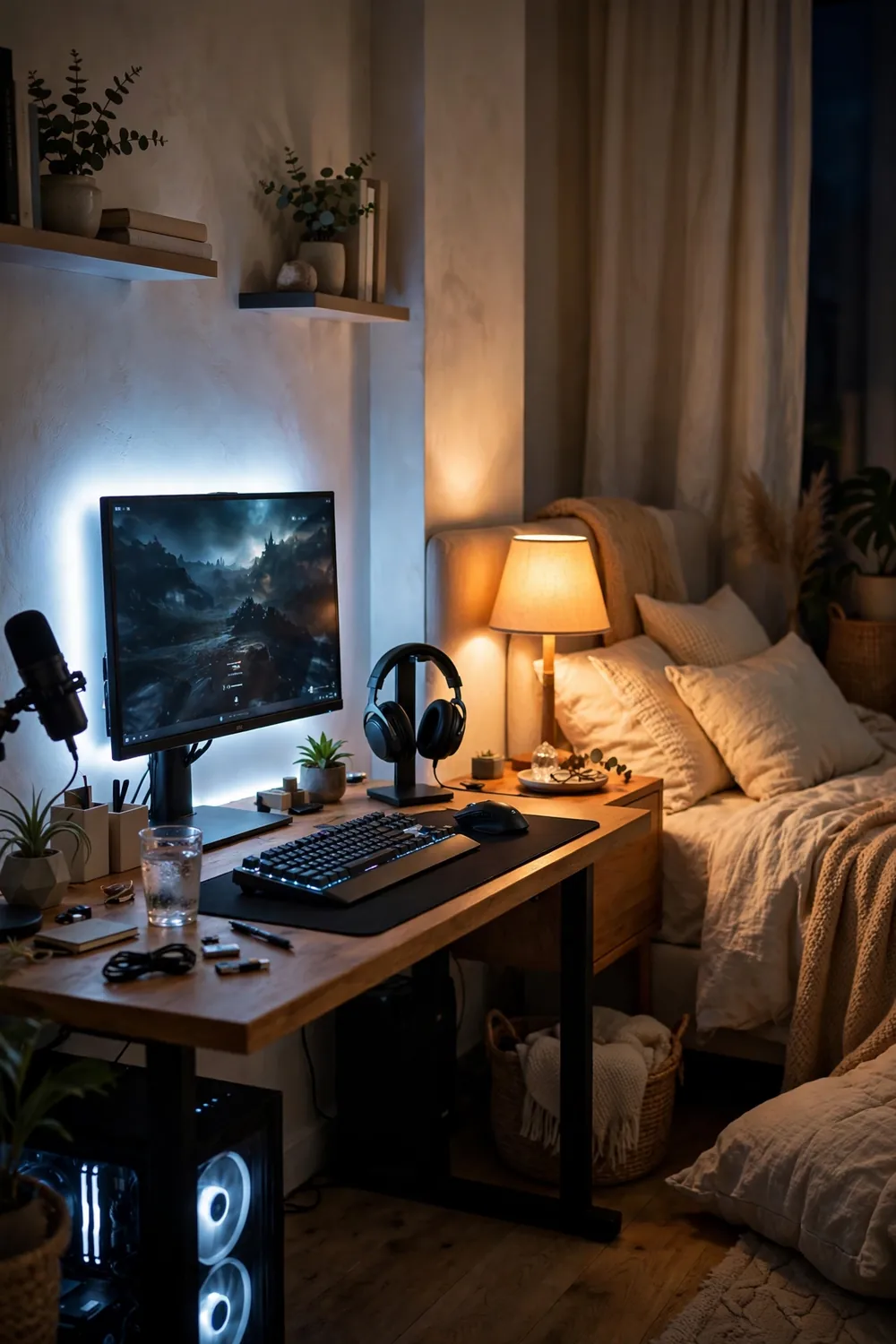
Mount Your Monitor on an Arm
A monitor sitting on its stock stand eats a third of the desk. The base spreads wide, the cables drape, and the whole corner looks cluttered before you even sit down.
A monitor arm fixes all three at once. It lifts the screen to eye level, frees the desk surface underneath, and lets you swing the screen flat against the wall when the session ends. Out of sight at bedtime, back in place at game time.
Clamp the arm to the back edge of the desk, no drilling needed.
Set the screen so the top edge sits at eye level when you sit tall.
At night, swing the monitor flat to the wall to hide the glow.
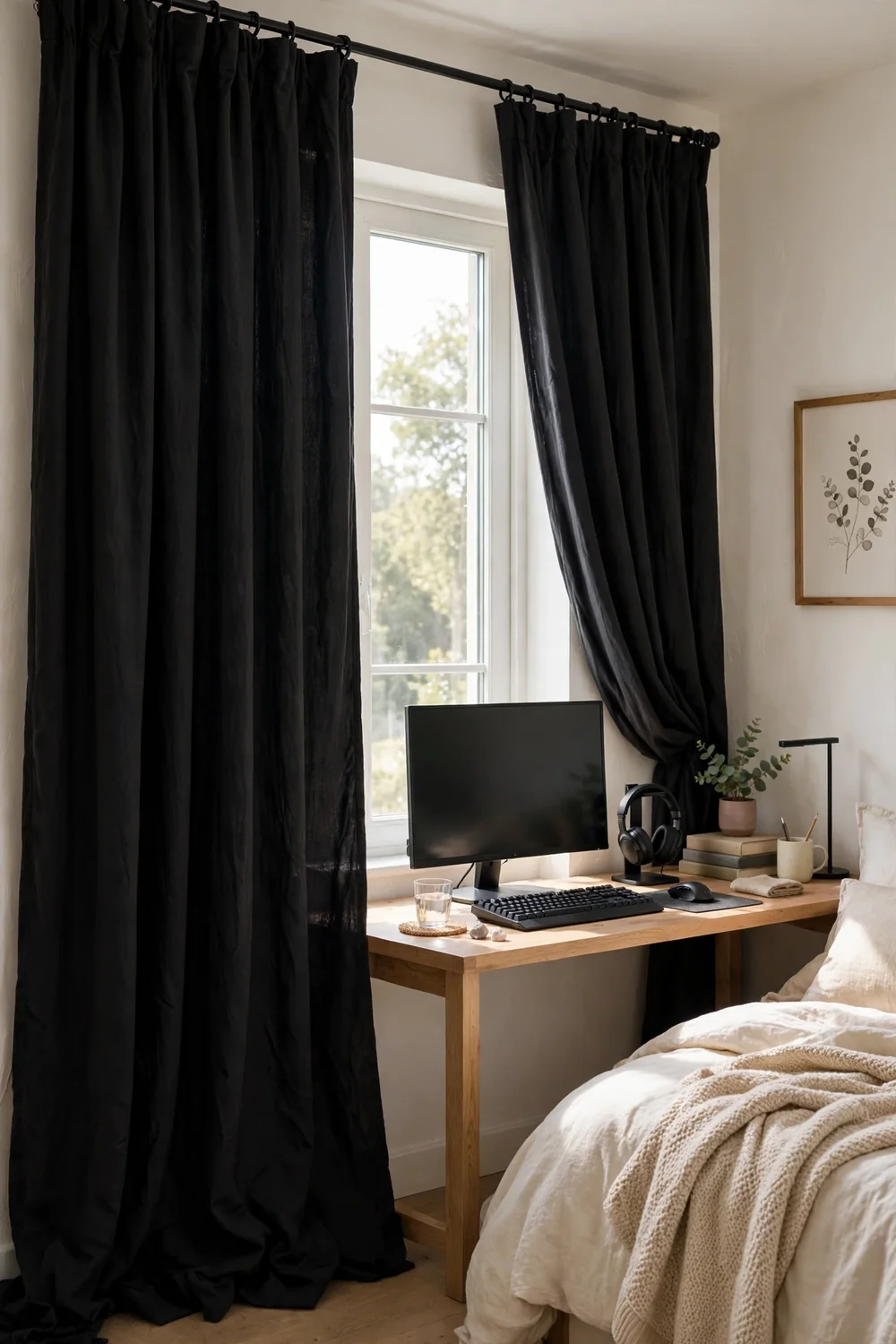
Hang Blackout Curtains on the Window
Two problems, one curtain. By day, sunlight washes out the monitor and turns dark game scenes into a grey smear. By night, the streetlight outside keeps the room from ever going truly dark.
Blackout curtains solve both. They kill the glare during daytime sessions and give you a genuinely dark room at night, which is half of good sleep. Hang the rod wide so the panels stack off the glass when open, and the window still feels big during the day.
Sun glare on the screen by day, streetlight glow all night, and a room that never gets dark.
Glare-free daytime sessions and a truly dark room when it is time to sleep.
Hide Every Cable in a Tray
I have seen the back of a hundred gaming desks and they all tell the same story: a nest of black cables, one power strip on the floor, and dust collecting in the tangle. It looks bad and it makes the room feel loud even when everything is off.
Screw a cable tray under the desk and lift the whole mess off the floor. Route the power strip into the tray, bundle the runs with sleeves, and clip the leftovers to the desk legs. Ten minutes of work, and the corner goes silent visually.
What to grab first
Schedule Night Mode on Every Screen
Your monitor has a night mode. Your phone has one too. Most people turn them on once, get annoyed by the orange tint, and switch them back off forever.
The trick is the schedule, not the switch. Set night mode to start an hour before your usual bedtime and end at sunrise. The tint creeps in gradually instead of hitting you all at once, and after three nights you stop noticing it. Your eyes do the noticing for you when sleep comes easier.
On the PC, set Night Light to start one hour before bed.
On the phone, schedule Night Shift or Bedtime Mode the same way.
Leave both on auto for a week before judging the tint.
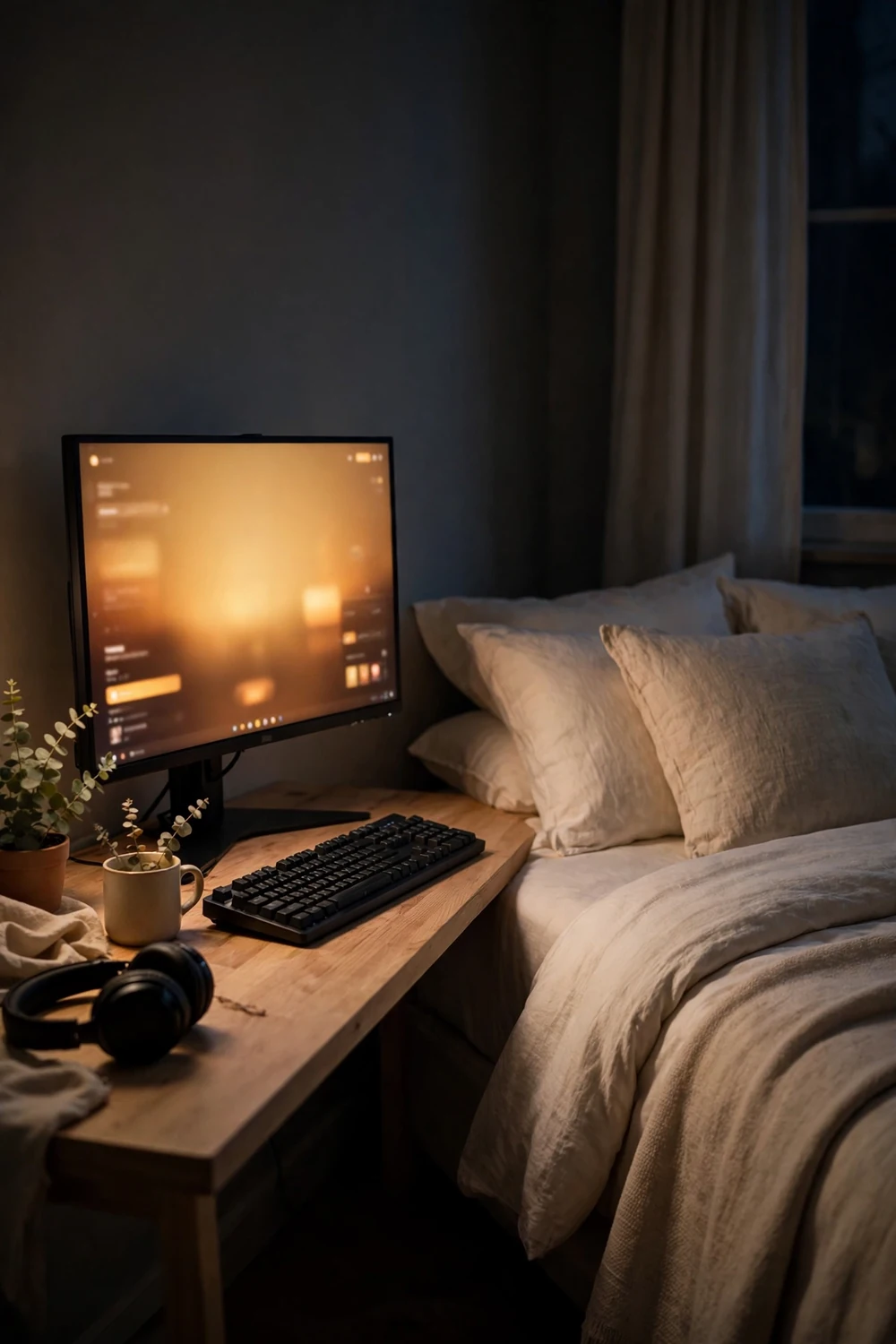
Put Up Acoustic Panels That Look Like Art
People hear “acoustic panels” and picture a recording studio: grey foam wedges everywhere, very serious, very ugly. That version belongs in a studio, not a bedroom.
The bedroom version looks like decor. Hexagon felt tiles in deep blue, wood slat panels behind the desk, or fabric squares arranged in a pattern on one wall. They take the edge off keyboard clatter and voice chat echo, and guests just see wall art. Function hides inside the design.
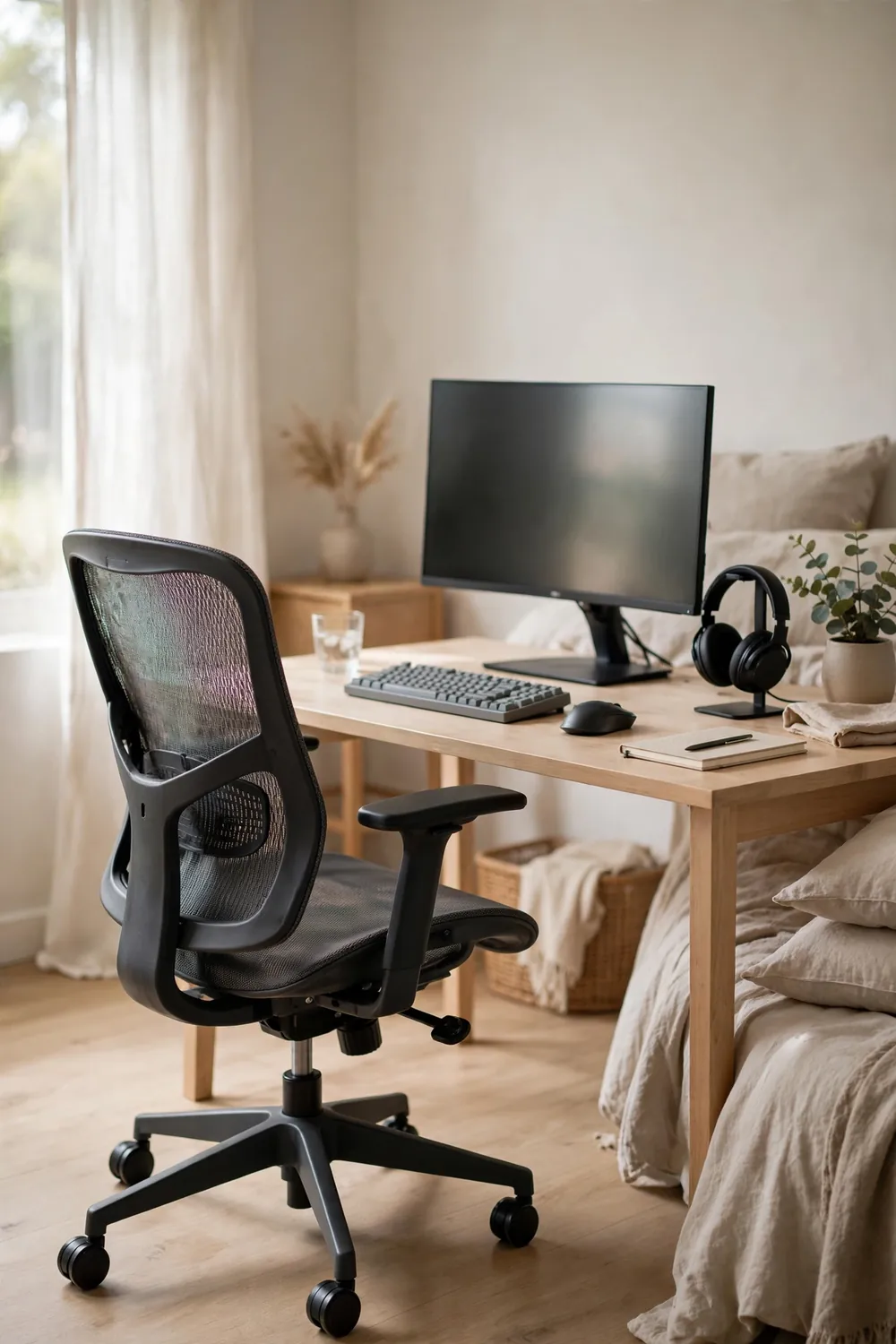
Pick a Chair That Does Not Scream Gaming
The racing style chair is the default, and it has one problem in a bedroom: it never lets the room calm down. Bright colors, big wings, logos everywhere. It looks like a cockpit parked next to your pillow.
An ergonomic office chair does the same job for your back without the costume. Mesh back, adjustable arms, plain dark fabric. It supports long sessions, and when friends walk in, the room reads as a grown up space that happens to have a great setup.
| Racing chair | Ergonomic office chair |
|---|---|
| Loud colors and logos | Plain dark fabric |
| Fixed look, one style | Blends with bedroom decor |
| Built for the track look | Built for long sitting |
Give Controllers a Drawer, Not the Bed
The controller always ends up in the same place: on the bed, half under the pillow, digging into your ribs at 2 a.m. The headset joins it. Then the charging cable. The bed becomes a drawer with sheets.
Give them a real drawer. A shallow desk drawer with a couple of dividers, or a small lidded box on the desk, holds two controllers, the headset, and the cables. When the session ends, everything goes in and the lid closes. The bed stays a bed.
💡 Quick Tip
Put the storage within arm’s reach of the chair. If putting gear away takes more than five seconds, it will end up on the bed again.
Program Your LED Strips With a Wind-Down Preset
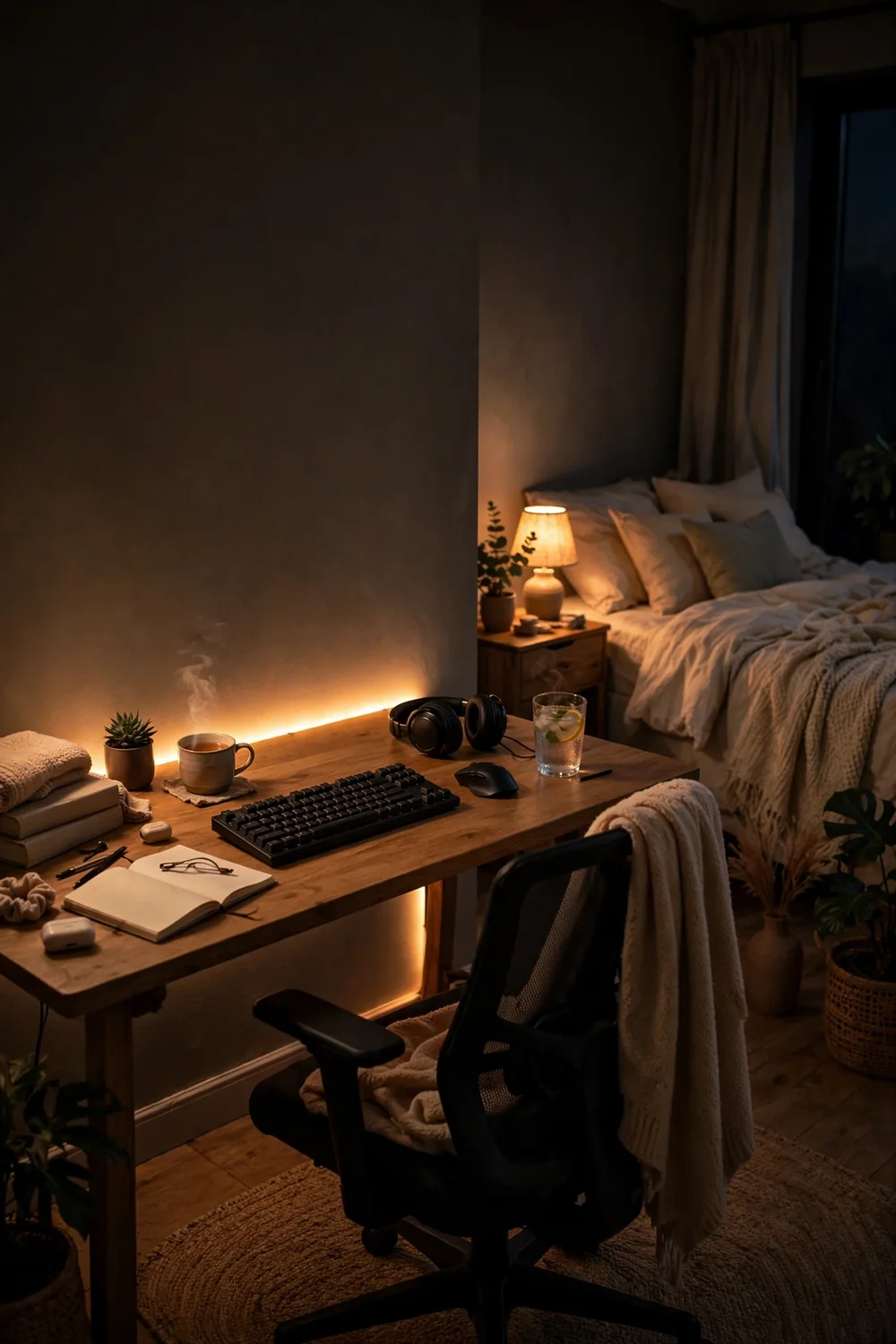
LED strips are great for play and terrible for sleep when they stay on party mode all night. Bright cycling colors at midnight tell your brain the fun is still going, and the fun is the reason you cannot sleep.
Most strips let you save presets, so make two. One bright and colorful for game time. One dim amber that fades slowly for the last hour. Switching presets becomes the ritual that tells the room the session is over.
- Game preset: bright, colorful, full energy
- Wind-down preset: dim amber, slow fade
- Off means off: kill the strips at bedtime, not just dim
Two presets, one ritual. Bright for play, dim amber for the wind down, and the switch between them ends the day.
Let a Fan Handle White Noise and Cool Air
Summer nights are the enemy of the gaming bedroom. The PC pumps out heat, the room gets stuffy, and every small sound feels louder when you are trying to sleep.
A simple fan solves both problems at once. It moves the warm air out from around the desk and gives you steady white noise that covers the PC hum, the fridge buzz, and the hallway sounds. Point it at the wall, not at your face, and run it on medium. Cool room, quiet brain.
Fan setup that works
Make the Bed Every Morning
This one sounds like something a parent would say, which is exactly why people skip it. But in a room with two jobs, the bed is the visual switch between them.
An unmade bed makes the whole room read as “still in session” all day. A made bed says the sleep zone is closed until tonight, and the desk becomes the room’s focus by default. It takes ninety seconds. It is the cheapest room divider ever invented.
Pull the duvet straight and fluff the pillows.
Toss the throw blanket on top for a finished look.
Leaving the headset and controller on the pillow.
Piling yesterday’s clothes on the made bed.
Move Game Cases to Wall Shelves
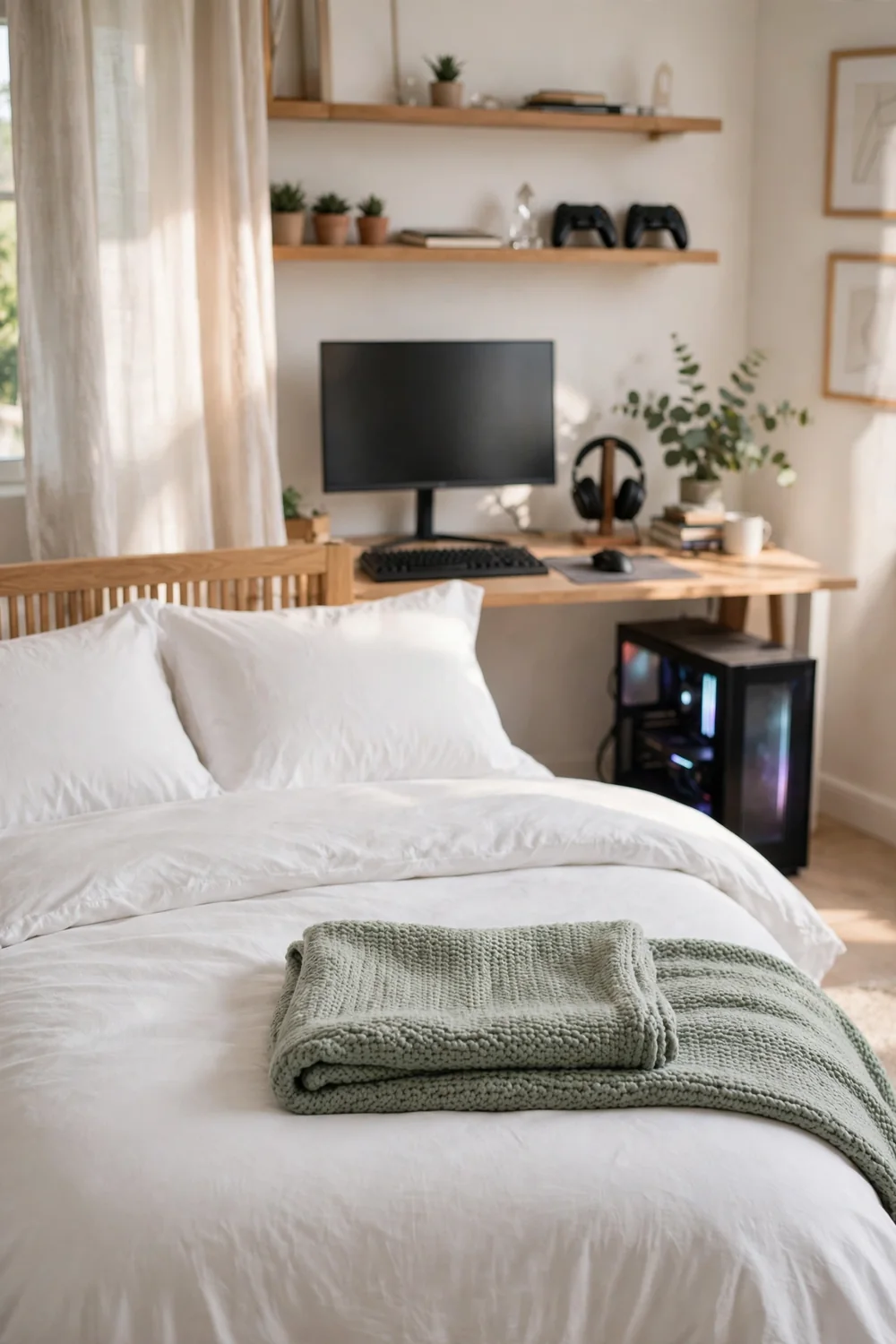
Game cases have a way of spreading. They start in a neat stack, then migrate across the desk, then onto the nightstand, then everywhere. The room starts to feel like a store shelf instead of a bedroom.
Wall shelves fix the creep. Two or three floating shelves above the desk hold the whole collection upright and visible, like a little library. The desk stays clear for actual play, and the wall gets some personality without a single poster.
- Two floating shelves above the desk
- Cases upright, spines out, like books
- Leave one shelf half empty so it can grow
- ▸Mount shelves at eye level when seated
- ▸Group by series or color for a tidy look
- ▸Keep the desk surface case free
Build a Bedside Charging Dock
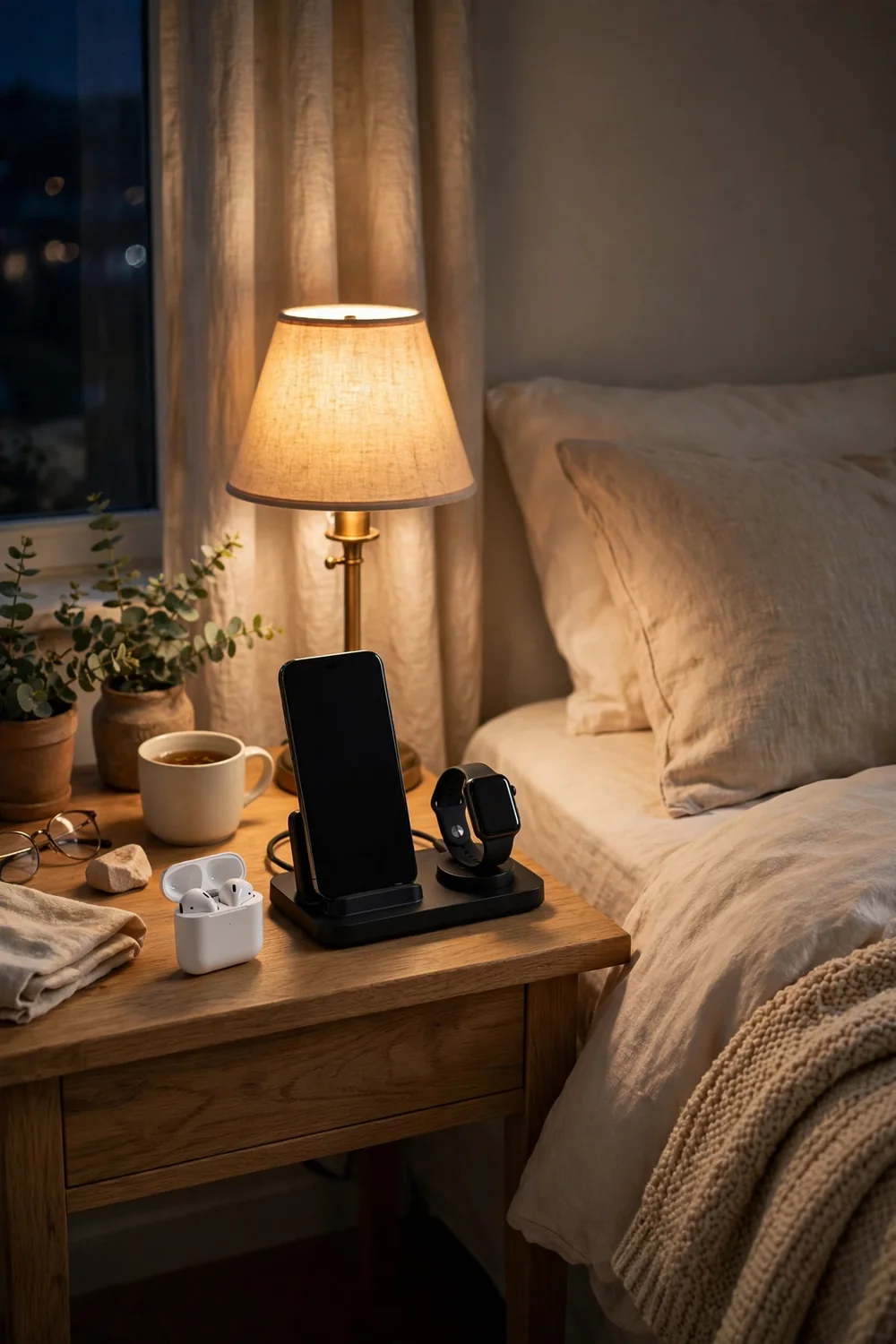
The nightly cable hunt is real. Phone at 4 percent, earbuds somewhere under the blanket, watch dead on the dresser, and three chargers tangled behind the nightstand.
A small dock on the nightstand ends it. One tray or stand with a multi cable, everything in the same spot every night. Plug in when you get into bed, wake up to full batteries. No cables across the pillow, no dead devices in the morning.
Wear Blue Light Glasses for Late Sessions
Night mode helps, but it does not do the whole job. The screen still throws plenty of blue light at your eyes, and your eyes are the part that has to fall asleep afterward.
Blue light glasses are the cheap backup. Wear them for the last hour or two of play, and they cut the harshest wavelengths before they reach you. They will not make you sleepy on their own, but they stop the screen from actively keeping you wired.
📌 Good To Know
Amber lenses block more blue light than clear ones. If late sessions are regular, amber is the better pick.
Seal the Door Gap Before Voice Chat Nights
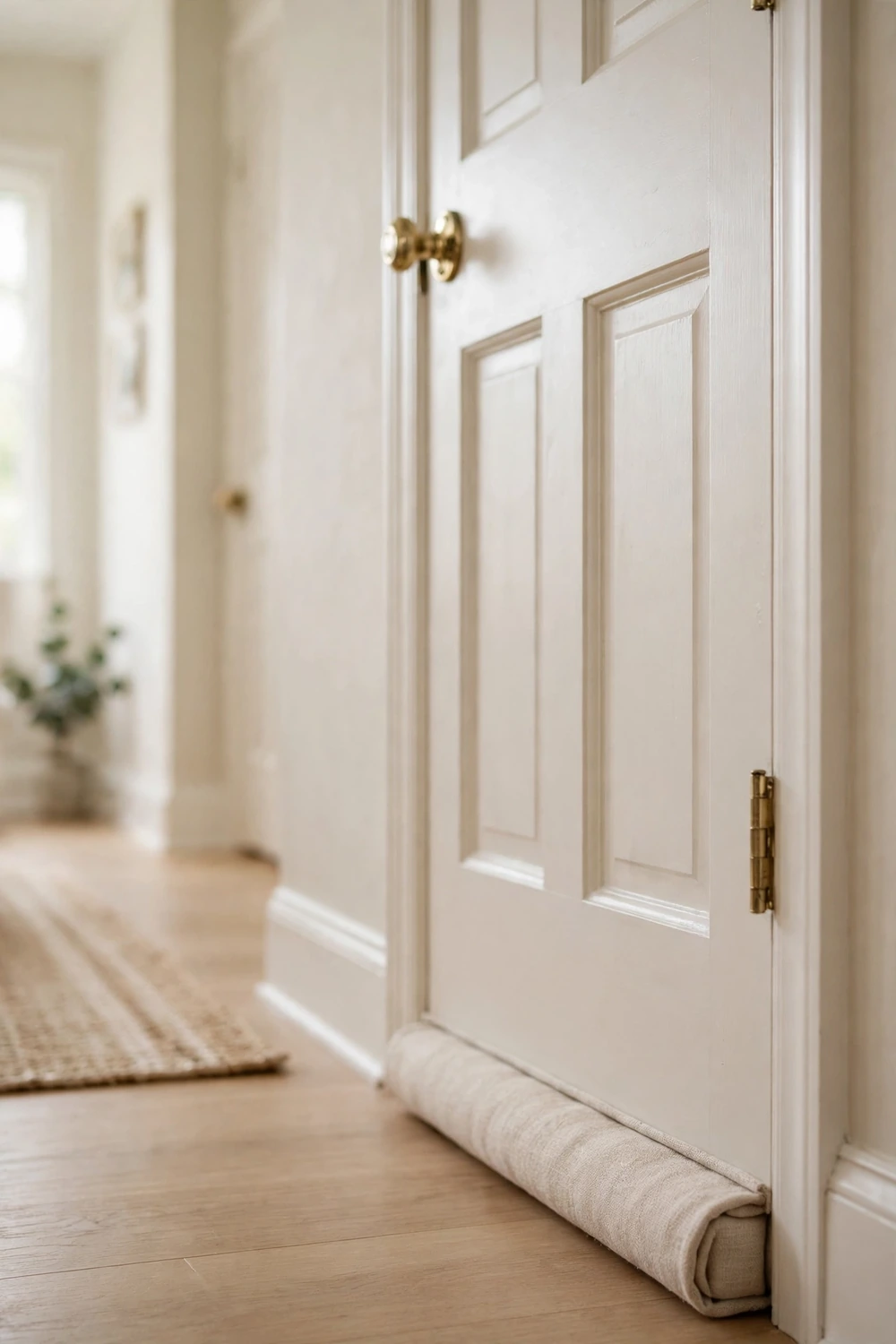
It is midnight, you are mid call with your squad, and someone knocks because the whole hallway can hear you. Or the hallway noise keeps leaking in and breaking your focus.
The gap under the door is the culprit both ways. A simple adhesive door sweep or a draft stopper closes it in minutes. Your voice stays in the room, the hallway stays out of it, and nobody has to whisper their callouts.
Voice chat echoing down the hall, hallway noise breaking focus, and a knock at midnight.
Calls stay in the room, the hall stays quiet, and nobody whispers their callouts.
Keep Snacks in a Bin, Not on the Desk
Open snack bags on the desk are a slow disaster. Crumbs in the keyboard, sticky fingers on the controller, and the smell of chips hanging around the pillows all night.
A lidded bin on the shelf or in the drawer changes the habit. Portion out what you want before the session, close the bin, and the desk stays clean. Your keyboard will thank you, and the bedroom will not smell like a concession stand at bedtime.
| Open bags on the desk | Lidded bin on the shelf |
|---|---|
| Crumbs in the keyboard | Desk stays crumb free |
| Sticky controller buttons | Clean hands, clean gear |
| Smell lingers till morning | Room smells like a bedroom |
Do a Five-Minute Flip Before Bed
The room does not reset itself. Controllers on the bed, chair spun around, LED strips still cycling, monitor glowing on the login screen. You climb into bed inside the wreckage of the session.
Take five minutes and flip it. Controllers in the drawer, chair tucked in, LEDs to the wind-down preset or off, monitor swung to the wall. The room goes from battlestation to bedroom on purpose, and your brain gets the message that play is over.
Gear in the drawer, chair tucked under the desk.
LEDs to wind down or off, monitor swung to the wall.
Phone on the dock, warm lamp on, day is done.
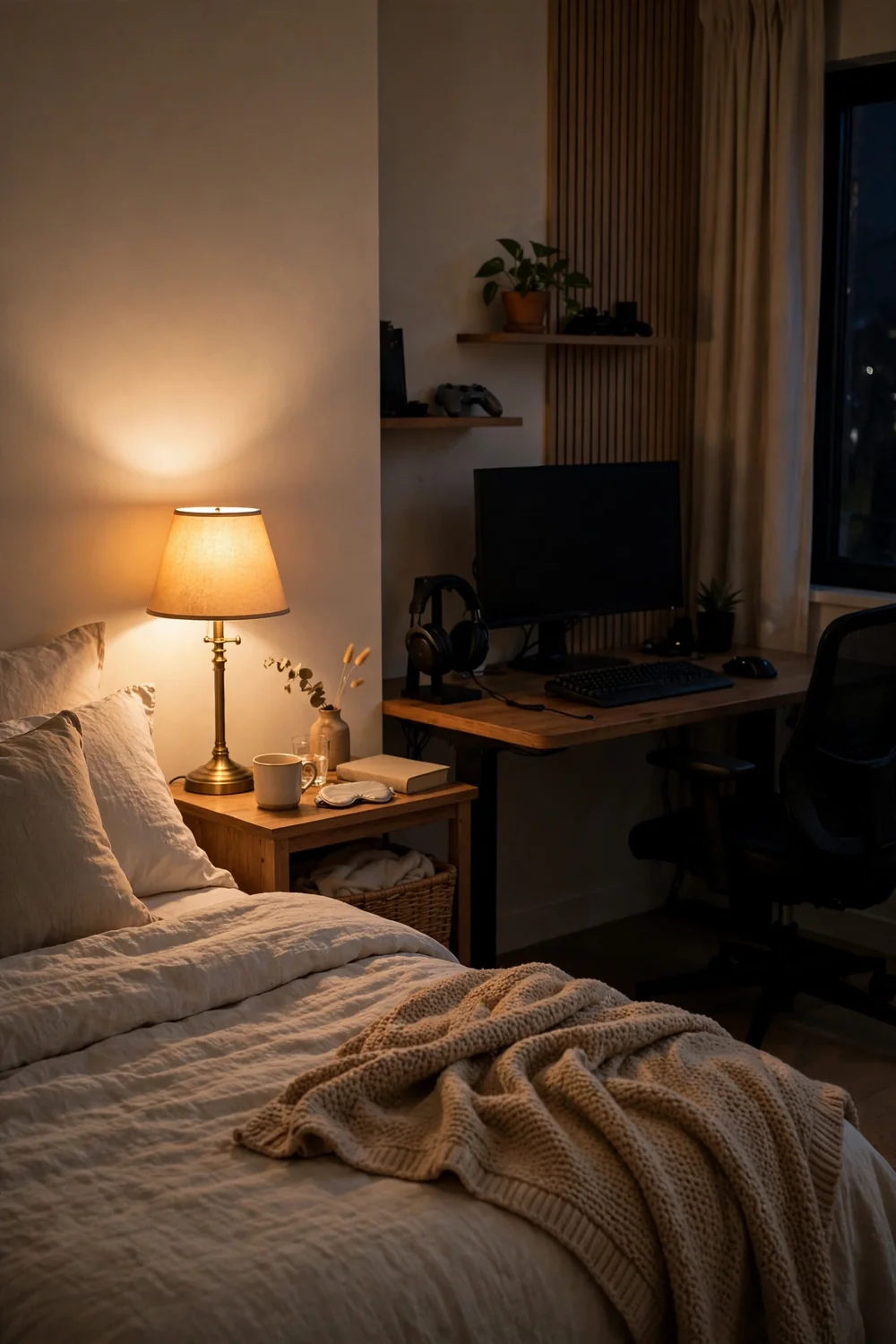
Nineteen ideas, one room, two jobs done well. That is the whole point of these gaming bedroom ideas. A space that plays hard when you want it to and goes quiet when you need it to, without either side stealing from the other.
Start with the lighting and the zones. Those two changes do most of the work. Then add the small habits, the dock, the five-minute flip, and watch the room start to feel like it was designed for your actual life.
Save this list to your bedroom board so the next refresh starts from a plan, not a pile of cables.