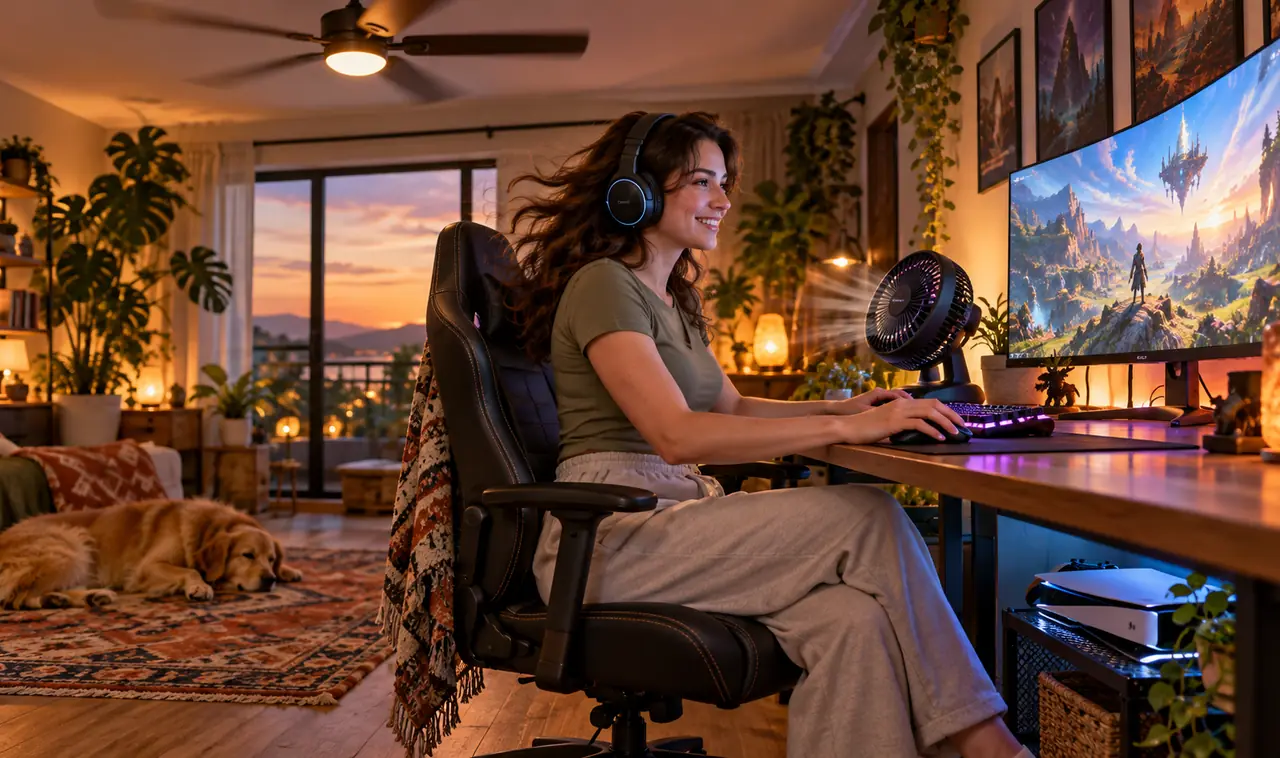
Two hours into a session, the room feels like a sauna. The PC fans are screaming, the console is hot to the touch, and your shirt is sticking to the chair. A gaming room packs more heat makers into a few feet than any other room in the house. By midnight the fun is draining out of every match.
The usual advice is to buy a bigger air conditioner, and it is the most expensive answer on the list. It also misses the real problem. Heat in a gaming room builds up because it has nowhere to go, and most of it comes from gear sitting within arm’s reach of your chair.
These gaming room cooling ideas start with the free moves, airflow, shade, and smart placement, then climb to the small purchases that make the biggest difference. Work through them in order and most rooms feel better the same evening.
1. Pull the PC Tower Away From the Wall and Out of the Cabinet
Most towers end up in the worst spot in the room.
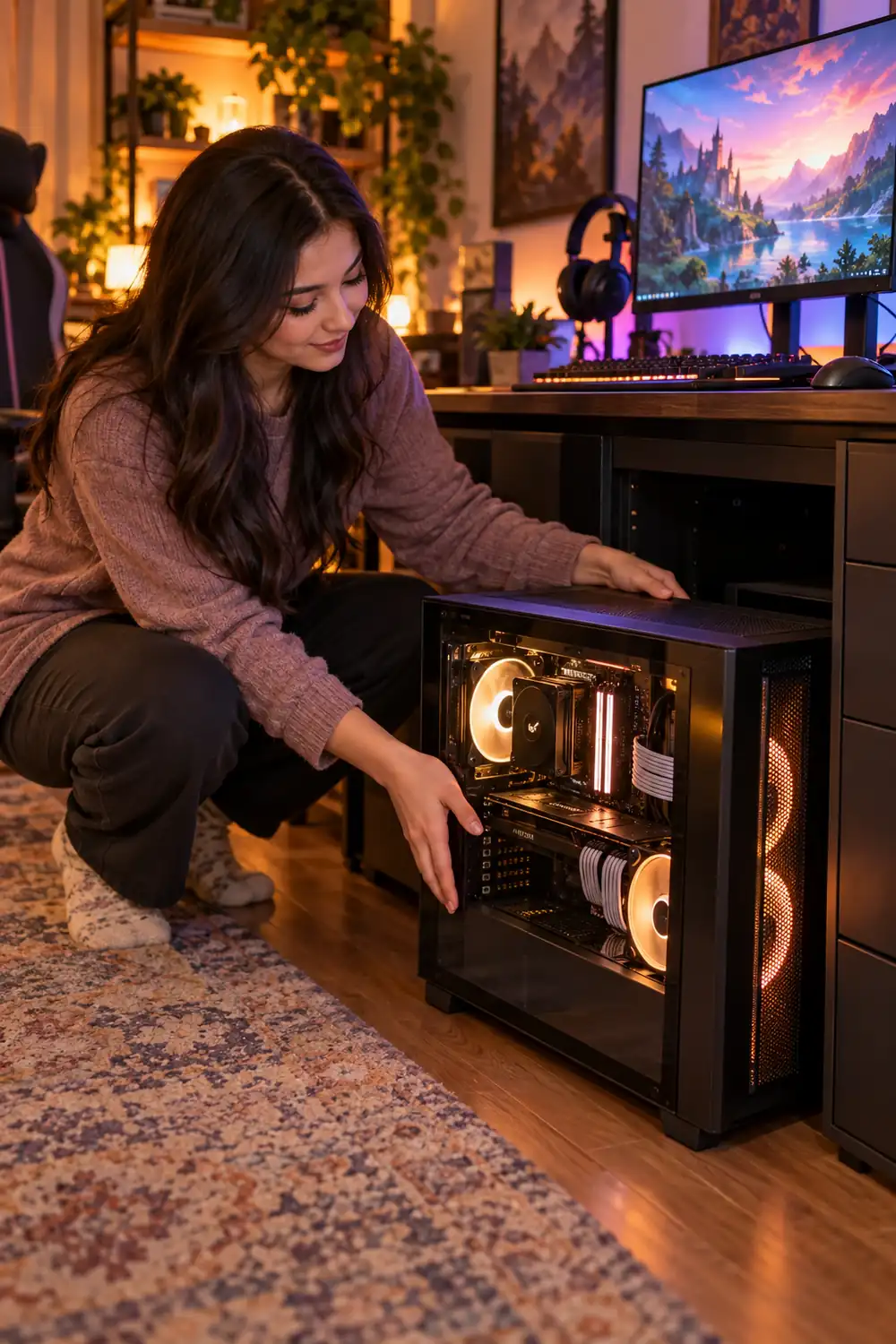
Look at popular PC gaming setup ideas and the case usually sits inside a closed cabinet or a tight desk cubby, vents an inch from a panel. The fans push hot air out, it bounces straight back in, and the whole loop gets hotter every hour. Slide the tower into the open instead, on the desk or on the floor beside it, where the exhaust can actually leave.
- Back of the case: at least six inches from the wall
- Sides: a hand’s width of clear space on both sides
- Top: nothing stacked on the case, ever
2. Aim a Desk Fan Across the Desk, Not at Your Face
A fan aimed at your face feels great for five minutes. Then you notice the hardware behind the monitors is still baking, and the room keeps warming up around you.
Set the fan at one end of the desk, low, and let it sweep across the surface. Moving air carries heat away from the case and the backs of the monitors and pushes it toward the door, where it can leave the room. An oscillating desk fan does this on its own, so you are not reaching over to adjust it mid match.
💡 Quick Tip
Put the fan on the cooler side of the room. It should push fresh air across the desk, not recycle the warm pocket trapped behind the screens.
3. Raise the Console on a Vented Stand
The bottom panel of a modern console is mostly vent.
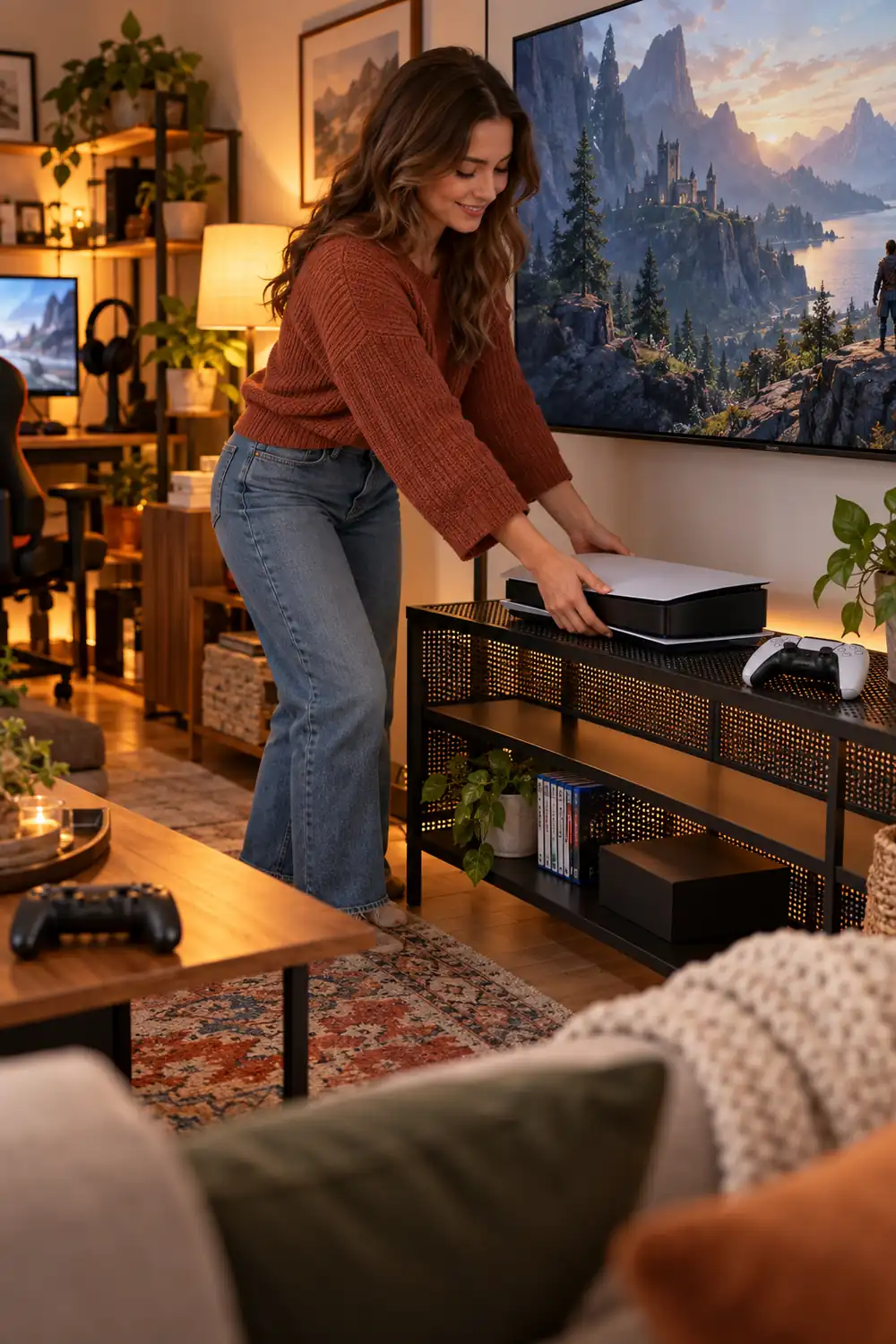
Laid flat on carpet or a solid shelf, those vents sip warm air and dust all evening. A vented stand lifts the console an inch or two so air can move under and around it, and a vertical stand frees up desk space in tight rooms. Most console gaming setup ideas look cleaner on a stand too, with cables dropping straight down the back instead of sprawling across the shelf. Keep the exhaust side at least a hand’s width from the wall, and the fans will not have to work as hard.
4. Add a USB Exhaust Fan Behind the Entertainment Cabinet
Open a media cabinet door after a long session and a wave of hot air rolls out at you.
That trapped pocket is why consoles get loud inside furniture. A small USB exhaust fan fixes it quietly. Mount the fan over a rear vent hole or the cable opening, blowing outward, and plug it into the console’s own USB port. It spins up when the console does and stops when you shut down, no extra switch to remember. Most cabinets need no drilling, since the cable slot is usually big enough to breathe through once a fan is helping it.
5. Hang Blackout Curtains on the Sun-Facing Window
Afternoon sun through one window can undo every other fix on this list.
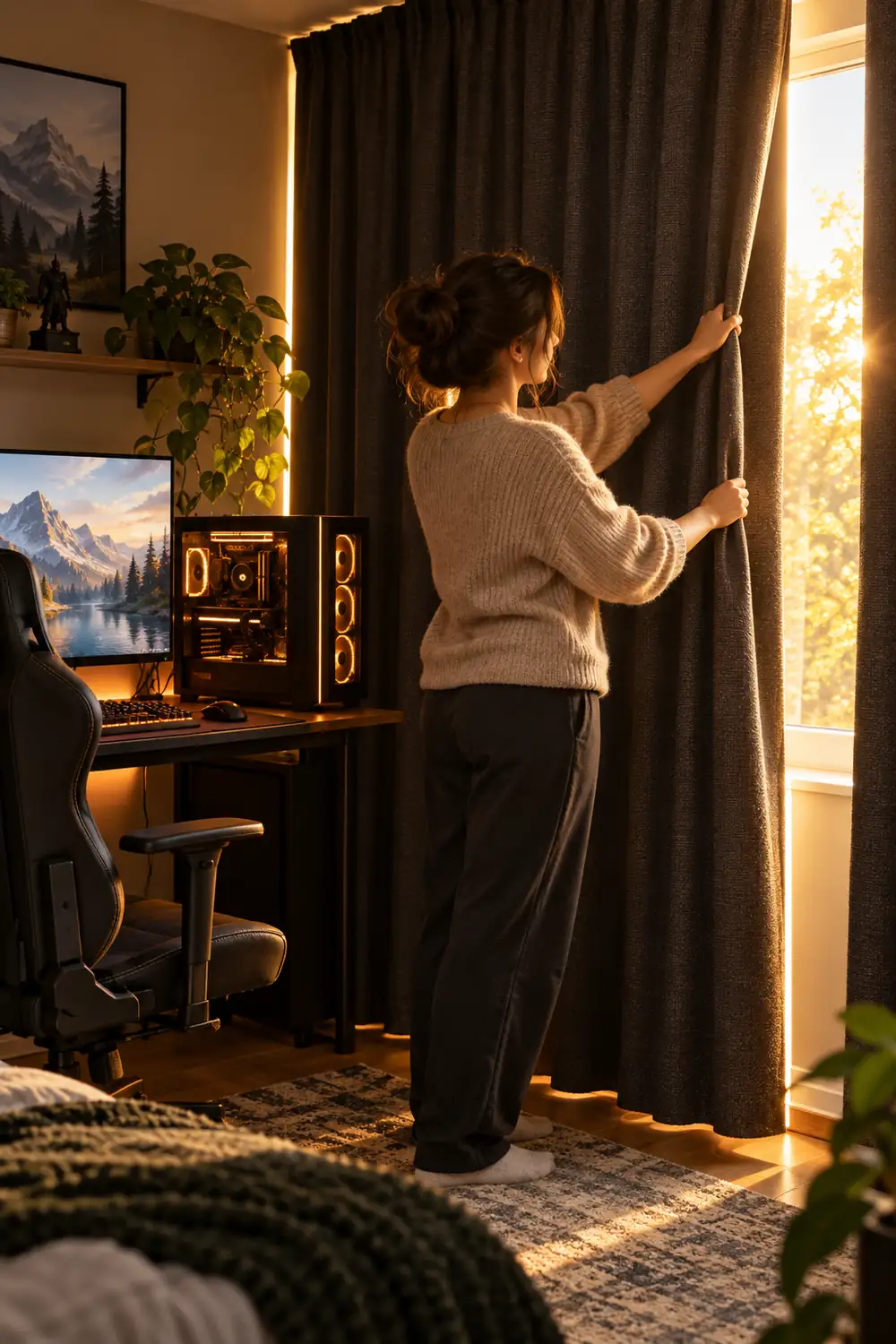
Blackout curtains with a light colored backing bounce a good share of that heat back outside before it lands on your desk, your chair, and you. Close them an hour before the sun hits the glass and the room starts the evening noticeably calmer. Hang the rod close to the wall and let the fabric overlap the frame, so warm air does not spill around the edges. On mild evenings, open them wide again and let the cool night air undo the day.
6. Flip the Ceiling Fan to Summer Mode and Actually Use It
There is a tiny switch on your ceiling fan that most people have never touched.
In warm months the blades should spin counterclockwise, which pushes air straight down onto you. Stand under the fan: if you cannot feel a breeze, the direction is wrong. Turn the fan off, let it stop fully, flip the little switch on the motor housing, and run it on medium while you play. One warning from experience: the first run after months of stillness drops dust. Throw an old sheet over the setup for the first ten minutes.
7. Blow the Hot Air Out With a Window Fan
Two fans in a room can work against each other, or they can work as a team.
The setup that works is simple:
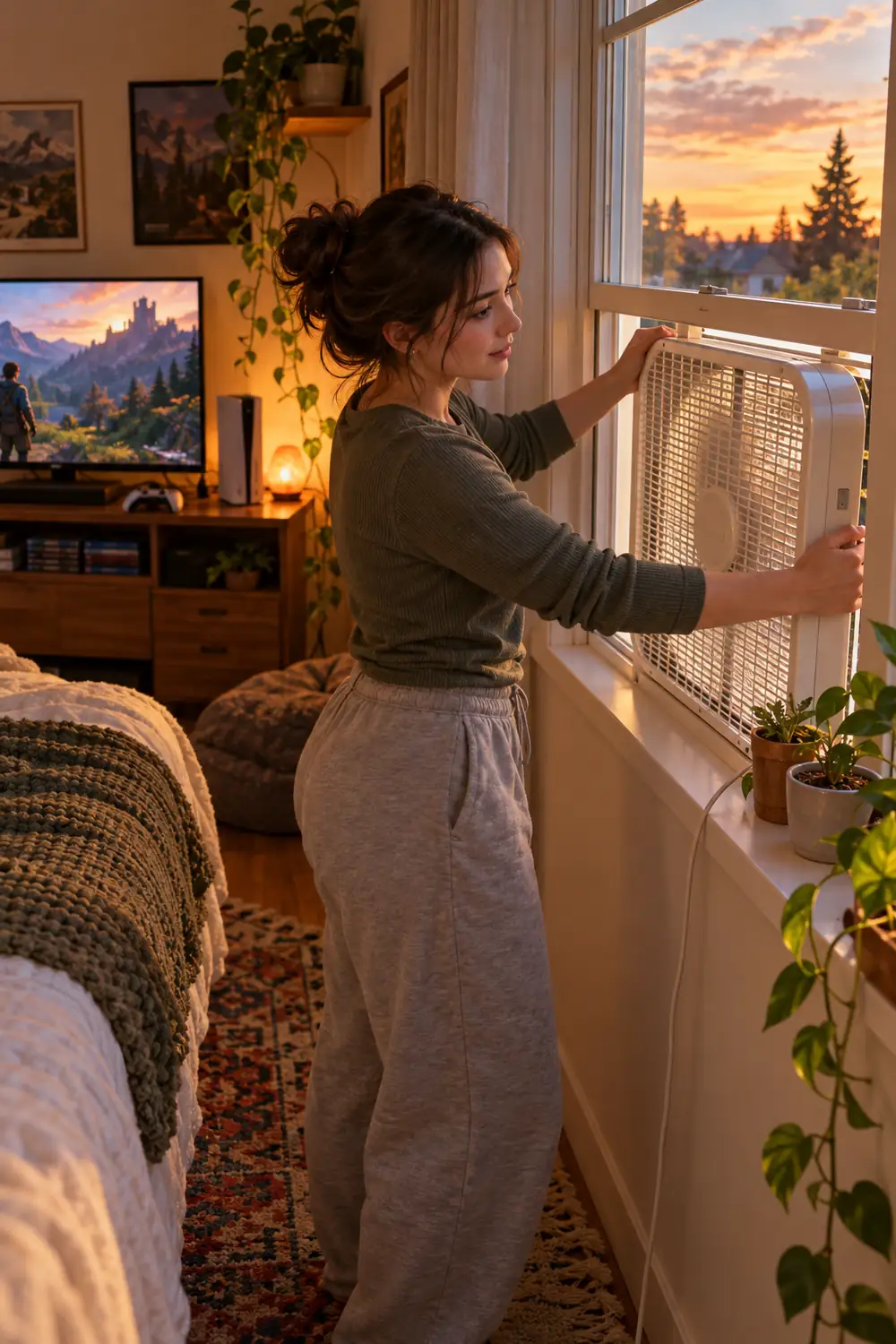
- Put a box fan or a twin window fan in the window, facing out.
- Open a door or a second window a crack on the other side of the room.
- Run the fan for 20 minutes before you sit down, then leave it on low.
Blowing out is the key part. The fan dumps the day’s built up heat outside, and cooler air from the rest of the house slides in to replace it. A fan pushing air in from the window mostly stirs the hot layer around.
8. Cool the Chair, Not Just the Room
Your chair is part of the cooling problem, and nobody mentions it.
Foam and vinyl hold your body heat against your back and legs for hours. A mesh chair helps, but a ventilated seat cushion or a small clip fan aimed along the chair back does most of the same job for far less money. Cool the player, and the whole room feels cooler than the thermometer says it should.
Cool the player first
9. Clean the Dust Filters Before They Choke the Fans
The quickest way to make a healthy PC loud is to never clean it.
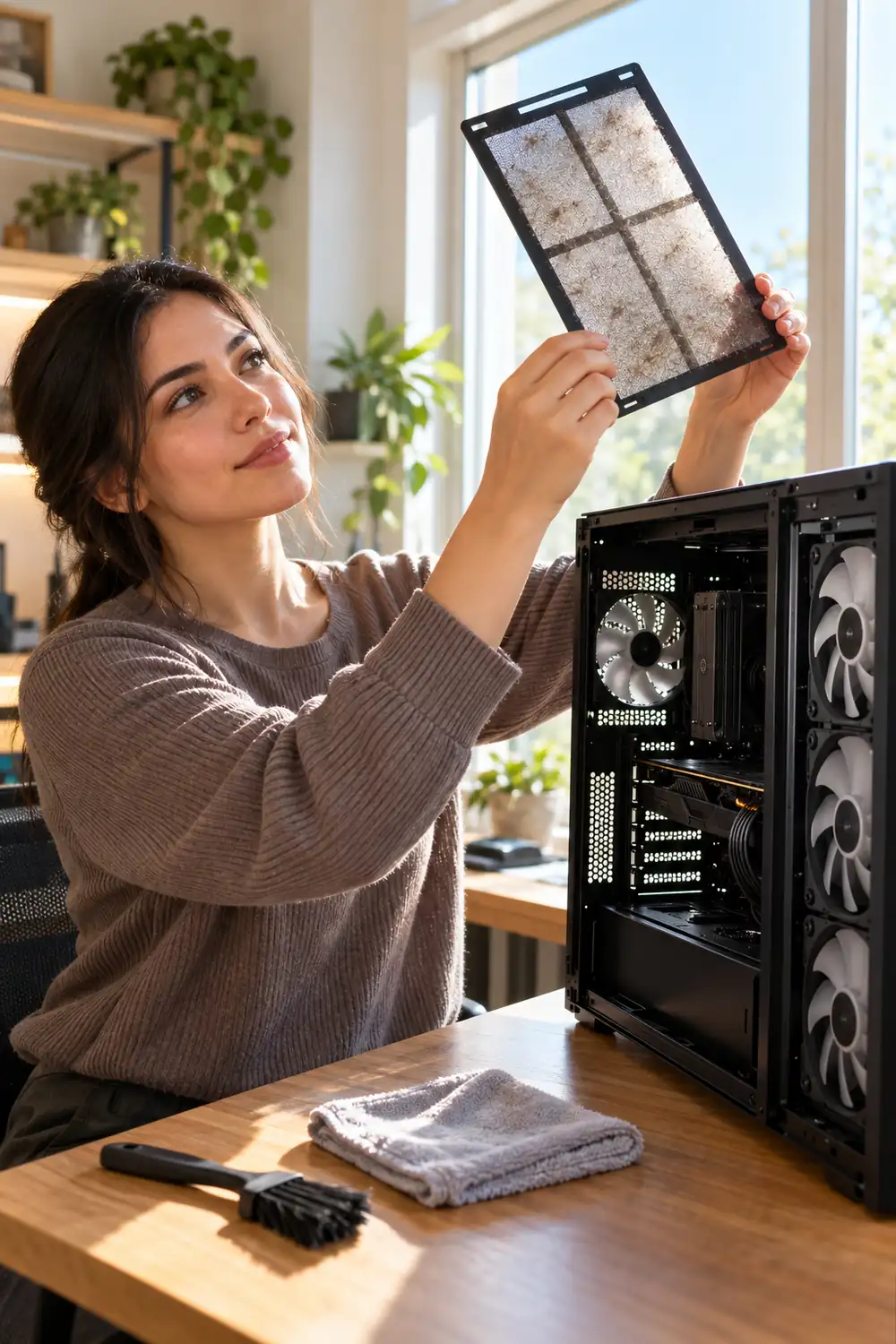
Dust builds into a grey felt sheet across the intake filter. The fans spin faster to pull the same air, the case warms up, and the fans spin faster again. Once a month, pop the magnetic filters off and rinse or vacuum them, wipe the console vents with a dry cloth, and clear the fan blades you can reach. Set a repeating phone reminder so it actually happens. When the fans settle back to a murmur at the same settings, the cleaning worked.
10. Cap the Frame Rate and Set a Simple Fan Curve
Extra frames you cannot see are still costing you heat.
If your game renders well past your monitor’s refresh rate, the graphics card is working overtime drawing frames that never reach your eyes. Cap the frame rate at the refresh rate in the game settings and the card relaxes, which means less heat dumped into the room hour after hour. While you are in the software, nudge the fan curve so the fans start ramping a little earlier, before heat soaks into the case. Heat that never builds up never has to be removed, and long sessions run quieter too.
11. Swap Hot Lighting for LEDs and Kill the Extra Lamps
Some of the heat in a gaming room is not coming from the games at all.
An old halogen desk lamp is a small heater that happens to glow, and incandescent bulbs are the same story. LED bulbs and strip lights give you the same light for a small share of the warmth, so the swap pays off twice in a room you are trying to cool. On bright evenings, turn the overhead light off entirely and let the screen plus one LED lamp carry the room.
| Old halogen or incandescent | LED swap |
|---|---|
| Adds real heat to a small room | Stays close to room temperature |
| Harsh, yellow, tiring on the eyes | Even light, easy through long sessions |
12. Move the Setup to the Coolest Wall in the Room
Every house has one wall that stays cool all day. Your setup wants to live on it.
A west facing wall soaks up afternoon heat and radiates it back at you all evening. An interior wall, or one shaded by trees or a taller building, can feel completely different by 9 p.m. In a tight room, even rotating the desk so the PC exhaust points toward the door instead of a dead corner makes a difference. The same thinking runs through most small gaming room ideas: in a compact space, placement is half the battle.
13. Move the Mini Fridge and the Charger Box Out
That mini fridge next to the desk is quietly heating your room around the clock.
A fridge does not destroy heat, it moves it. The warmth from inside the box, plus the motor’s own heat, comes straight out of the back panel and into your gaming space, day and night. The same goes for a tangle of chargers, an old printer, and a spare monitor you never turn on. Move the heat makers to the hallway or the kitchen for the summer months. Your drinks stay cold either way. Your room stops paying for it.
14. Use a Portable AC, but Seal the Window Kit Properly
A portable air conditioner can absolutely save a gaming room. Most of the time, the window seal is what ruins it.
The hose panel that ships in the box rarely fits snugly. Hot exhaust leaks back in around the gaps, the unit fights its own output, and the room never quite gets there. Foam tape around the panel edges, the shortest and straightest hose run you can manage, and a closed door change the result completely. It is a fiddly half hour of work that decides whether the purchase was worth making.
Loose hose panel, door standing open. The unit runs all evening and the room still feels sticky at midnight.
Sealed kit, short hose, door shut. The room cools down before the first match ends and stays that way.
15. Rest a Bowl of Ice in Front of the Fan on Marathon Nights
It sounds like a dorm room trick, because it is one. It also works.
Fill a wide bowl with ice, or grab two frozen water bottles, and set them right in front of a desk fan. The air crossing the ice comes out noticeably cooler for the next hour or so, aimed at exactly the person who needs it. Slide a towel under the bowl to catch the condensation, and keep the whole setup well clear of cables and the PC intake. Save this one for marathon nights and heat waves, when the room needs one last push.
None of these fixes asks you to rebuild the room. Start at the top of the list, where the gaming room cooling ideas cost nothing, and stop when the room feels right. For most players that moment comes once the air is moving, the sun is blocked, and one good fan has a clear job to do. Save this list for the first hot weekend of the season, and send it to the friend whose PC fans you can hear through their headset mic.