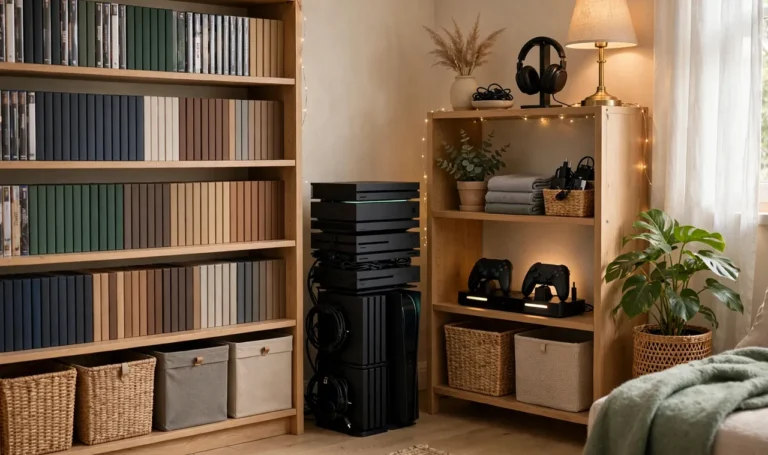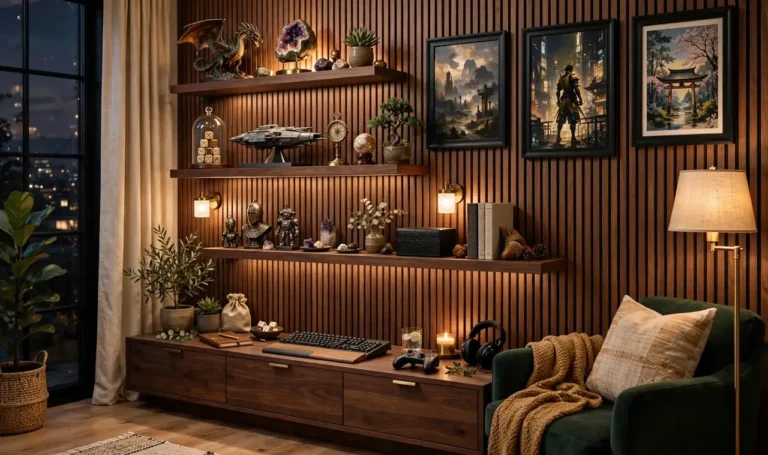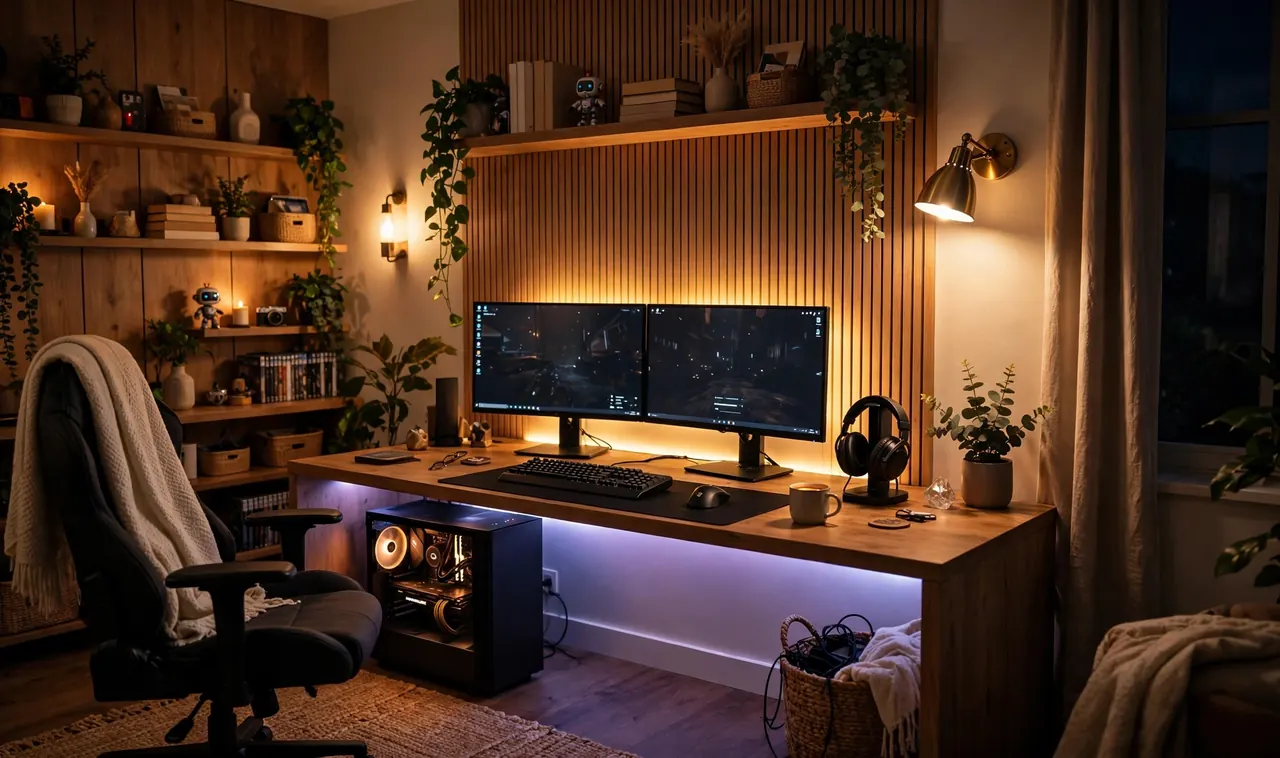
You know that moment. The room looks incredible in photos, RGB everywhere, and then you sit down to play and spend the whole session squinting past a bright reflection of your own ceiling light.
Glare is the enemy most gaming setups ignore. It washes out dark scenes, strains your eyes, and makes you crank the brightness until your head hurts. The fix is not fewer lights. It is the right lights in the right places.
These gaming room lighting ideas are all built around one rule: light the room, never the screen. You will find bias lighting, lamp placement tricks, window fixes, and smart controls that switch the mood without moving a single lamp. Most cost less than one new game, and every one works in a rented room.
Pick the two or three that match your setup, and your next late night session will feel completely different. No drilling, no electrician, and nothing that costs more than a controller.
Stick LED Bias Strips Behind the Monitor: The Easiest of These Gaming Room Lighting Ideas
The cheapest upgrade in this whole list hides behind your screen.
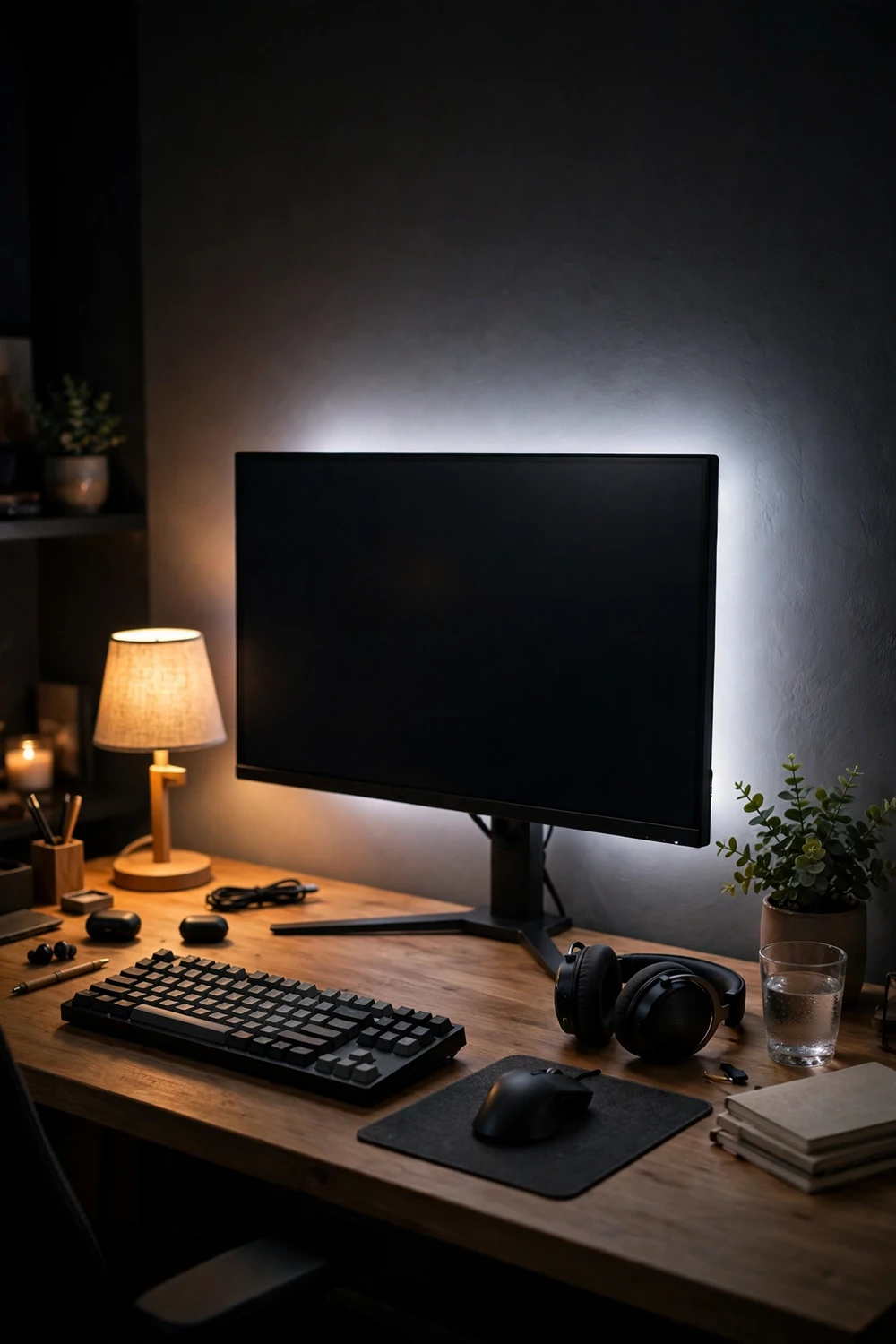
Bias lighting is a soft glow that sits behind the monitor and washes the wall with light. Your eyes stop fighting the bright screen against a dark room, which means less strain and better contrast in dark game scenes. The whole room feels calmer without getting brighter.
Buy a USB powered strip in warm or neutral white and stick it to the back edge of the monitor. Plug it into the monitor’s USB port so it turns on and off with the screen. Set it to a steady glow, not rainbow mode, for actual play.
Point Floor Lamps at the Walls, Never at the Screen
A floor lamp is a great light source aimed the wrong way.
Most people drop a lamp beside the desk and point the shade at the chair. The light spills straight onto the screen and bounces right back into your eyes. Turn that same lamp around so it throws light onto the nearest wall and the whole problem disappears.
The wall becomes a giant soft reflector. You get the same brightness in the room with zero direct glare. Place the lamp behind your chair or off to the side, angled at the wall, and leave the screen in its own calm shadow.
💡 Quick Tip
If you can see the bulb reflected in your monitor, the lamp is aimed wrong. Move it until the screen shows only your game.
Kill the Overhead Light or Tame It With a Dimmer
The ceiling light is the single biggest glare maker in most rooms.
A bare overhead bulb sits right above your eyeline and reflects in the top half of every glossy screen. The fix takes two minutes. Turn it off during play and let your lamps do the work, or fit a plug in dimmer and drop it to a low warm glow.
Renters can use a smart bulb in the existing fixture and dim it from the phone. No wiring, no landlord drama.
- Overhead off during play, lamps on
- Dimmer set to 10 to 20 percent if you want some top light
- Warm bulb, never cool white, in the ceiling fixture
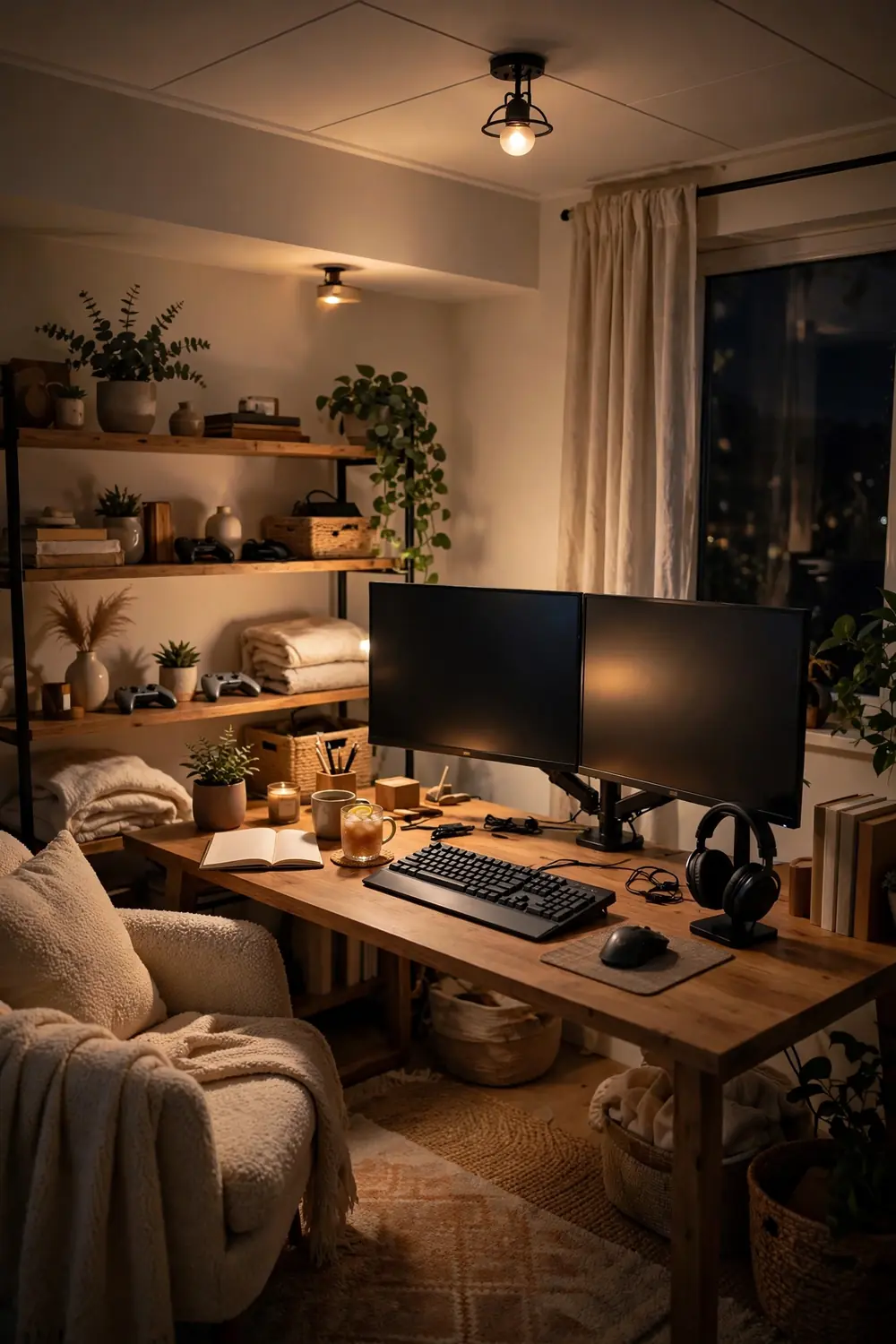
Use Warm White for the Room, Color for the Accents
Color everywhere is the fastest way to a headache.
Rainbow lighting looks great in screenshots, but full RGB washes strain your eyes over long sessions. The trick used by serious setups is simple: keep the main room light warm white, and save color for small accents that never face the screen.
A warm white lamp behind you plus a single blue strip along the floor reads as a gaming room without punishing your eyes. Color becomes decoration instead of illumination.
The color split that works
Put a Lamp Behind the Desk to Cut the Contrast
The wall behind your monitor matters more than you think.
When the wall behind the screen is pitch black and the screen is blazing, your eyes constantly adjust between the two extremes. That contrast fatigue is what makes your eyes burn after an hour. A lamp sitting behind the desk, aimed at that wall, fixes it.
The wall glows gently and the screen stops looking like a spotlight in a cave. Place the lamp on the floor behind the desk or on a shelf just above monitor height.
Bright screen floating in a pitch black room, eyes straining at the contrast.
Soft glow on the wall behind the monitor, the screen sitting in calm light.
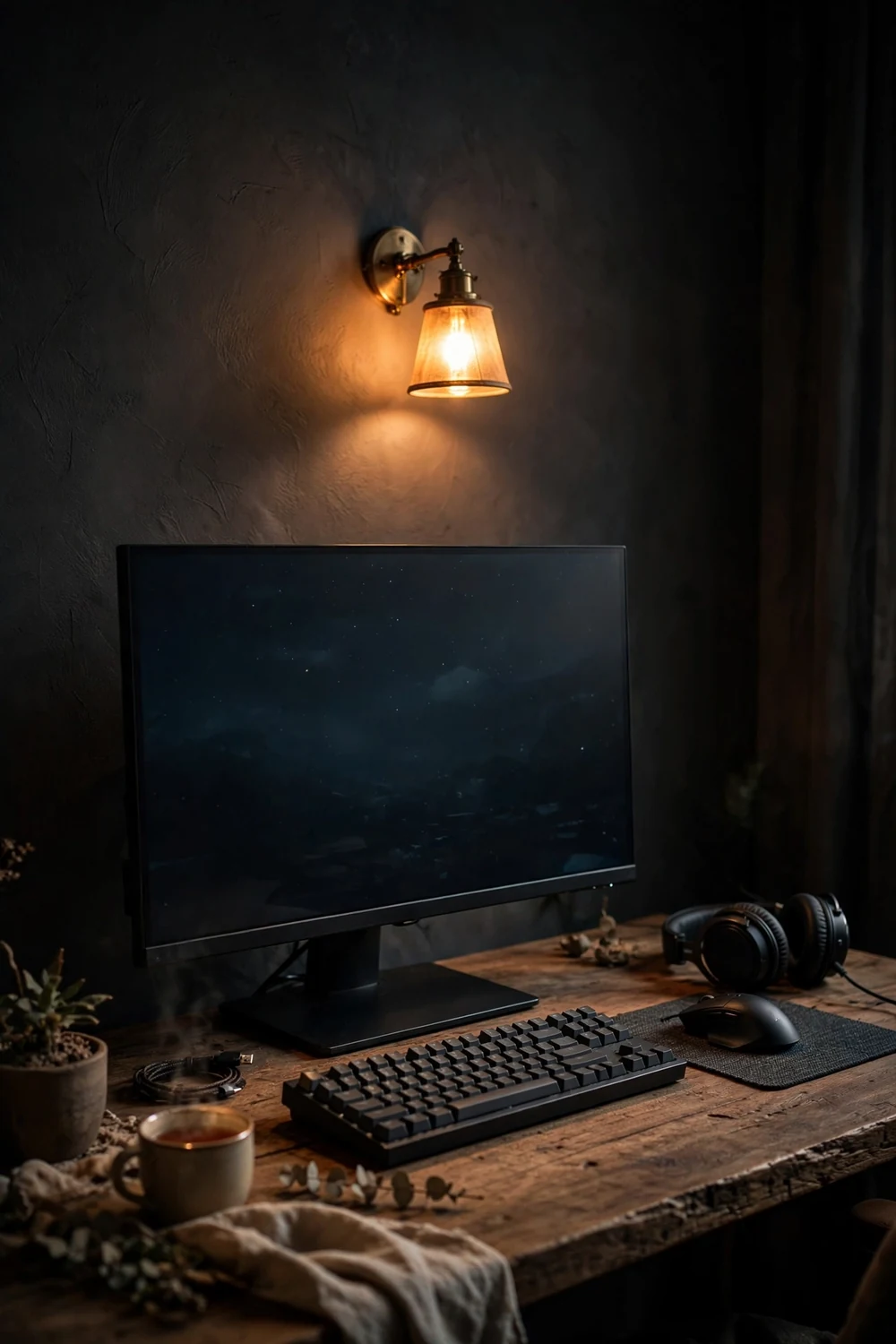
Angle Desk Lamps Away From Glossy Screens
Glossy screens show everything. Every lamp, every window, your own shirt.
If your desk lamp has an adjustable head, aim it at your keyboard or the desk surface, never up at the screen. The light you need is on your hands and notes, not on the display. A small downward angle from the side works best.
Matte screen protectors also help. They cost little and cut reflections on glossy panels without dulling the picture much.
📌 Good To Know
A matte screen protector cuts reflections on glossy panels. It is the cheapest glare fix you can buy.
Tame Windows With Blackout or Sheer Layers
Daylight is the glare you cannot dim with a switch.
A window facing your screen puts a bright rectangle right across the game. A window behind you is just as bad, since it reflects off the glass. The fix is layering: a sheer curtain to soften daylight plus a blackout blind for serious sessions.
Never put the desk so the window sits directly behind the monitor. Side windows with sheers are the best case if you cannot move the desk.
- Sheer curtains soften daylight without killing it
- Blackout blinds or roller shades for daytime play
- Desk perpendicular to the window beats facing it
Move the desk so no window faces the screen directly.
Hang sheer curtains to diffuse the daylight.
Add a blackout layer you can pull down for daytime sessions.
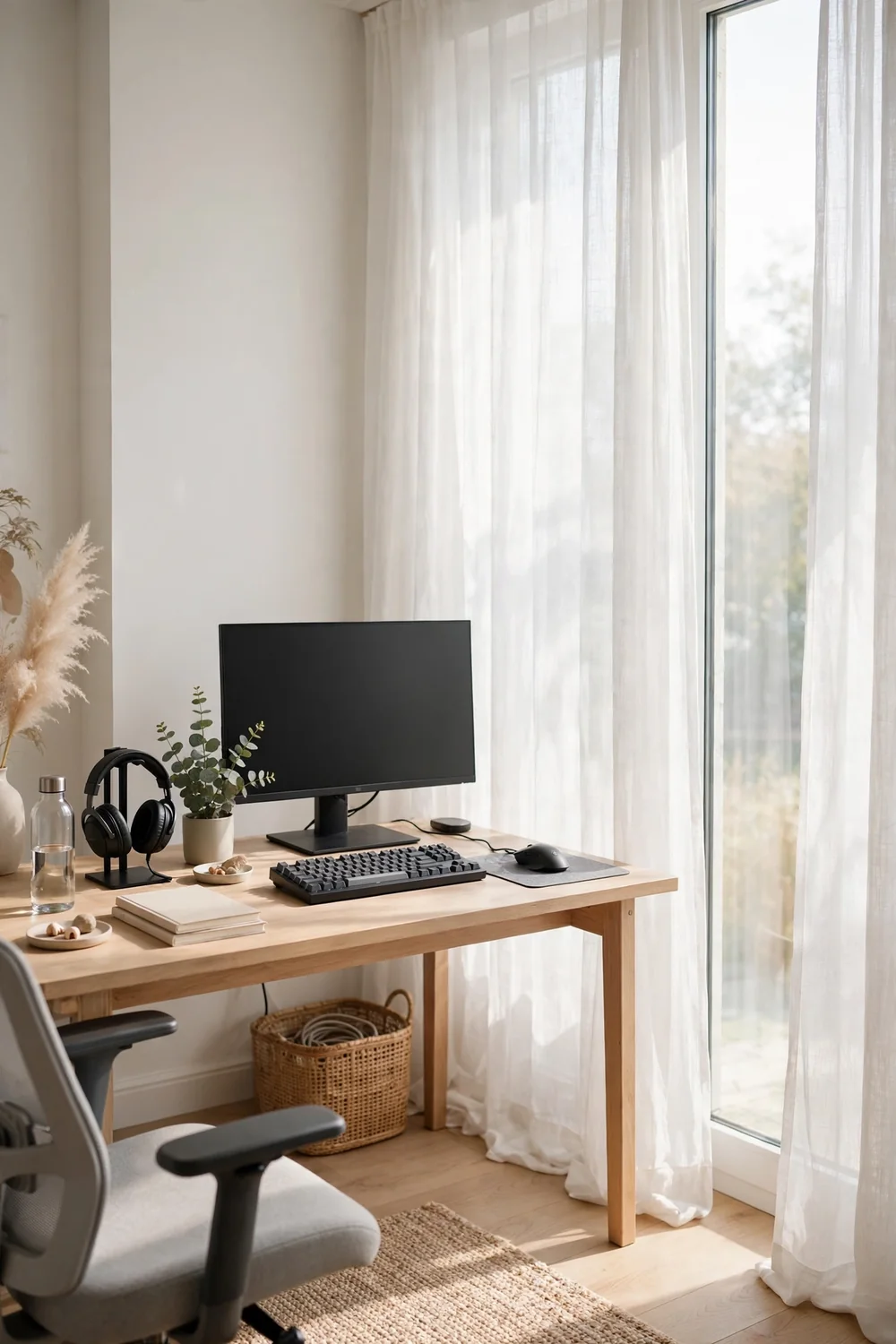
Bounce Light Off the Ceiling With an Upward Torchere
The softest light in any room comes from the ceiling.
A torchere floor lamp throws all its light upward, and the ceiling bounces it back down as a soft, even wash. No hot spots, no reflections in the screen, just calm ambient light that fills the room.
Place one in the corner opposite your desk. The light travels, the glare does not. Pair it with a warm bulb and the room feels like evening even at noon.
- ▸Upward shade only, so no light hits the screen directly
- ▸Corner opposite the desk for the most even spread
- ▸Warm bulb, 2700K, for a relaxed evening feel
Add a Low Glow Strip Under the Desk Edge
Floating desks look amazing in photos for one reason: the underglow.
A short LED strip stuck under the front edge of the desk throws a soft line of light onto the floor. It defines the setup, looks incredible in the dark, and puts zero light on the screen because it faces down.
Pick a single color that matches your room accents. Run it on a low brightness. It is decoration, not illumination, and that is exactly why it works.
Face the strip down at the floor, low brightness, one color.
Use a warm or matching accent color, never flashing modes.
Strips on the wall behind you that reflect in the screen.
Rainbow cycling during actual play sessions.
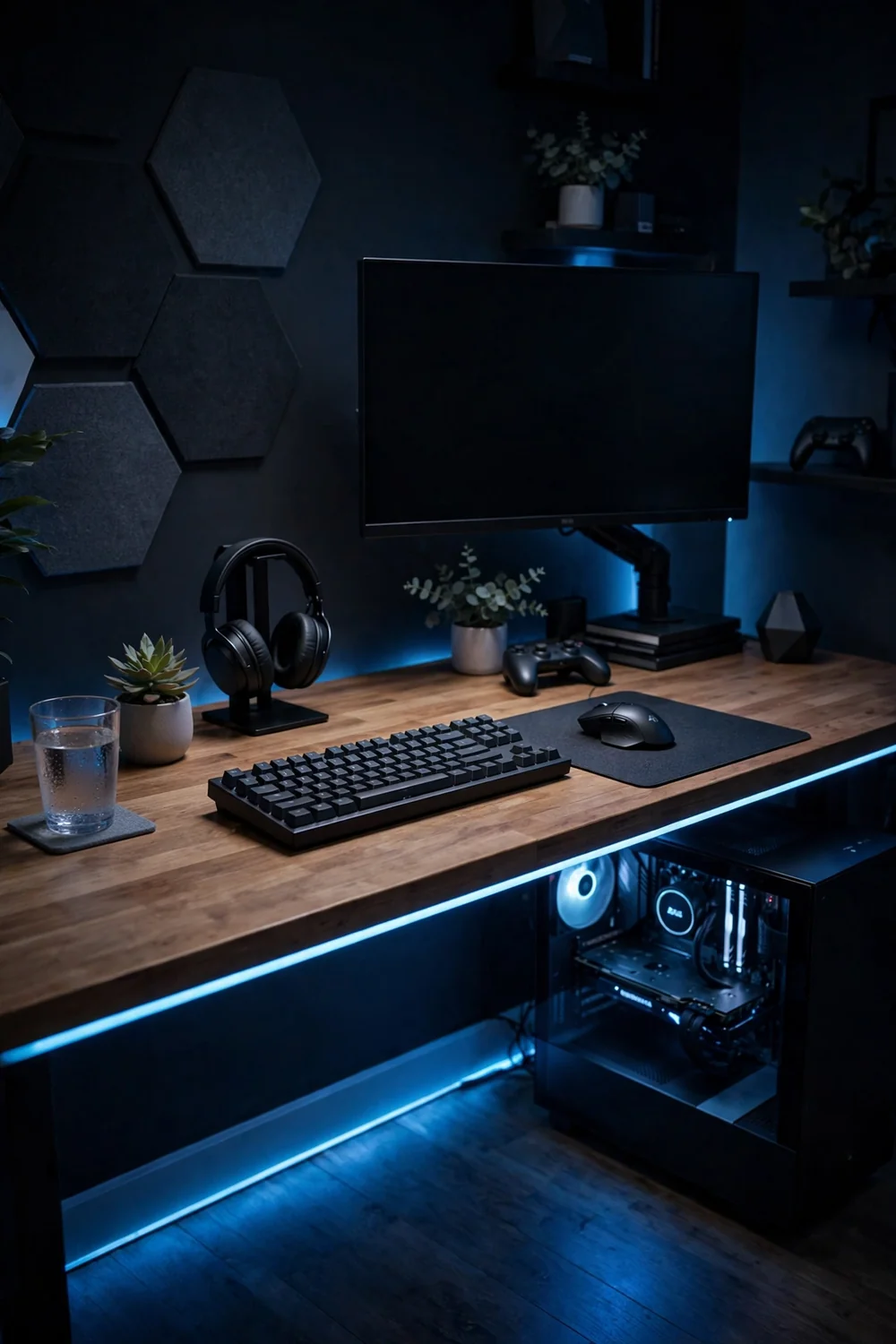
Keep RGB Strips Off the Wall Facing the Screen
Color strips on the wrong wall cause more glare than they are worth.
A bright RGB strip on the wall behind your chair reflects in the screen glass and tints the whole display. Move that same strip to a side wall or under furniture and the color stays in the room where it belongs.
The rule is simple. If you can see the strip’s reflection in your monitor, it needs to move. Color should frame the room, never the screen.
💡 Quick Tip
Sit at your desk and look at the screen. Any strip you can see reflected needs to move to a side wall or under a shelf.
Use Smart Bulbs With a Game Mode Scene
Switching six lamps every time you sit down gets old fast.
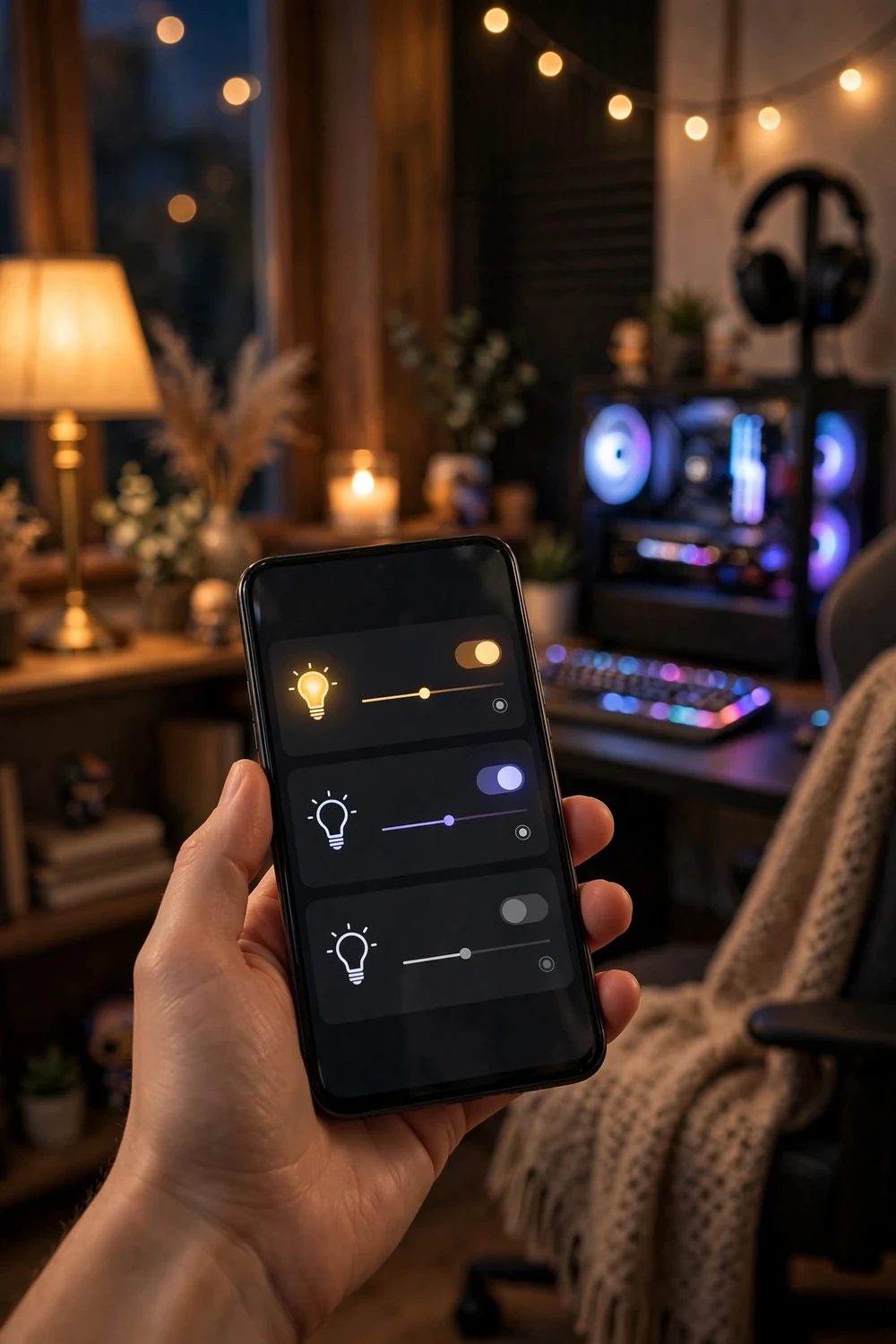
Smart bulbs let you save scenes: one tap for play, one tap for chatting, one tap for winding down. Set your game mode to warm white, low brightness, bias light on, overheads off. The room resets itself.
Group the bulbs by room in the app so one command hits everything. It feels like a small luxury, and it costs about the same as one takeout dinner.
- Game mode: warm white, low, overheads off
- Hangout mode: brighter, color accents on
- Wind down: very dim warm, one lamp only
Group all room bulbs in the smart home app.
Build a game scene: warm, dim, bias light on, overhead off.
Add a wind down scene for after you log off.
Light the Hallway, Not the Room, for Night Sessions
Late night players know this one. The room is dark, and then someone opens the door and the hallway light floods in.
Leave a small light on in the hallway or the next room instead of lighting the gaming room itself. The spill through the open door is enough to navigate by, and it never hits the screen because it comes from behind you.
A motion sensor night light in the hall means you never fumble for a switch at 2am. Your eyes stay adjusted to the game.
Night session lighting kit
Choose Matte Over Glossy for Anything Near the Screen
Reflections come from surfaces, not just lights.
A glossy desk, a glass photo frame, or a shiny poster right next to the monitor bounces light straight into the screen. Swap those surfaces for matte finishes and the reflections vanish.
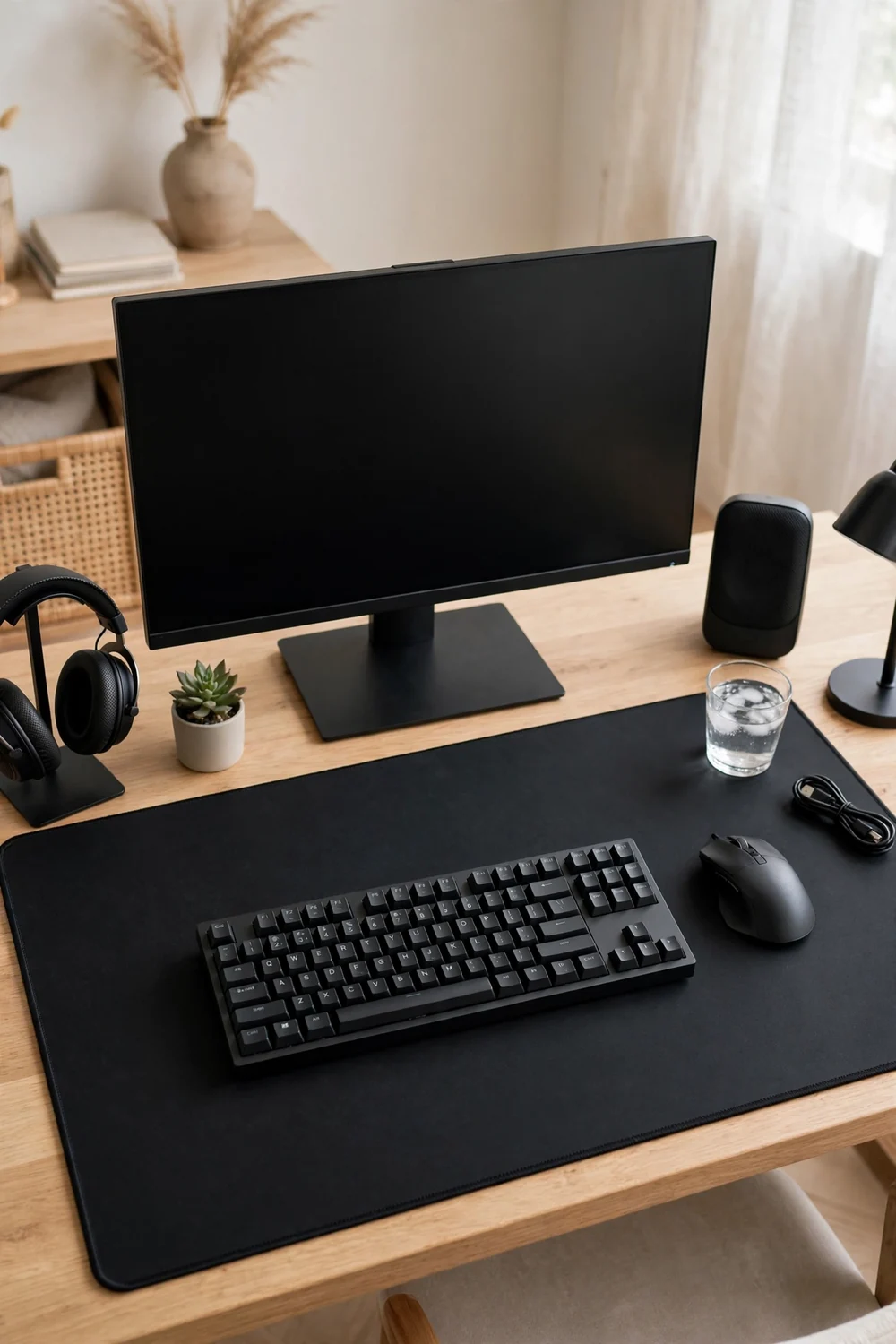
This one costs nothing if you just move things. The glossy frame goes to the side wall. The desk gets a large matte desk mat, which looks better anyway.
| Surface | Glossy problem | Matte fix |
|---|---|---|
| Desk top | reflects lamps into the screen | large matte desk mat |
| Frames | glass catches the light | move to the side wall |
| Monitor | glossy panel shows the room | matte screen protector |
Put the Keyboard Glow on Its Own Dim Setting
Backlit keyboards are tiny glare machines.
A keyboard at full brightness throws light up onto the bottom edge of the screen and into your eyes. Drop it to its lowest readable setting. You will still see every key, and the glow stops competing with the game.
If your keyboard software supports it, set a dimmer profile that kicks in with your game mode. One less thing to remember.
📌 Good To Know
Match the keyboard color to your room accents. A single calm color reads as designed, rainbow reads as noise.
Hang a Pendant Over the Couch, Not the Desk
The viewing corner needs its own light plan.
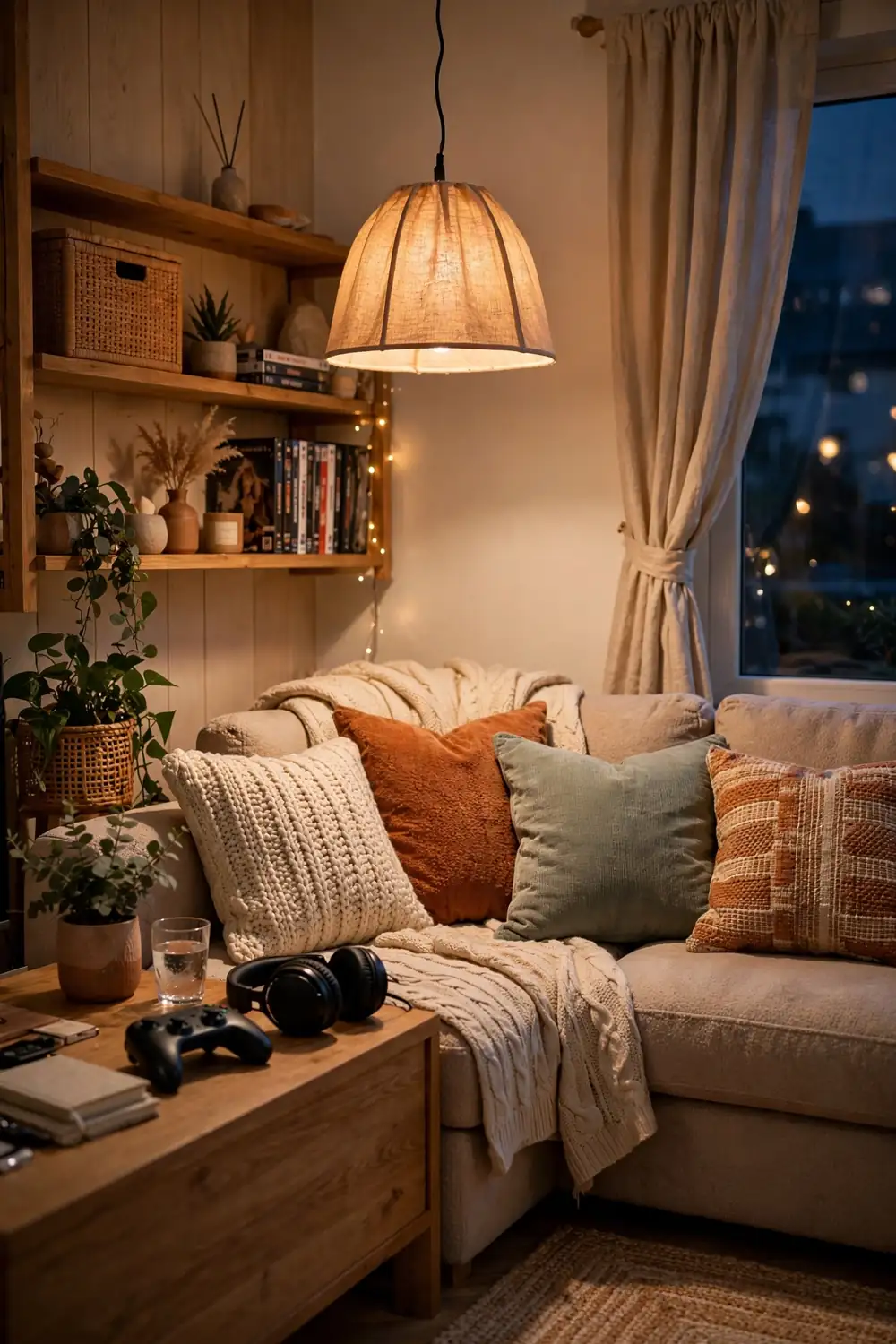
If friends watch from a couch or a second chair, they need light too, but a pendant over the desk would glare the screen. Hang it over the seating area instead. The couch gets its warm pool of light, the desk stays in its calm zone.
Keep the pendant low and shaded so the bulb never shows. A fabric shade throws the light down and hides the source completely.
One ceiling light over the desk, glaring the screen and leaving the couch dark.
Pendant over the couch, calm bias glow at the desk, every seat comfortable.
Add a Soft Night Light for Bathroom Trips
Nothing ruins a late session like flipping on the bright bathroom light.
A tiny warm night light in the bathroom and one along the path means you never have to blast your eyes with white light mid game. Your eyes stay adjusted, and you fall back into the session faster.
Plug in style lights cost almost nothing. Pick warm amber so the light feels like candlelight, not a hallway interrogation.
💡 Quick Tip
Warm amber night lights keep your eyes adjusted. Cool white ones reset your night vision every trip.
Test Every Light at Night Before You Commit
Daylight lies. A setup that looks perfect at noon can glare badly at midnight.
Before you mount anything permanently, do a night test. Turn off the room lights, sit at your desk, and switch on each new light one at a time. Watch the screen for reflections, hot spots, and tint.
Move the offender, dim it, or aim it at a wall. Ten minutes of testing saves you from living with a glare you cannot unsee.
- Test at night with the room dark
- Switch each light on one at a time
- Watch the screen, not the room
- Fix the offenders before mounting anything
If you can see the light in your screen, it is in the wrong place. Move it, dim it, or aim it at a wall.
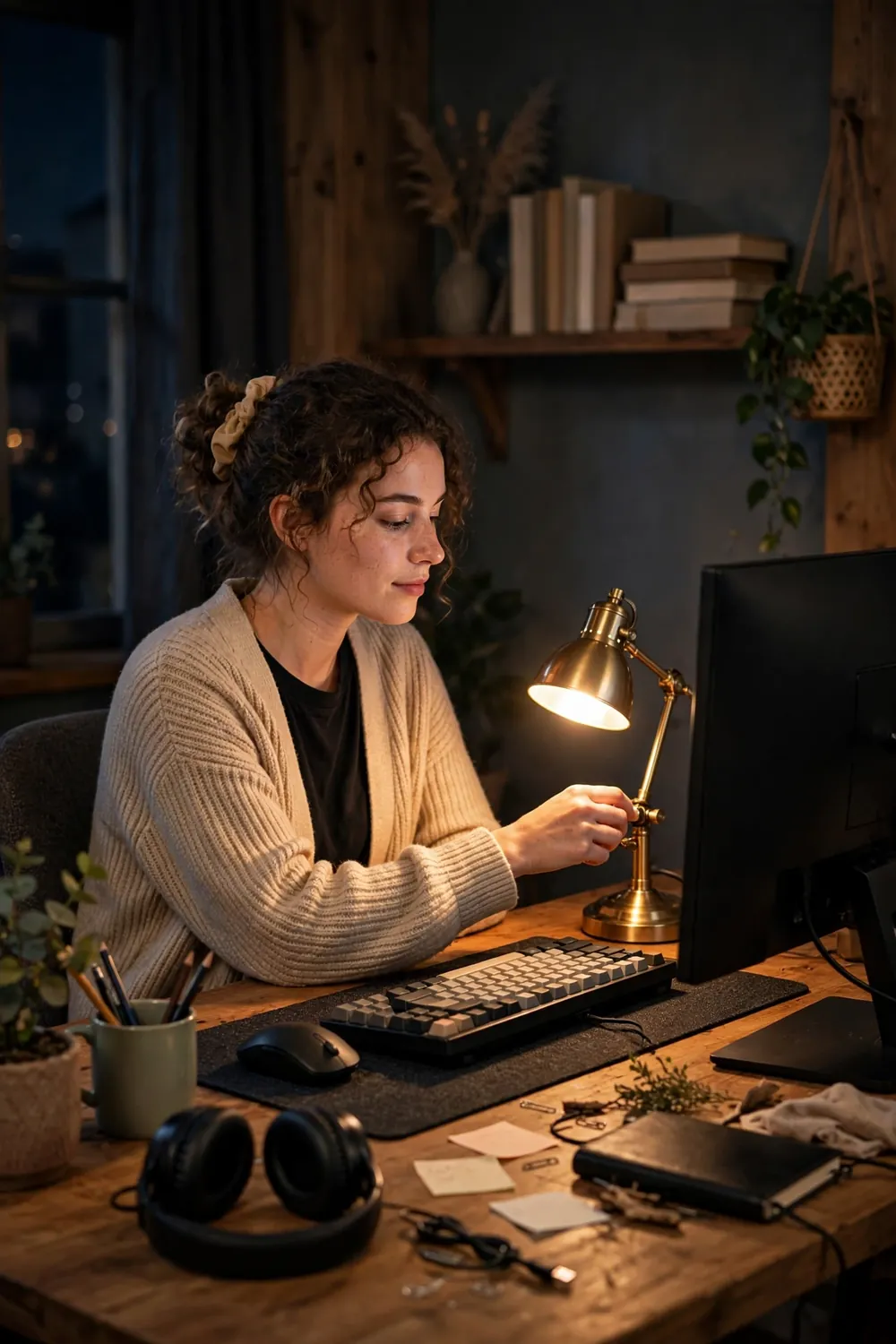
Glare free gaming is not about buying the most lights. It is about placing a few of them well. A bias strip behind the monitor, a lamp aimed at the wall, and the overheads turned down will do more than a whole RGB wall ever could.
These gaming room lighting ideas all follow the same simple rule: light the room, never the screen. Try the two that fit your setup tonight and you will feel the difference in the first hour.
Save this list to your setup board so your next upgrade starts with light, not more gear.