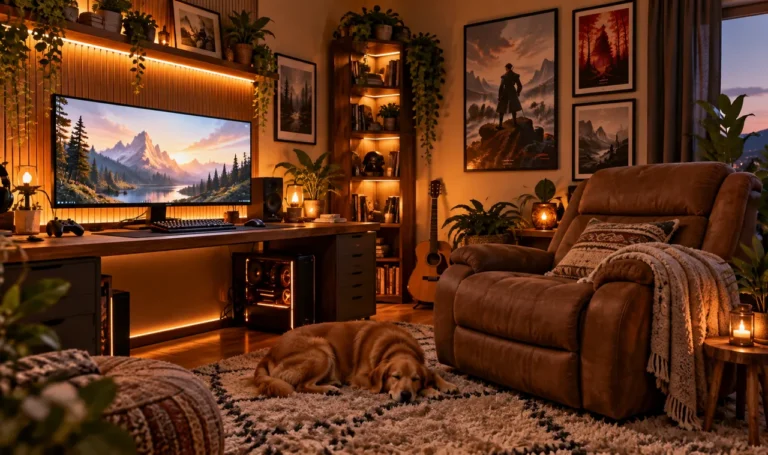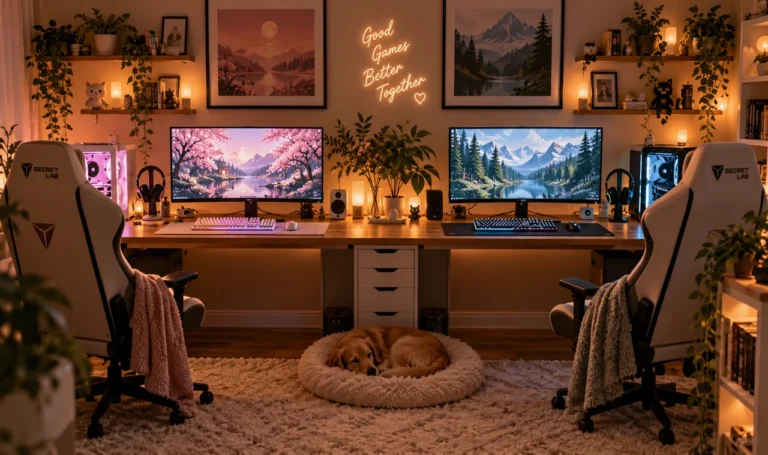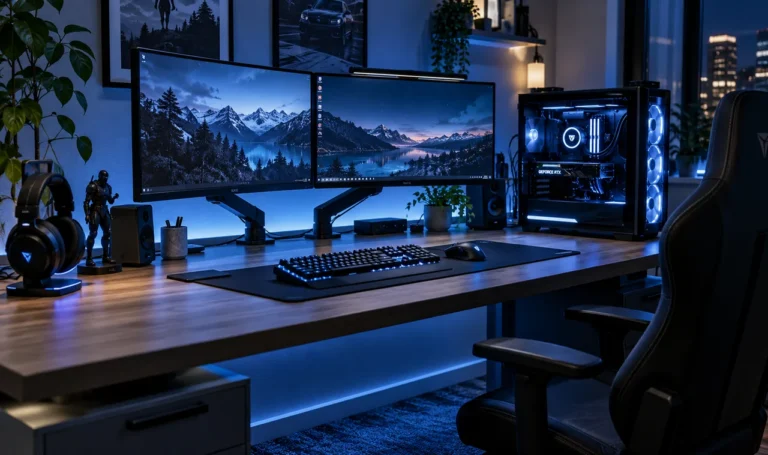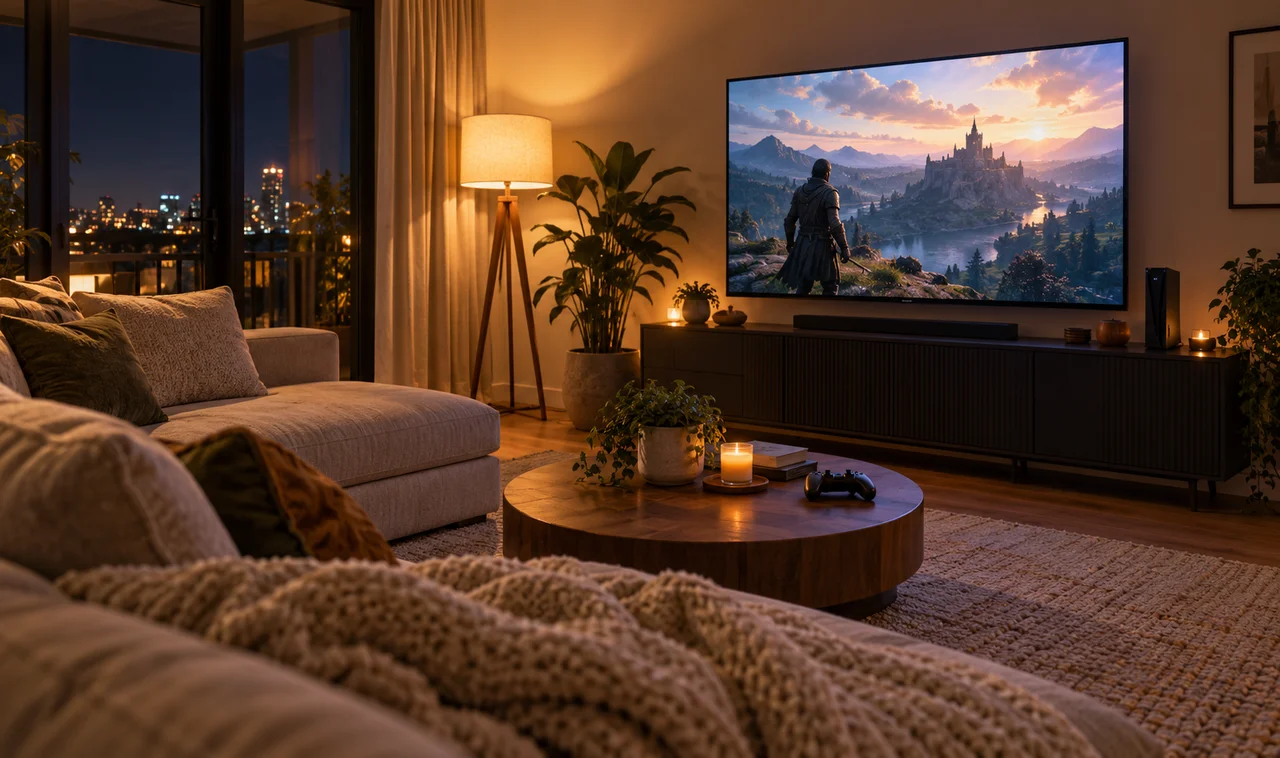
Not everyone gets a dedicated gaming room. For most of us, the console lives where life happens: the bedroom corner or the living room TV stand, shared with partners, kids, and guests who just want to watch a movie. The challenge here is different. It is not about building the ultimate battlestation. It is about a setup that plays great at 9 p.m. and politely disappears by morning.
The good news is that console gaming is the easiest kind to keep tidy. One box, one TV, a couple of controllers. No tower, no monitor arms, no cable spaghetti behind a desk. These 15 console gaming setup ideas are built for shared spaces: hiding the gear in plain sight, taming the few cables that remain, and keeping the room looking like a room first and a setup second.
Start with whatever annoys you most, the visible cables or the controller graveyard on the couch. Fix two things this weekend and the whole space will feel calmer.
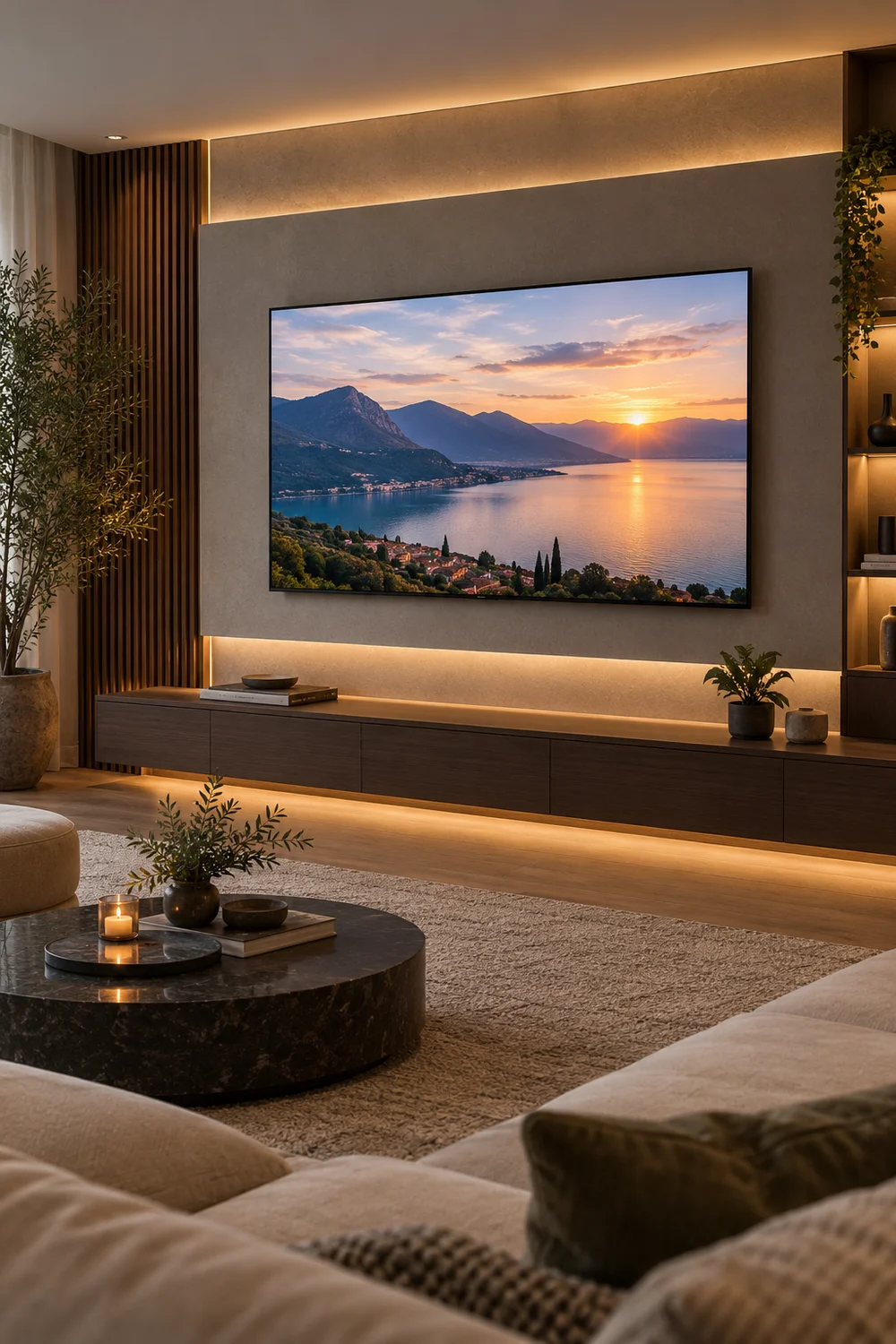
1. Mount the Console Behind the TV
Modern consoles are slim enough to live behind the TV. A simple mounting bracket or a strong shelf holds the console flat against the back of the screen, completely out of sight from the couch. The TV area stays clean, and nobody knows the console is there until you pick up a controller.
Check ventilation first: leave a few inches of air around the console and never sandwich it between the TV and the wall with zero gap. If it runs hot, a small USB fan behind the TV keeps air moving.
2. Label Your HDMI Inputs Once
Nothing kills the mood like cycling through HDMI 1, 2, and 3 hunting for the console. Go into the TV settings once and rename the inputs: Console, Streaming, Cable. It takes two minutes and ends the guessing forever.
While you are there, enable HDMI-CEC so the TV switches to the console automatically when you power it on. One less remote dance every session.
💡 Quick Tip
Rename inputs in the TV settings: Console, Streaming, Cable. Two minutes, done forever.
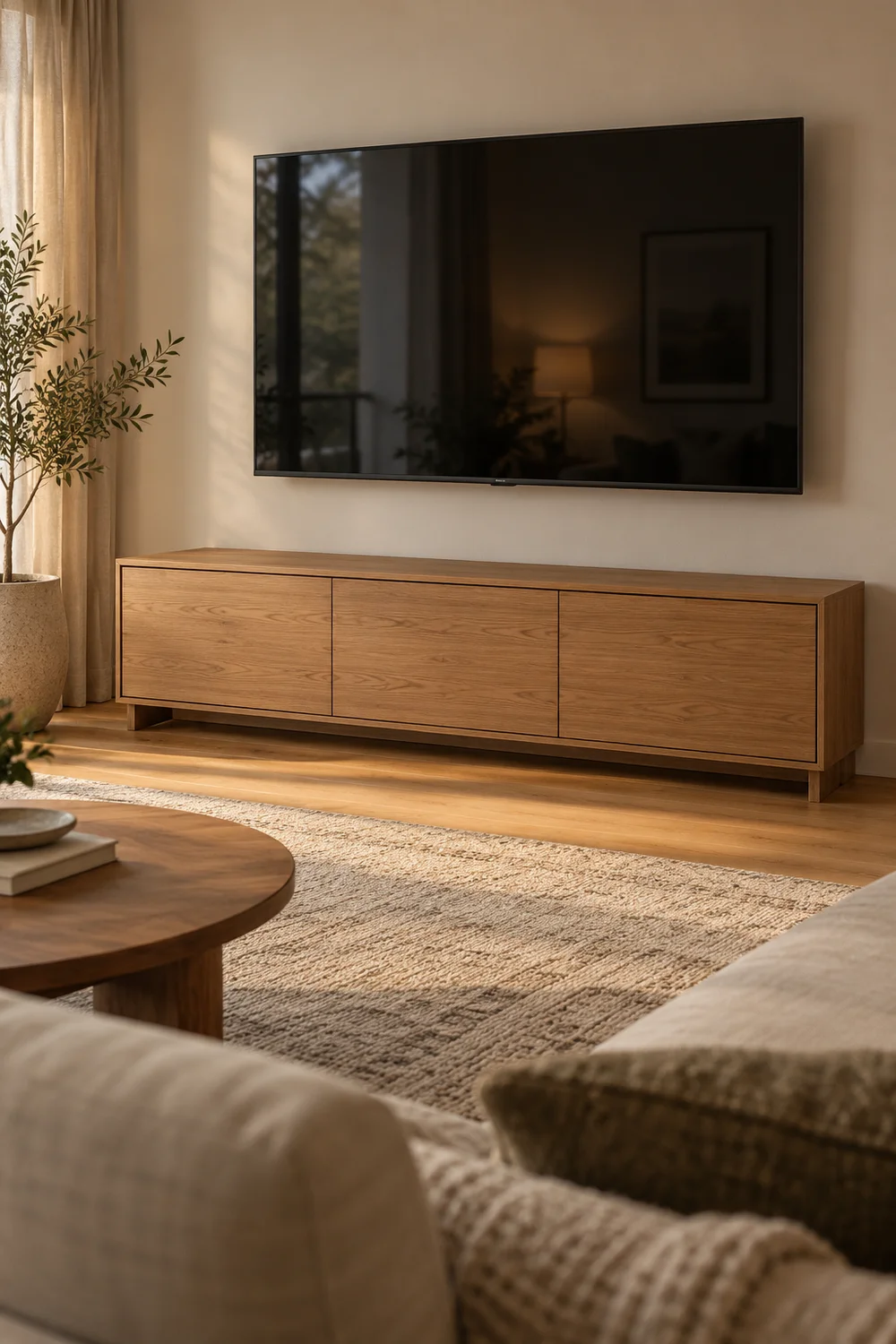
3. Choose a Low Media Console With Doors
A low media console with closed doors is the living room’s best friend. The console, the streaming box, and the router all live inside, invisible when the doors shut. Pick one with ventilation holes or a mesh back panel so heat escapes.
Keep the top clear except the TV. The moment the top collects controllers and chargers, the clean look is gone. Doors closed, room calm, game on.
4. Dock Controllers on a Charging Stand
Controllers die at the worst moment, usually mid boss fight. A dual charging dock on the media console keeps both controllers topped up and gives them a visible home. No more hunting under couch cushions.
Plug the dock into the console’s USB port or a small adapter hidden behind the console so the cable never shows. When guests come over, docked controllers look intentional, not abandoned.
Place a dual dock on the media console.
Route its cable out of sight.
Dock controllers after every session.
5. Hide Cables With One Raceway to the TV
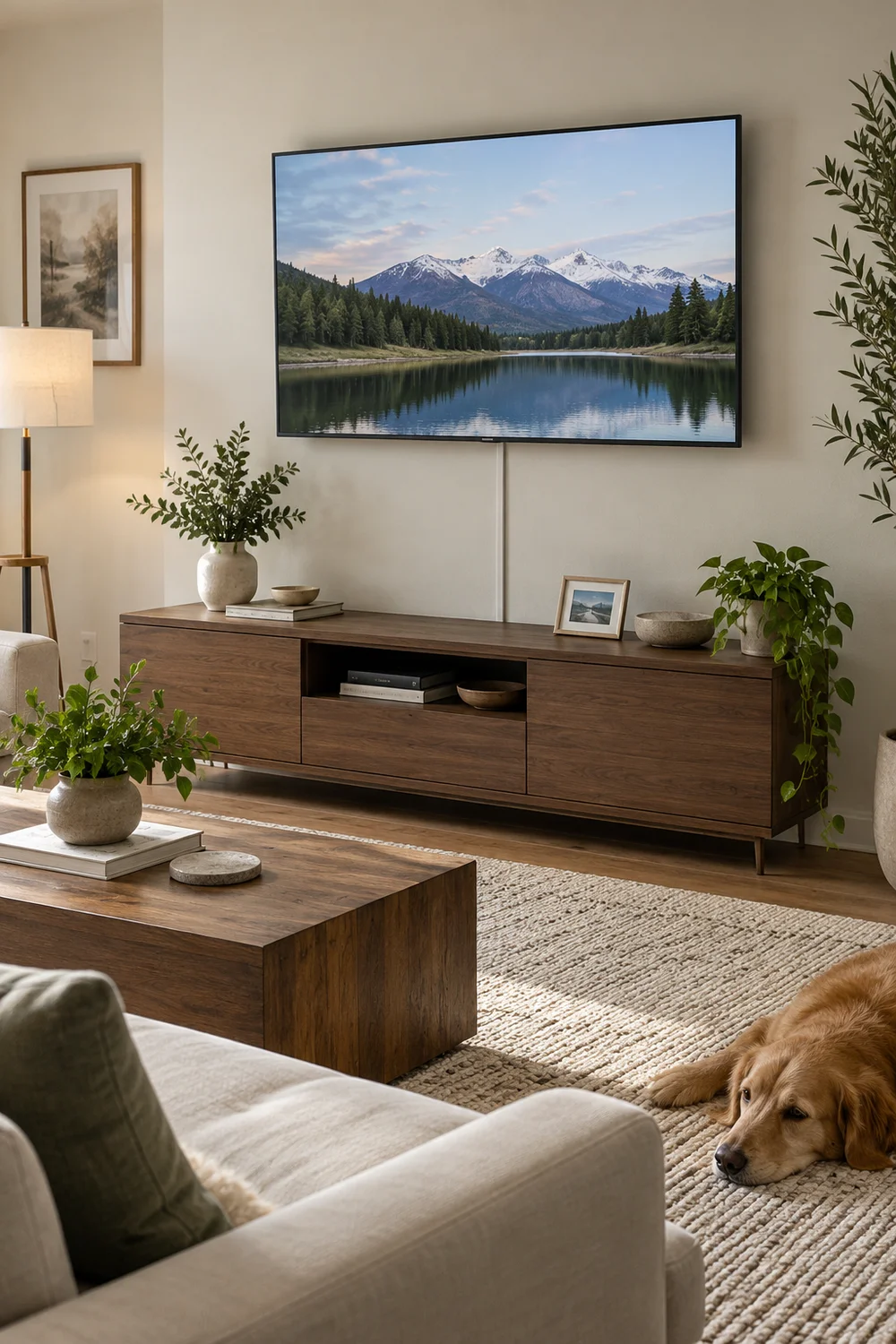
In a living room, cables are the enemy. One slim raceway running from the media console up to the TV hides the HDMI and power in a single line. Paint it the wall color and it vanishes.
Measure once, cut once, and feed the cables through before mounting. A single channel looks like part of the wall; a bundle of loose cables looks like moving day.
Loose cables dangling from the TV. It looks like moving day, permanently.
One painted raceway. The cables are gone and the wall looks untouched.
6. Game From the Couch With a Lap Desk
Some games want a keyboard, even on console. A lap desk turns the couch into a proper station: a stable surface for keyboard and mouse, cushion underneath for comfort. Pick one with a wrist rest and a slot for your phone.
It stores upright beside the couch when not in use. No desk required, no dining table hijacked, and your posture will thank you.
The couch is a fine gaming station as long as your gear has a proper surface to sit on.
7. Corral Discs and Cases in One Drawer
Game cases multiply. Give them exactly one drawer in the media console and enforce the limit: when the drawer is full, something gets sold or stored elsewhere. One drawer is plenty for the games you actually play.
Stand cases upright like books so you can read the spines. Digging through a stacked pile is how discs get scratched.
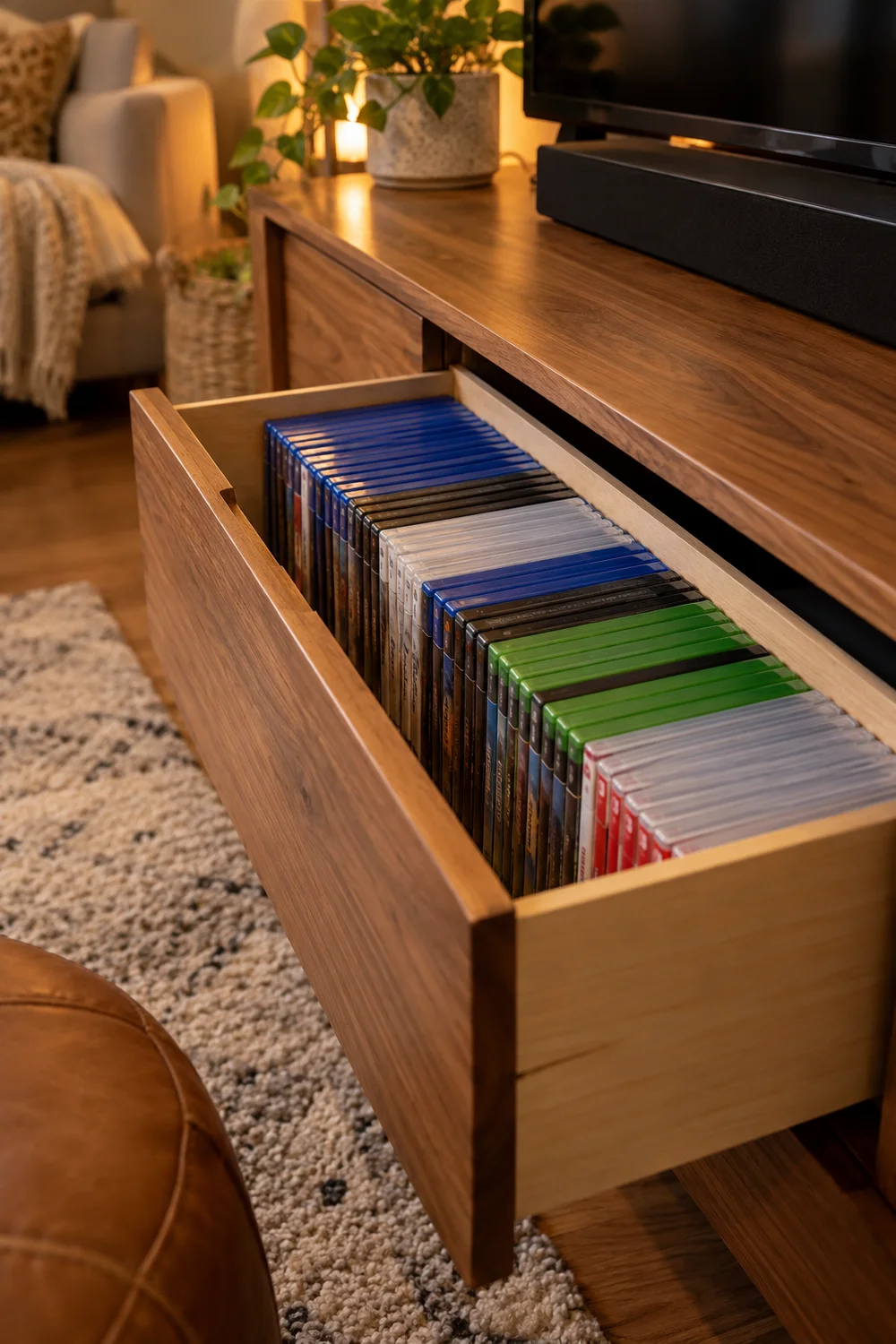
The one-drawer rule
8. Switch the TV to Game Mode
Most TVs ship with processing that adds lag. Game Mode turns it off, cutting input delay dramatically. It is usually one toggle in the picture settings, and the difference is immediate.
Set it per input so it only applies to the console’s HDMI port. Movies keep their smooth processing, games get their speed. Two minutes, permanent upgrade.
Enable Game Mode on the console’s HDMI input.
Leaving motion smoothing on while gaming.
9. Park a Side Table for Snacks and Drinks
A small side table next to the couch ends the balancing act. Drinks, snacks, and the controller you are not using all get a stable home within arm’s reach. Pick one with a lip or rim so things do not slide off mid celebration.
Coasters live on the table permanently. A ring-stained side table is the fastest way to make a setup look tired.
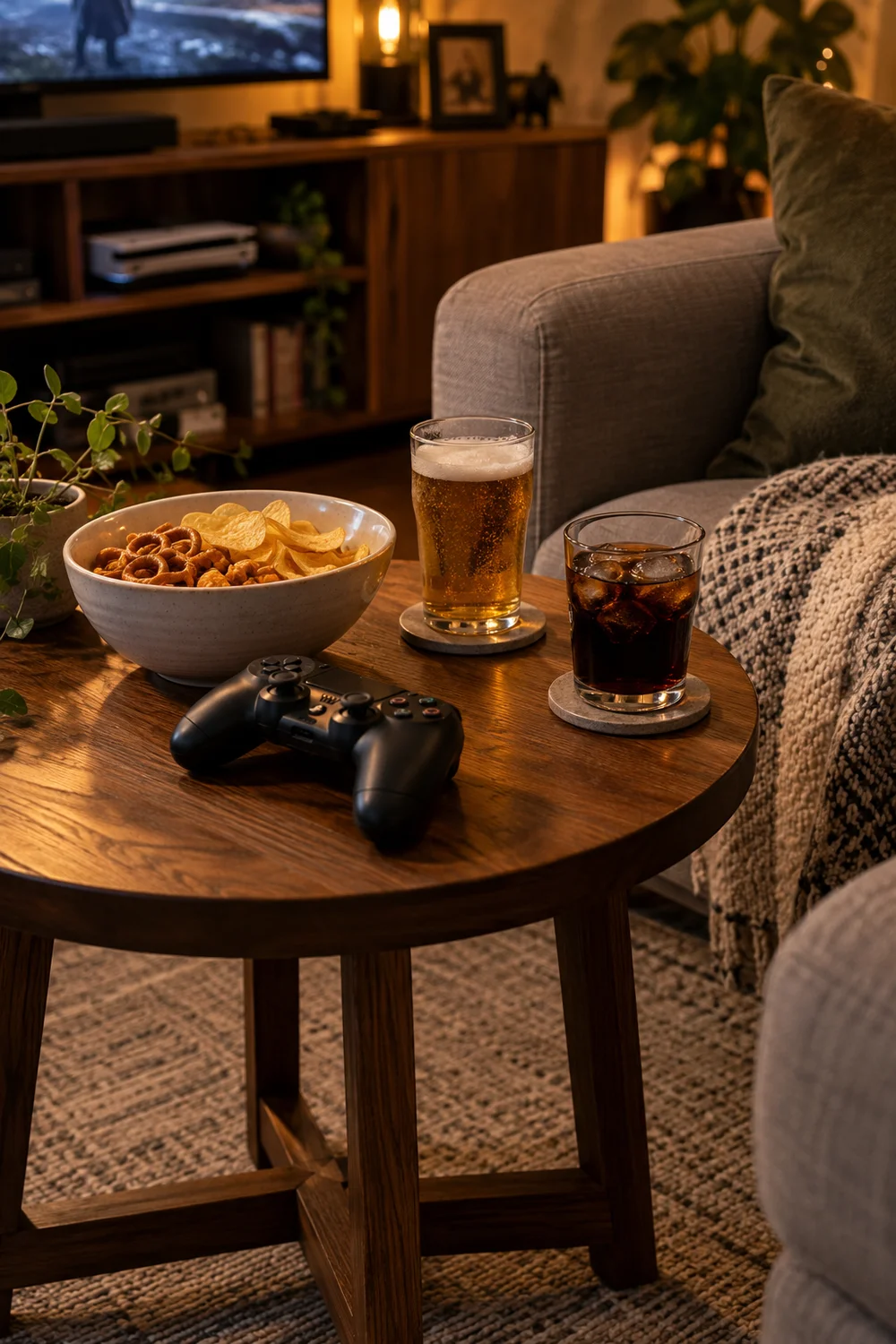
| Lives on the table | Never on the table |
|---|---|
| Drinks on coasters | Open cans near controllers |
| Snack bowl | Crumbly food over the couch |
| Spare controller | Chargers and cables |
10. Keep a Headset on a Stand by the Couch
Late night sessions need headphones, and headphones need a home. A simple stand on the side table or hooked to the media console keeps them visible and reachable. No more untangling them from the blanket.
If you share the room, a headset on a stand is also a signal: player one is busy. Everyone understands the uniform.
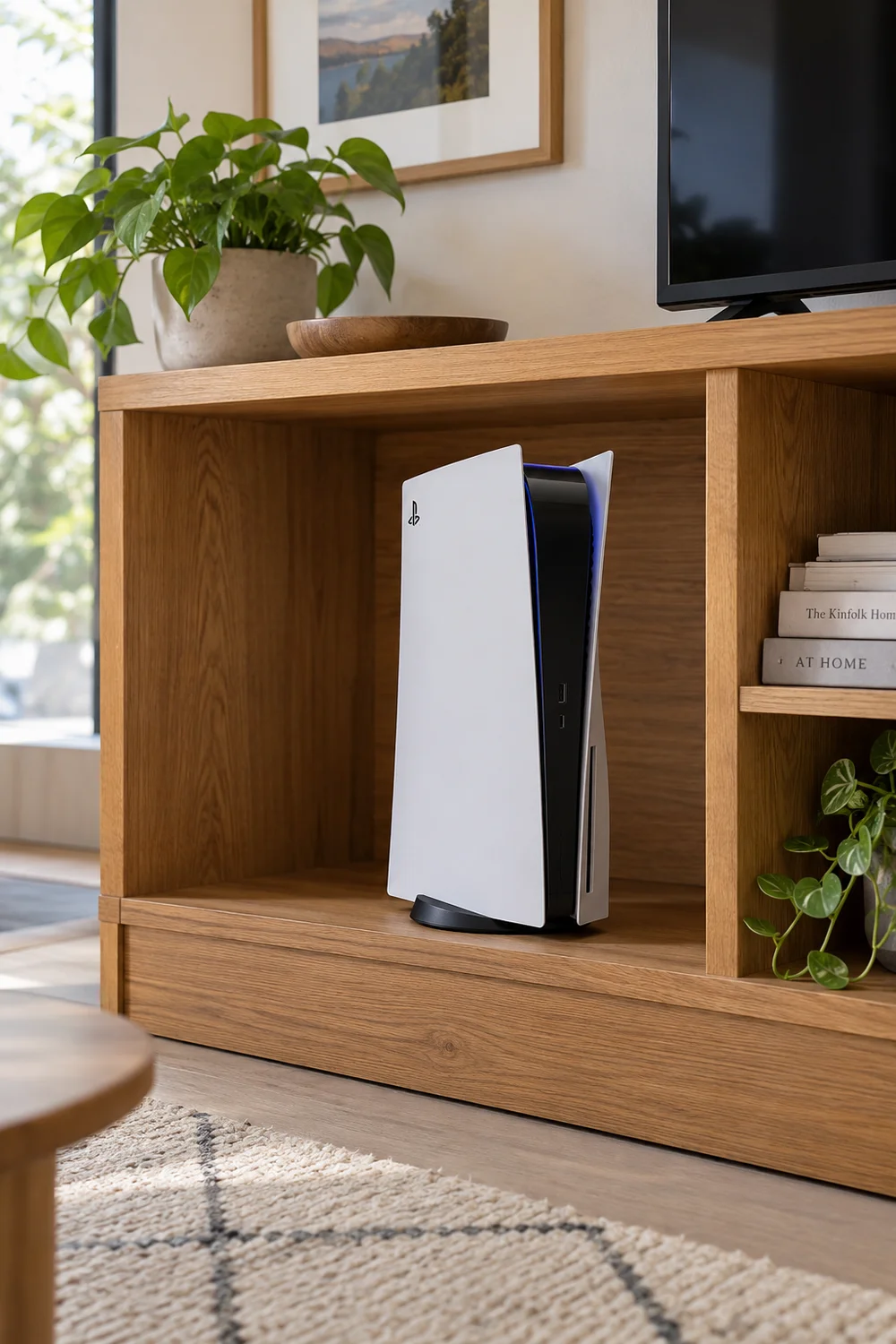
11. Leave Breathing Room Around the Console
Consoles cook themselves in tight cabinets. Leave several inches of clearance on all sides, especially around the vents, and never stack anything on top. Heat is the silent killer of living room setups.
If the cabinet runs warm, drill discreet ventilation holes in the back panel or leave the back off entirely. A cool console is a long-lived console, and it is quieter too.
12. Control Everything From Your Phone
Three remotes on the coffee table is clutter. Most consoles and TVs have phone apps that replace them: power, volume, input switching, even typing with a real keyboard. Delete two remotes from the table.
Keep one physical remote in a drawer for guests. Visitors should not need a tutorial to turn on the TV.
💡 Quick Tip
Keep one physical remote in a drawer for guests. Everyone else uses the phone.
13. Make a Kid-Proof Controller Corner
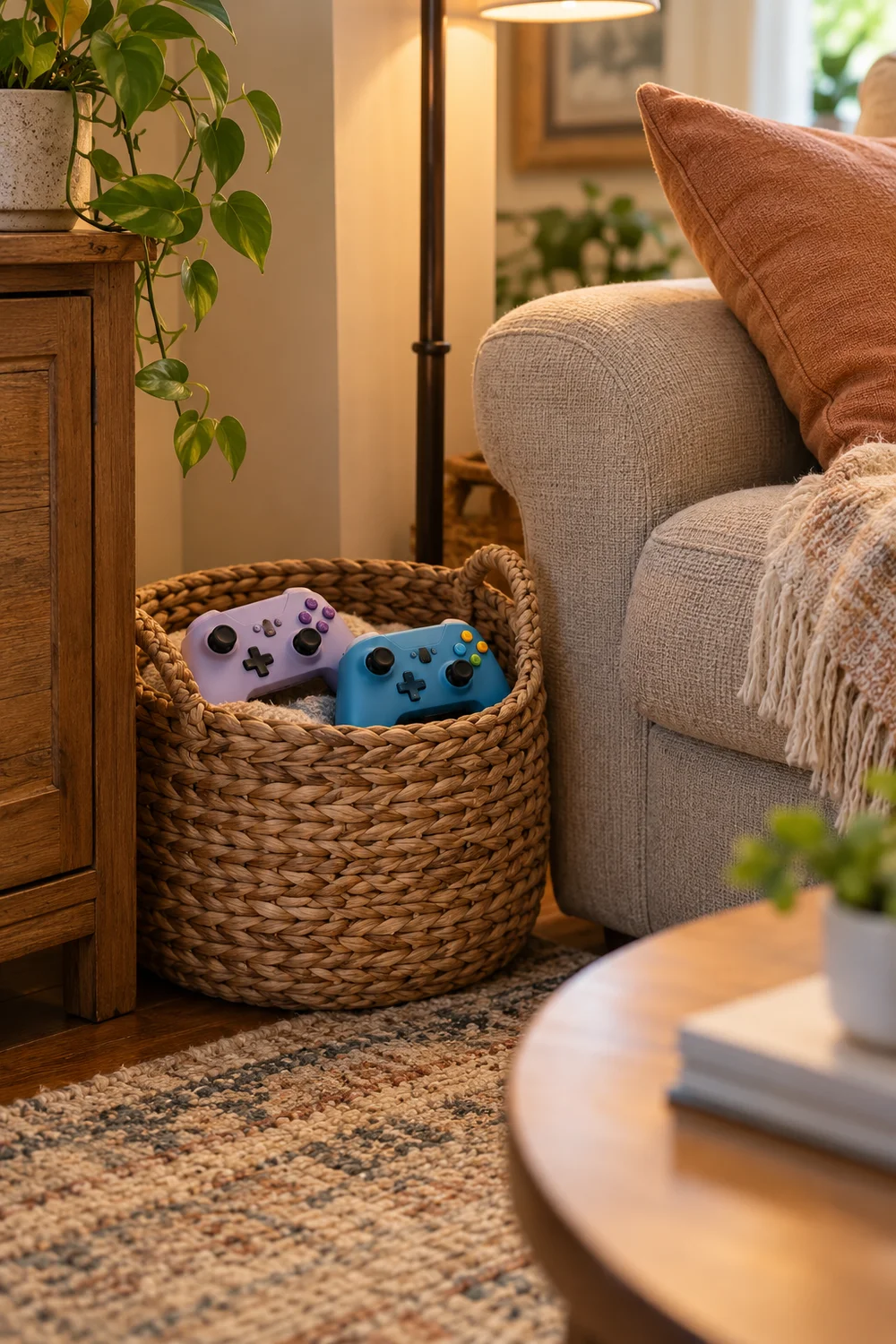
If kids share the room, controllers need armor. A low basket or cubby at kid height holds their controllers, with silicone grips and a short charging cable they can manage. Their gear stays separate from yours.
Set the rule once: kid controllers live in the basket, always. It ends the great controller hunt and keeps your pro controller out of sticky hands.
14. Soften the Room With a Floor Lamp
Overhead lights kill living room mood. One floor lamp with a warm bulb in the corner gives the room a soft glow that flatters both the space and the screen. Arc lamps work great behind the couch.
Put it on a smart plug so one voice command sets the scene. Bright for cleaning, dim for gaming, off for movies.
Place a warm floor lamp in the corner.
Plug it into a smart plug.
Dim it for games, kill it for movies.
15. Stash It All in a Storage Ottoman
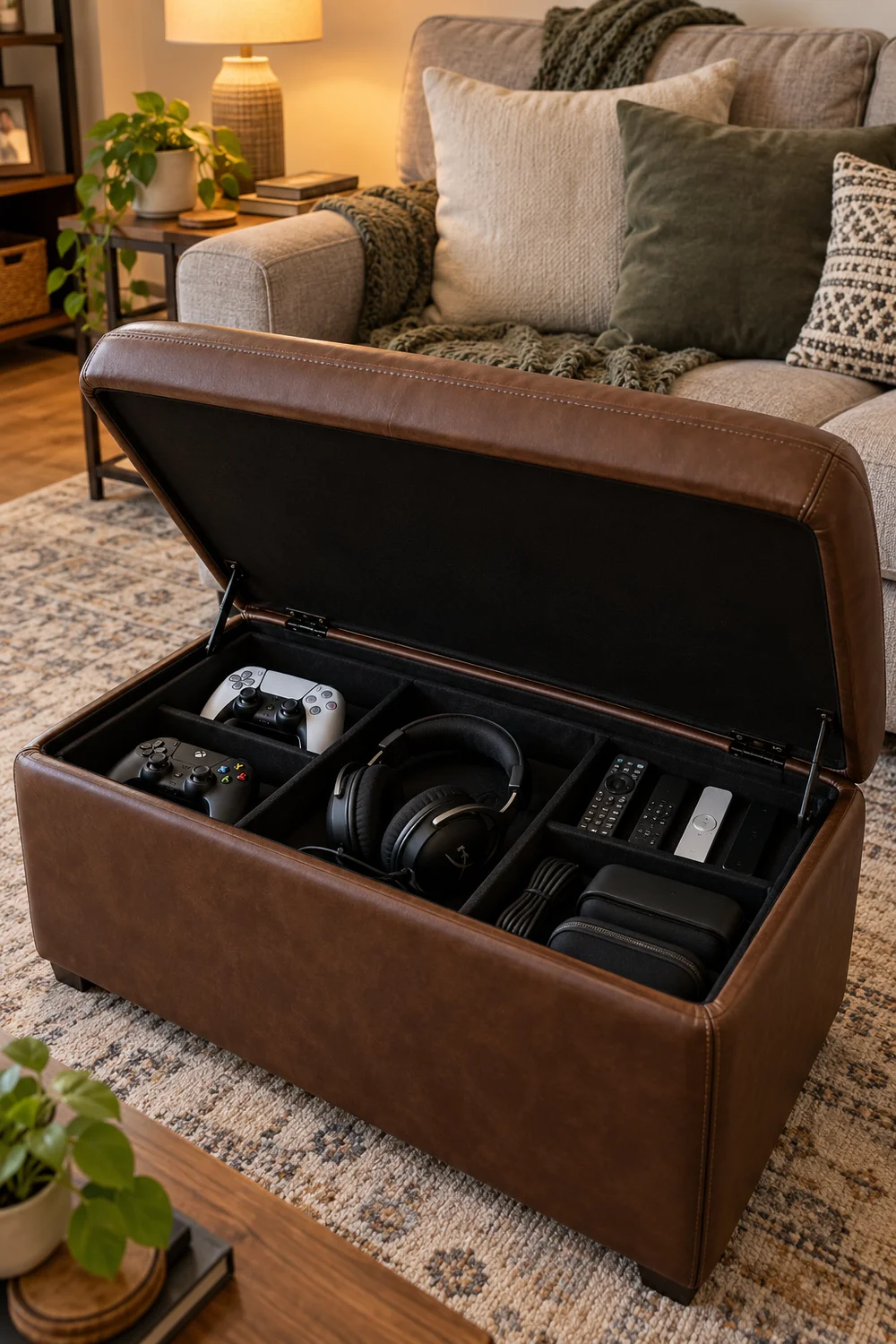
When the session ends, everything should disappear. A storage ottoman in front of the couch swallows controllers, headsets, remotes, and the lap desk in seconds. Lid down, and the living room is a living room again.
Pick one sturdy enough to put your feet on. It is furniture first, storage second, and the fastest reset button a shared room can have.
The 60 second reset
Wrapping Up
A console setup in a shared room wins by being invisible. Hidden console, hidden cables, controllers docked instead of scattered. When guests walk in, they should see a living room that happens to play games, not a setup that happens to have a couch.
Put everything away when you are done, and the room stays calm on its own. Save this list for the next time the gear starts sprawling across the coffee table. Then pick one idea tonight and try it before your next session. Pin your favorite for later.
📌 Start tonight