Building a PC gaming setup feels overwhelming at first. A thousand opinions, a hundred parts, and everyone swears their way is the only way. Beginners freeze; enthusiasts tinker forever and never quite finish. The truth is simpler: a great setup is a short list of good decisions made in the right order.
These 17 PC gaming setup ideas cover both ends. If you are starting out, they are the foundations: desk, screen, chair, and the unglamorous cable planning that makes everything else work. If you are already deep in the hobby, they are the details that separate a pile of expensive parts from a station that feels finished.
None of this requires the most expensive anything. Most of these ideas are about placement and habits, not purchases. The best battlestations are edited, not just bought. Work through them in order and your setup will feel deliberate instead of accidental, whether it is your first build or your fifth.
1. Start With a Desk Sized for Growth
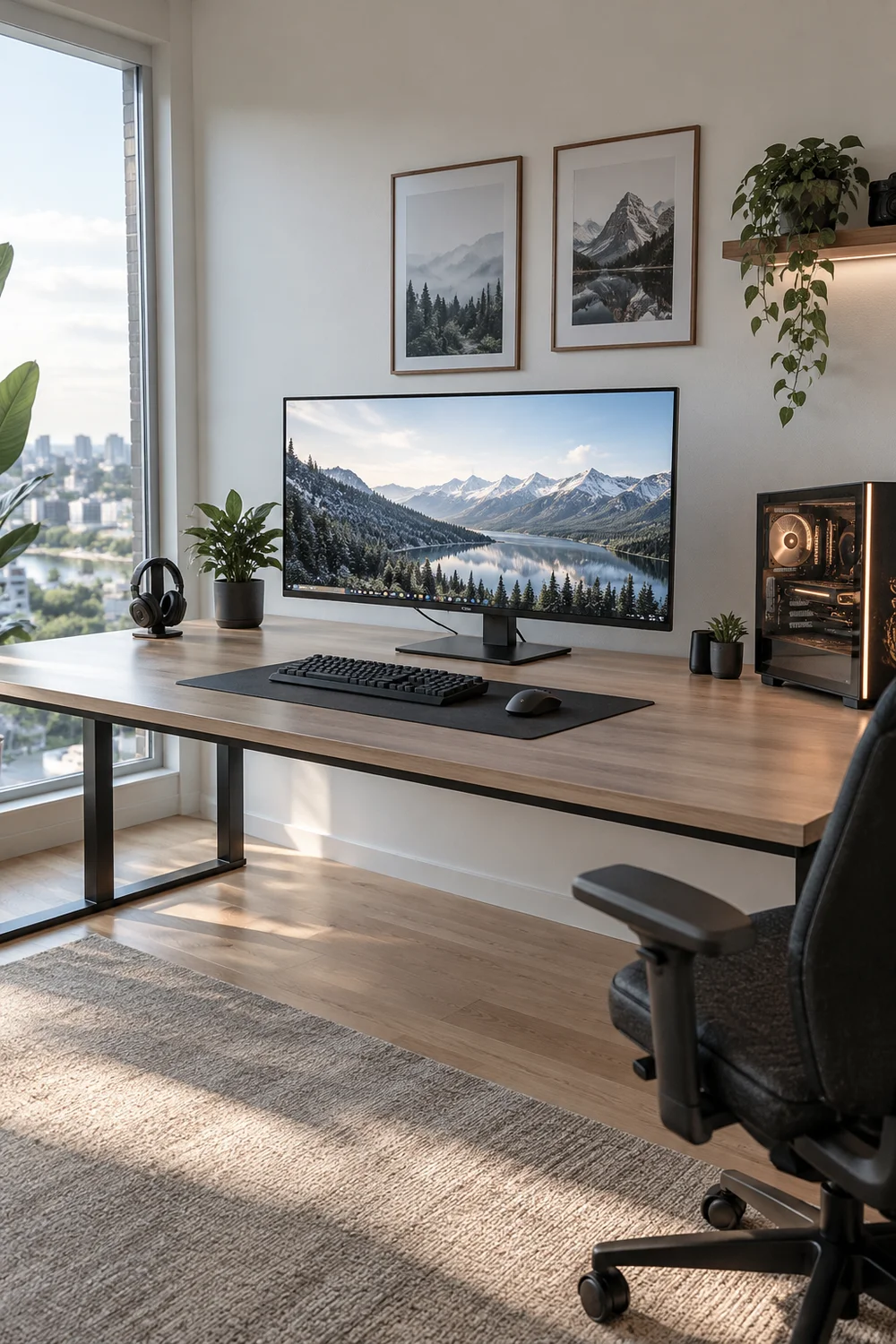
Buy the desk for the setup you will have in two years, not the one you have today. A deep, wide surface fits a bigger monitor later, a second screen, and all the gear you do not own yet. Cramped desks force upgrades; roomy ones absorb them.
Sixty inches wide and thirty deep is the sweet spot for most PC gamers. Solid legs or a frame that does not wobble when you type angry. Everything else in this list sits on this decision, so make it once and make it big.
2. Match the Monitor to Your Games
A competitive shooter player and a cinematic RPG fan need different screens. Fast games want high refresh rates; pretty games want resolution and color. Buying blind gets you the wrong strengths.
Decide what you play most, then shop for that. A 144Hz 1080p screen serves esports better than a 4K 60Hz one, and costs less. Match the tool to the job and every game instantly looks right.
💡 Quick Tip
List the three games you play most. Buy the monitor those games deserve.
3. Show Off the Tower, Don’t Hide It
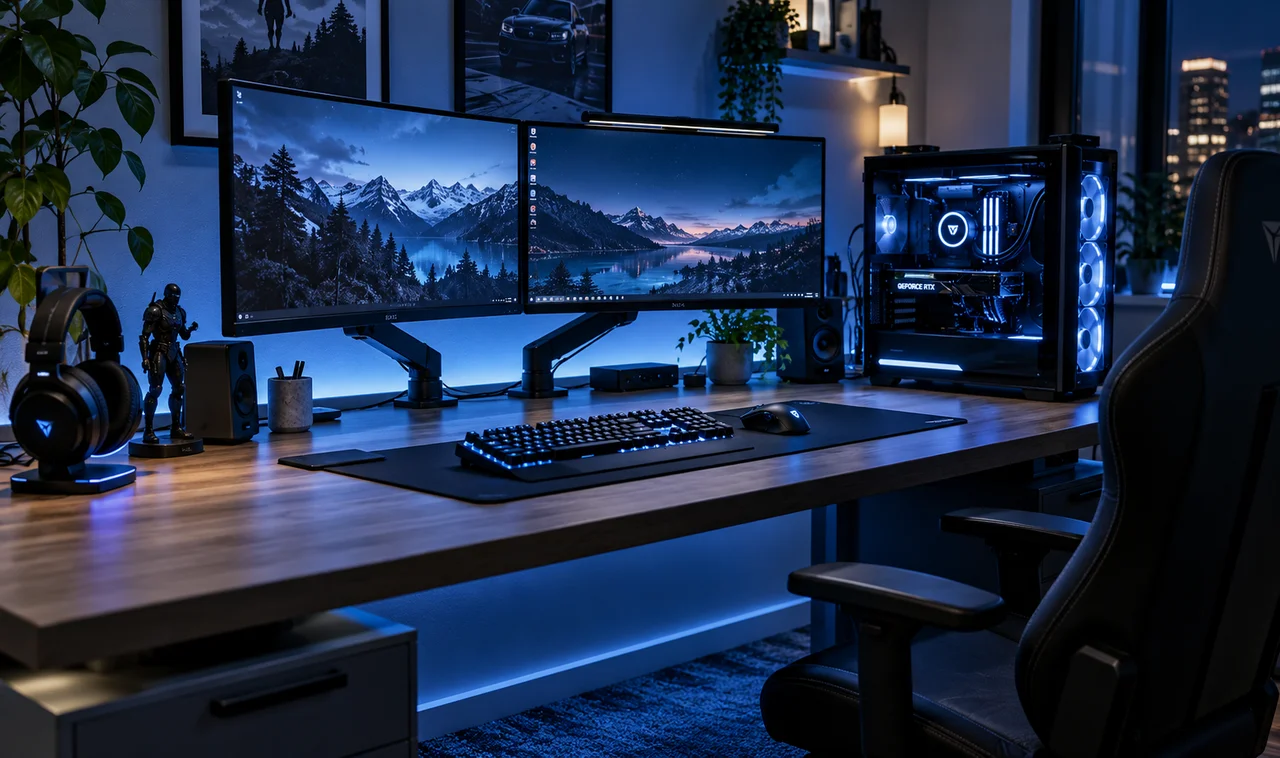
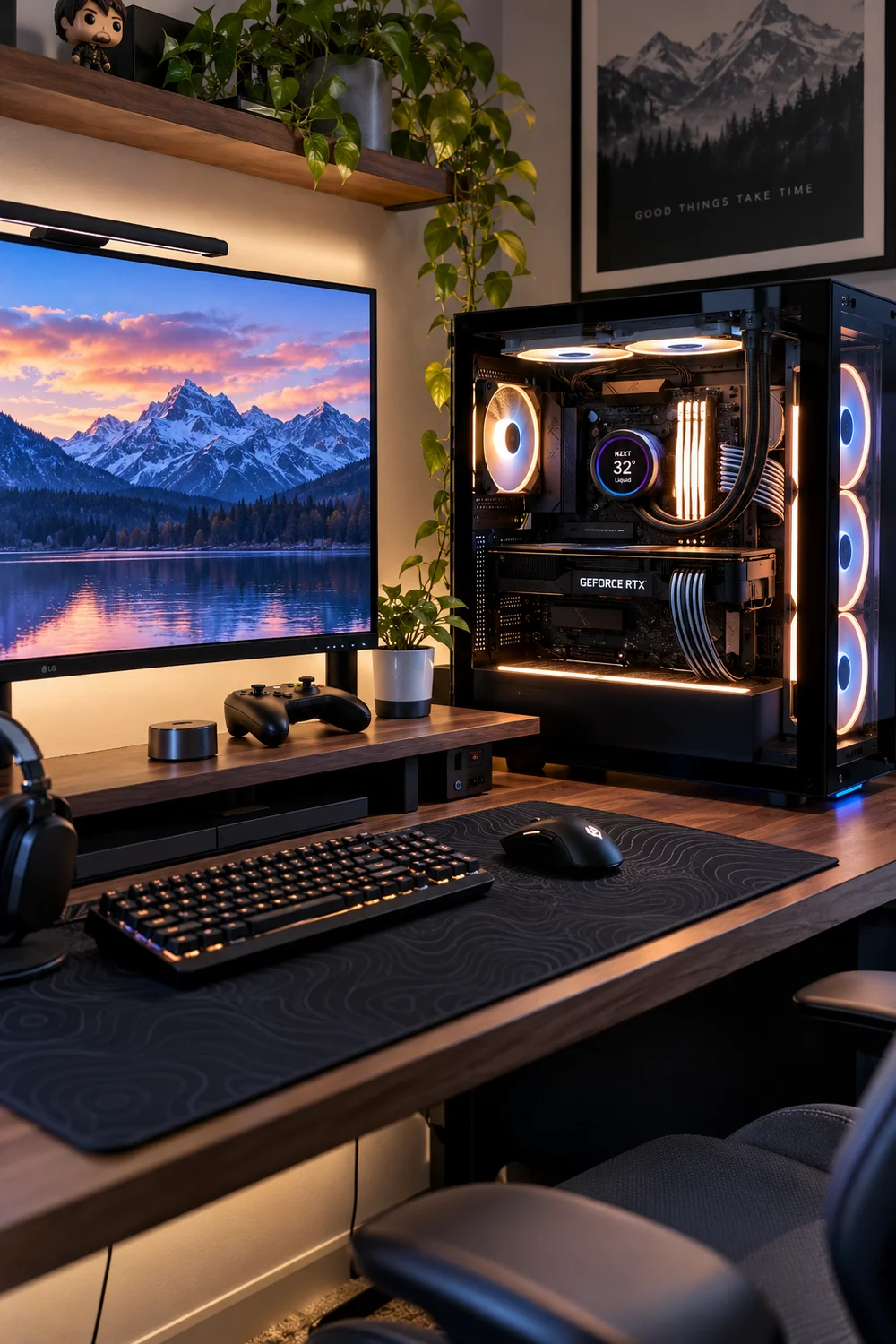
Your PC is the heart of the setup, so give it a place of honor. A tower with a glass panel deserves to sit on the desk or on a dedicated stand beside it, not on the dusty floor. Seeing your build reminds you why you built it.
Keep the glass clean and the inside tidy. A beautiful build with tangled cables is like a sports car with trash on the seats.
4. Buy the Chair Before the GPU
Frames per second mean nothing if your back gives out by hour two. A good chair outlasts every GPU generation and pays you back daily. Lumbar support, adjustable armrests, and a seat that fits your frame.
You do not need a racing throne. An ergonomic office chair often beats a flashy gaming chair at the same price. Sit in it before you buy, and think in years, not seasons.
Sit in it before you buy, no exceptions.
Check lumbar support and armrest adjustability.
Think in years, not seasons.
5. Plan Cable Routes Before Plugging In
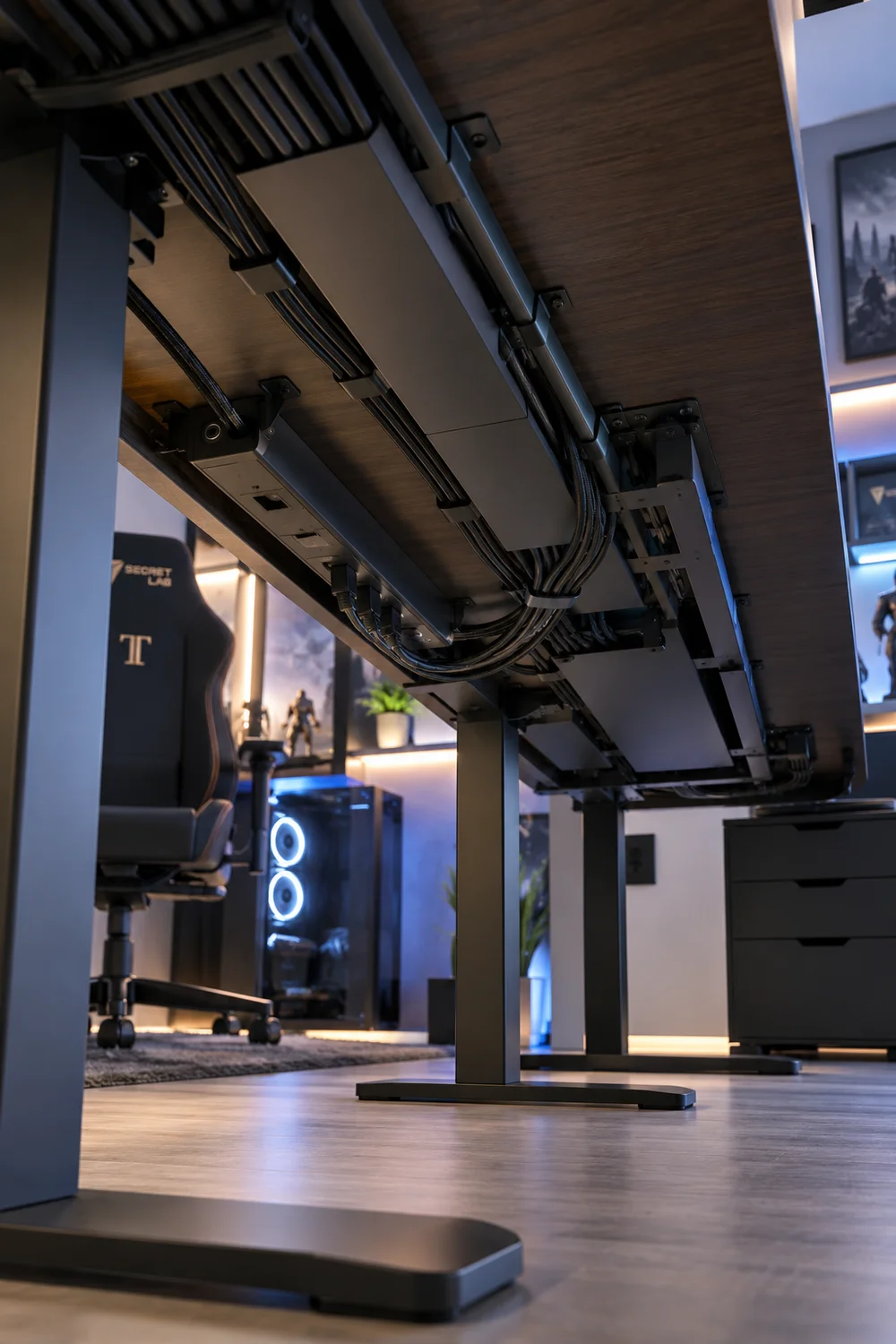
The cleanest setups are planned, not cleaned up afterward. Before a single cable goes in, decide where each one runs: monitor cables down the arm channel, peripherals to an under-desk hub, power to the tray. Then plug in following the plan.
It takes twenty extra minutes during setup and saves you from the dreaded cable spaghetti that haunts most battlestations. Future you, adding a new drive or headset, will be grateful.
Plug everything in first. A nest of cables you will never untangle.
Routes planned first. Every cable has a path before it is plugged in.
6. Mount Monitors on Arms From Day One
Monitor stands eat desk and lock your screen in place. Arms free the surface, let you dial in the perfect height, and make cleaning underneath trivial. For dual monitors, arms are the difference between a setup and a shrine.
Buy arms rated above your monitor’s weight, not exactly at it. Solid metal beats plastic every time, and one good arm outlives three monitors.
A monitor arm is the cheapest desk upgrade that feels like a whole new setup.
7. Give the Tower Room to Breathe
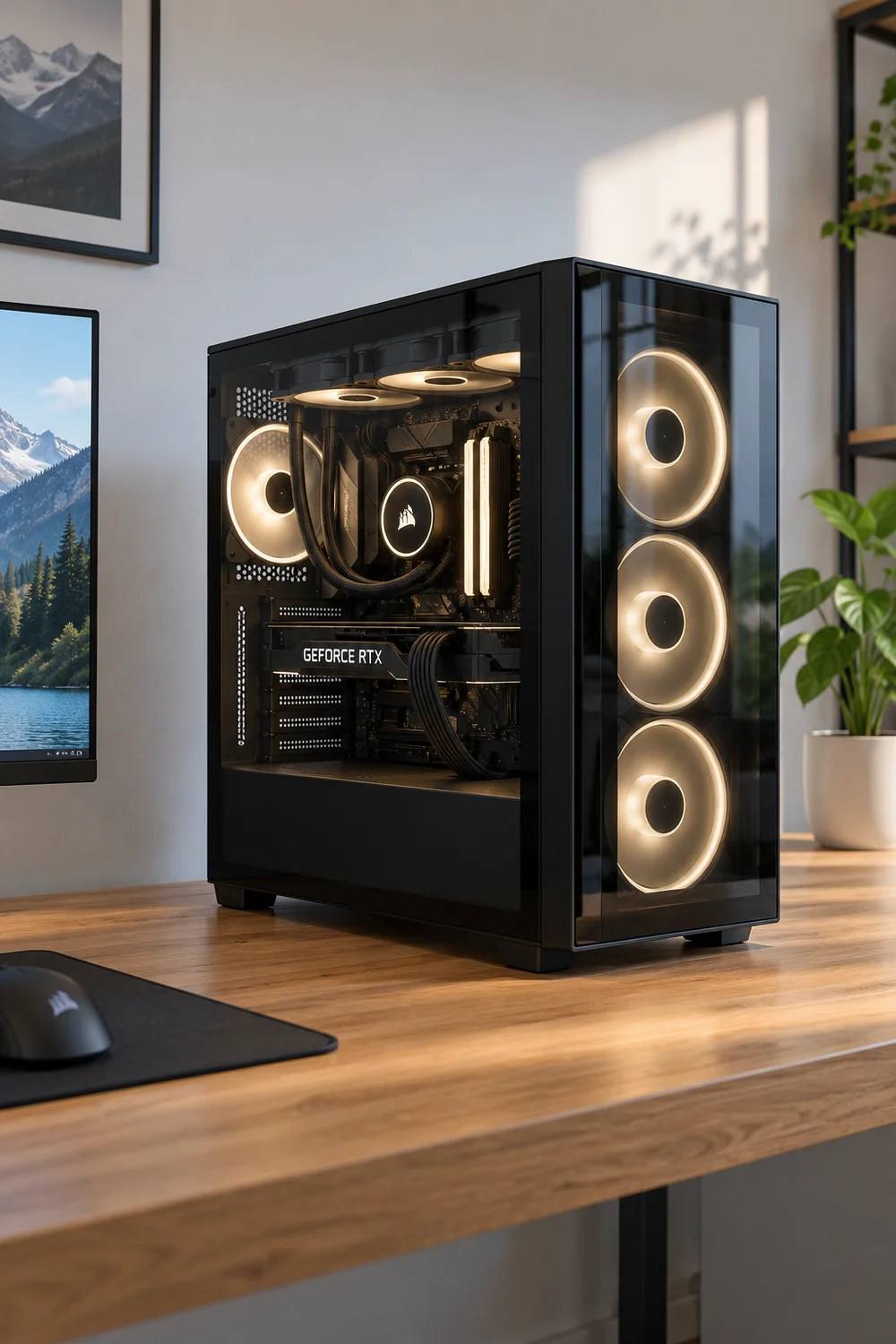
PCs are space heaters that hate being smothered. Keep the tower’s intake and exhaust clear, off the carpet, and away from walls. Dust filters only work if air can reach them.
Every few months, check the temperatures. A PC that suddenly runs hot is usually a PC choking on dust, not a PC dying. Compressed air is cheaper than new parts.
Airflow checklist
8. Add a Second Screen for Chat and Guides
One screen for the game, one for everything else. Discord, build guides, stream chat, music controls: the second monitor holds the chaos so your main screen stays pure. Even a cheap used monitor works for this duty.
You do not need matching screens. The secondary can be smaller, older, even vertical for reading guides. Function over symmetry.
Any working second screen, even old and small.
Waiting until you can afford a matching pair.
9. Pick Peripherals That Fit Your Hands
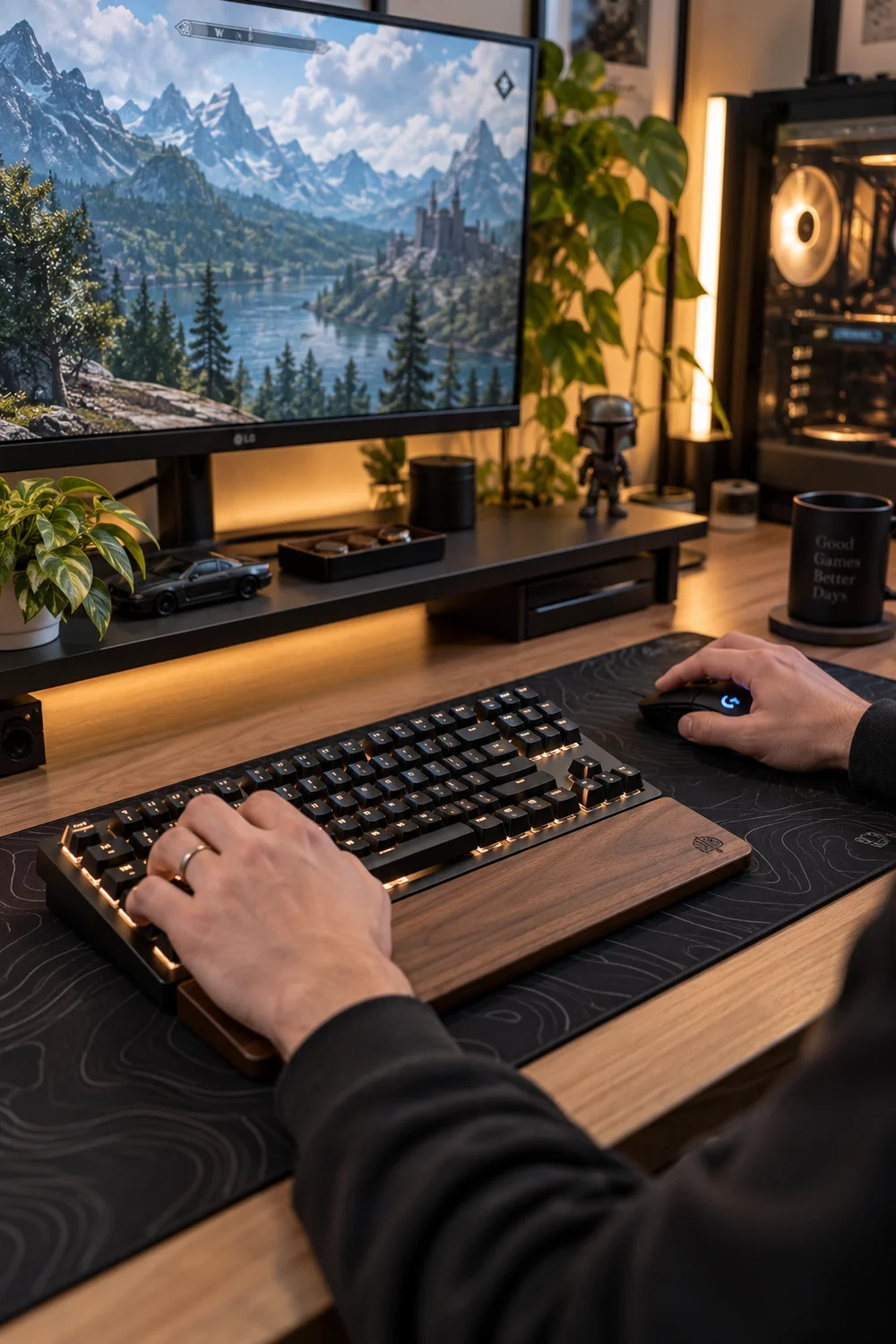
Keyboards and mice are the most personal gear you own. Hand size, grip style, and typing feel matter more than brand hype. A mouse that cramps your hand will ruin more sessions than a slow GPU.
Try before you buy when you can. Stores have display models for a reason. Your hands will spend thousands of hours on these two objects; thirty minutes of testing is a bargain.
| What matters | What does not |
|---|---|
| Fit for your hand size | Brand hype |
| Grip style comfort | Pro player endorsements |
| Trying it first | RGB on the mouse |
10. Light the Desk With One Good Lamp
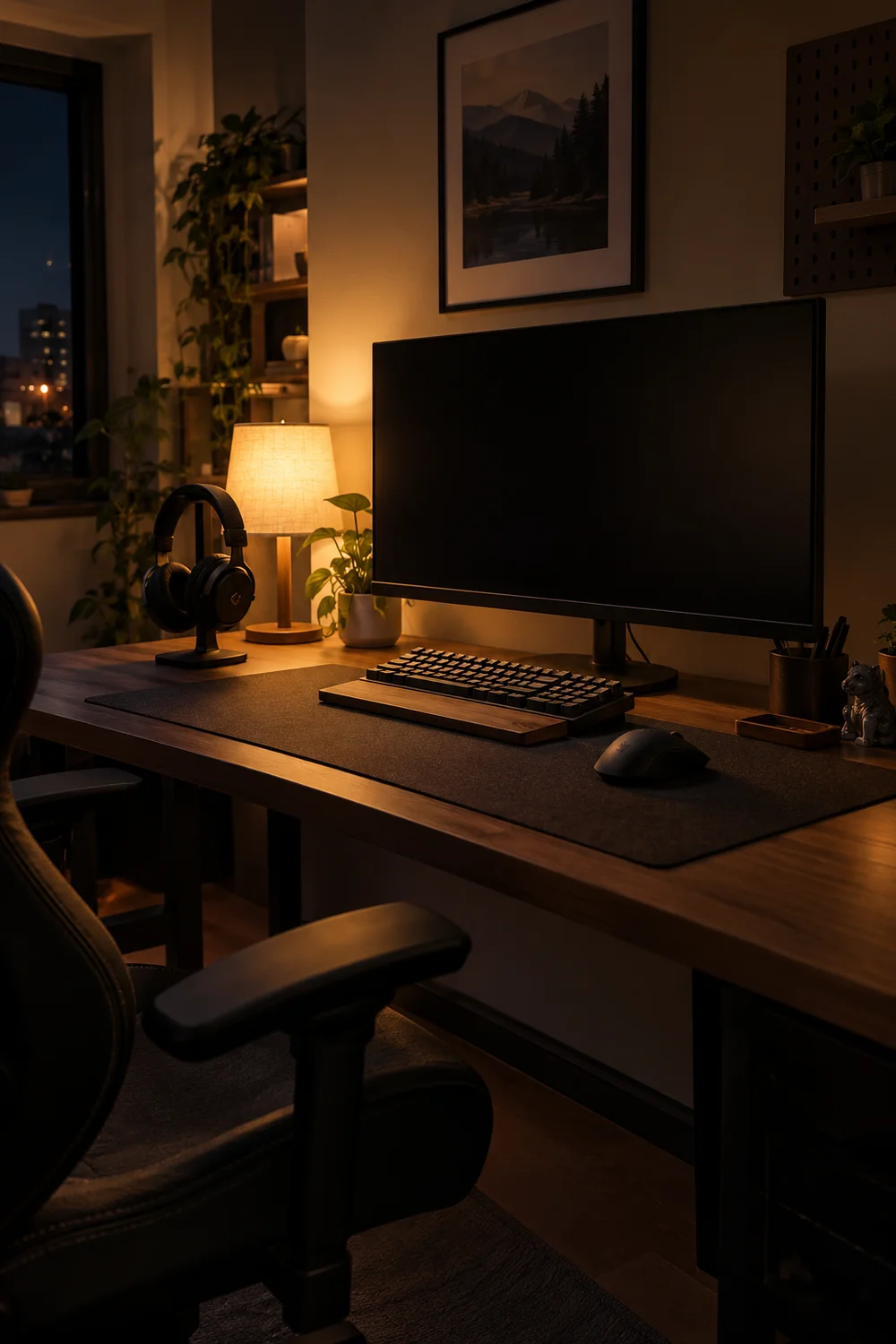
Overhead lighting creates screen glare and harsh shadows. One adjustable desk lamp gives you light exactly where you need it: on the keyboard for late-night typing, angled away from the screen.
Warm white keeps the room calm; a dimmable one adapts from work to play. Skip the RGB-everywhere phase until the basics are lit properly. Good task lighting also reduces eye strain during those long night sessions.
11. Keep Games on a Dedicated Drive
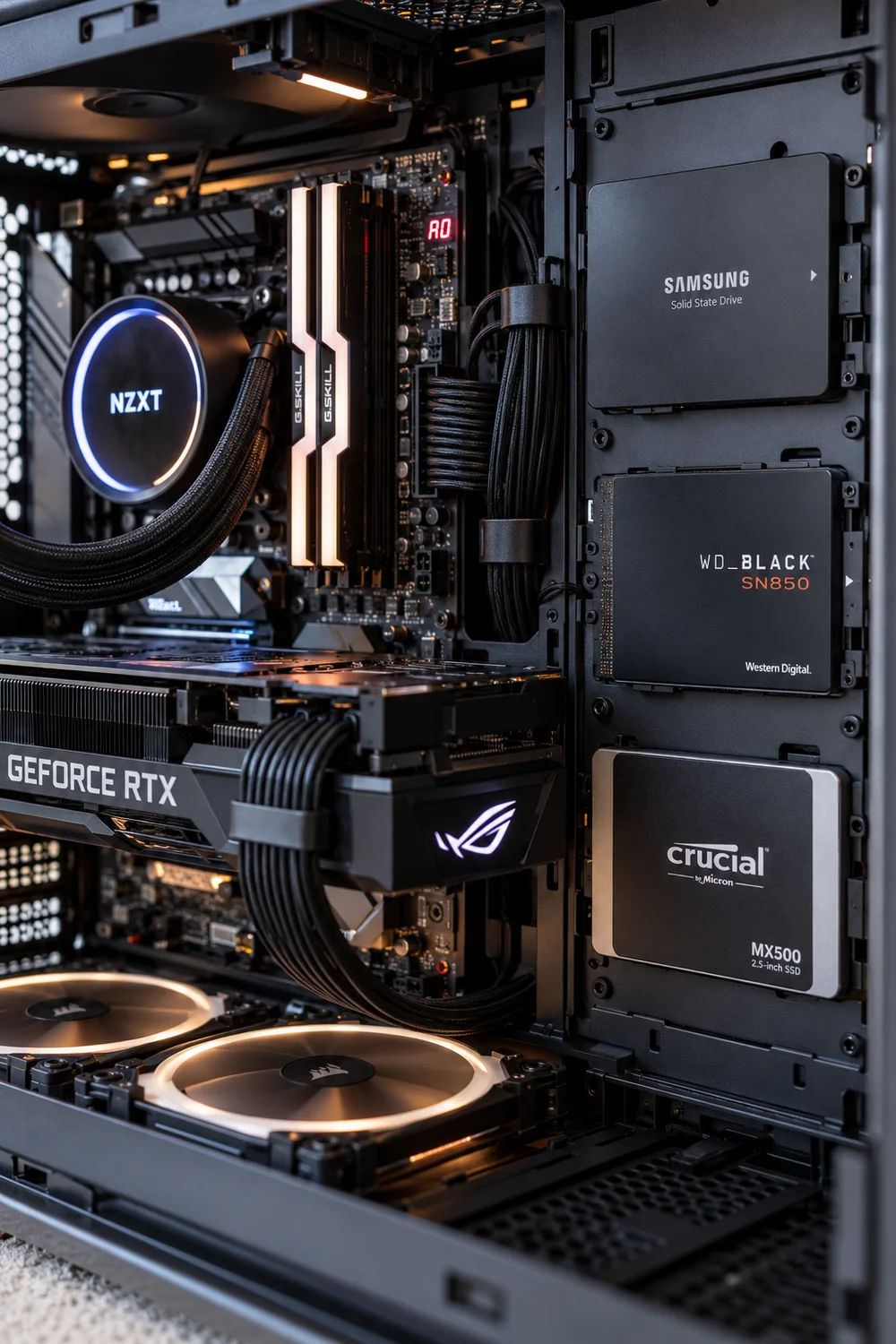
Nothing kills momentum like deleting games to make room. A dedicated SSD just for games means your library is always ready and your system drive stays fast. Games load quicker and updates never fight the OS for space.
Size it generously; games only get bigger. A full drive is a slow drive, so leave breathing room.
12. Choose Headset or Speakers, Then Commit
Pick your audio religion and invest in it. Headsets win for competitive play and shared walls; speakers win for immersion and comfort. Splitting the budget across both gets you two mediocre options.
Whichever you choose, spend the money once on quality. Bad audio fatigue is real, and you will notice it long before you notice a slightly slower SSD.
💡 Quick Tip
Shared walls or late nights? Headset. Own place and immersion? Speakers.
13. Benchmark Once, Then Stop Tweaking
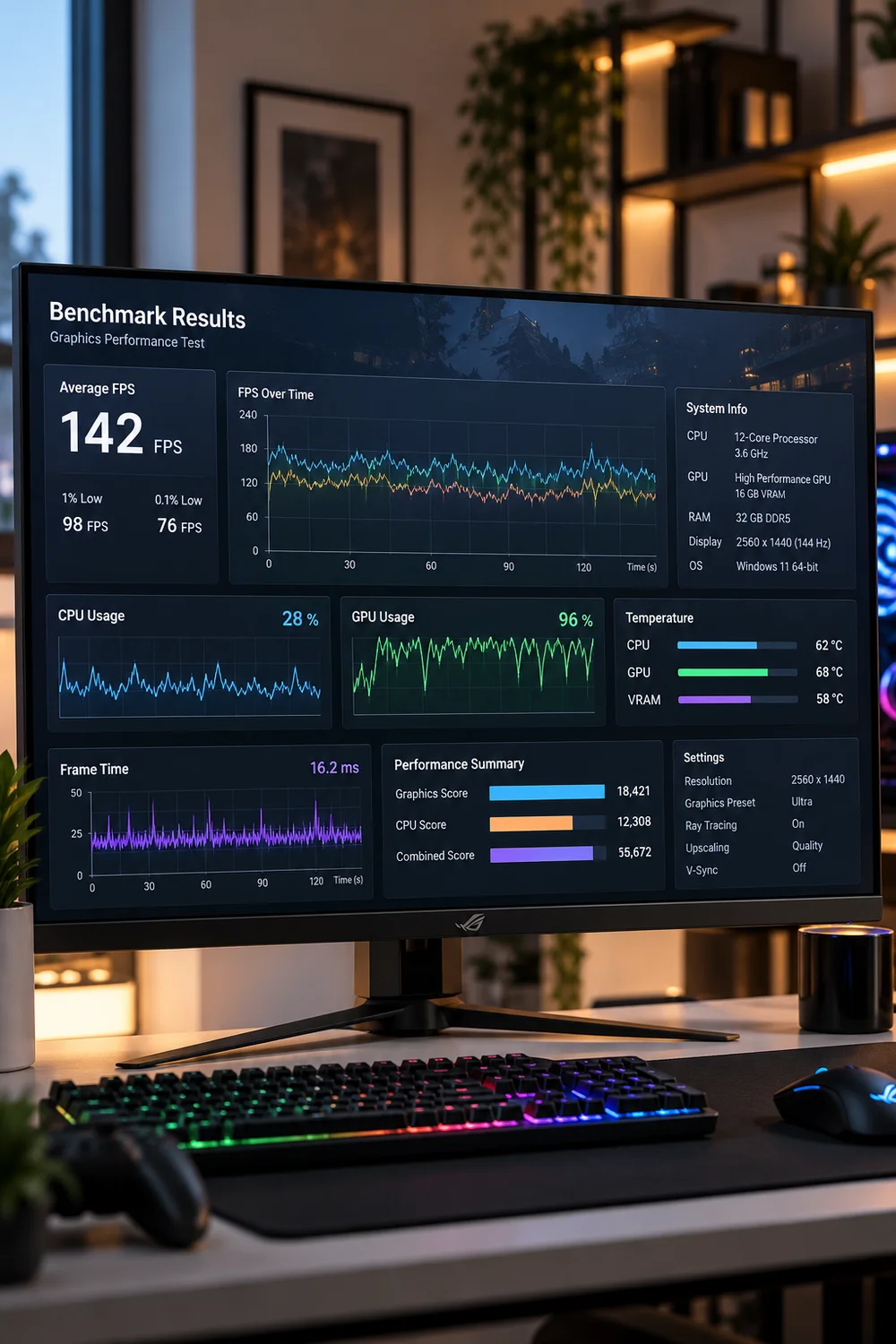
New builders benchmark endlessly, chasing numbers instead of playing. Run your benchmarks once after setup: confirm everything performs as expected, note the temperatures, then close the tools and play.
Revisit only when something feels wrong. A PC is a toy, not a science project. The best performing setup is the one you actually use.
14. Automate Backups for Saves and Settings
Losing a hundred-hour save is a special kind of heartbreak. Turn on cloud saves wherever offered, and back up your config files and settings to a second drive or cloud folder. It takes ten minutes to set up.
Do it now, not after the disaster. Backups are like insurance: boring until the day they save everything.
Enable cloud saves everywhere offered.
Copy config files to a second drive.
Set a monthly reminder to check them.
15. Leave Space for the Next Upgrade
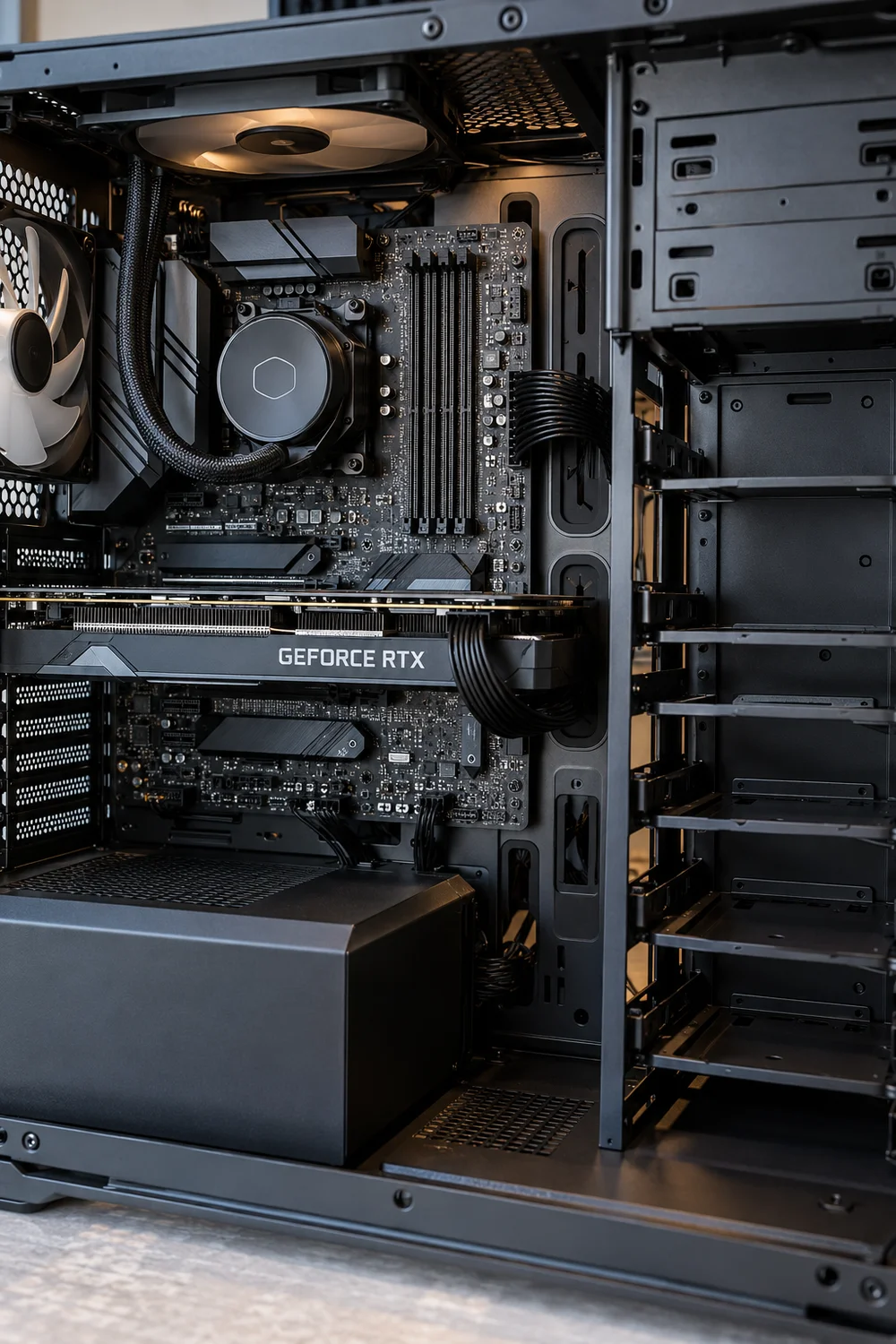
Build with tomorrow in mind. A case with spare drive bays, a PSU with headroom, a motherboard with an empty RAM slot: these cost little now and save a rebuild later. Upgrades should be swaps, not surgeries.
Write down your specs and the upgrade path. When the itch comes in a year, you will know exactly what fits.
Future-proof checklist
16. Rest Your Feet on Something Real
Long sessions punish dangling feet. A small footrest under the desk changes your posture more than any chair adjustment. Your legs stop fidgeting and your back stops compensating.
It does not need to be fancy. A sturdy box at the right height works. Comfort compounds: small supports add up to long sessions.
Comfort compounds. Small supports in the right places add up to long, pain-free sessions.
17. End Every Session With a Quick Tidy
The best setup habit costs ninety seconds. Push the keyboard back, hang the headset, close the tabs, wipe the desk. Tomorrow you sit down to a clean station instead of yesterday’s battlefield.
Enthusiasts tweak forever; disciplined gamers just play. A tidy desk is a quiet mind, and it makes every session start better.
Tabs open, headset on the desk, crumbs everywhere. Tomorrow starts with chores.
Everything put away, desk wiped. Tomorrow starts with a clean station.
Wrapping Up
A PC setup is never truly finished, and that is the fun of it. But there is a difference between upgrading with purpose and rearranging forever. These 17 ideas give you the foundation: a station that works great today and welcomes tomorrow’s parts.
Save this list for your next upgrade itch. Then pick one idea tonight and apply it before your next session. Pin your favorite for later, and enjoy the build.
📌 Start tonight