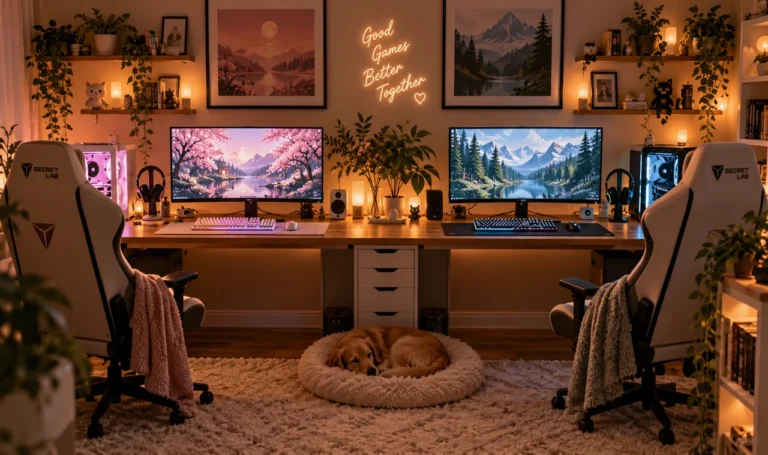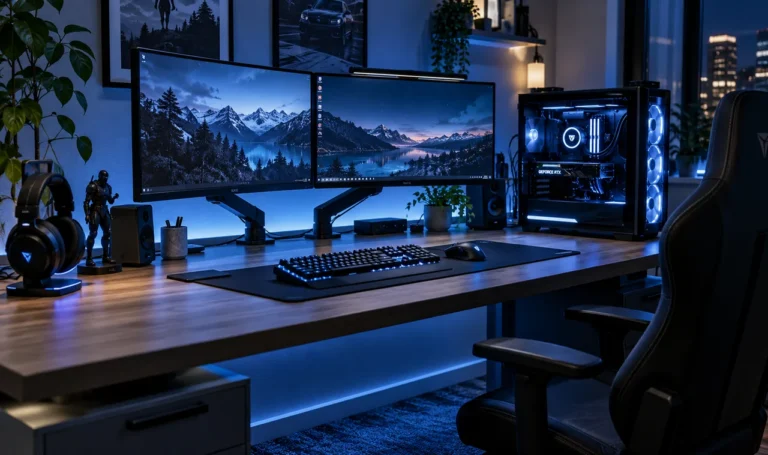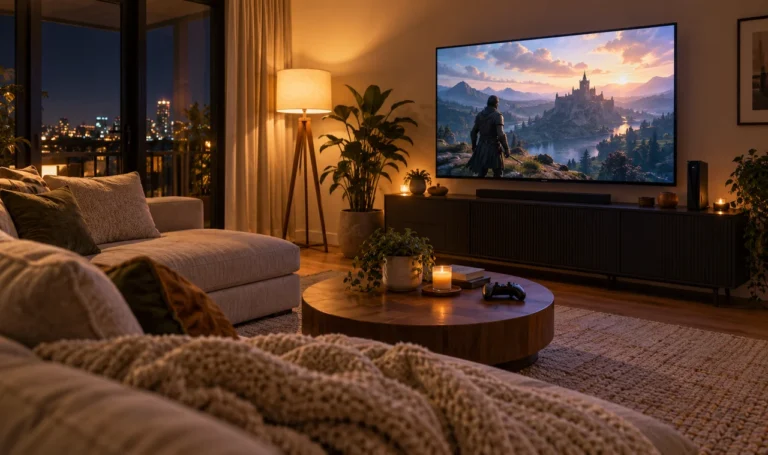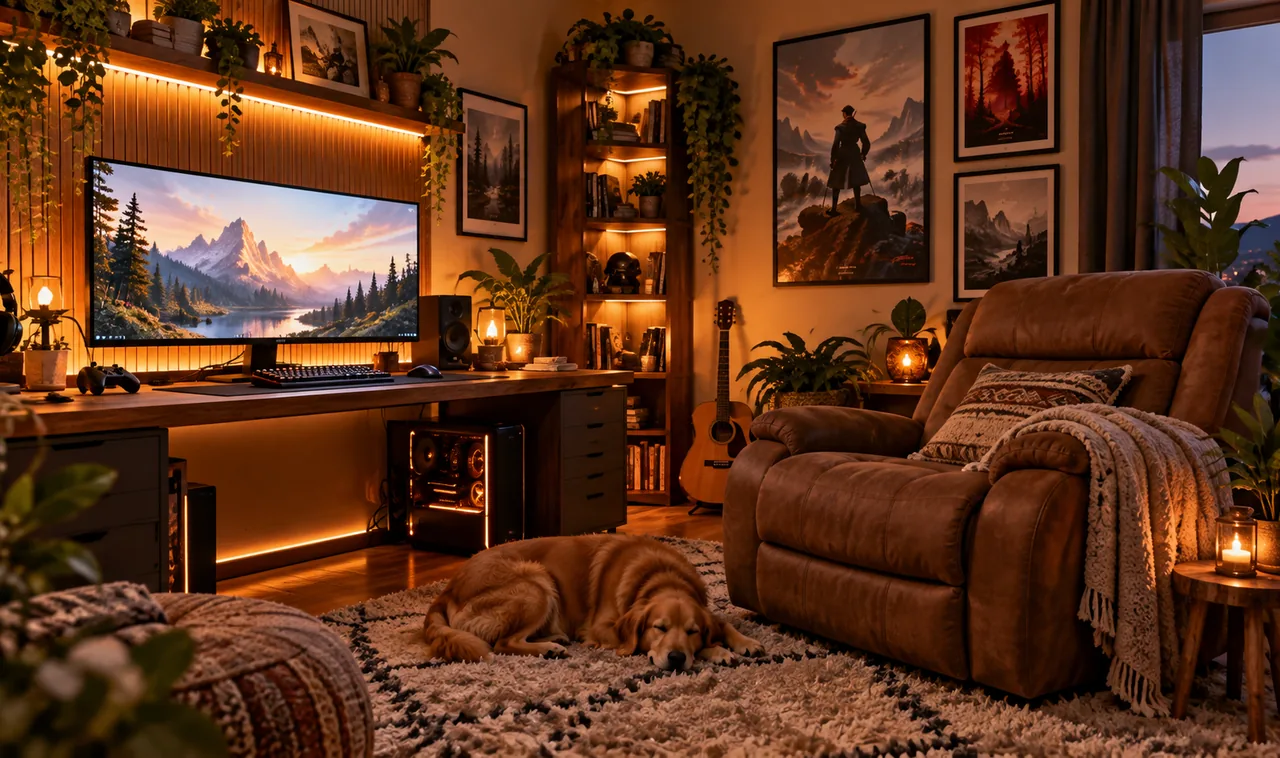
Your back hurts by hour three. Your eyes sting from the glare. The room looks fine, but it does not feel like a place you want to stay in.
Most gaming room advice stops at the desk and the monitor. Nobody talks about the cold floor under your feet, the harsh overhead light, or the chair that felt fine in the store and terrible by midnight. Comfort is not one big purchase. It is a dozen small choices that add up.
That is what this list is about. These 17 cozy gaming room ideas focus on the stuff that keeps you comfortable during long sessions: warmth, light, seating, sound, and all the little details that make a room feel lived in. Every idea is practical, most cost less than a new game, and you can start tonight.
Pick two or three that fit your space and try them this weekend. Your future self, the one still fresh at 1 a.m., will thank you.
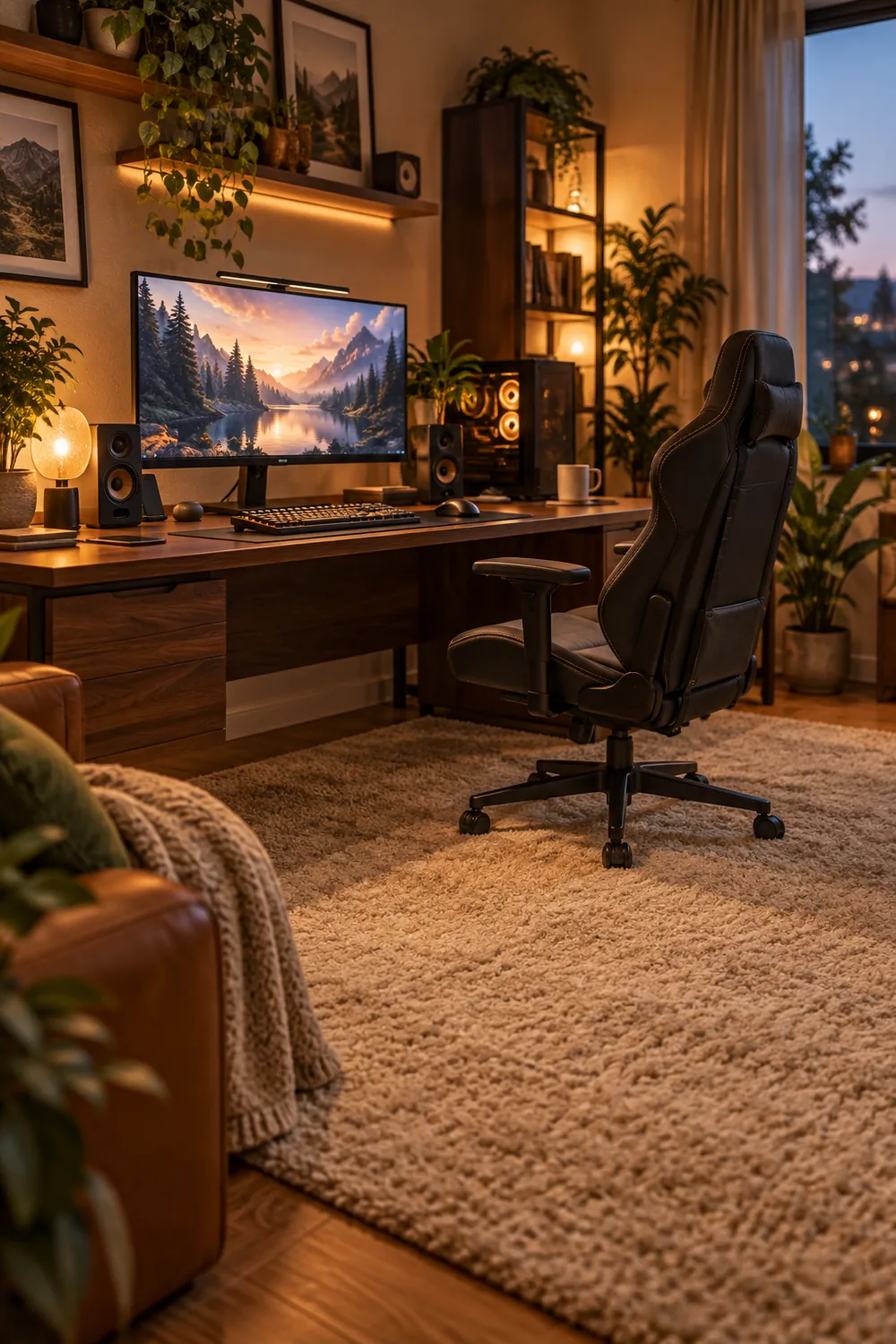
1. Anchor the Room With a Thick, Soft Area Rug
Cold floors kill a cozy room faster than anything else.
If your feet rest on hard laminate or tile for hours, the whole setup feels chilly no matter how good the chair is. A thick area rug changes the temperature of the room, literally and visually. Go big enough that it sits under both your chair and your desk, so you never roll off the edge mid game.
Look for a low pile rug with a dense weave. Shag looks soft but traps crumbs and makes chair wheels stick. A flat, tight weave still feels warm and lets you glide.
2. Trade the Stiff Chair for a Deep Cushioned Recliner
Three hours in, you stop noticing the game and start noticing your lower back.
A deep cushioned recliner fixes the part of gaming nobody photographs: how your body feels at midnight. Look for solid lumbar support, a headrest that actually reaches your head, and armrests at elbow height. Recline matters more than racing stripes.
You do not need the most expensive chair on the market. A secondhand recliner with good bones plus a lumbar pillow beats a cheap new gaming chair every time. Sit in it before you buy if you can.
💡 Quick Tip
Test the recline lock before you buy. Sit back fully and make sure it holds your weight without slowly sinking.
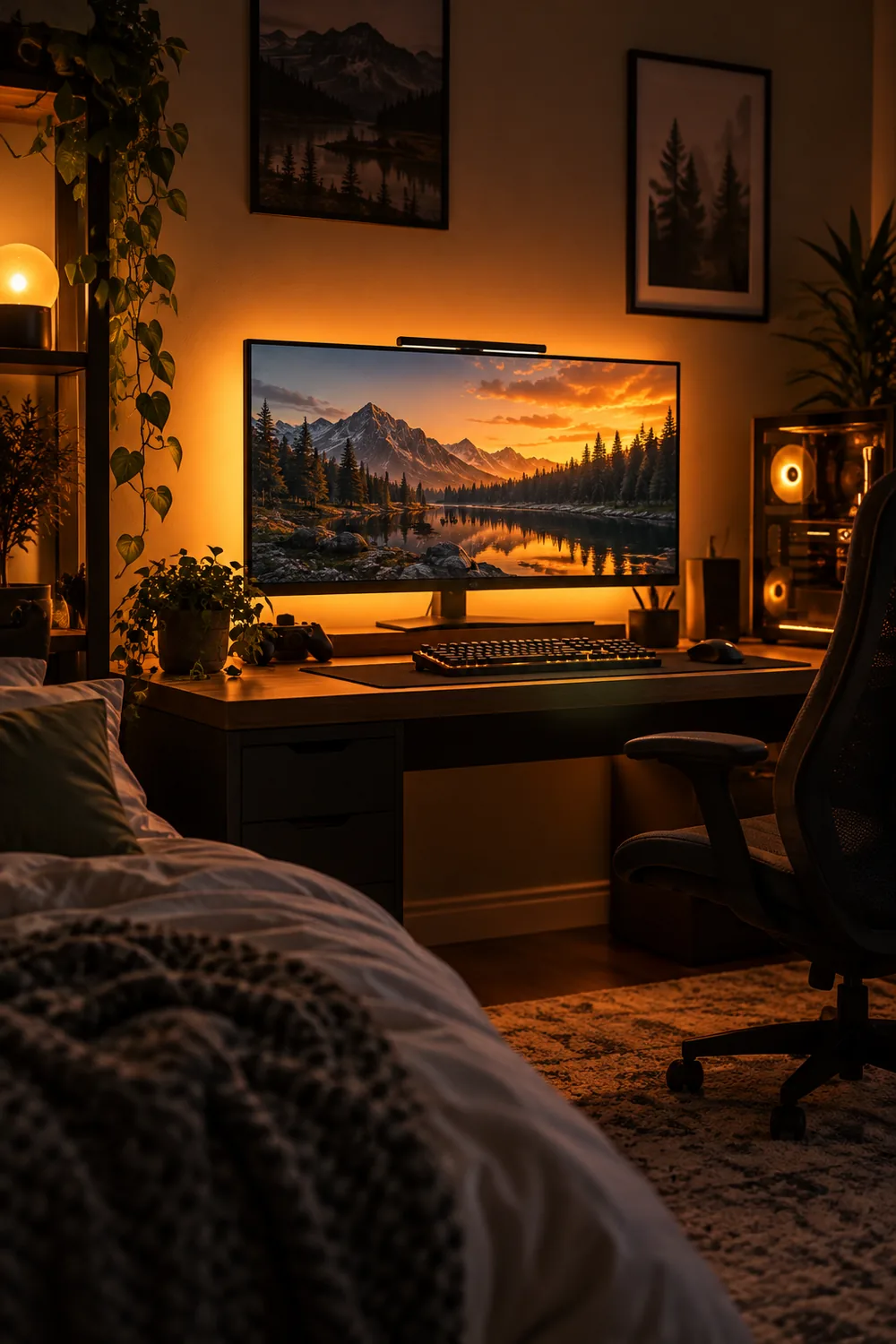
3. Add Warm Bias Lighting Behind the Screen
The glow behind your monitor is doing quiet work for your eyes.
Bias lighting, a soft light source behind the screen, cuts the harsh contrast between a bright display and a dark room. Your eyes strain less, and the whole setup looks warmer in photos and in person. A simple LED strip stuck to the back of the monitor does the job.
Pick a warm white around 2700K, not blue or RGB rainbow, if comfort is the goal. Plug it into a USB port on the monitor so it turns on and off with the screen. No extra remote to lose.
4. Set Up a Snack and Drink Station in Arm’s Reach
Pausing a ranked match to hunt for snacks is how leads get thrown.
A tiny station beside your desk solves it: a small tray or rolling cart with water, one salty snack, one sweet snack, and a trash bowl for wrappers. Everything within arm’s reach, nothing that needs two hands or a plate.
Keep it simple and spill safe. Bottles with caps beat open cans near a keyboard. Refill the tray when you take a stretch break so it is always ready for the next session.
Stock the station
5. Hang Blackout Curtains to Kill Glare
Sunlight on the screen is the enemy of daytime gaming.
Glare washes out dark scenes and forces you to crank brightness, which tires your eyes fast. Blackout curtains fix it in one afternoon. They also make the room feel warmer and more enclosed, which is half of coziness anyway.
Measure the window, then buy curtains wider than the frame so no light leaks around the edges. Hang the rod a few inches above the frame and let the fabric pool slightly on the floor for a soft, finished look.
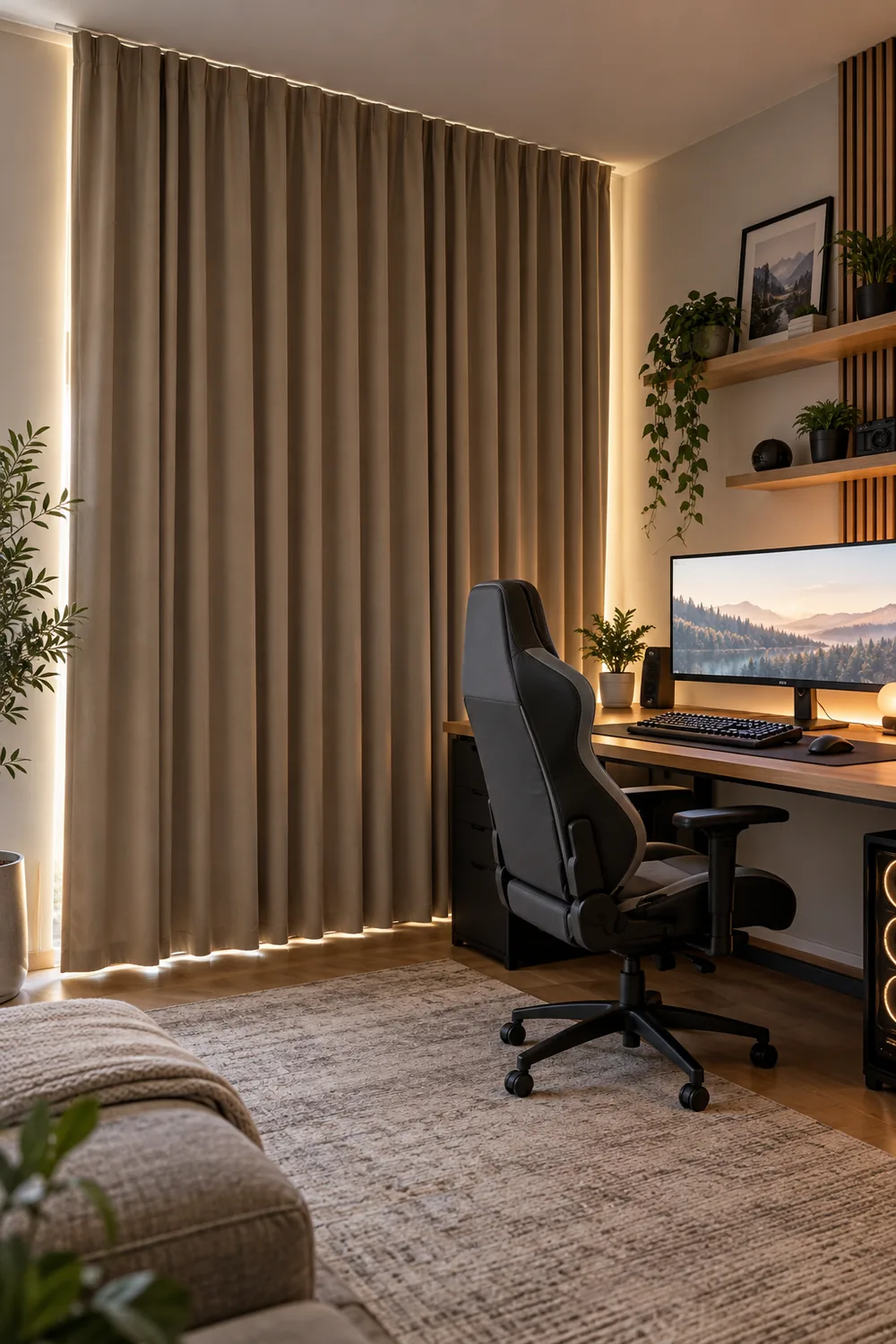
Afternoon sun hits the screen. Dark scenes wash out and you crank the brightness until your eyes ache.
Curtains closed. The screen looks rich, your eyes relax, and the room feels like evening all day.
6. Keep a Basket of Soft Throw Blankets Nearby
Here is a simple rule: if you have to get up for warmth, the room failed.
Long sessions cool you down. You sit still for hours, circulation slows, and suddenly the room feels five degrees colder than it is. A basket of soft throw blankets beside your chair fixes it without touching the thermostat.
Pick two or three throws in different weights. A light cotton one for mild evenings, a heavier knit for winter marathons. Roll them instead of folding so you can see every option at a glance.
Pick a sturdy open basket that fits beside your chair.
Add two or three throws in different weights.
Roll each throw so every option stays visible.
7. Mount Floating Shelves for Controllers and Gear
Desk space is precious. Wall space is free.
Every controller, headset, and charger sitting on your desk eats room you need for your mouse hand and your snack tray. Floating shelves move all of it to the wall, right where you can see it. Your desk stays clear and the gear becomes part of the decor.
Mount one shelf at arm’s height for daily gear and a second higher up for display pieces. Use real wall anchors, not just the tiny screws in the box, so a shelf never dumps your headset mid match.
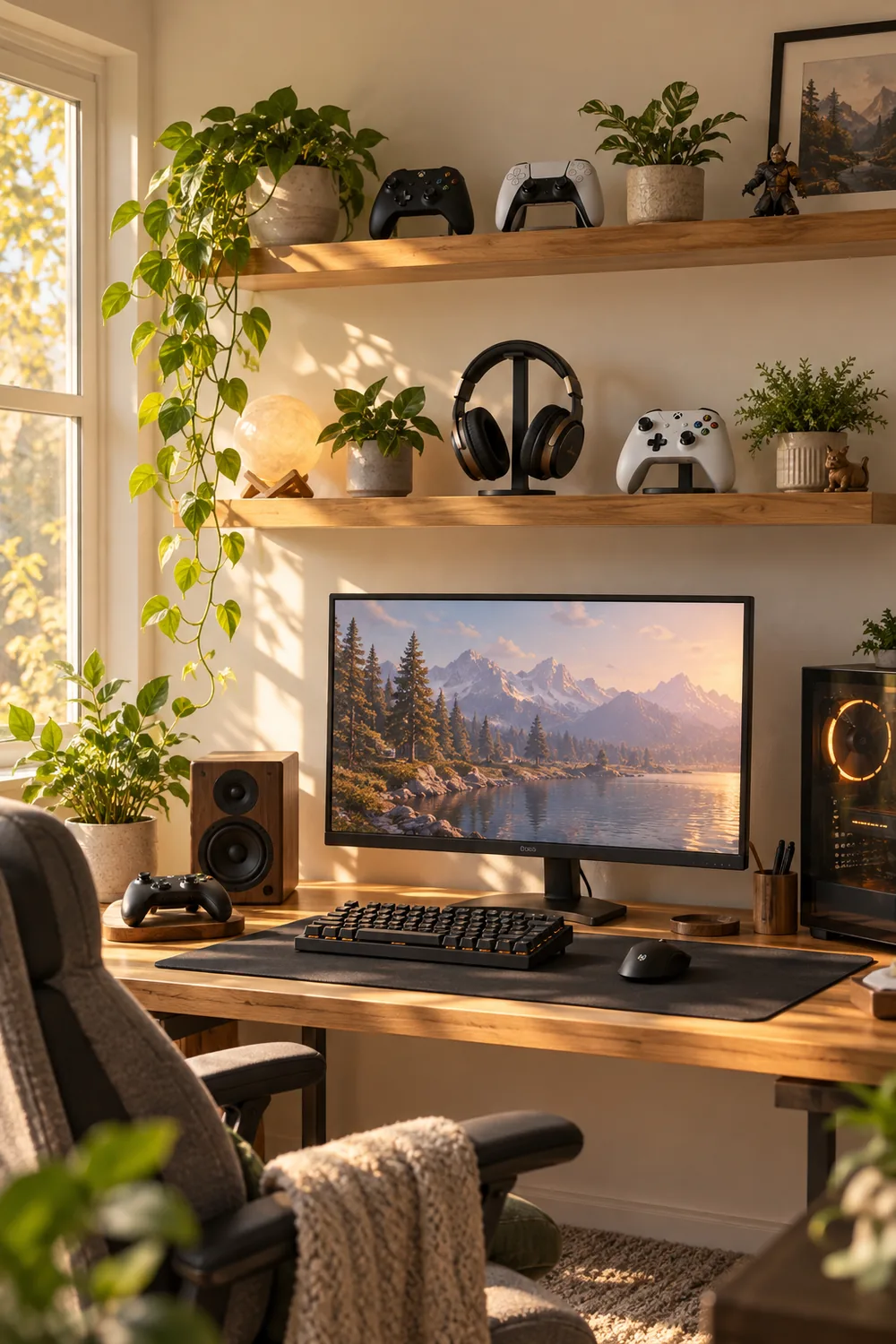
Mount at arm’s height for daily gear.
Use real wall anchors rated for the weight.
Piling everything on the desk.
Trusting the tiny screws from the box.
8. Run a Warm LED Strip Under the Desk Edge
Start with a clean, dry desk edge and measure its length.
Peel the backing off a warm white LED strip and press it along the underside of the desk front edge, where it stays hidden but washes the floor in soft light. Run the cable along the desk leg with small clips so nothing dangles.
Connect it to the same smart plug as your other lights. One tap and the whole room, desk included, shifts into evening mode. The strip costs little and the effect looks far more expensive than it is.
| Warm white 2700K | Cool white 5000K+ |
|---|---|
| Relaxing and easy on tired eyes. | Harsh and clinical after dark. |
| Matches the cozy mood of the room. | Fights the warm look you built. |
9. Soften Echo With Fabric Wall Panels
Acoustic panels do not have to look like a recording studio.
Bare walls bounce sound around, which makes voice chat echoey and the room feel cold and hollow. Fabric panels absorb that bounce. The trick is picking ones that look like decor: wrapped in linen or felt, in warm colors that match your palette.
Hang two or three on the wall behind you or beside the desk. They quiet the room, warm up the look, and your teammates will hear the difference on call immediately.
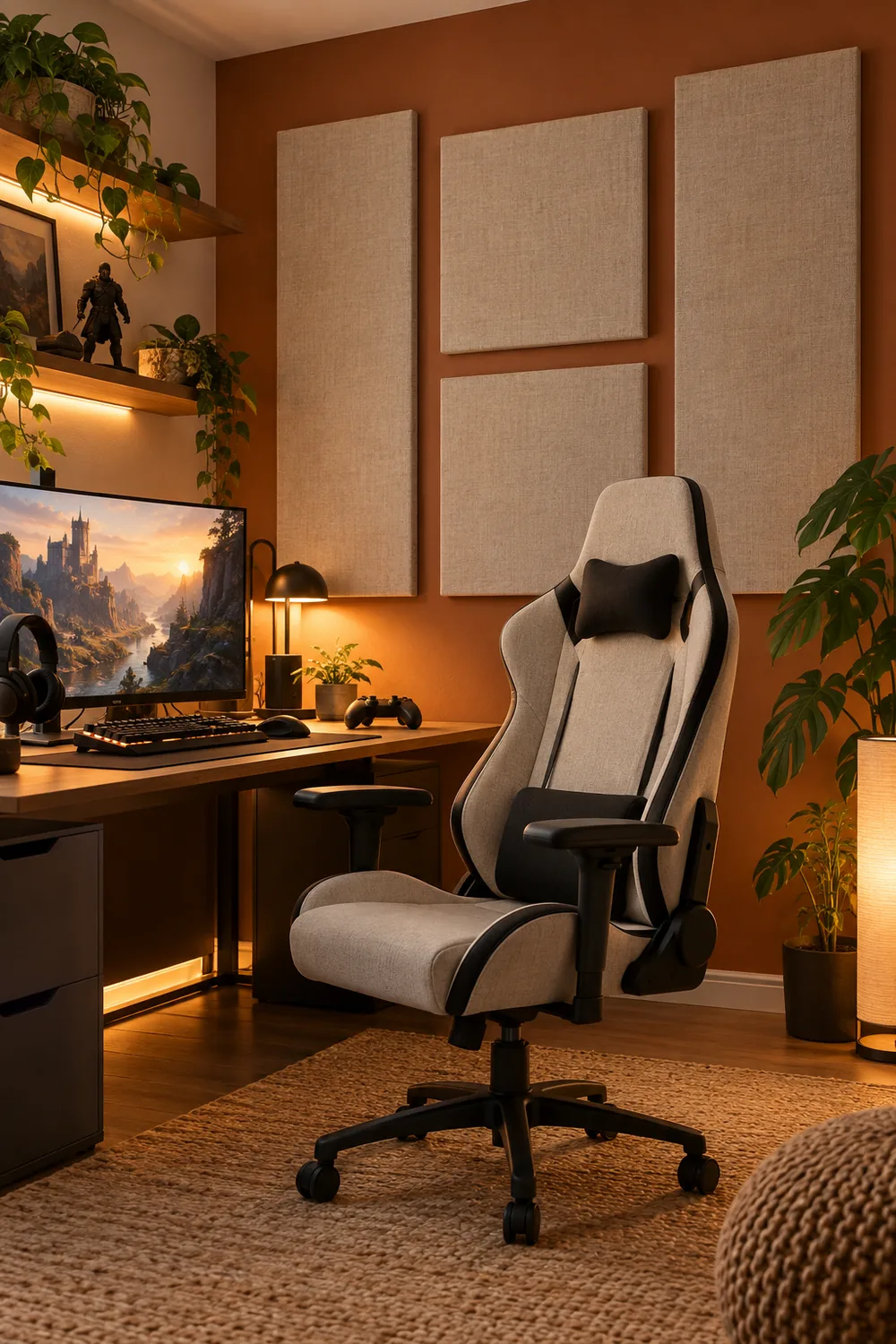
Panels that match your decor do double duty: they quiet the echo and warm up bare walls at the same time.
10. Add an Ottoman for Long-Session Leg Comfort
Most people upgrade the chair and forget the legs entirely.
After a few hours your knees ache and your feet go numb, because everything below the desk gets ignored. A small ottoman or footrest lets you shift positions, stretch your legs out, and keep blood moving without leaving the game.
Pick one at the right height so your knees stay slightly below your hips. A storage ottoman earns bonus points: blankets or controllers live inside, comfort lives on top.
⚠️ Watch Out
Skip ottomans that are too tall. If your knees rise above your hips, your lower back pays for it within the hour.
11. Hide Cables in a Lidded Management Box
Nothing ruins a cozy room like a nest of cables.
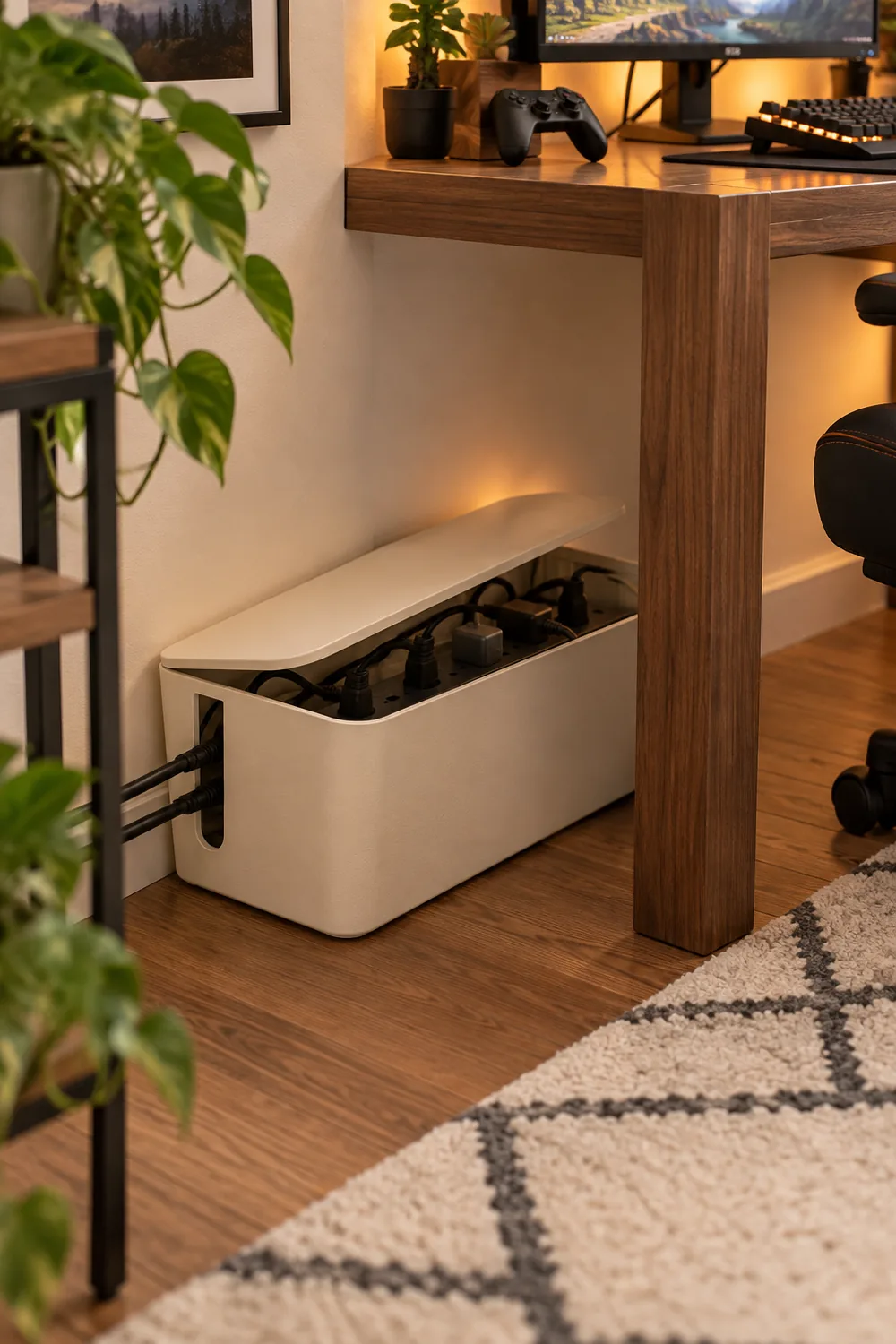
You can buy the perfect chair and the warmest lights, but a tangle of black cords under the desk still makes the room feel messy. A lidded cable management box gathers the power strip and all the slack into one clean container.
Set the box on the floor behind the desk leg, feed the cables through the side slots, and close the lid. Label the plugs with small tags so you never unplug the wrong thing in the dark.
12. Freshen Marathon Air With a Small Diffuser
Six hours in, the room smells like old pizza and warm electronics.
Stale air sneaks up on you during long sessions. A small diffuser with a light citrus or pine scent keeps the room feeling fresh without overpowering it. Keep the scent subtle, you want background freshness, not a candle shop.
Place it on a shelf across the room, not on the desk, so the mist never drifts toward your gear. Run it on a timer or switch it off when you take breaks.
Diffuser setup
13. Build a Charging Dock So Gear Is Always Ready
Pick one spot and make it the home for every charger.
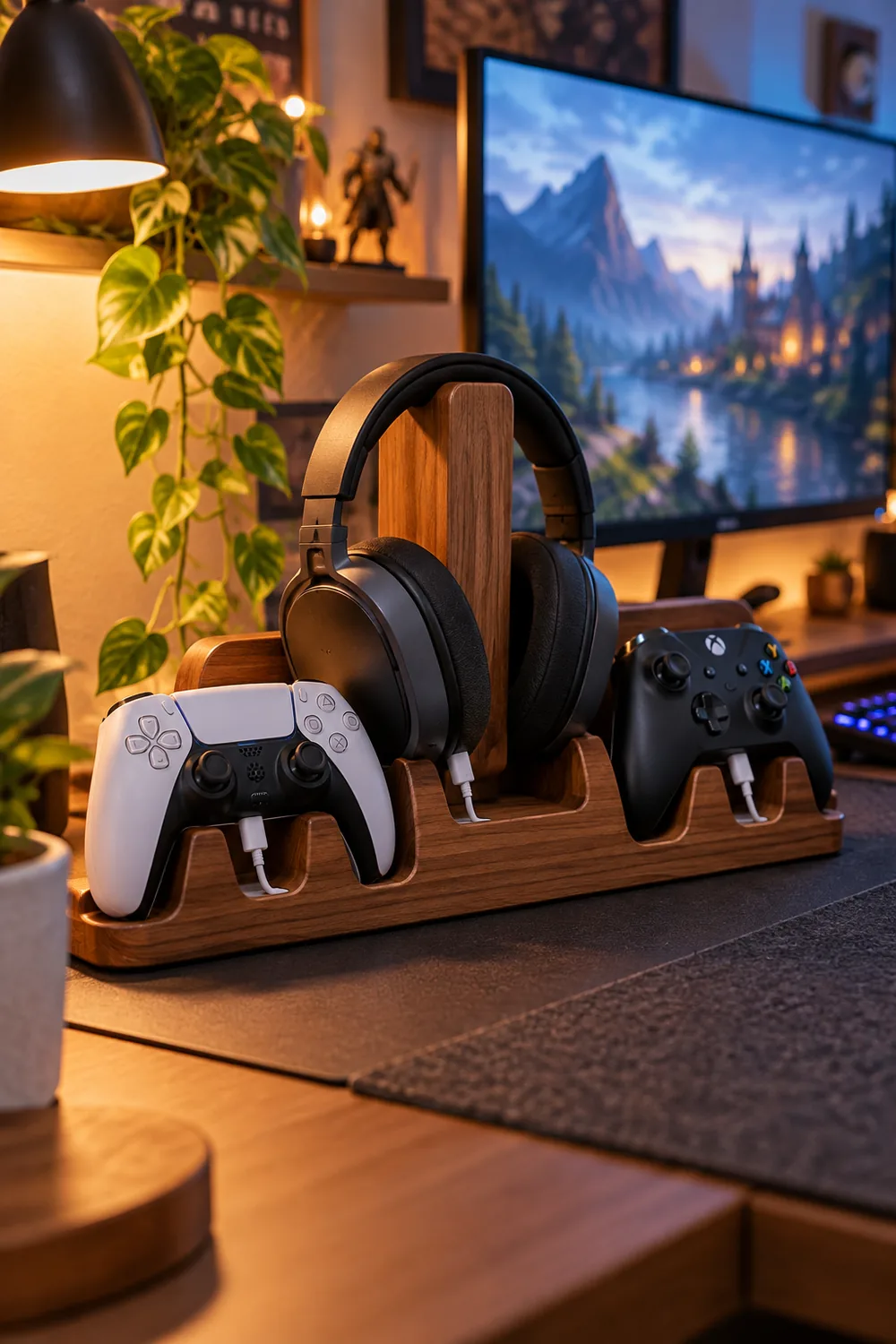
Controllers, headsets, and phones all die at the worst moment when they live in random drawers. A small charging dock on your shelf or desk corner gives each device a slot, so everything tops up between sessions without thought.
Use a multi port USB hub with short cables to avoid a new tangle. Label each slot if you share the room, so nobody steals your controller’s spot.
14. Make a Floor-Cushion Corner for Player Two
I have watched too many guests perch on the edge of a bed during co-op night.
A floor cushion corner gives Player Two a real seat: two or three large cushions, a small side table for their drink, and a throw for cold rooms. It costs almost nothing and it makes shared sessions feel planned instead of improvised.
Tuck it in the corner with the best view of the screen. When nobody visits, the cushions double as extra lounging for you.
- ▸Two or three large floor cushions.
- ▸Small side table for drinks.
- ▸A throw for cold rooms.
15. Frame Posters in Warm Wood for a Homey Wall
Bare walls make even expensive gear look temporary.
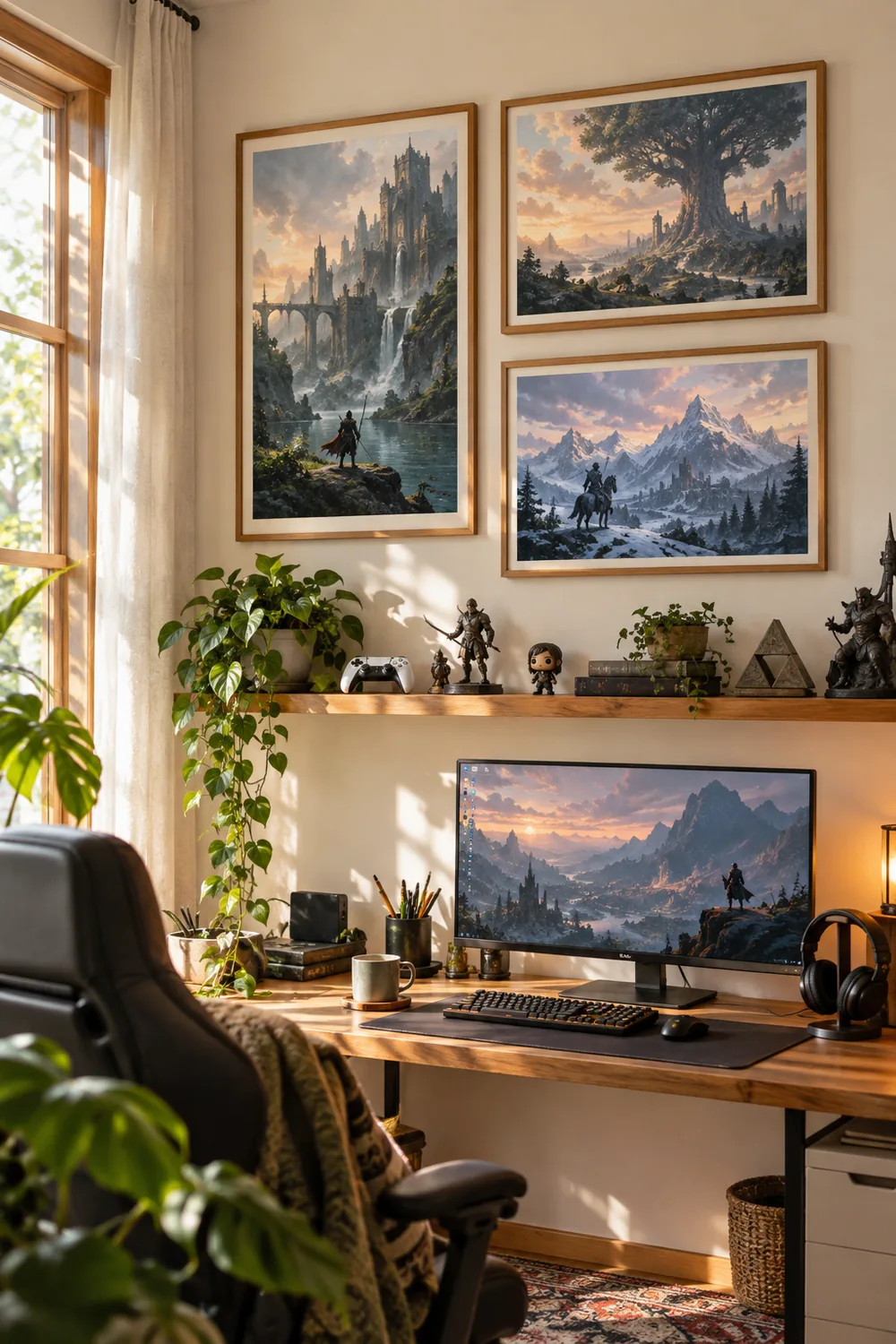
Posters taped straight to the wall read as dorm room. The same posters in simple warm wood frames read as a finished space. The frames do not need to match perfectly, but keeping them in one wood tone ties the wall together.
Hang them in a loose grid at eye level from your chair. Leave breathing room between frames so the wall feels put together, not crowded.
Posters taped to bare walls. The room feels temporary, like you just moved in.
Same posters in warm wood frames. The wall looks finished and the room feels like yours.
16. Control All Lights From Your Seat With Smart Plugs
Here is the rule: if you have to stand up to change the mood, you will never do it.
Smart plugs put every lamp, strip, and glow on your phone or a voice command. Movie mode, late night mode, full bright for cleaning, all without leaving the chair.
Start with the two lights you use most, then expand. Name each plug clearly in the app so “turn off desk light” never kills the wrong lamp.
Plug each lamp into a smart plug.
Name every plug clearly in the app.
Group them into scenes like movie mode.
17. Keep Cool With a Quiet Desk Fan for Summer Marathons
Cool air keeps you sharp when the room heats up.
Summer marathons turn small rooms into ovens: the PC pumps heat, the door stays shut, and your focus melts by hour four. A quiet desk fan aimed at your seating area moves the air without sounding like a jet.
Pick a fan with a low decibel rating and a steady low setting. Point it to circulate the room, not blast your face, and summer sessions stay comfortable.
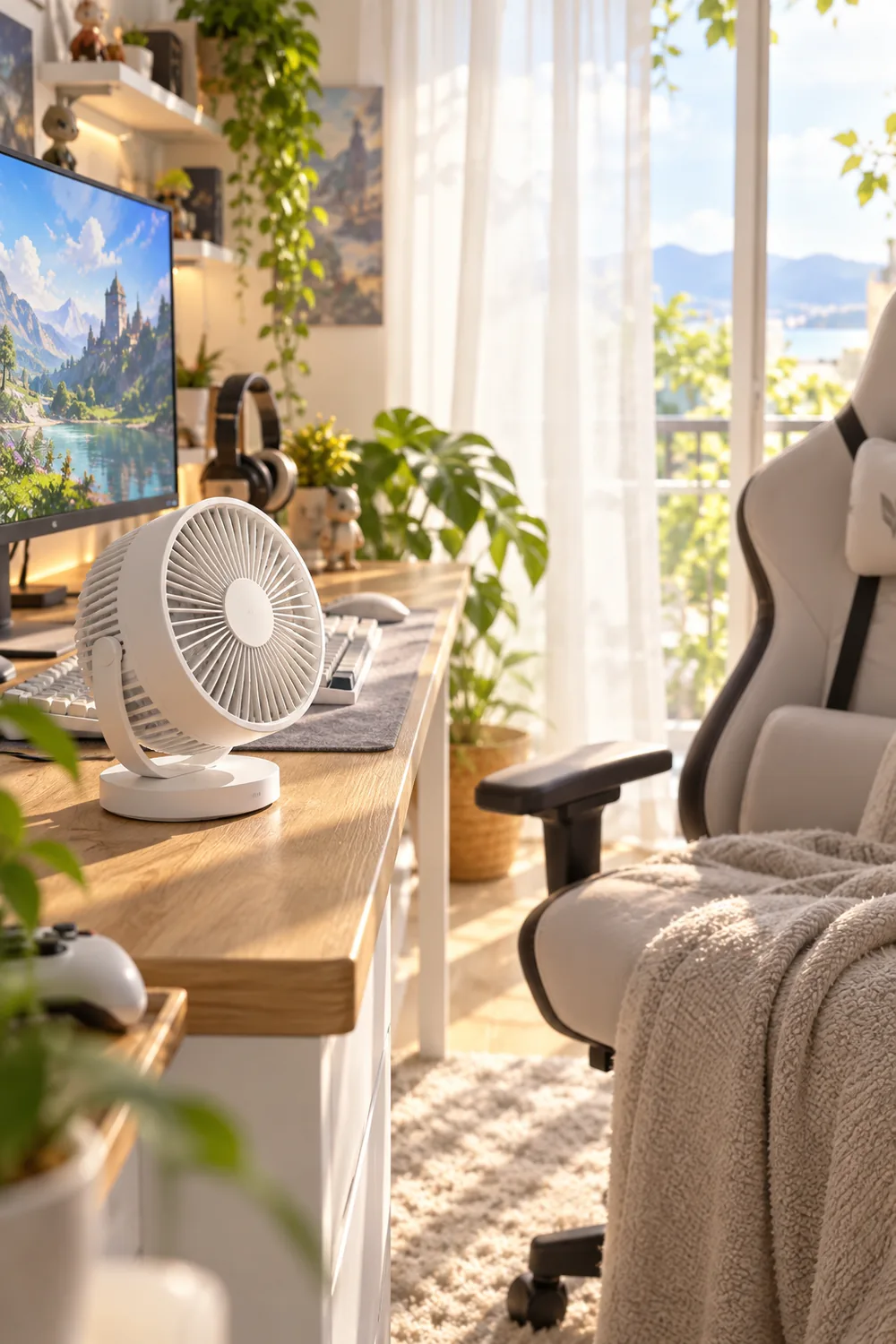
Cool the room, not your face: a quiet fan on low keeps summer marathons comfortable without the noise.
Wrapping Up
A cozy gaming room is not about spending more. It is about removing the small annoyances: the glare, the cold floor, the dead controller, the chair that fights you by midnight. Fix two or three of those and the whole room changes.
Start with whatever bothers you most during long sessions. Warm light and soft seating give the fastest payoff, and everything else layers on top. These cozy gaming room ideas work in any order, so there is no wrong first move.
Save this list for the next time you want to refresh your space. Then pick one idea tonight and try it before your next session.
📌 Start tonight