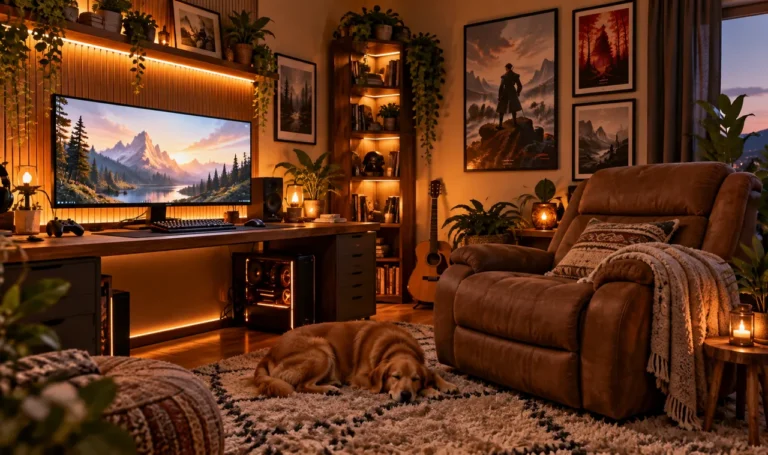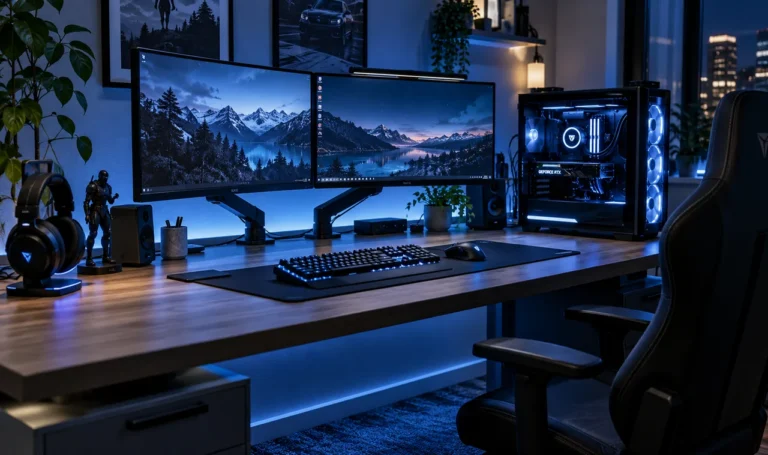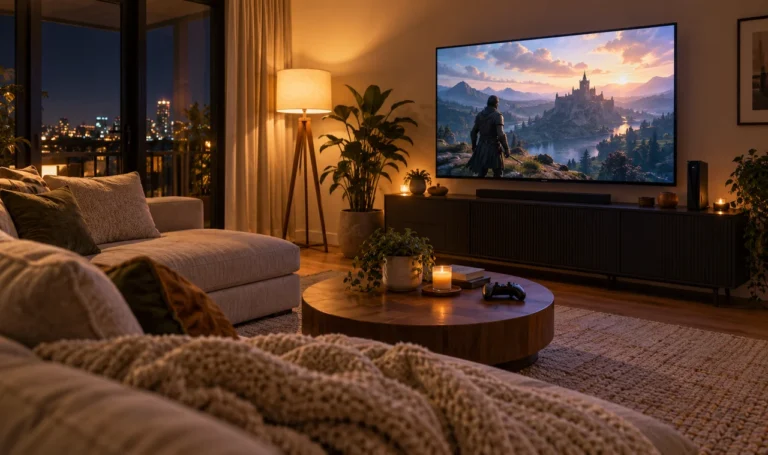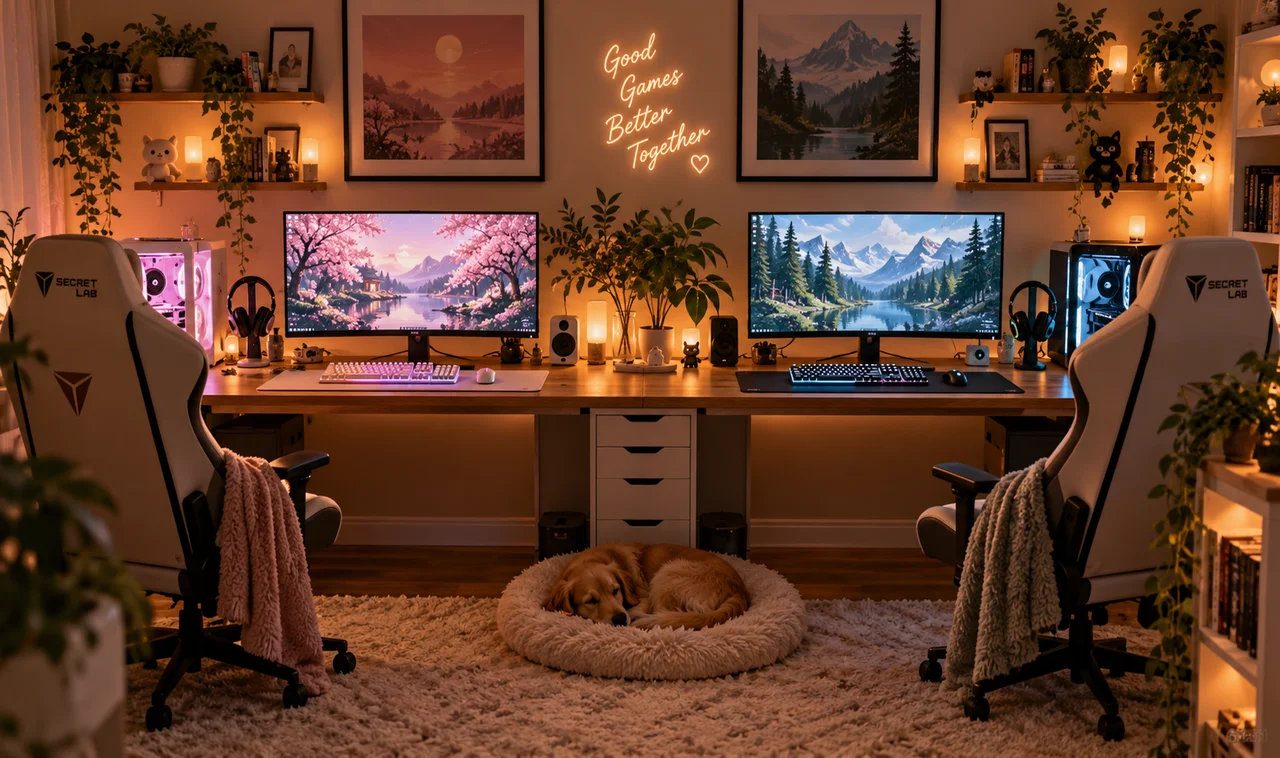
Gaming together is the best kind of together, until the setups collide. One person’s RGB rainbow bleeds into the other’s cozy corner. Controllers migrate. Headphone cables tangle like they are trying to merge. Two players, one room, and suddenly the space feels half the size.
A dual gaming setup is not two single setups pushed together. It is one shared station designed for two people from the start: fair division of space, matching gear where it matters, and rules that keep the peace. Couples, siblings, roommates, the principles are the same.
These 15 dual gaming setup ideas cover the whole negotiation: desk, screens, sound, storage, and the small diplomacy that makes sharing a room actually fun. Whether you play the same games side by side or live in completely different worlds, the setup should serve both of you equally. Build it together and you will both want to be in it.
1. Go Wide: One Desk for Two
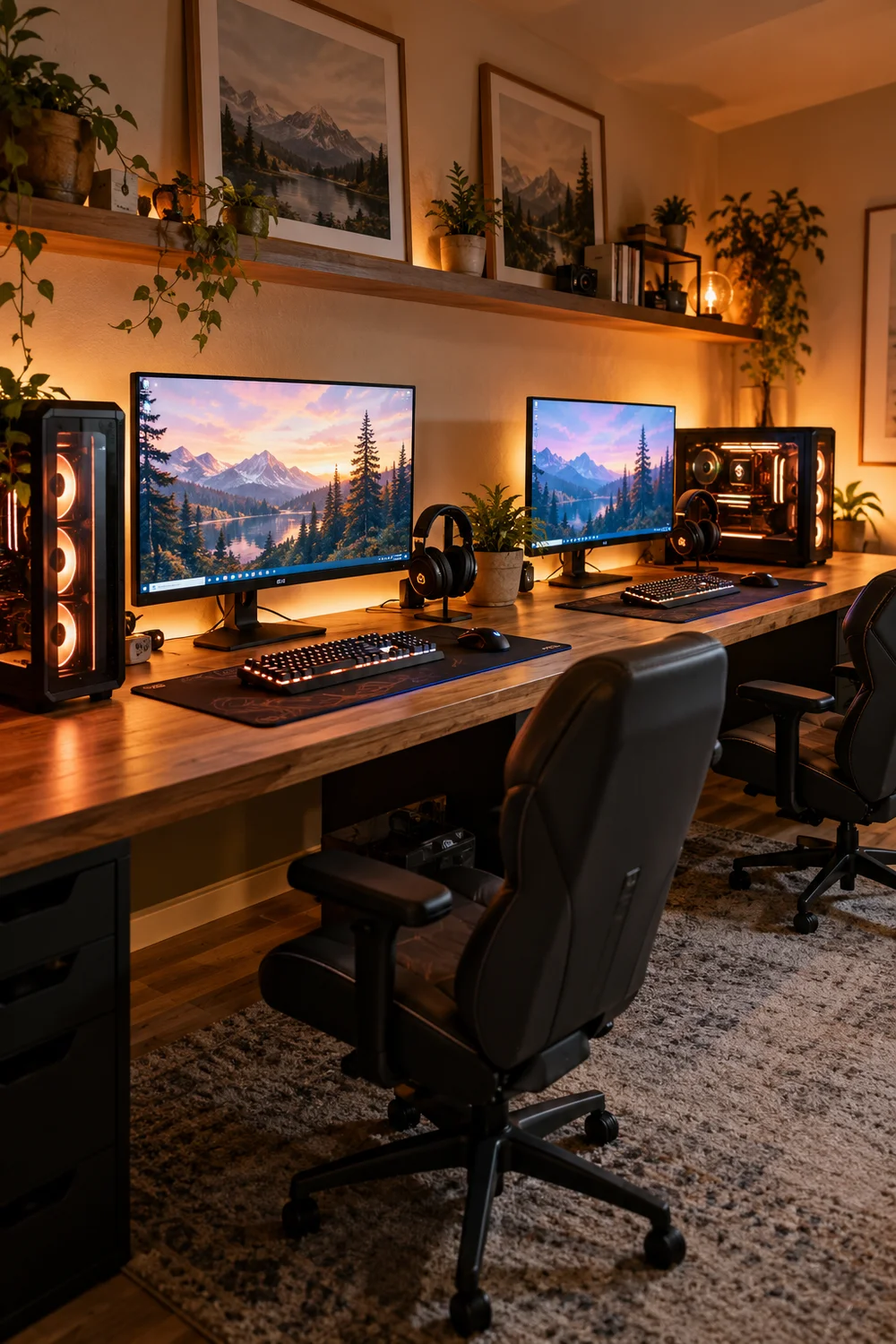
Two small desks pushed together always leave an awkward gap in the middle. One long desk, seventy inches or more, gives both players a real station with no dead zone. It reads as one piece of furniture, which makes the whole room feel designed instead of doubled.
Measure the wall first and leave room to pull the desk out for cable access. A single wide desk also means one cable tray, one raceway, one clean installation instead of two messy ones.
2. Give Each Player Their Own Zone
Sharing a desk does not mean sharing everything. Mark the invisible border: each player gets their half, their monitor, their peripherals, their drawer. Zones prevent the slow creep of one person’s gear into the other’s space.
A desk mat per person draws the line politely. Two mats, edge to edge, look intentional and make the boundary visible without a single argument.
💡 Quick Tip
Two desk mats, edge to edge. The boundary is visible, no discussion needed.
3. Match the Chairs, Not the Players
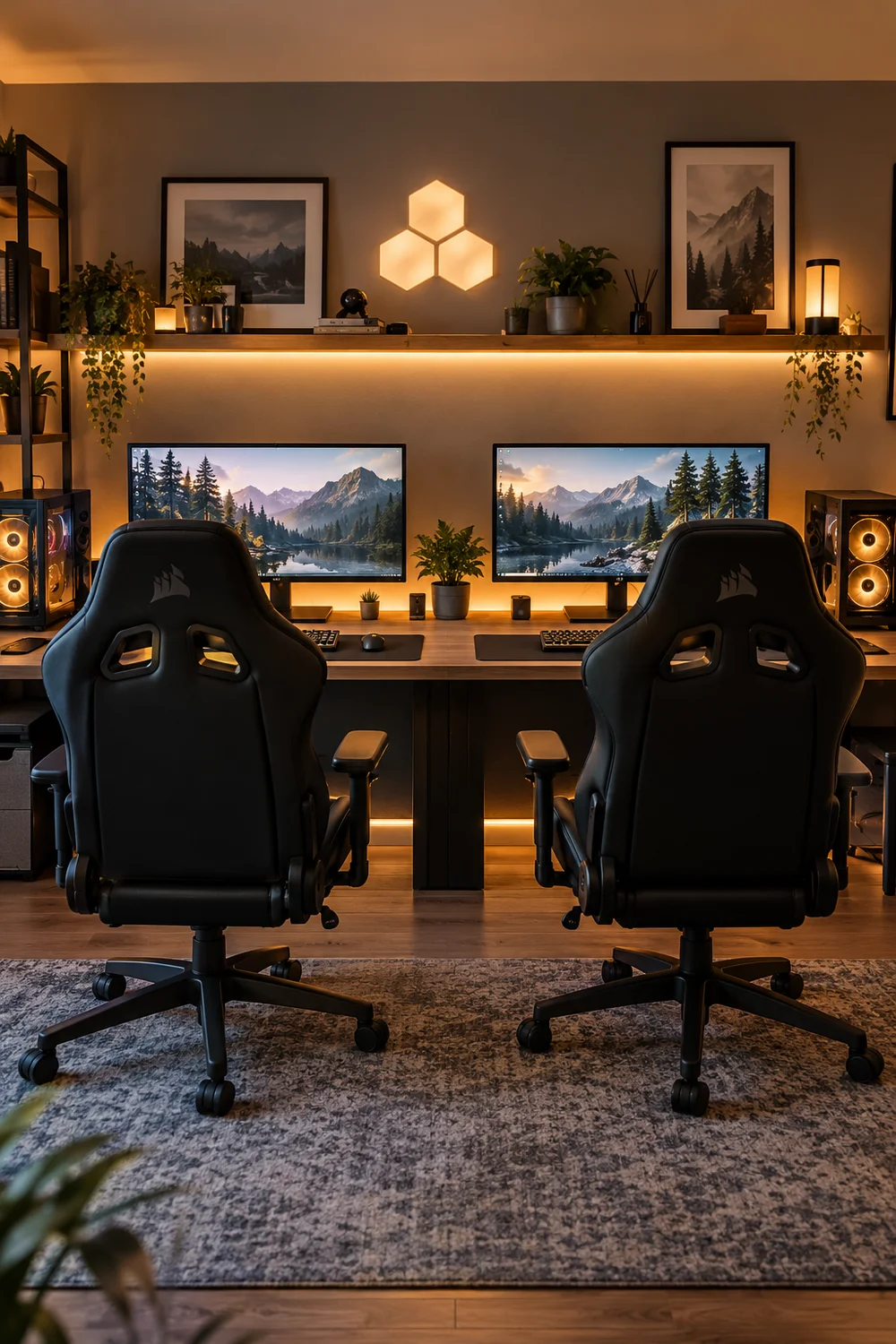
Mismatched chairs make a dual setup look like a waiting room. Matching chairs, same model and color, instantly unify the station. You do not need identical settings; you need identical silhouettes.
Buy two of the chair that fits the taller person, then adjust down for the other. Comfort is personal, but the look should be shared.
4. Split the Screens Down the Middle
Screen envy kills dual setups. If one player gets the big beautiful monitor and the other gets the old spare, resentment builds pixel by pixel. Match the monitors: same size, same refresh rate, same height on arms.
Mount both on arms and align them carefully. Symmetry is the whole aesthetic of a dual station; two mismatched screens on stands just looks like a repair shop.
Buy two of the same monitor.
Mount both on arms at equal height.
Align the gap in the exact middle.
5. Share One PC or Run Two?
This is the big decision. One powerful PC can drive two stations for many games, but it means sharing performance and dealing with software workarounds. Two PCs cost more and double the heat, noise, and cables.
For couples who play together, two modest PCs often beat one monster. Independence is worth it: no fighting over who gets the GPU tonight, and one person’s crash never takes down both games.
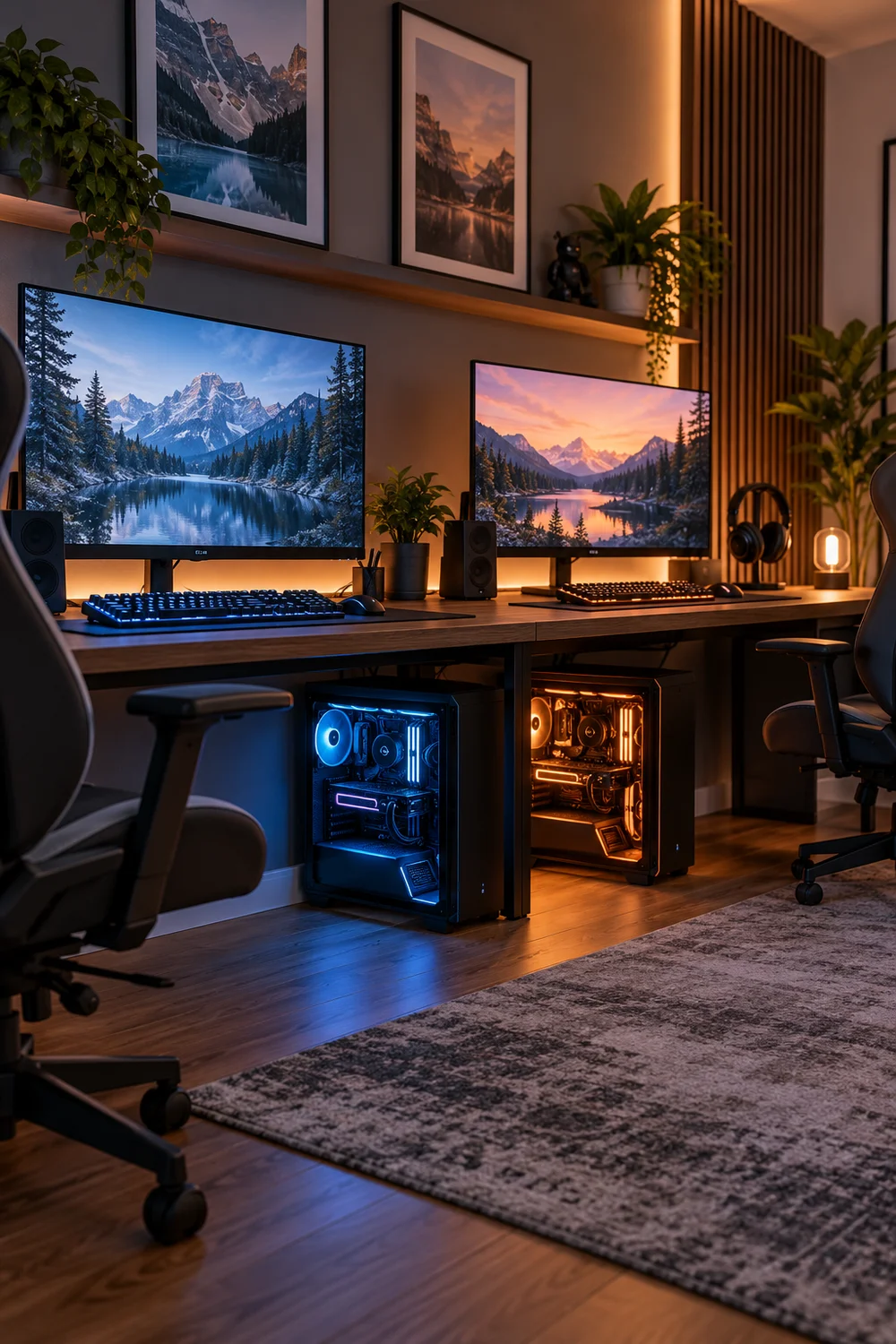
Cheaper and simpler, but shared performance and shared crashes.
More cost and cables, but total independence for both players.
6. Double the Power Strips
Two players means twice the chargers, twice the peripherals, twice the draw. One overloaded power strip is a fire hazard wearing a disguise. Give each side its own quality surge-protected strip.
Mount both strips under the desk, one per zone, and label them. When something needs unplugging at midnight, you will know exactly which strip is yours.
Two players, two power strips. Never daisy chain, never overload.
7. Agree on a Volume Rule
Sound is the number one source of dual-setup conflict. One person’s epic battle soundtrack is the other’s headache. Set the rule early: headsets on after a certain hour, speakers only by mutual agreement.
Buy two decent headsets instead of one great one. Matched audio gear keeps things fair, and closed-back designs keep each player’s game out of the other’s ears.
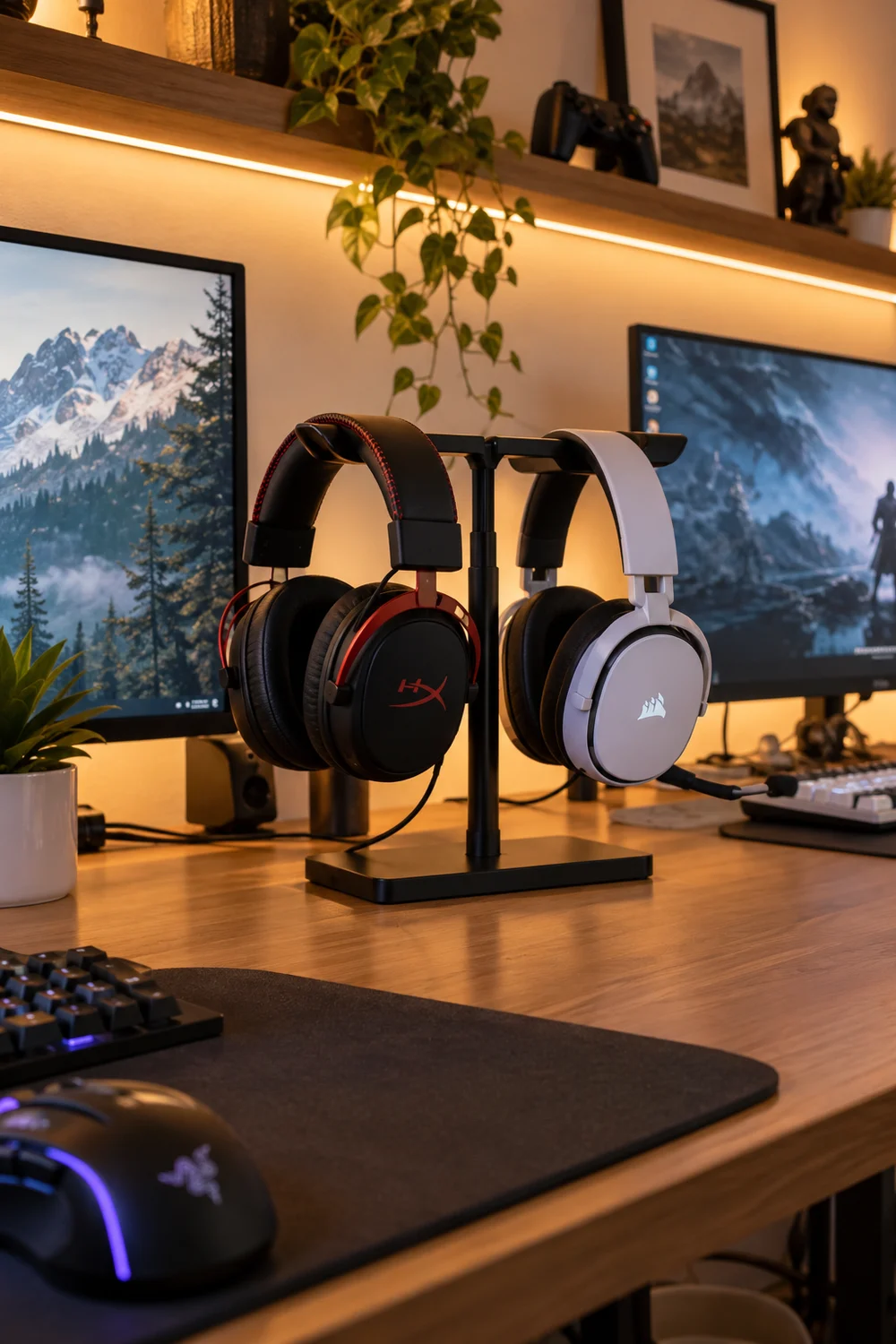
The volume treaty
8. Light Each Side Separately
Shared lighting forces compromises nobody wants. Give each zone its own lamp or strip on its own switch. One player can go dim and moody while the other stays bright for work.
Keep the color schemes compatible so the room still looks unified. Two different rainbow storms facing each other is a war, not a setup.
Separate lights per zone, compatible colors.
One light for both, or clashing rainbow storms.
9. Keep Snacks Neutral Territory
The middle of a shared desk is sacred ground. A small shared tray in the center holds snacks and drinks for both players, and the rule is simple: it stays stocked and it stays shared. No claiming the good snacks.
Keep it spill-safe and crumb-light. Sticky keyboards have ended more gaming nights than bad teammates.
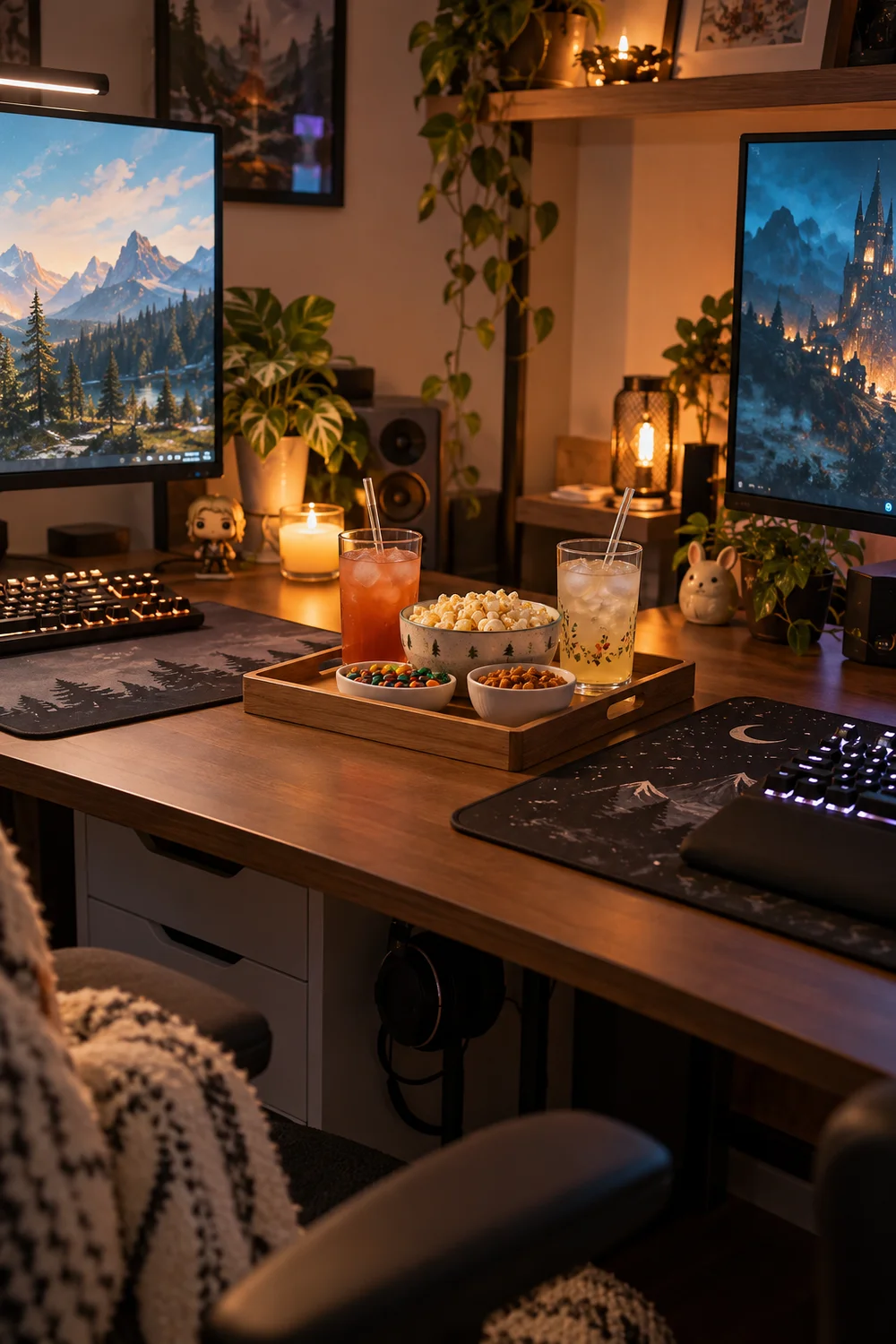
| Shared tray | Personal zone |
|---|---|
| Snacks and water for both | Your drink, your rules |
| Napkins, always | Your controller, your side |
| Stays stocked by both | Stays clean by you |
10. Sync Your Breaks
Nothing is lonelier than pausing for a stretch while your partner keeps playing without you. Agree to take breaks together: between matches, between quests, at natural stopping points. The room stays in rhythm.
Use break time for the shared tray, fresh air, and resetting the desk. Two minutes together beats ten minutes apart when the night is long. It also keeps one player from getting three matches ahead while the other was refilling water.
11. Give Each Person a Drawer
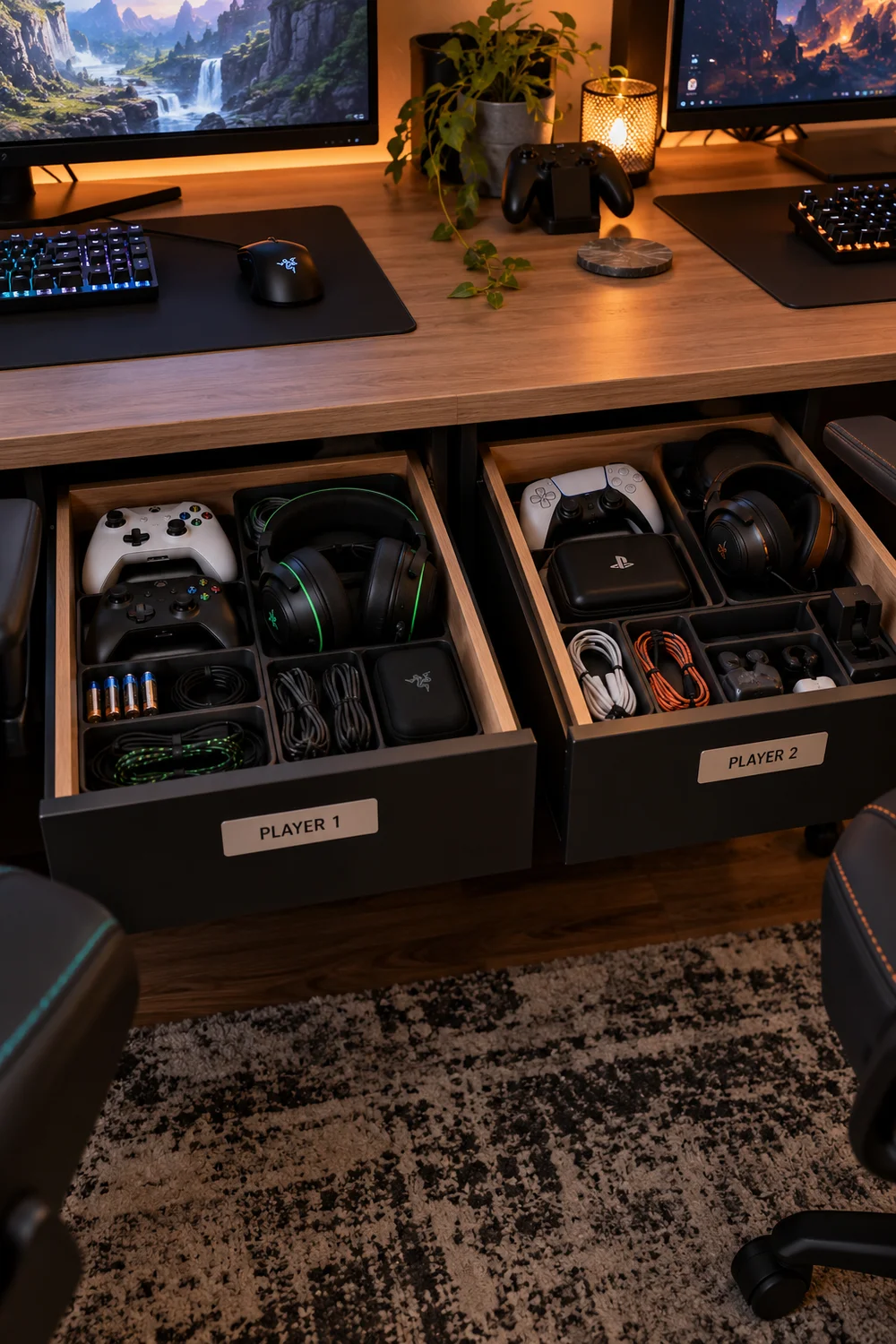
Shared storage becomes contested storage. One drawer per person, clearly divided, ends the mystery of whose cable is whose. Label them if you must; no shame in it.
Keep a third small shared drawer for communal gear: the spare HDMI cable, the shared charger, the earplugs for when treaties fail. Shared does not mean unlabeled; even the communal drawer deserves its own spot.
12. Manage the Cable Border
Where two setups meet, cables tangle. Run each player’s cables to their own side of the tray and keep the middle crossing to a minimum. Color-coded ties, one color per person, make it obvious whose is whose.
Do a joint cable audit every few months. Two people’s worth of “temporary” cables becomes a nest fast, and untangling it together is oddly satisfying.
💡 Quick Tip
One cable tie color per person. The border stays visible and fair.
13. Decorate Together, Compromise on Colors
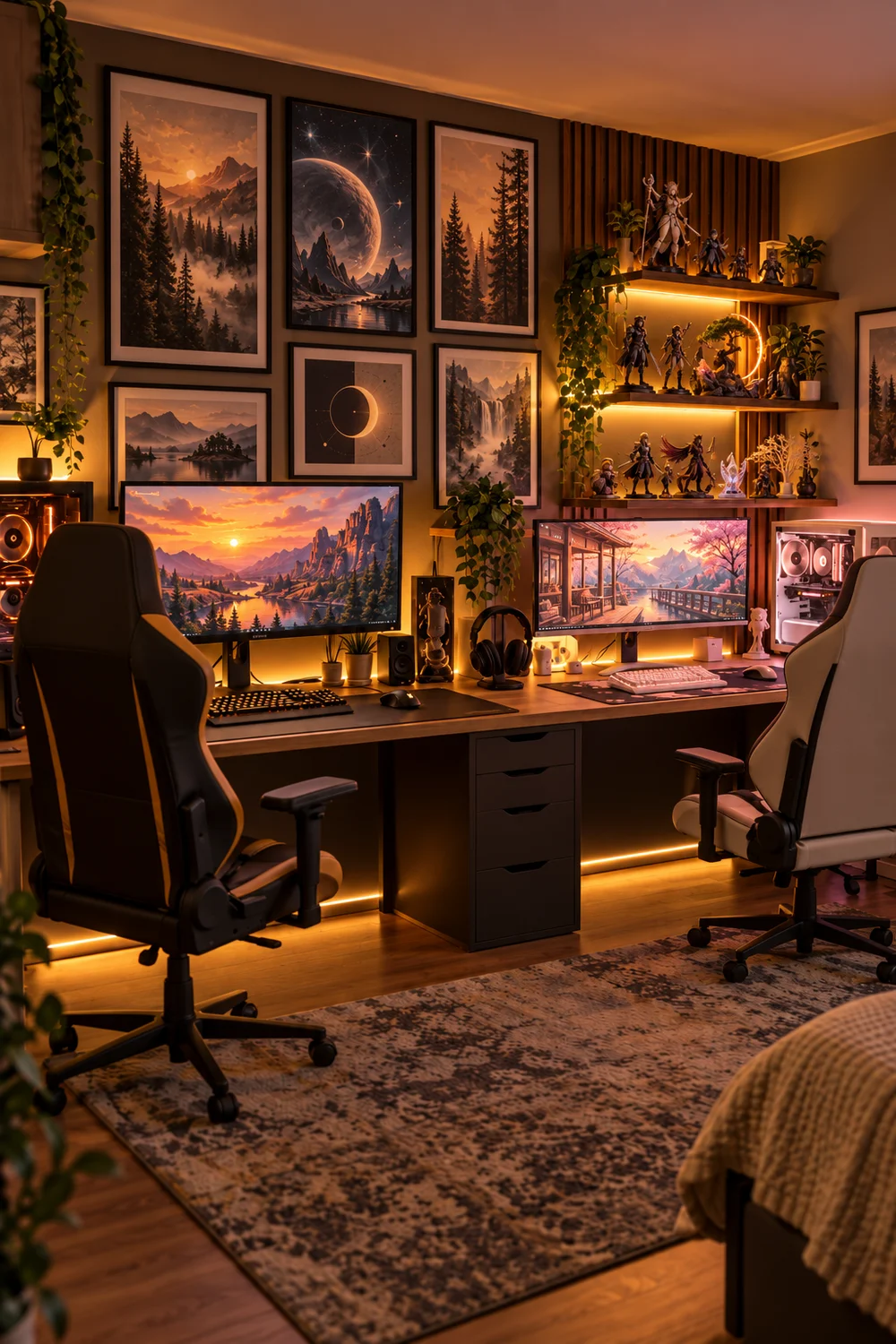
Decor is where dual setups get personal. Let each player style their own half: posters, figures, the little things that make a station theirs. The shared rule is one palette for the room so the halves do not clash.
Pick the palette together over coffee, not mid argument. Two personal halves inside one agreed color story looks curated, not compromised.
14. Plan for Guests and Player Three
Someone will always want to join. Keep a folding chair and a spare controller ready so player three does not mean rearranging the room. A controller charging in the shared drawer is an invitation.
Decide in advance whose station the guest uses, or rotate. The only bad plan is figuring it out while the guest stands there holding a controller.
Keep a folding chair within reach.
Keep a third controller charged.
Agree whose station guests use.
15. End the Night With a Joint Tidy
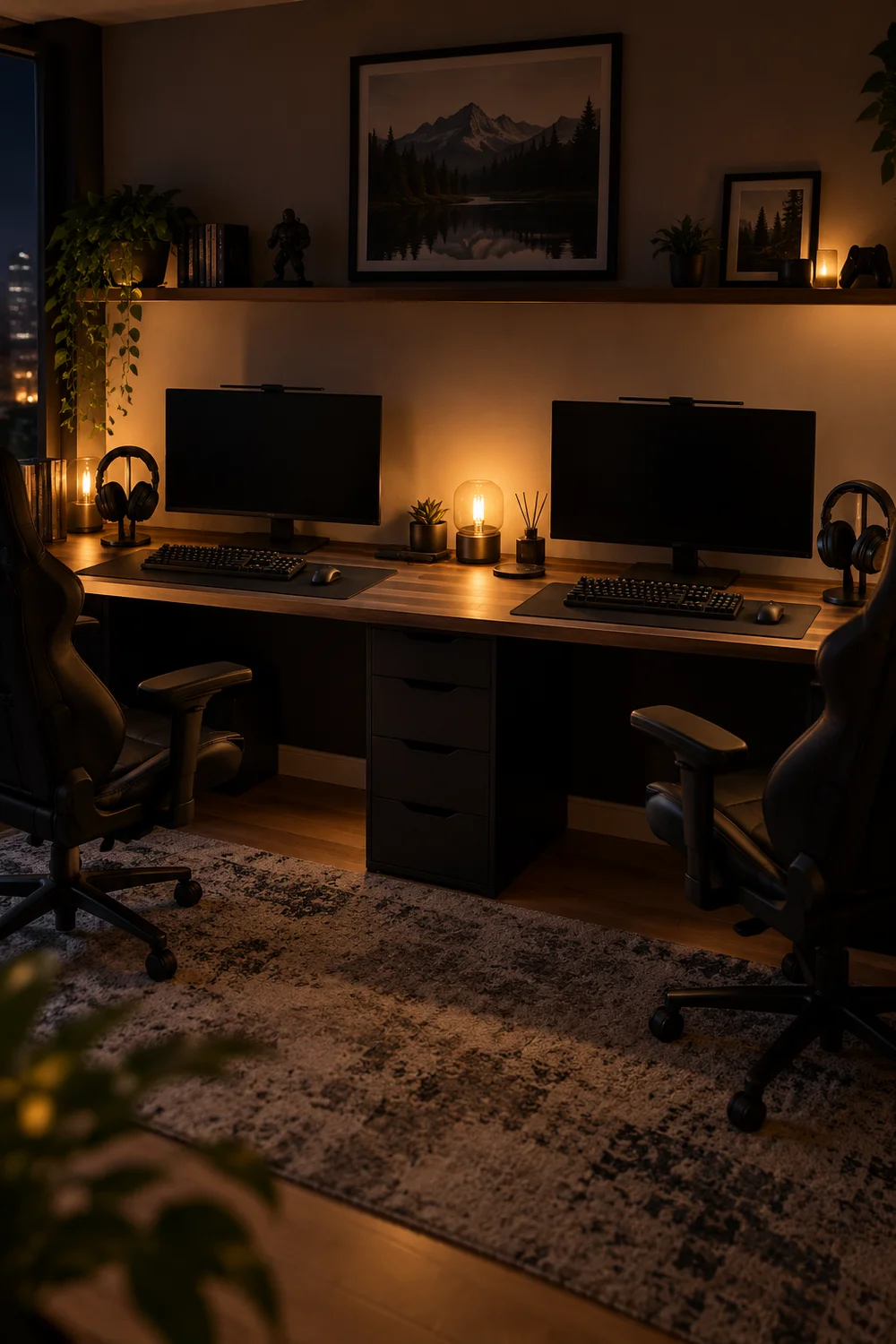
Two players means twice the mess, so make the reset a ritual you do together. Controllers docked, headsets hung, snack tray cleared, chairs pushed in. Ninety seconds, both of you, done.
Ending together is the whole point of a dual setup. The room resets, the night ends well, and tomorrow you both sit down to a clean station.
The joint tidy
Wrapping Up
A dual gaming setup is a relationship project disguised as furniture. Fair zones, matched gear, and a few small treaties turn one room into two happy stations. The best dual setups are not the most expensive ones; they are the ones both players love sitting at.
Build it together, tidy it together, and the room becomes your favorite shared habit. Save this list for the next time the cable border starts drifting. Then pick one idea tonight and try it before your next session. Pin your favorite for later.
📌 Start tonight