
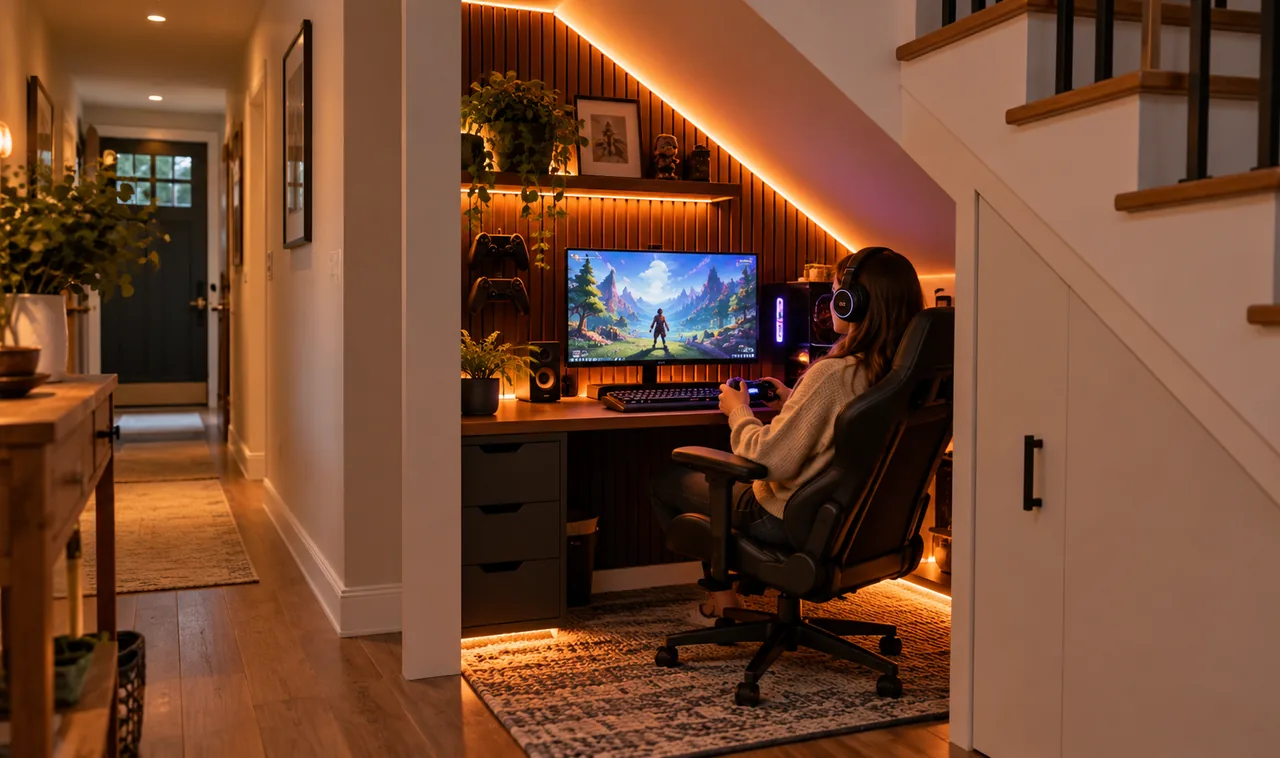
The space under your stairs is probably a graveyard for vacuum cleaners and old paint cans. It sits there, warm and dark, doing nothing. But look at it with a gamer’s eyes and it becomes something else: a private cockpit, a reading nook for shooters, a corner that nobody walks through. Under-stairs gaming room ideas work because the awkward triangle shape is actually a gift. The low end hides your cables and storage, the tall end holds your desk, and the walls are close enough that LED light wraps around you like a theater.
This list walks you through 17 practical moves, from measuring headroom to picking the right chair. No renovation required, no contractor, no tearing out drywall. Just smart choices that turn wasted square footage into the best seat in the house.
Most of these ideas cost less than a new game, and several cost nothing at all. The triangle shape does half the work for you. You just need to work with it instead of against it.
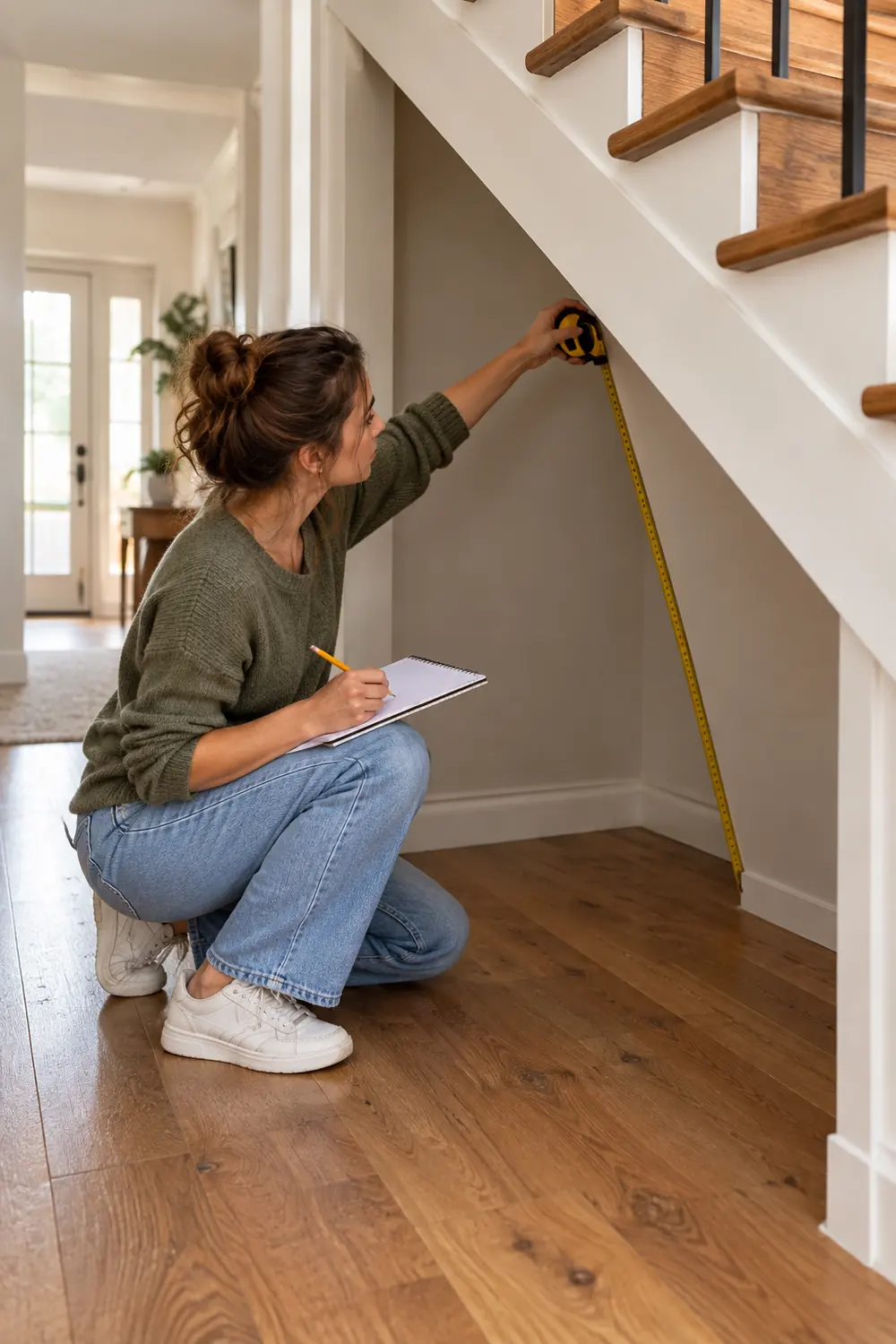
1. Map Your Headroom Before You Buy Anything
Grab a tape measure and sketch the triangle. Mark three zones: full standing height at the tall end, seated headroom in the middle, and the crawl zone near the low wall. Write the actual numbers down. This five minute job saves you from the classic mistake of buying a desk that fits the width but leaves you hunched under a sloped ceiling.
- Measure floor width at the tall end, the middle, and the low end
- Note ceiling height every 12 inches from the tall wall inward
- Mark where outlets and any pipes already sit
The nook rewards planning more than money. A measured triangle becomes a floor plan you can actually shop from.
2. Put a Fold-Down Desk at the Tall End
The tall end is your command zone. A wall-mounted fold-down desk keeps the floor clear when you are not playing and gives you a solid surface when you are. Look for one at least 30 inches wide so a keyboard and mouse sit comfortably.
When the session ends, fold it up and the nook turns back into hallway space. That flexibility is what makes the whole setup roommate friendly.
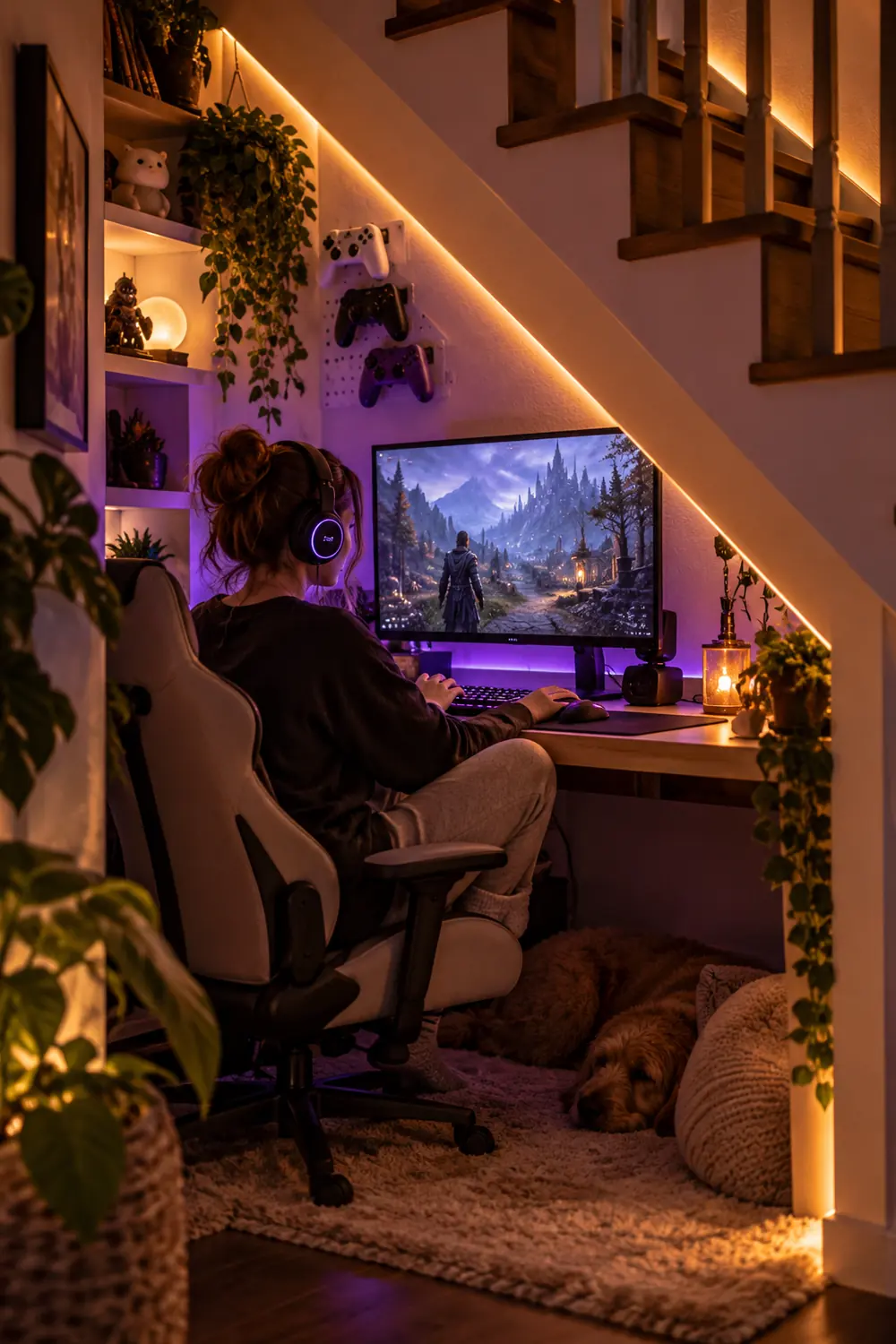
3. Run LED Strips Along the Stair Stringer
The angled board that runs under your stairs is called the stringer, and it is a perfect light track. Stick an adhesive LED strip along its full length. The sloped angle throws a soft wash across the ceiling of your nook, so you get glow without a single bare bulb in your eyeline.
Pick warm white for the main run and save color for accents. Bright white strips in a tiny space feel like an interrogation room after an hour.
4. Mount the Monitor on an Arm to Save Desk Space
Under-stairs desks are narrow by nature, so every inch counts. A single monitor arm clamps to the back edge of the desk and lifts the screen off the surface entirely. Suddenly you have room for a full size keyboard, a mouse pad, and a drink.
| Feature | Stock stand | Monitor arm |
| Desk space used | About 10 x 8 inches | Zero, clamps to edge |
| Height control | Fixed or stepped | Fully adjustable |
| Tilt for low ceilings | Limited | Tilts to meet your eye line |
Bonus: when the desk folds up, swing the arm flat against the wall first. It takes three seconds and keeps everything protected.
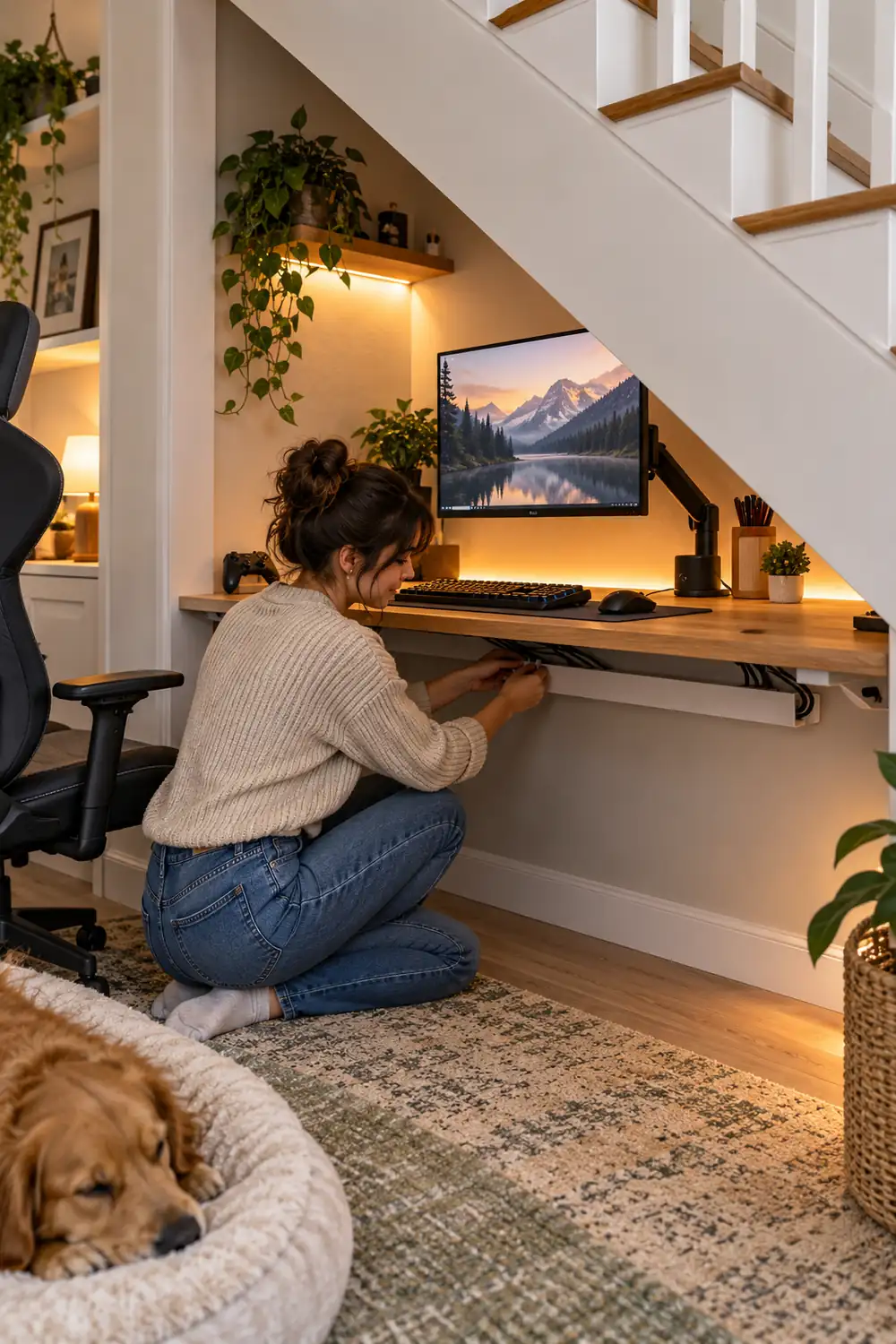
5. Hide Every Cable in One Slim Channel
Nothing ruins a cozy nook faster than a tangle of black cords. Run one slim adhesive cable channel from the desk down to the outlet, and feed every wire through it: monitor power, PC power, LED strip, charger. One channel, one clean line.
Bundle the slack with reusable velcro ties instead of zip ties. You will rearrange things at least twice in the first month, and velcro forgives. Small gaming room ideas lean on the same trick, because small spaces punish visible clutter the hardest.
6. Claim the Tall End With a Narrow Storage Tower
That strip of full height wall at the tall end is prime real estate. A narrow tower shelf, about 10 inches deep, holds games, controllers, a headset, and a small plant without eating floor space. Keep the heaviest items low so it stays stable.
Face the open side toward the desk. Everything you reach for mid-session should be one arm’s length away, not a stand up and walk situation. If the tower wobbles on uneven flooring, shim the base with folded cardboard until it sits dead level.
7. Light the Low Zone With Warm Dimmable Pucks
The low end of the triangle tends to go pitch black, which makes the nook feel smaller than it is. Stick two battery puck lights on the ceiling there, the kind with a remote. Warm 2700K light keeps the mood relaxed.
Set them to half brightness for late night sessions. Full blast in a small space strains tired eyes.
8. Pick an Armless Chair That Slides Fully Under
Bulky armrests and sloped ceilings are enemies. An armless task chair or a low gaming stool slides completely under the desk, which keeps the walkway clear and stops you banging elbows on the stair slope.
Test the seat height before you commit. You want your eyes level with the top third of the monitor while your feet rest flat. In a nook, five inches of wrong height feels like a foot. A footrest helps too, since dangling feet get uncomfortable faster than you expect.
9. Soften the Sound With Carpet Tiles and a Rug
Under-stairs spaces echo. Hardwood or tile bounces every click and voice chat off the walls. Lay interlocking carpet tiles on the floor and add a small rug under the chair. The difference in sound is immediate.
This also warms the space visually. Retro gaming room ideas often use rugs the same way, to anchor the setup and make it feel like a destination rather than a corner. Your nook deserves that same treatment.
10. Hang Controllers and Headsets on the Sloped Wall
The sloped wall is dead space for furniture but perfect for hanging gear. Screw in a few simple hooks or a short rail and hang your controllers and headset where the ceiling is too low for anything else.
- Hold each controller up and mark a comfortable grab height
- Pre-drill to avoid splitting the stair structure
- Use hooks rated for at least twice the headset’s weight
- Leave one spare hook for the next controller you buy
Gear on the wall doubles as decor. A row of controllers under warm LED light looks intentional, not cluttered.
11. Give Your Console a Ventilated Floating Shelf
Consoles and small PCs need airflow, and the under-stairs nook traps heat. Mount a floating shelf on the back wall with at least three inches of clearance on every side of the machine. Cut a cable hole in the back corner so wires drop straight down.
Never stack anything on top of the console. Heat rises into whatever sits above it, and in an enclosed nook that heat has nowhere to go.
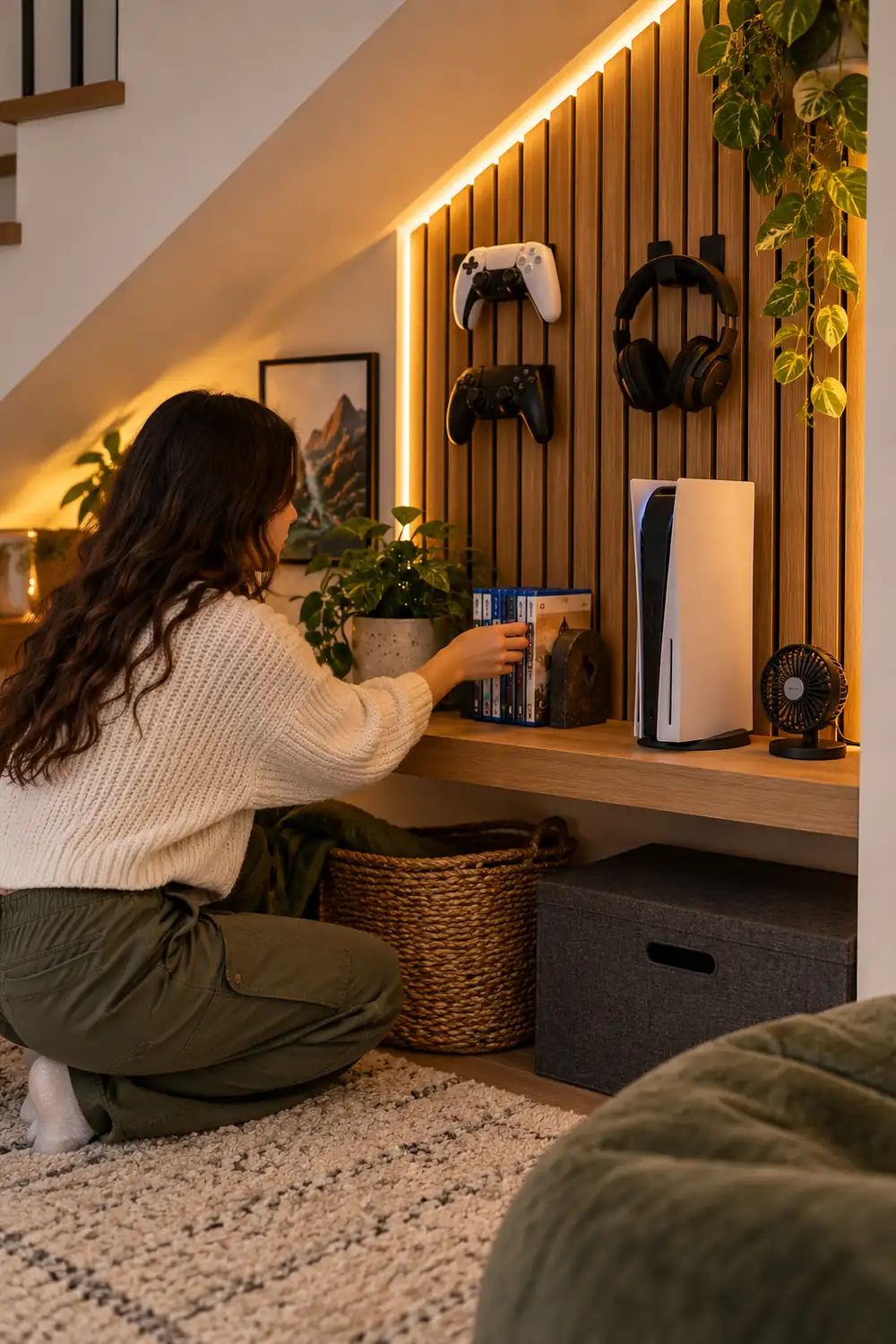
12. Turn the Back Wall Into a Slatwall Command Center
A single slatwall panel on the back wall turns dead vertical space into flexible storage. Hooks, small shelves, and baskets all clip in and move around. Rearrange it whenever your setup changes instead of drilling new holes.
Keep the panel above desk height so it never fights your monitor. The sweet spot is the band of wall between the screen and the sloped ceiling. Start with four hooks and one small shelf, then add pieces only when you actually need them.
13. Keep Air Moving With a Quiet USB Fan
Enclosed nooks get warm fast, especially with a PC or console running. A small USB fan clipped to the shelf edge moves air across the equipment and across you. Look for one under 25 decibels so it disappears into the background.
Point it across the room, not at your face. You want circulation, not a wind tunnel drying out your eyes during a long session. In summer, crack the nook open a few extra inches and let the fan pull cooler hallway air in.
14. Personalize With Peel-and-Stick Art
Bare walls make a nook feel like a storage closet. Peel-and-stick posters, vinyl decals, or a single framed print fix that in an afternoon, and they come off clean when you move out or change your mind.
Stick to two or three pieces. In a space this small, a gallery wall reads as clutter within a week.
15. Hide It All With a Curtain or Sliding Panel
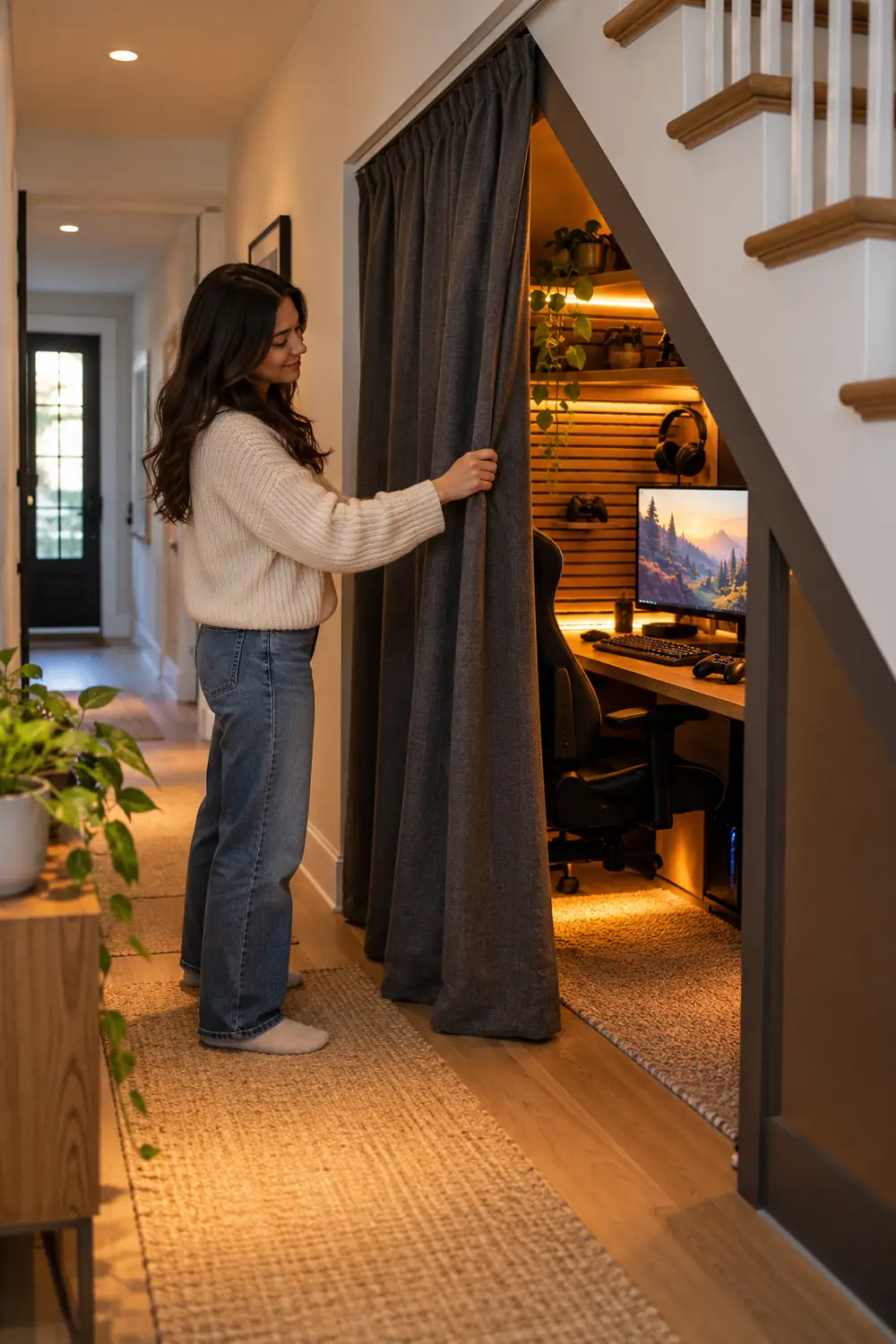
Some days you want the setup gone. A ceiling-mounted curtain track with a heavy fabric panel, or a simple sliding barn style panel, closes the nook off completely. Guests see a tidy hallway, not your battlestation.
Choose a fabric that blocks light if you game during the day. Gaming room lighting ideas cover this well: controlling ambient light matters as much as the lights you add.
16. Park Drinks on a Spill-Safe Wall Shelf
Drinks on a narrow desk are an accident waiting to happen. Mount a small shelf on the side wall, away from the electronics, with a raised lip. Your drink lives there, safe from elbow strikes.
Use a lidded bottle or a travel mug anyway. Wall shelf or not, open drinks and keyboards have never been friends. Mount the shelf at elbow height so you can grab and replace your drink without looking away from the screen.
17. Light the Steps Above for Safety and Mood
Do not forget the staircase itself. Small motion sensor step lights on the risers above your nook keep late night trips safe, and they cast a soft glow down into your space that ties everything together.
Stick-on battery versions take ten minutes to install and cost less than a pizza. They turn on when you approach and fade out after you pass, so they never disturb a dark gaming session.
That wasted triangle under the stairs is one of the best kept secrets in home setups. With the right measurements, a fold-down desk, layered lighting, and smart storage, these under-stairs gaming room ideas turn dead space into a nook you will actually prefer over the living room couch. Start with the tape measure this weekend, and you could be gaming in your new hideout by next. The hardest part is clearing out the vacuum cleaner.
If this list gave you ideas worth keeping, save it to your Pinterest board for your next setup upgrade.
One Response