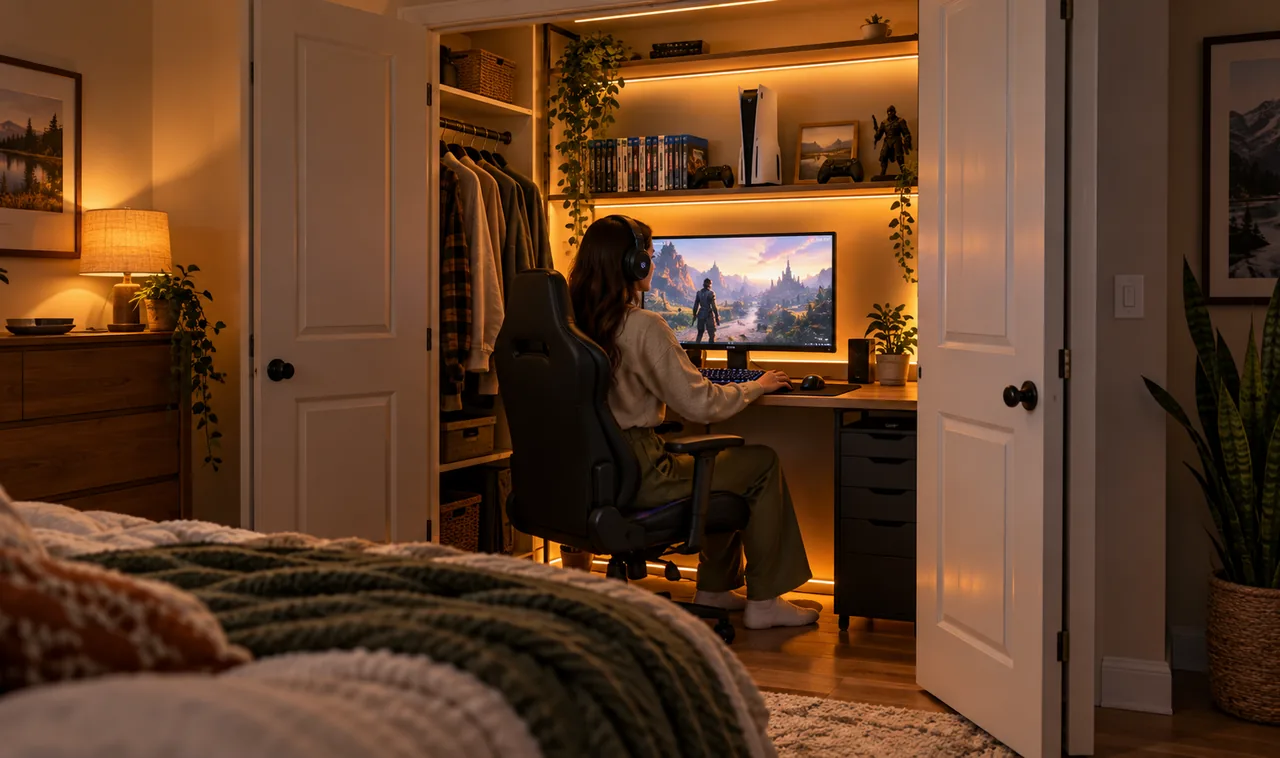
Most spare closets end up hiding the house’s mess. Winter coats, a tired vacuum, boxes nobody has opened since the move. A closet is also the only floor space in many homes that nobody else has claimed, and it has the one thing gamers in shared houses want most. A door that closes.
That is why Closet Gaming Setup Ideas keep showing up in small apartments, dorms, and family homes where the living room TV is never free. A reach-in closet gives you a private, quiet little room for the price of a free afternoon and some honest measuring.
The catch is size. A typical reach-in closet is around two feet deep and four to six feet wide, so every inch has to earn its place. Heat builds up fast, cables tangle in minutes, and the wrong chair will eat half the room. The fifteen ideas below treat the closet like a cockpit: measure first, mount what you can, keep air moving, and leave a way to shut the door on the whole setup when life needs the room back.
Measure the Closet Twice Before You Buy Anything
Closet dimensions lie to you at a glance.
Two closets that look identical can differ by three inches inside, and three inches decides if a desk fits or goes back to the store. Measure the width between the walls, the depth from the back wall to the inside of the closed door, and the height of any shelf or clothing rod you plan to keep. Check where the door swings and mark the arc on the floor with tape. Note the nearest outlet too, because it decides where the desk can go. The same tape first habit drives most small gaming room ideas that actually work.
- Width, wall to wall
- Depth, door closed
- Door swing clearance
- Nearest outlet distance
Take the Doors Off and Store Them Safely
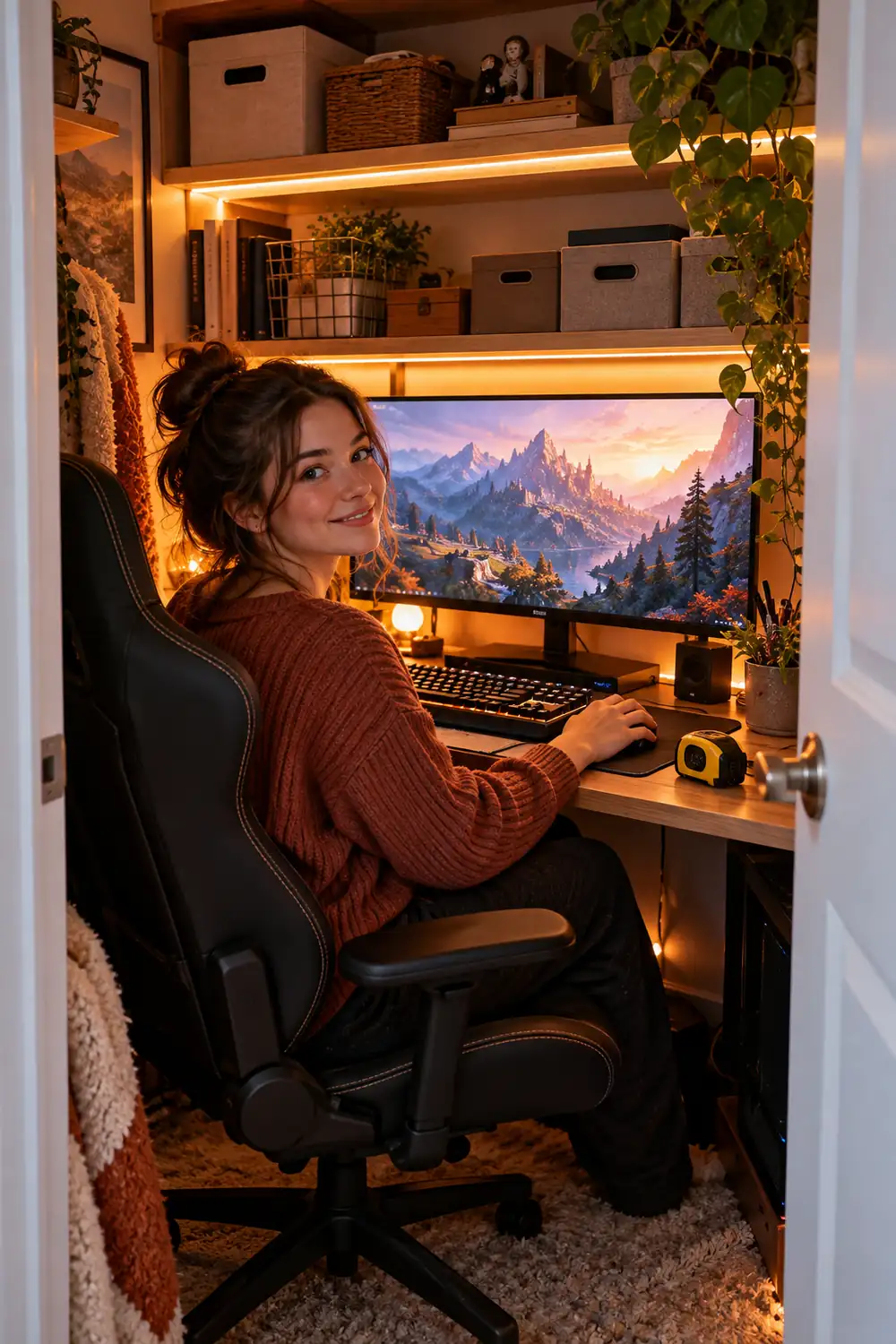
A hinged closet door swings through the exact space your knees and chair need. Bifold doors are worse, since they fold into the opening and steal width on both sides. Removing the doors is the cheapest upgrade on this list. Most closet doors lift off their hinges or tracks in minutes, and the nook stops feeling like storage. Renters can usually do this too, as long as the doors are stored flat and put back before moving out.
💡 Quick Tip
Put each door’s screws and brackets in a labeled zip bag and tape the bag to the back of the door. Rehanging takes ten minutes when every part is where you left it.
Mount a Floating Desk and Skip the Legs
Legs waste floor space and give cables something to wrap around.
A wall-mounted desk, even a simple thick shelf board on heavy brackets, runs the full width of the closet and leaves the floor clear. Aim for a depth of 20 to 24 inches, enough for a monitor arm, a keyboard, and your forearms, and mount it at standard desk height, around 28 to 30 inches. Screw the brackets into studs, not just drywall anchors. A PC tower, your feet, and a small bin all fit underneath because nothing blocks the floor.
Put the Monitor on an Arm and Win Back the Desk
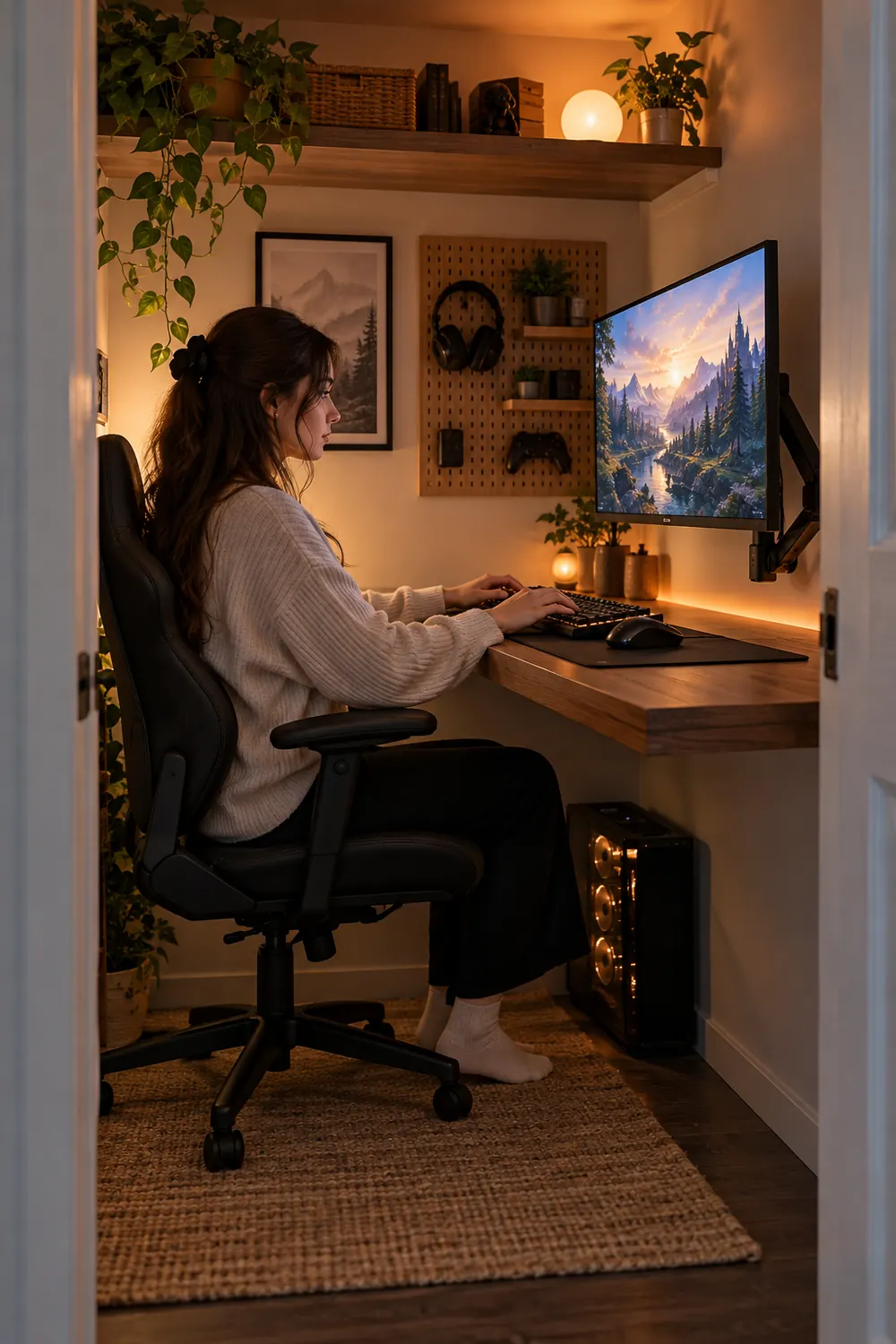
A monitor stand on a shallow closet desk eats a third of the surface before you have placed anything else. An arm changes the math.
Clamp the arm to the back edge of the desk or bolt it to the wall, float the screen at eye level, and the whole area underneath becomes usable space for a keyboard, a controller dock, or just your elbows. Check the monitor’s VESA pattern before ordering, and pick an arm rated above the screen’s weight. In a closet, a single strong arm beats a dual setup almost every time.
Cover One Wall With a Pegboard Gear Station
Flat surfaces run out fast in a closet, but the side walls are usually bare.
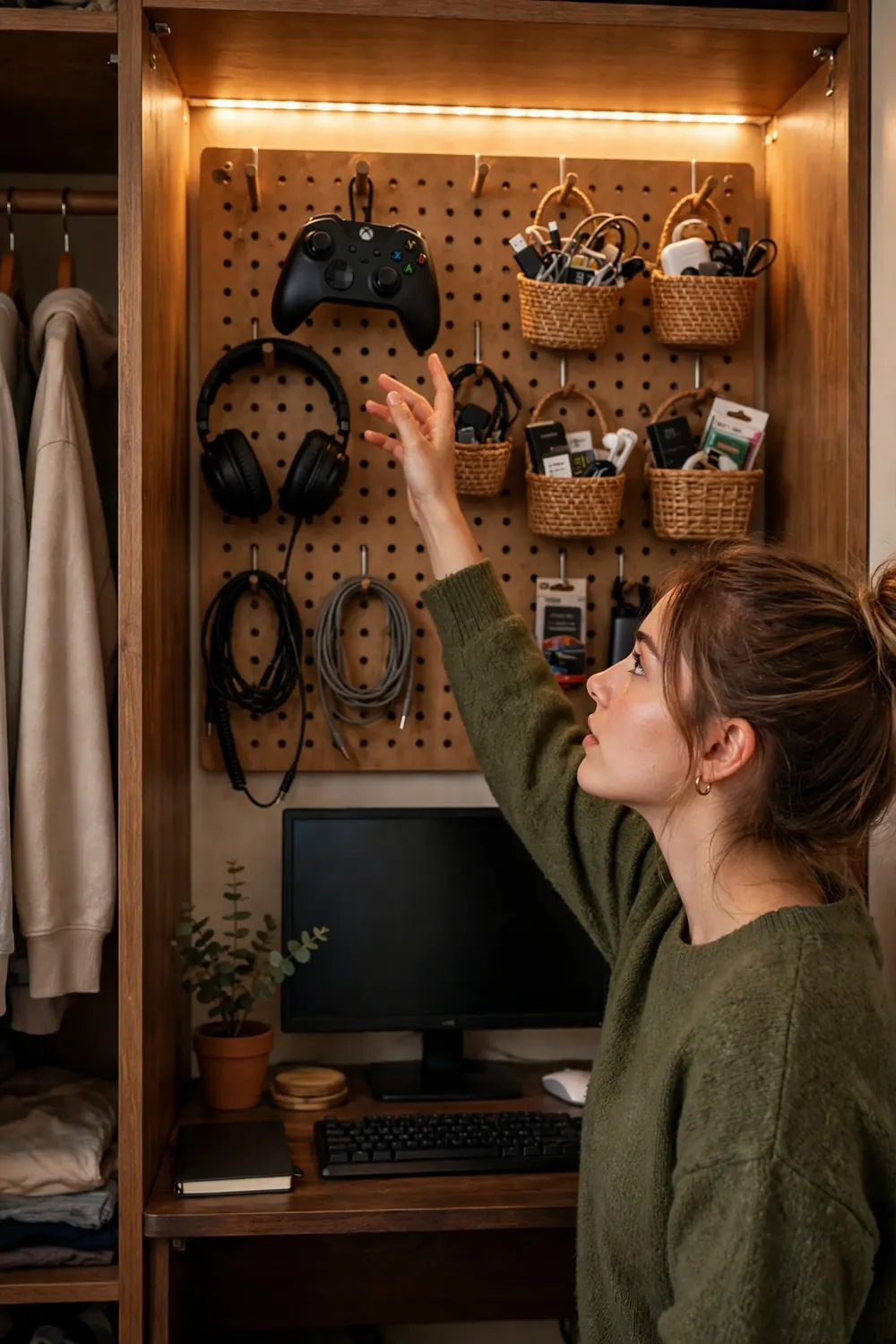
A pegboard panel beside or behind the desk holds controllers, headphones, a coiled spare cable, and the little tools that otherwise live in a pile. Hooks and small baskets cost very little, and every item gets a fixed home you can reach without standing up. Paint the board the same color as the closet walls and it looks built in instead of improvised.
Hang these first
Build Storage Upward With a Shelf Over the Screen
The space above the monitor is dead air in most setups. In a closet it is prime storage.
One sturdy shelf, mounted high enough to clear the top of your screen, holds a console, a router, game cases, and the boxes for your gear. Keep heavy items on the lowest shelf and light, rarely touched things up top. Leave a couple of inches between the console and the shelf above it, because trapped heat shortens the life of everything electronic in the nook.
Line the Edges With LED Strips for Light That Feels Bigger
Small rooms feel bigger when light bounces instead of glaring.
A strip of LEDs behind the monitor washes the wall with soft light and cuts eye strain during night sessions. A second strip under the top shelf lights the desk without a lamp taking up space. Warm white reads calm and hides dust better, while color strips let the nook match whatever game is on screen. Stick the strips to the underside of shelves and the back edge of the desk so you see the glow, never the diodes.
Give Heat an Exit Route Before It Builds Up
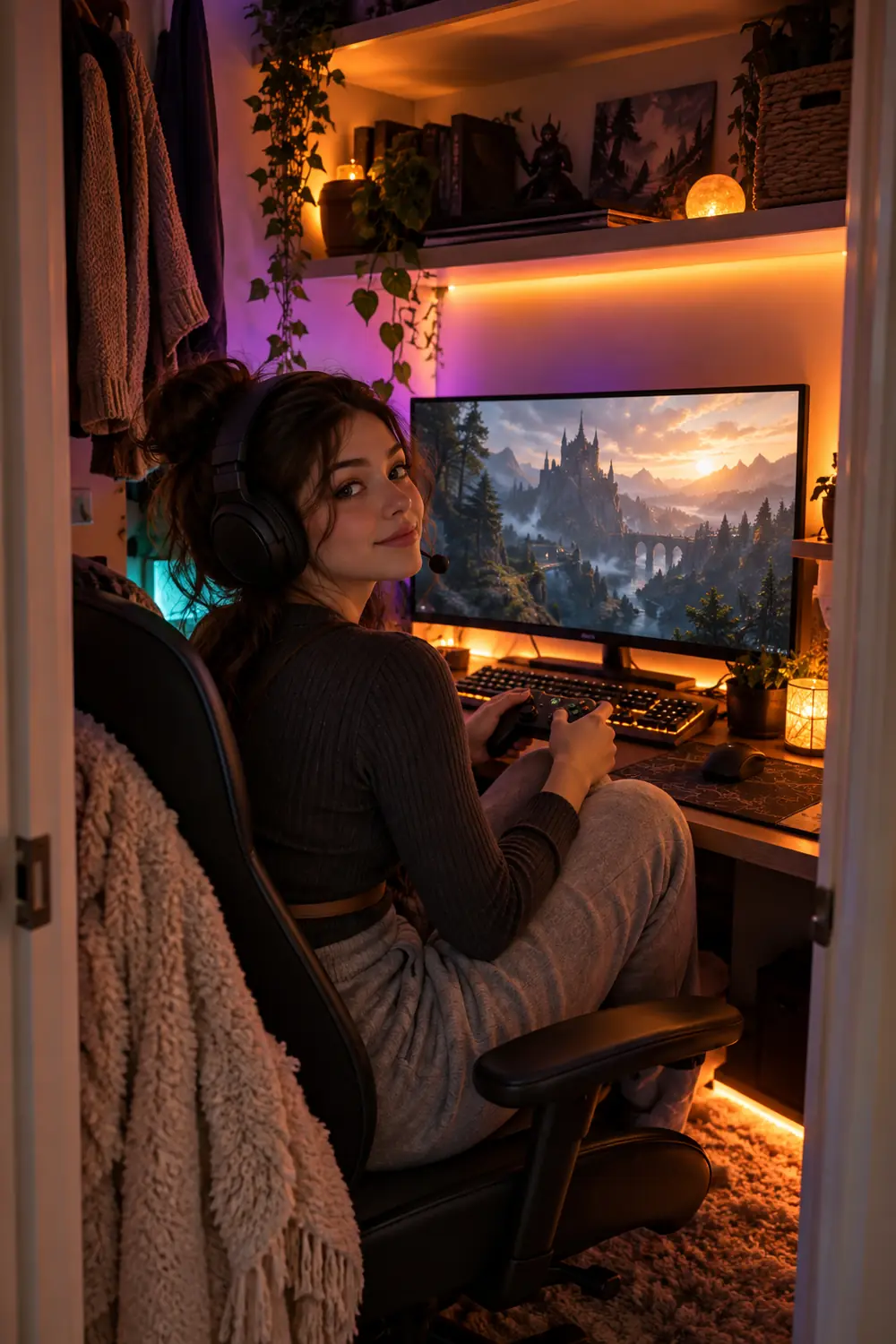
Here is the part most closet setups get wrong. A gaming PC, a monitor, and a person can warm a closed closet noticeably in under an hour, and hot gear throttles, stutters, and ages faster.
Cut a louvered vent into the door or fit a small grille near the top and bottom so air can trade places. A quiet USB fan on the top shelf, aimed at the gap, keeps air moving without a racket. On long sessions, playing with the door open a few inches does more than any gadget.
⚠️ Watch Out
If the room feels stuffy to you, it is already too warm for the PC. Check component temperatures after your first long session and fix the airflow before blaming the hardware.
Run Cables Once, Along the Walls, and Hide Them for Good
Loose cables in a tiny room do not stay tidy by accident. They migrate.
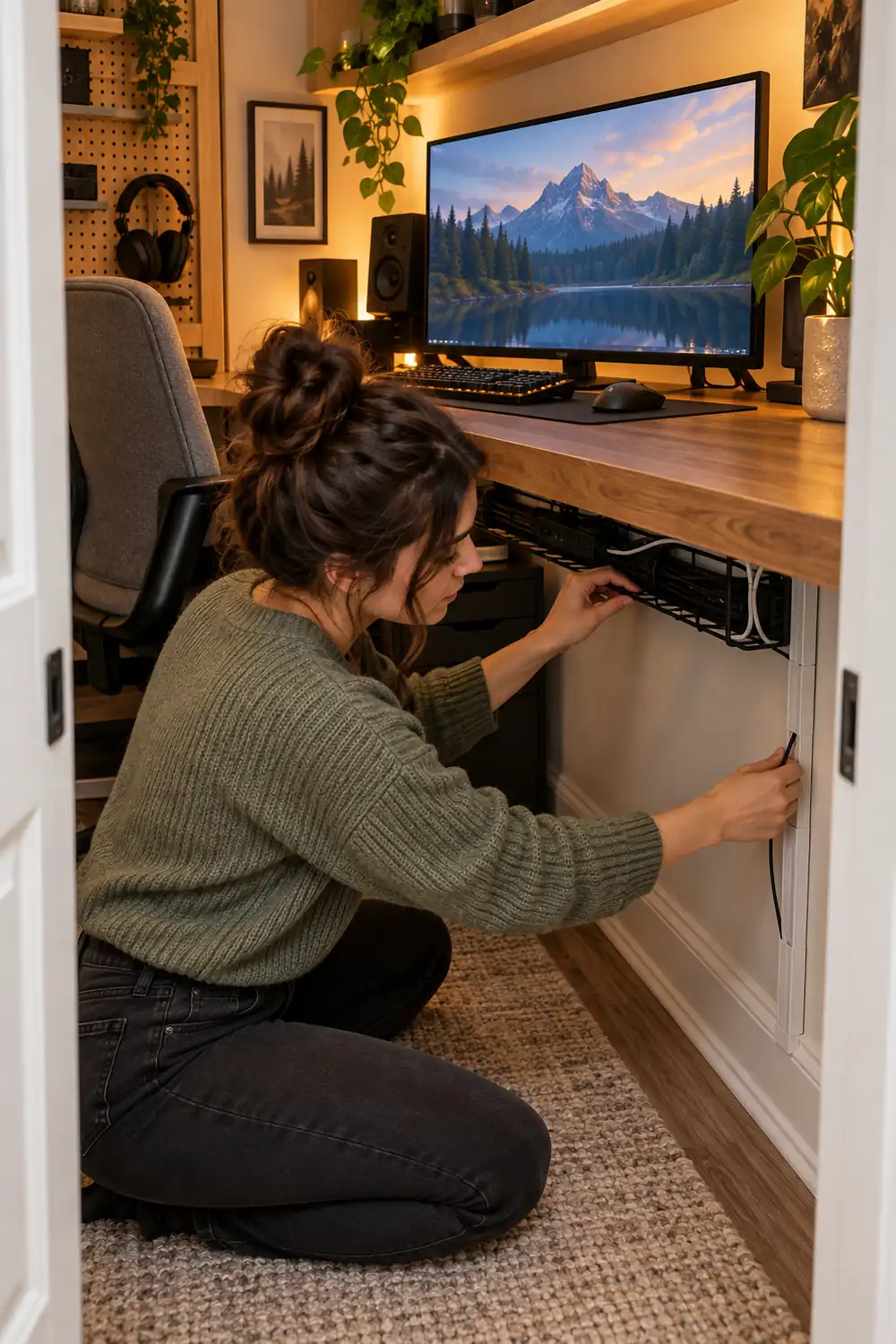
Mount a cable tray under the desk, drop every cord into it, and run one raceway strip down the wall to the outlet. Velcro ties beat zip ties here because you will change things. Label both ends of each cable with tape, and future you will fix problems without unplugging the wrong thing. Our full breakdown of ways to hide cables in a gaming setup covers the same tricks at room scale, and all of them shrink down to closet size.
Choose a Chair That Slides All the Way In
The chair is the biggest object in the room, and the wrong one makes the whole idea fail.
Measure the gap under your desk and pick an armless chair slim enough to slide completely beneath it. When the chair tucks in, the doors can close, the room resets to a closet, and nobody trips over your setup at midnight. Wheels help on hard floors, and a folding chair works if space is brutal, as long as you add a cushion for longer sessions. Comfort still counts. You will sit here for hours.
Cut the Cord Count With Wireless Gear
Every cable that crosses a small desk is a cable you will snag, daily.
A wireless keyboard, mouse, and headset remove three of the worst offenders and make the whole nook easier to clean. Keep one small charging dock on the pegboard or shelf so everything charges in the same spot overnight. Wired still wins for the monitor and the PC itself. Spend the wireless budget where movement matters and save money everywhere else.
Worth the wireless upgrade
Shrink the Brain of the Setup
Floor space is the currency of a closet setup, and a full tower spends it fast.
A mini PC can mount to the back of the monitor and vanish entirely. A console stood vertically takes less room than a shoebox. Even a normal tower behaves if it lives on the floor beside the desk instead of on top of it. Match the machine to the games you actually play instead of the ones you might play someday, and the closet will feel twice as roomy.
| Option | Floor space used | Good for |
|---|---|---|
| Mini PC behind the screen | None at all | Everyday games and esports titles |
| Console on a vertical stand | About one shoebox | Relaxed games played on a monitor |
| Full tower on the floor | One corner beside the desk | Demanding PC games |
Tame the Echo With Fabric, Not Foam Everywhere
A closet is a hard little box, and your microphone hears it. Voice chat picks up a hollow echo, like you are calling from a bathroom.
You do not need to wrap the room in foam. A few acoustic panels or even thick fabric wall hangings behind the monitor and on the inside of the door absorb most of it. An offcut of carpet or a small rug on the closet floor helps too, and it keeps chair wheels quiet on hard floors. Your teammates will notice the difference before you do.
Plug Everything Into One Mounted Power Strip
One strip, mounted under the desk, one switch for the whole setup. That is the rule.
- Mount a surge protected strip under the desk, off the floor.
- Plug the PC, monitor, console, and chargers into that strip only.
- Route the strip’s own cord down the wall raceway to the outlet.
One switch kills the standby lights that glow all night, and you never hunt for which power brick belongs to what. Never chain two strips together. If the closet has no outlet inside, run the one cord neatly along the baseboard to the nearest wall socket instead of draping an extension lead across the floor.
Leave the Top Shelf Alone So the Closet Still Works
The smartest closet setups only claim the bottom two thirds of the space.
Keep the original top shelf for storage bins, spare bedding, or the coats that lived there before, and the household loses nothing. When guests come or the room needs to look normal, slide the chair in, close the curtain or the doors, and the gaming room simply disappears. That vanishing act is the whole charm of hidden gaming setup ideas, and a closet does it better than any corner of a bedroom.
The closet is small. Your sessions do not have to feel that way.
None of this needs a big budget or a big room. It needs a tape measure, a free afternoon, and the discipline to give every object a fixed home. Start with the doors and the desk, add light and airflow, and the rest falls into place session by session. A closet will never be a huge gaming room, and it does not need to be. It needs to be yours, quiet, and ready when you are.
Save these closet gaming setup ideas to your gaming room board on Pinterest, and pass the list to anyone still gaming at the kitchen table.