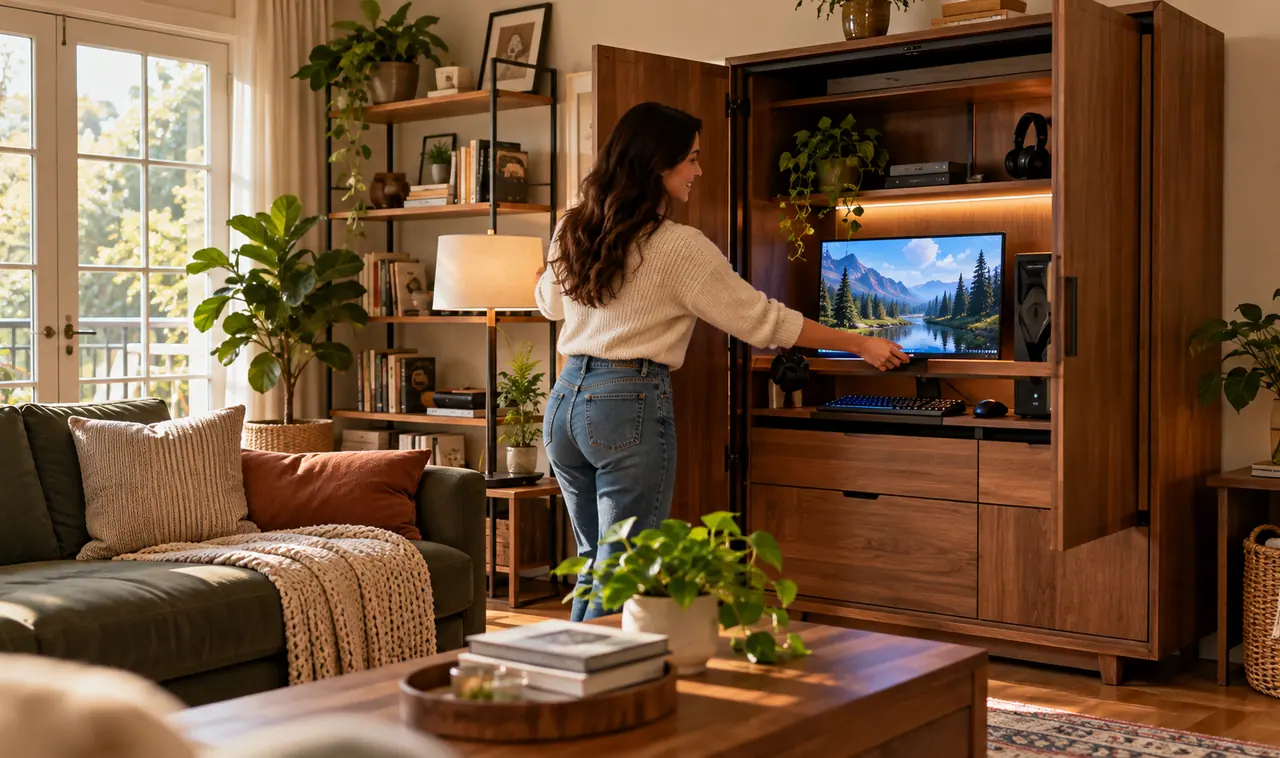
A gaming setup does not have to take over your home. You can keep the rig, the monitors, and the tangle of controllers without giving up your living room, your office, or your calm.
The problem is not space. It is visibility. Most setups look messy because everything stays out all the time. The fix is simple: build a setup that disappears when you are done. Hidden gaming setup ideas work because they treat play time and normal life as two separate modes, and the furniture switches between them in seconds.
These 15 ideas show you how to fold, slide, stash, and disguise a full setup inside furniture you already own or can buy once. Pick two or three that fit your room, and your home will look like a normal home again.
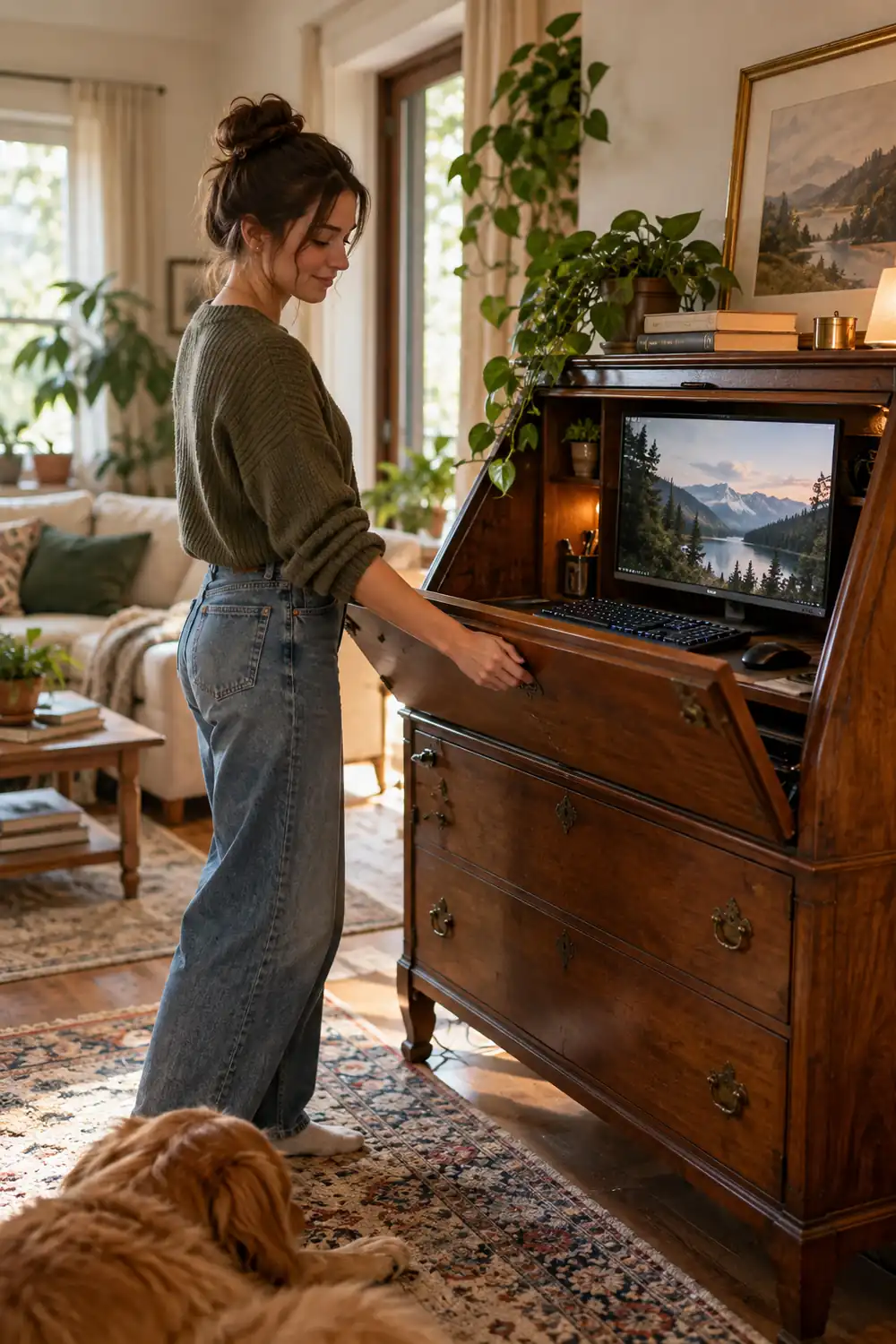
1. Close a Secretary Desk Over Your Whole Battle Station
A secretary desk is the original disappearing act. The drop-front panel hides your keyboard and mouse in one move, and the upper shelves swallow the monitor when you need the room back.
- Choose one with a drop-front at least 24 inches wide for a keyboard and mouse pad.
- Put the monitor on a low stand so the front closes flat without touching the screen.
- Cut a small notch in the back panel for the power and display cables.
When guests walk in, you close the front. Nobody knows a gaming station lives behind the wood. It works best for laptop or single-monitor setups in living rooms and bedrooms.
2. Let a Sliding Wall Panel Do the Hiding
A sliding panel turns any desk into a secret. Mount a barn-door style panel on a track in front of your wall desk, and slide it shut when playtime ends.
The panel can be art, a mirror, or a plain wood slab that matches the wall. It takes one afternoon to hang, and the desk underneath stays fully set up. Your keyboard, monitor arm, and controller stand never move. Only the cover does.
💡 Quick Tip
Hang the track at least 4 inches in front of the monitor so the panel never scrapes the screen. Soft-close rollers keep it quiet for night sessions.
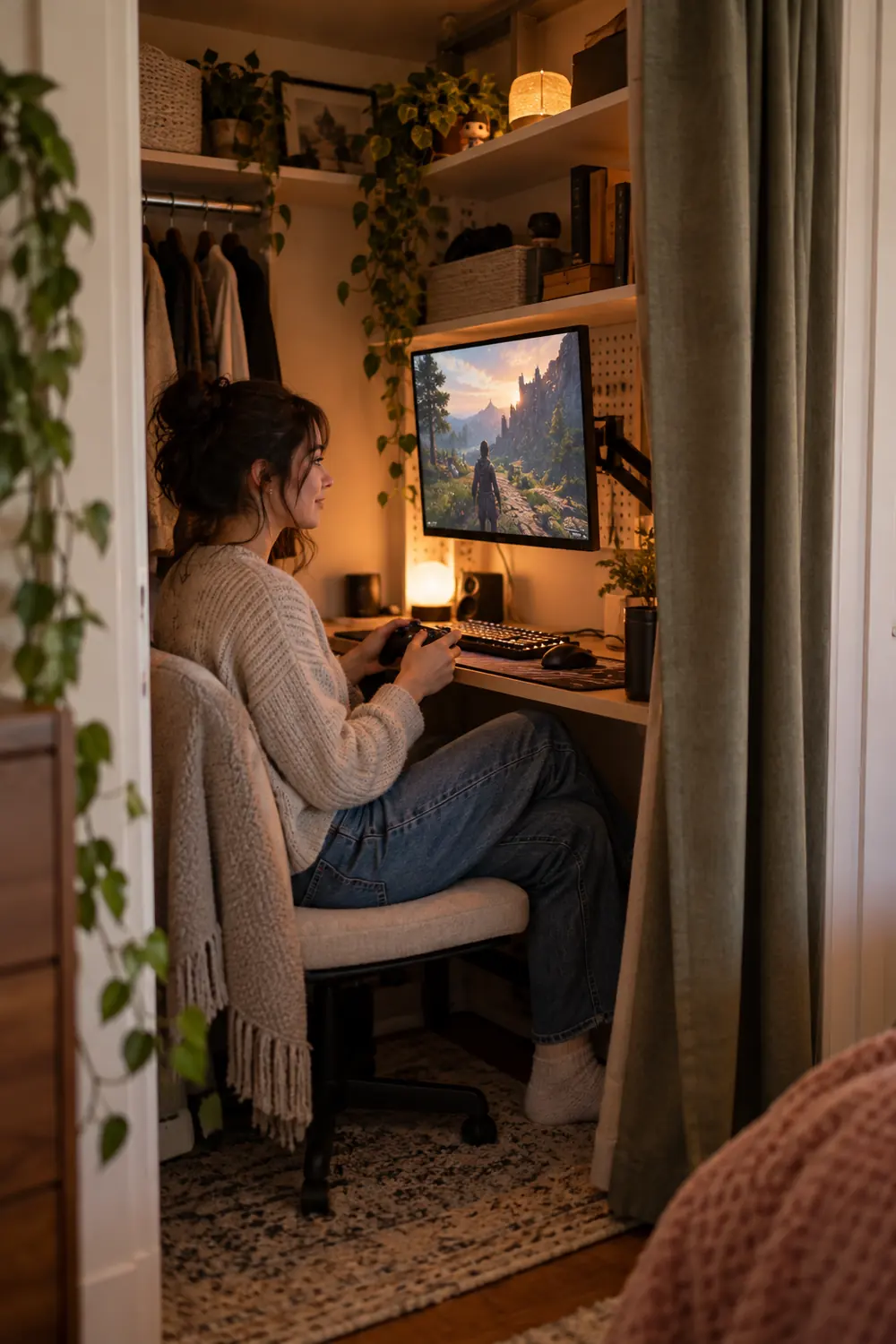
3. Mount Your Monitor Inside the Closet on a Swivel Arm
A closet with the doors removed or opened becomes a built-in gaming nook. Bolt a monitor arm to the back wall, swing the screen out when you play, and push it flat against the wall when you are done.
The closet walls naturally block light, which helps contrast during the day. Add a small power strip inside and keep the PC tower on the floor behind a fabric bin. Closing a curtain across the opening finishes the trick. Visitors see a neat curtain, not a command center.
4. Build the PC Into a Console Sideboard
A long sideboard with doors gives your tower PC a home that looks like normal furniture. Remove one shelf for height, drill two discreet holes in the back for cables, and slide the tower inside.
Airflow matters here. Leave the back panel off or replace it with mesh so heat escapes. A tower with quiet fans will hum along fine. The top of the sideboard stays free for plants, books, or a lamp, and the whole gaming machine vanishes behind closed doors.
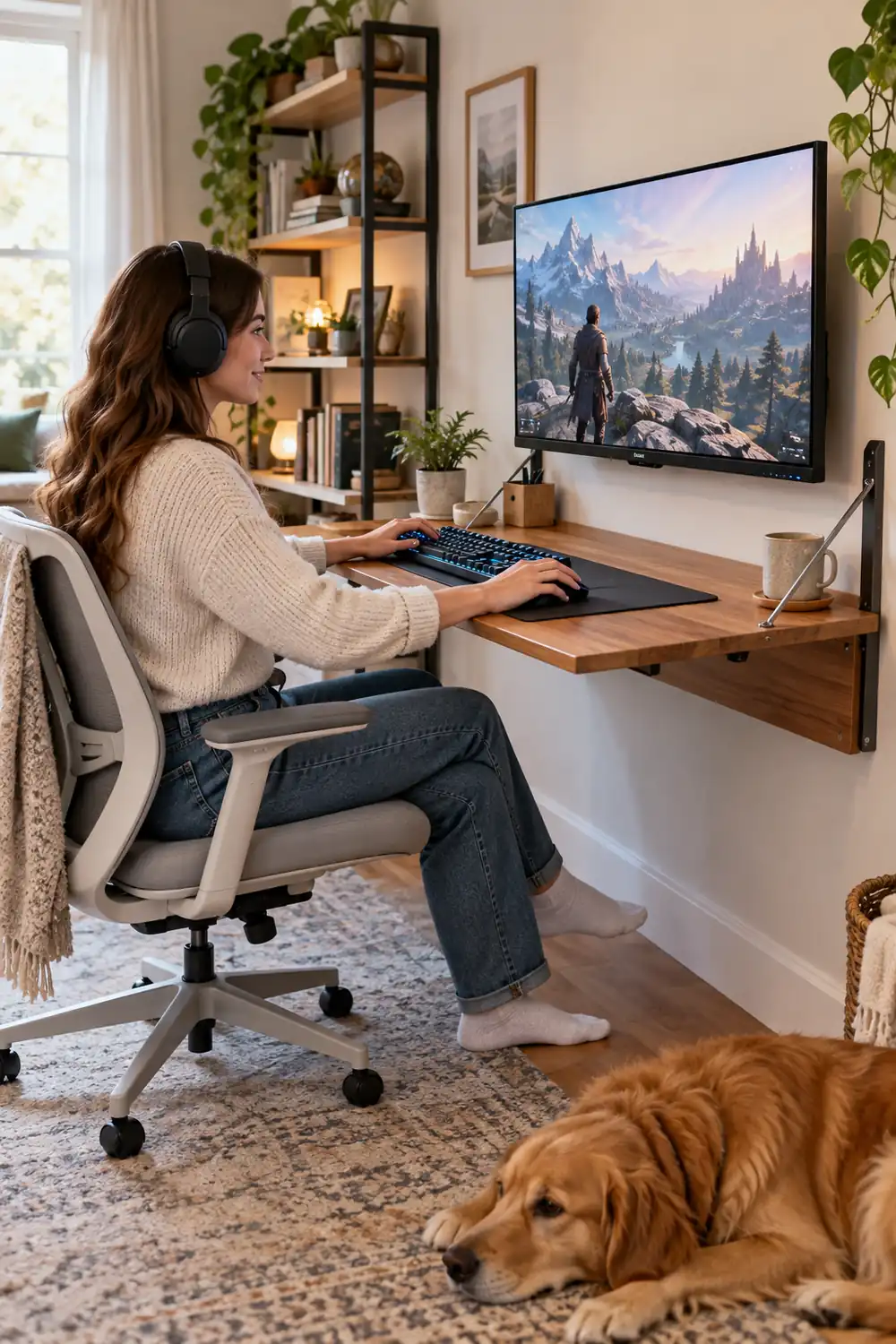
5. Hang a Fold-Down Desk You Only Open at Night
A wall-mounted drop-leaf desk folds flat against the wall in seconds. When it is up, you have a real surface for a keyboard and a monitor. When it is down, the wall looks empty.
- Anchor it into studs, not drywall, since a monitor arm adds real weight.
- Mount the monitor on the wall above the desk so only the keyboard surface moves.
- Keep a slim folding chair nearby that slides under a bed or behind a door.
This is the classic move for small gaming rooms that double as offices or bedrooms. The whole station disappears into about 6 inches of wall depth.
6. Switch to One Small Mini PC That Hides Anywhere
Mini PCs are now strong enough for most gaming, and they are the size of a paperback book. That one change removes the biggest, ugliest object in the setup.
Stick the mini PC behind the monitor with a VESA mount, inside a drawer with ventilation, or on a shelf behind books. Nobody will ever see it. You also save real money by skipping the big case, and the budget gaming room setup playbook covers how to stretch those savings across the rest of your gear.
Hiding spots that work for a mini PC
7. Cut Cable Pass-Throughs Into a Single Deep Drawer
Controllers, chargers, and headsets look messy because they live on surfaces. Give them one deep drawer with two or three round cable holes cut into the back, and the clutter disappears.
Run a power strip inside the drawer so everything charges while it hides. The holes let cables stay plugged in even when the drawer is closed. It takes one hole saw and twenty minutes, and it ends the daily ritual of untangling wires from the floor.
8. Turn the TV Cabinet Into the Gaming Hub
Your living room TV cabinet is already wired for entertainment. Slide a console or a mini PC onto its middle shelf, and the whole room becomes a gaming space without adding one new piece of furniture.
The trick is matching the style of the room. Use the cabinet’s cable management, keep controllers in a lidded basket on the shelf below, and let the TV do double duty. This is how gaming rooms for adults stay looking grown up: nothing screams gamer until the TV turns on.
Couch play works best with wireless controllers and a small lap desk. When the session ends, the basket closes and the cabinet looks like it always did.
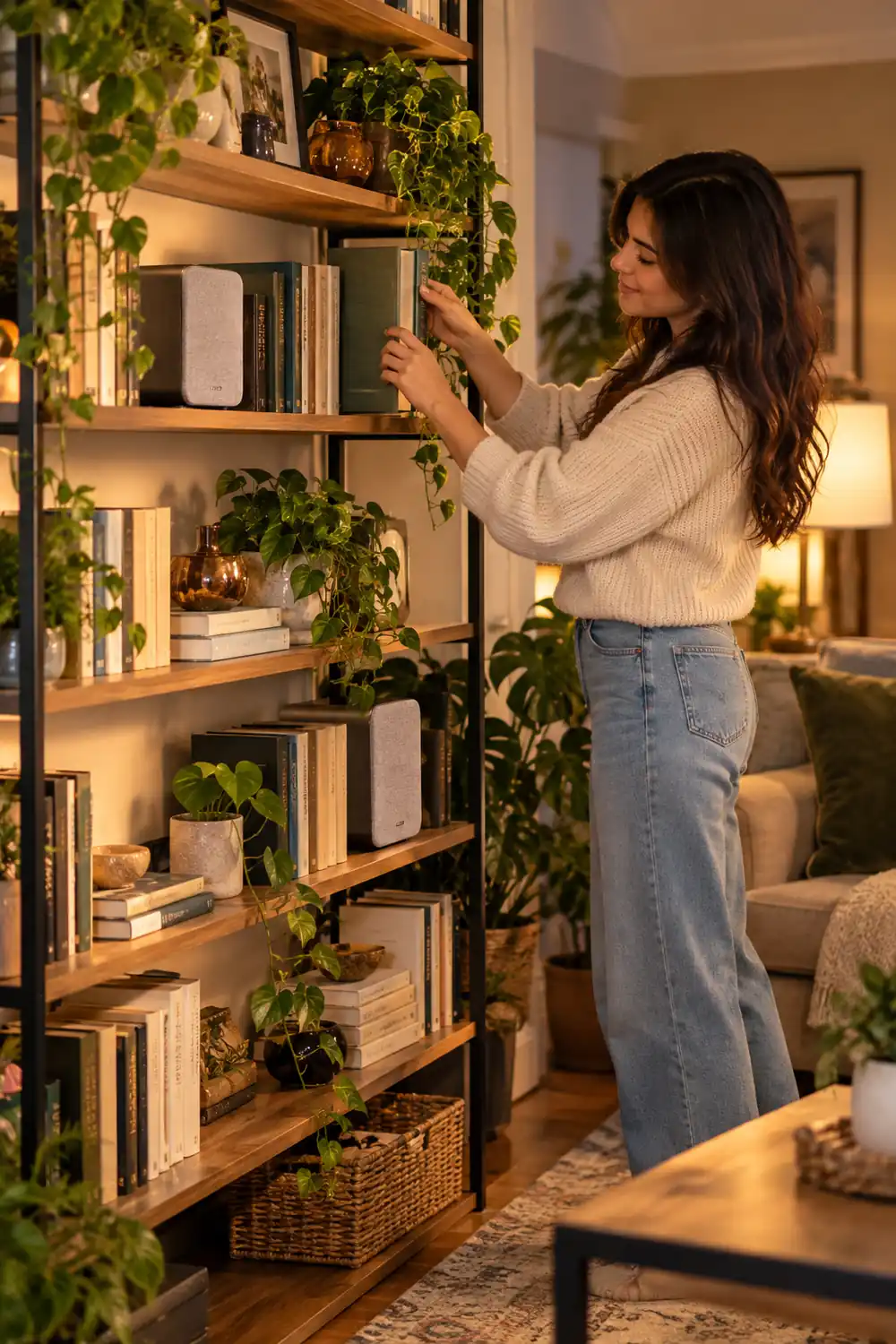
9. Disguise Your Speakers as Shelf Decor
Big black speakers give away a gaming corner fast. Swap them for compact speakers in wood or fabric finishes that read as decor, or tuck small speakers between books and plants on a shelf.
- Place one speaker at each end of a bookshelf for a natural stereo spread.
- Choose fabric-covered speakers that blend with textiles in the room.
- Route the cables behind the shelf brackets so nothing dangles.
A soundbar under the TV is the easiest version of this trick. It handles game audio well and looks like part of the television, not part of a rig.
10. Use a Lift-Up Coffee Table for Lap-Level Sessions
A lift-up coffee table raises its top to lap height and holds it there. Pair it with a floor cushion or a low ottoman, and you have a gaming seat that vanishes back into a normal coffee table in one motion.
The storage compartment underneath holds controllers, a headset, and a lap desk. Console players especially like this setup because the couch stays the couch. Nothing about the room changes between game night and a regular evening.
| Lift-up coffee table | TV tray tables |
|---|---|
| Sturdy surface, stores gear inside | Wobbly, gear stays visible |
| Looks like normal furniture | Always looks temporary |
11. Cable the Room Once and Never Think About It Again
Visible cables are what make a setup look permanent. One weekend of cable work makes everything else on this list possible.
Run a single power strip behind the desk or cabinet, bundle monitor and charger cables with reusable ties, and stick a cable tray under the surface. Route the one long HDMI or power run along the baseboard in a paintable channel. After that, unplugging the whole visible setup means pulling two or three cables, not fifteen.
12. Hang Controllers and Headsets Behind a Door
The back of a door is free real estate. A row of adhesive or over-door hooks holds controllers, headsets, and charging cables completely out of sight.
Over-door hooks need no drilling, which renters appreciate. Hang the headset on the tallest hook so the ear cushions keep their shape, and loop controller cables loosely to avoid kinks. Close the door and the entire accessory collection is gone. Open it and everything is within arm’s reach of the play spot.
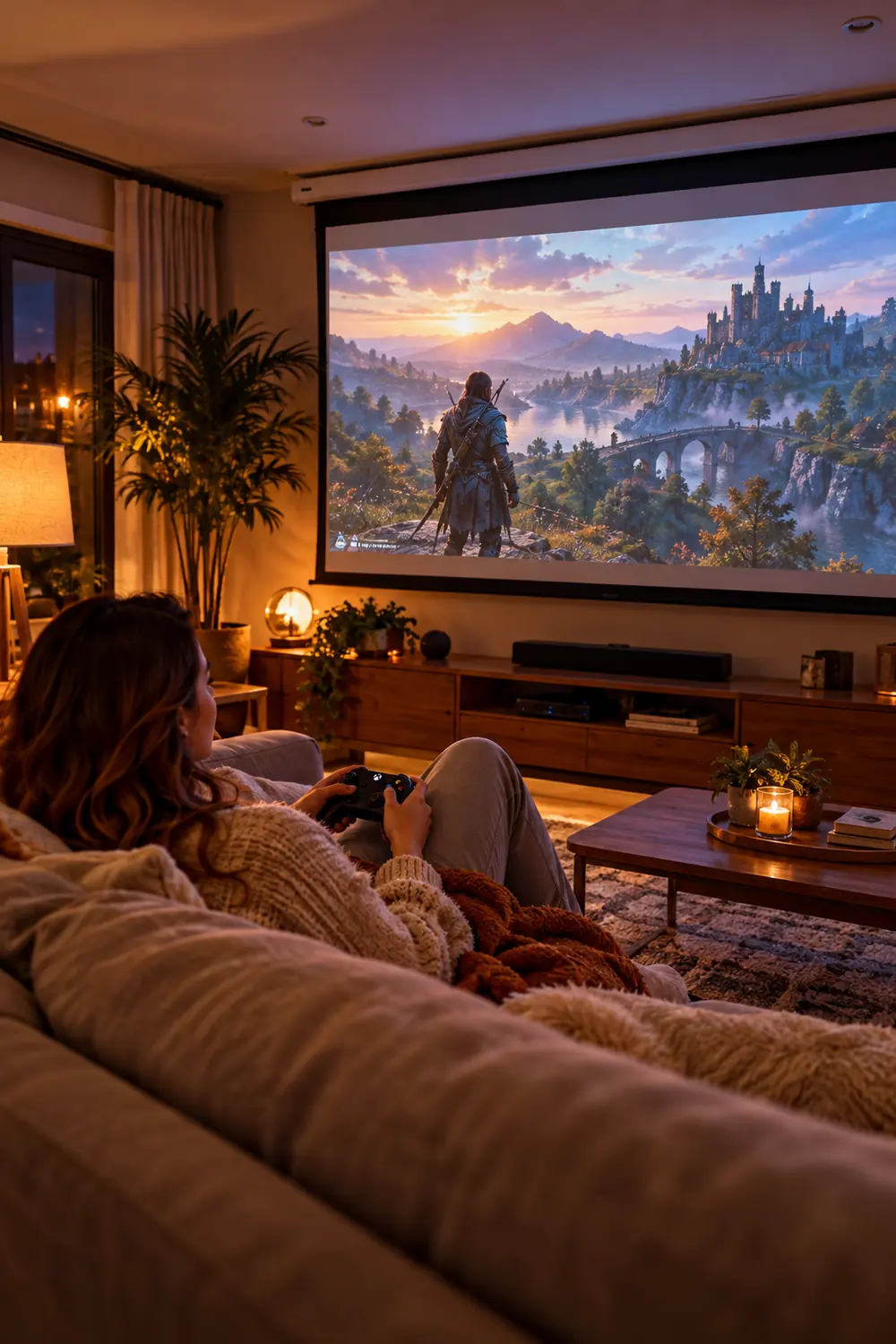
13. Drop a Projector Screen From the Ceiling
A ceiling-mounted projector screen rolls down for movie nights and game sessions, then disappears into a slim white case. No TV, no monitor, nothing on the wall when you are done.
- Mount the case on the ceiling or high on the wall opposite the couch.
- Use a short-throw projector on a shelf so the room layout never changes.
- Keep the remote in the TV cabinet drawer with the console.
The screen case looks like a curtain rod housing, which most people never notice. For a multipurpose room, this is the cleanest big-screen option there is.
14. Split the Setup Across Two Small Pieces of Furniture
One giant gaming desk is hard to hide. Two small pieces, a narrow console table and a rolling cart, are easy to tuck away separately.
Keep the monitor and keyboard on the console table. Keep the PC, controllers, and chargers on the rolling cart parked under or beside it. When you need the room, roll the cart into a closet and the table reads as a normal hallway console. The setup breaks into furniture-shaped pieces instead of one obvious rig.
Put the screen and keyboard on the narrow console table against the wall.
Load the rolling cart with the PC, controllers, and chargers underneath.
Roll the cart into a closet after each session to break up the rig.
15. End Every Session With a Five-Minute Close-Up
The best hiding system fails if nobody uses it. Build a short close-up routine: close the desk or drawer, hang the headset, drop the screen, roll the cart away.
Five minutes is the whole job once the furniture is in place. Do it while the PC shuts down. The next morning the room is just a room again, and nobody has to look at your hobby unless you invite them to. That is the real payoff of hidden gaming setup ideas: the home stays yours, and the game stays ready.
A multipurpose home does not need a dedicated gaming room. It needs furniture that does two jobs and a routine that takes five minutes. Start with one idea from this list, the fold-down desk or the hidden drawer, and add more as the habit sticks.
Save this list for the next time you rearrange a room. Your setup will be ready in minutes, and invisible the rest of the time.