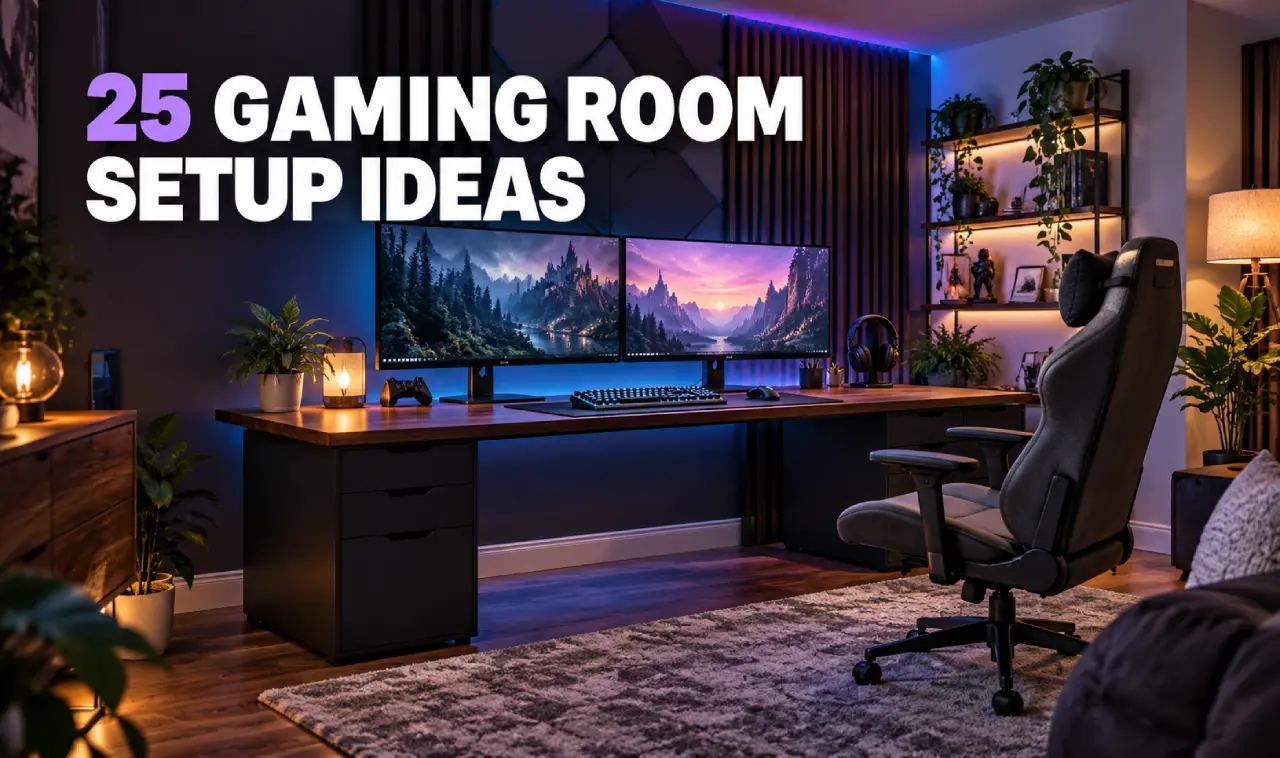
A great gaming space does more than hold a desk, chair and screen. It should feel comfortable during long sessions, keep cables and accessories organized, and reflect the games and style you enjoy.
The best gaming room setup ideas do not necessarily require a large room or expensive equipment. Thoughtful lighting, practical storage and a sensible layout can transform a spare bedroom, basement or unused corner into an inviting place to play.
Here are 25 ideas to help you create an organized, comfortable and visually impressive gaming room.
1. Plan the Layout Before Buying Anything
Measure the room and mark the locations of electrical outlets, windows, doors and heating vents. Decide where the main screen and chair will sit before purchasing furniture. A basic floor plan can prevent overcrowding and leave enough space to move comfortably.
2. Choose a Desk That Fits Your Equipment
Select a desk based on the number of monitors, consoles and accessories you use. A compact straight desk works well in a bedroom, while an L-shaped desk provides extra surface space in a dedicated gaming room. Check its depth so your screen is not positioned too close.
3. Create a Small Corner Gaming Station
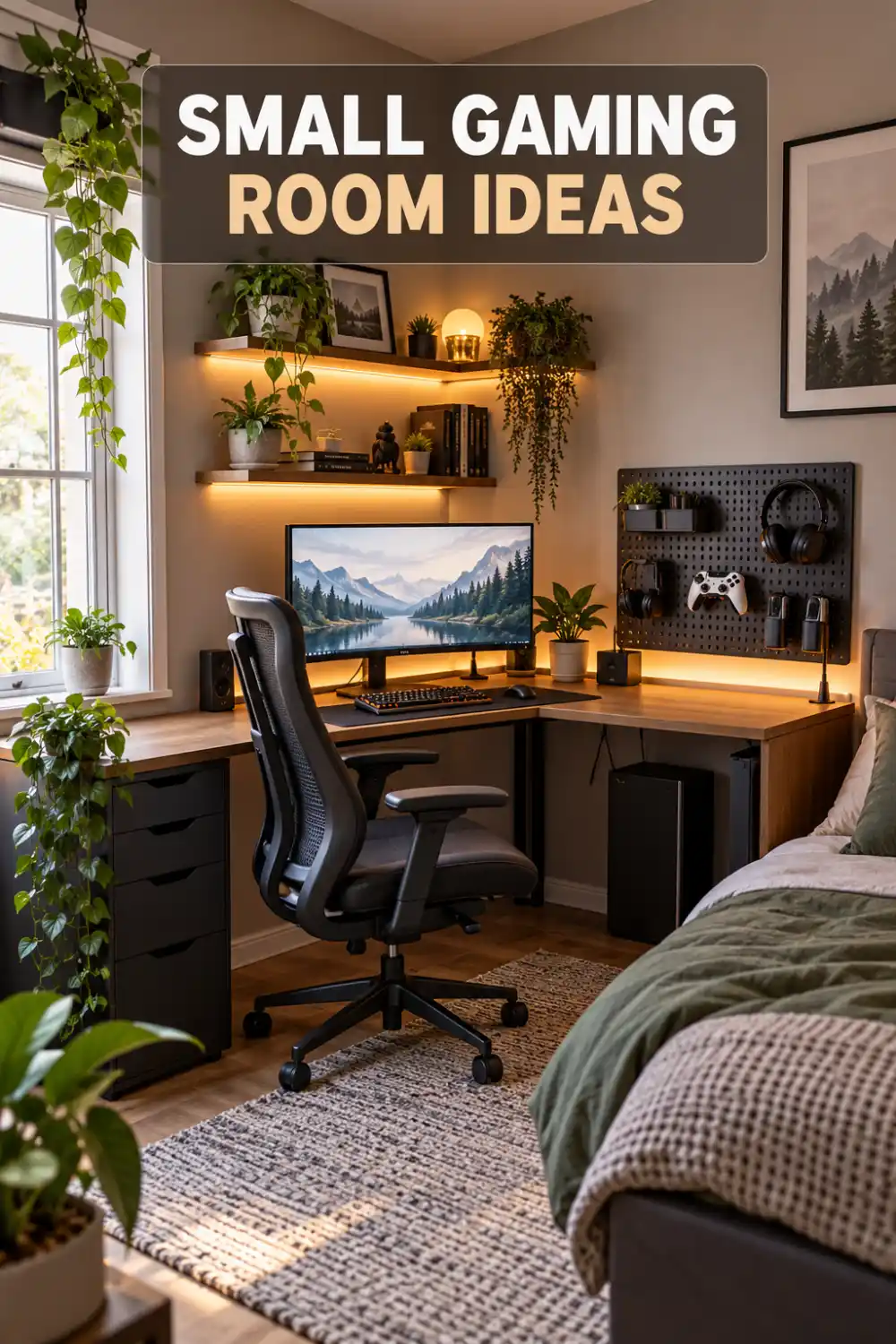
An empty bedroom or living-room corner can become a practical gaming station. Use a corner desk, wall-mounted shelves and a narrow storage unit to make use of vertical space without occupying the entire room.
4. Position the Screen to Reduce Glare
Avoid placing a monitor directly opposite a sunny window. Position it perpendicular to the window when possible, then add blinds or curtains to control daylight. This simple arrangement reduces reflections and makes the screen easier to view.
5. Use Layered Lighting
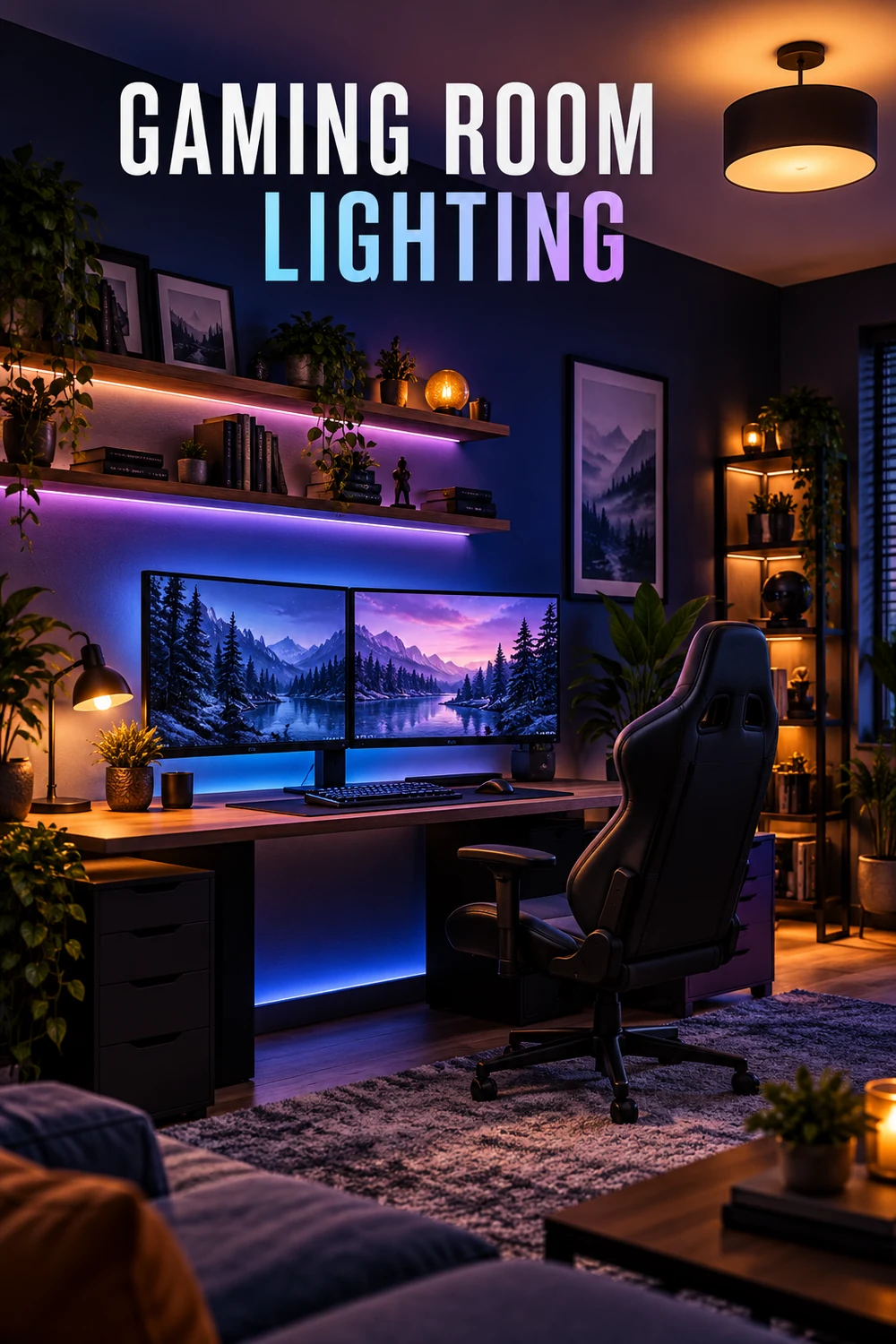
Instead of relying on one bright ceiling light, combine ambient, task and accent lighting. A dimmable ceiling fixture provides general illumination, while a desk lamp helps with controls and accessories. LED strips can add atmosphere behind the desk or television.
6. Add Bias Lighting Behind the Monitor
A soft light behind the screen can reduce the harsh contrast between a bright display and a dark wall. Choose a neutral white tone for a clean look, or use adjustable RGB lighting when you want a more colorful gaming atmosphere.
7. Keep RGB Lighting Controlled
Too many competing colors can make a room feel cluttered. Select one main color and one supporting shade, then repeat them across the lights and accessories. This creates a coordinated design instead of a distracting rainbow effect.
8. Invest in a Supportive Chair
Choose a chair with adjustable height, reliable back support and comfortable armrests. Your elbows should rest naturally while using the keyboard or controller. Even a good office chair can work better than a flashy gaming chair that lacks proper support.
9. Adjust the Desk for Better Posture
Position the monitor near eye level so you do not need to lean forward or constantly look down. Keep frequently used controls within easy reach and allow enough space beneath the desk for comfortable leg movement.
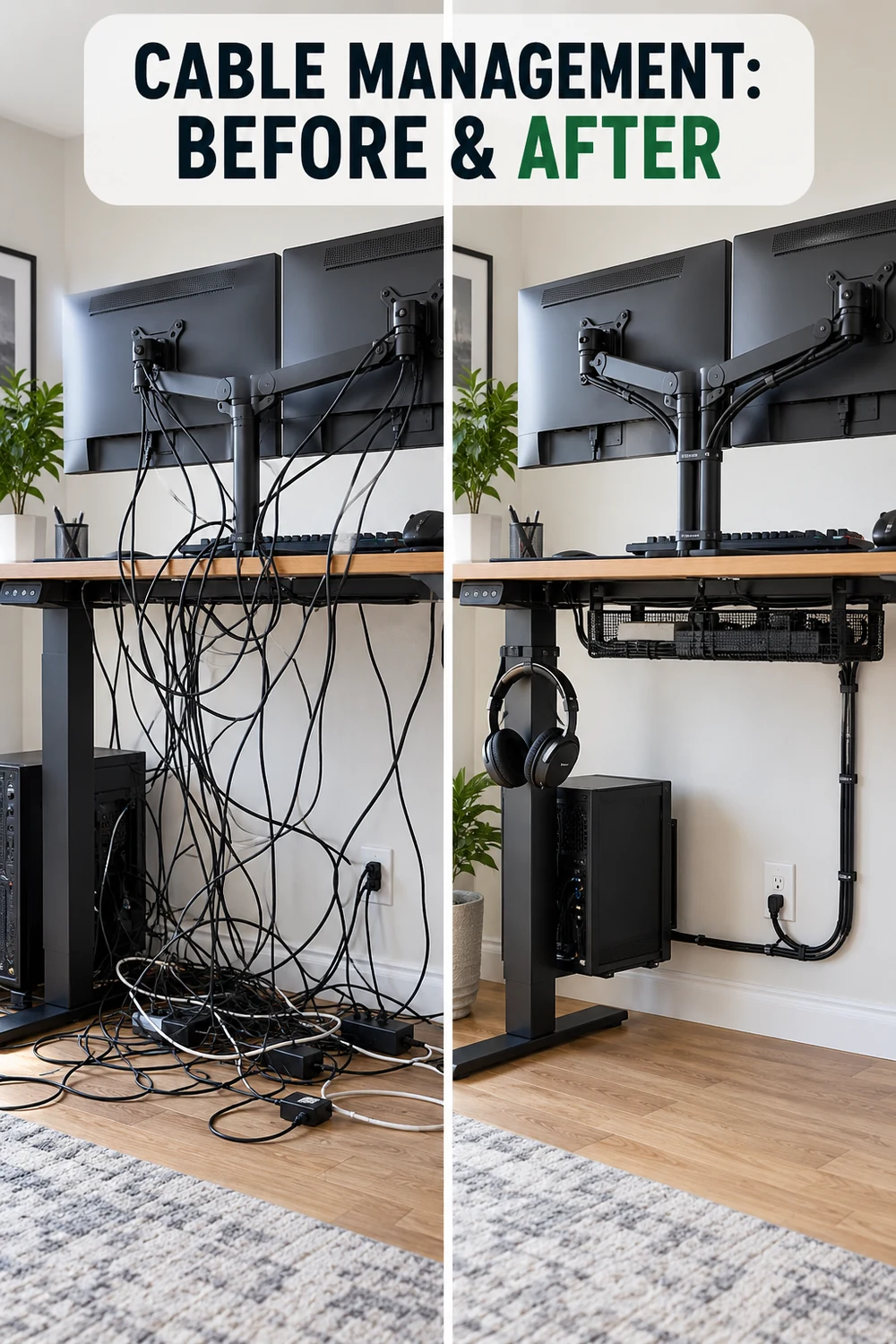
10. Manage Cables Under the Desk
Install a cable tray beneath the desktop and use reusable ties to group wires. Label the ends of similar cables so devices are easier to disconnect. A mounted power strip also keeps plugs off the floor and makes cleaning simpler.
11. Build a Dedicated Console Zone
Keep consoles together on a ventilated media unit near the television. Leave open space around each device to prevent heat buildup. Small baskets or labeled drawers can hold controllers, charging cables and headsets.
12. Add a Controller Charging Station
A charging dock gives controllers a permanent home and prevents loose cables from spreading across the desk. Position it near an outlet but away from the main playing surface so controllers remain accessible without creating clutter.
13. Install Floating Shelves
Floating shelves are ideal for displaying collectibles, framed artwork and smaller accessories without using floor space. Mount them high enough that they do not interfere with the monitor or television, and avoid placing heavy objects directly above expensive equipment.
14. Use Closed Storage for Visual Clutter
Not every accessory needs to remain on display. Cabinets, drawers and decorative storage boxes can hide spare cables, game cases and cleaning supplies. A mix of open and closed storage keeps the room interesting without making it look untidy.
15. Create a Headset Hanger
Attach a headset hook beneath the desk or to the side of a shelving unit. It keeps the headset protected, prevents its cable from tangling and frees valuable desk space. Choose a location where you will not accidentally knock it.
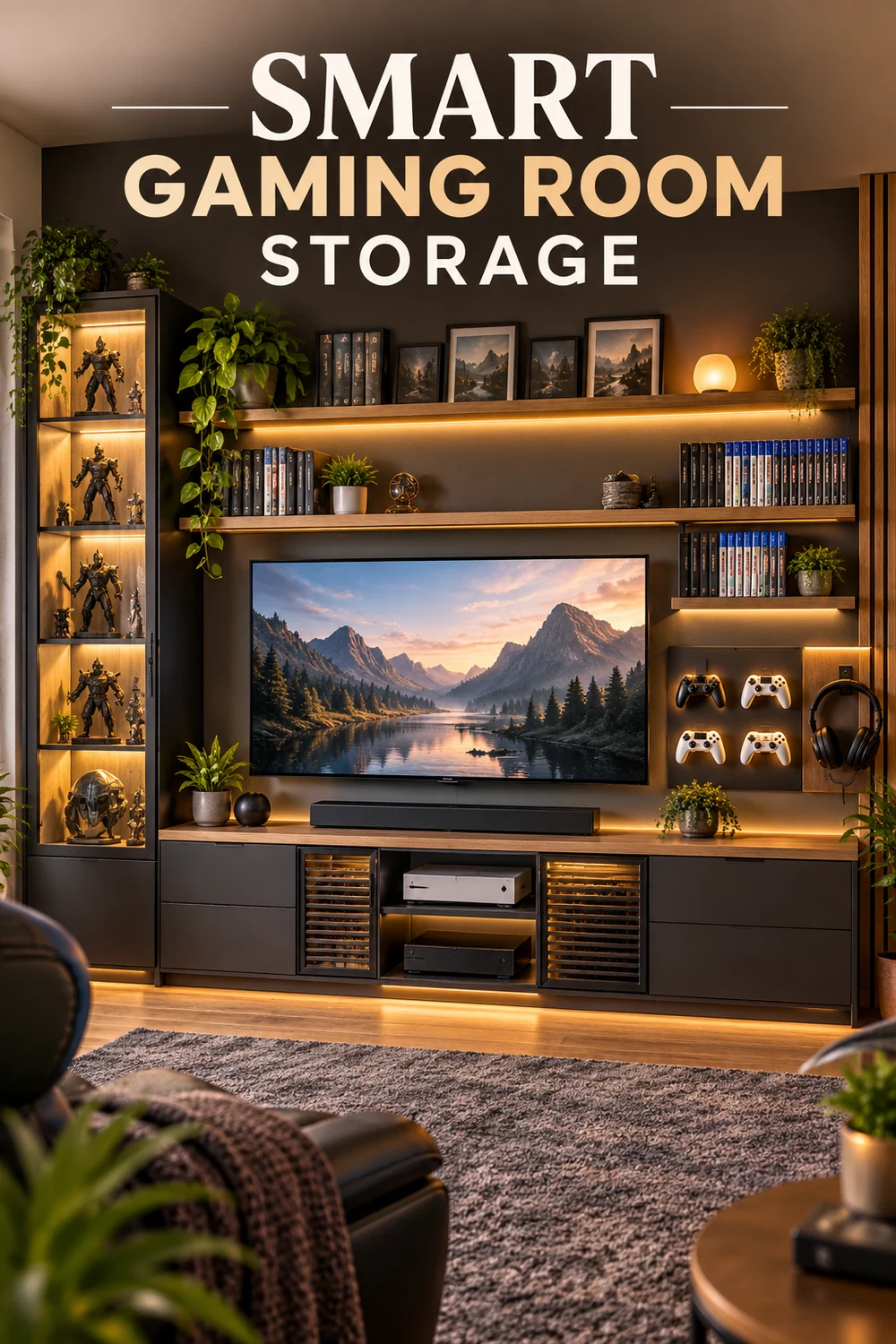
16. Display Games and Collectibles Carefully
Use a small number of favorite items as focal points instead of filling every available surface. Group collectibles by game, color or size to create an intentional display. Glass-front cabinets can reduce dust while protecting valuable pieces.
17. Introduce Acoustic Panels
Acoustic panels can soften echoes and improve sound quality, particularly in rooms with bare walls and hard floors. Modern panels are available in geometric shapes and different colors, allowing them to double as decorative wall features.
18. Add Soft Furnishings to Control Sound
A thick rug, upholstered chair and lined curtains can reduce sound reflections without making the room resemble a recording studio. These elements also make the space feel warmer and more comfortable.
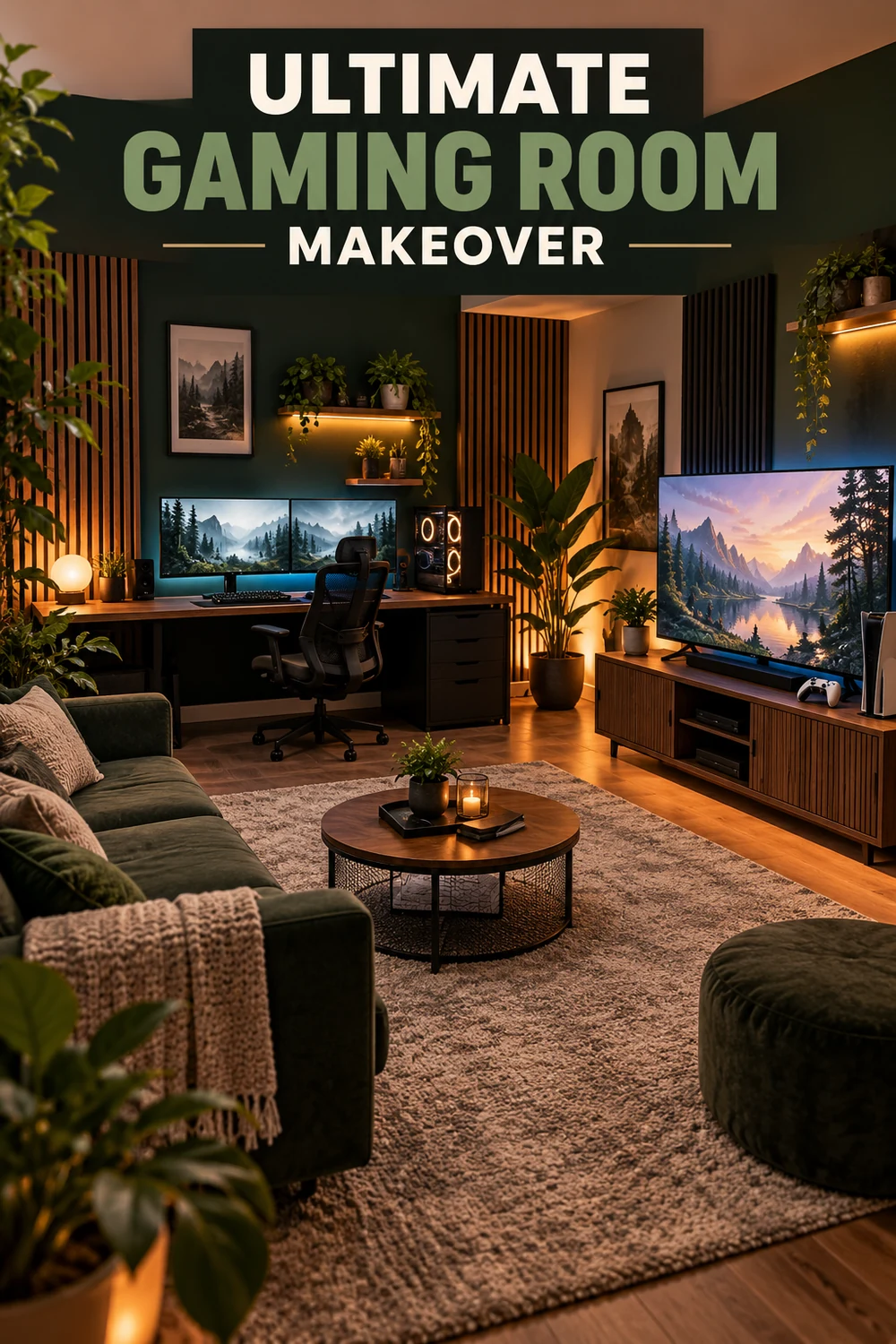
19. Create a Dark Feature Wall
A charcoal, navy or deep green wall can make screens and lighting stand out. Use the darker color behind the main setup while keeping the remaining walls lighter, especially if the room is small or receives limited daylight.
20. Try a Minimalist Gaming Setup
Keep only frequently used equipment on the desk and store everything else nearby. A restrained color palette, hidden cables and matching accessories can make even an affordable setup look polished and spacious.
21. Design a Shared Gaming Room
For two players, position desks side by side or on opposite walls depending on the room’s shape. Give each person dedicated storage and charging space. Matching desks can create visual balance, while different accent colors preserve individual personality.
22. Combine Gaming with a Home Office
Use drawers or cabinets to separate work equipment from gaming accessories. Neutral furniture helps the room remain professional during the day, while adjustable lighting can change the mood when work finishes and gaming begins.
23. Build a Comfortable Spectator Area
If friends or family regularly join you, add a compact sofa, floor chairs or an upholstered bench. Position the seating so it does not block the screen or main walkway. Storage ottomans offer both seating and space for extra accessories.
24. Add a Small Refreshment Station
A compact shelf or cabinet can hold drinks and packaged snacks away from electronics. If you use a mini fridge, provide ventilation and place it where its sound will not become distracting. Keep a waste bin nearby to make cleanup easier.
25. Leave Room for Future Upgrades
Avoid filling every outlet, shelf and section of the desk immediately. Gaming equipment changes over time, so spare storage and accessible cable routes make it easier to add another monitor, console or speaker later.
How to Make a Gaming Room Look Better on a Budget
Begin with changes that improve both appearance and function. Organize the cables, remove unused accessories and reposition the desk to control glare. After that, add an affordable rug, a coordinated desk mat and one or two lighting elements.
You can also repaint an existing desk, reuse shelves from another room and frame printable artwork. A clean, coordinated setup usually looks more impressive than an expensive room filled with mismatched equipment.
What Every Gaming Room Should Have
The exact equipment depends on whether you play on a computer or console, but most gaming spaces benefit from:
- A supportive chair
- A stable desk or media unit
- Controlled lighting
- Safe cable management
- Ventilation around electronics
- Accessible storage
- Reliable power outlets
- Enough space for comfortable movement
Final Thoughts
The most successful gaming room combines comfort, organization and personal style. Start with the layout, chair, screen position and cable management before spending money on decorative upgrades.
Whether you are converting a spare bedroom or improving a small gaming corner, these gaming room setup ideas can help you build a space that looks appealing and remains comfortable during everyday use.