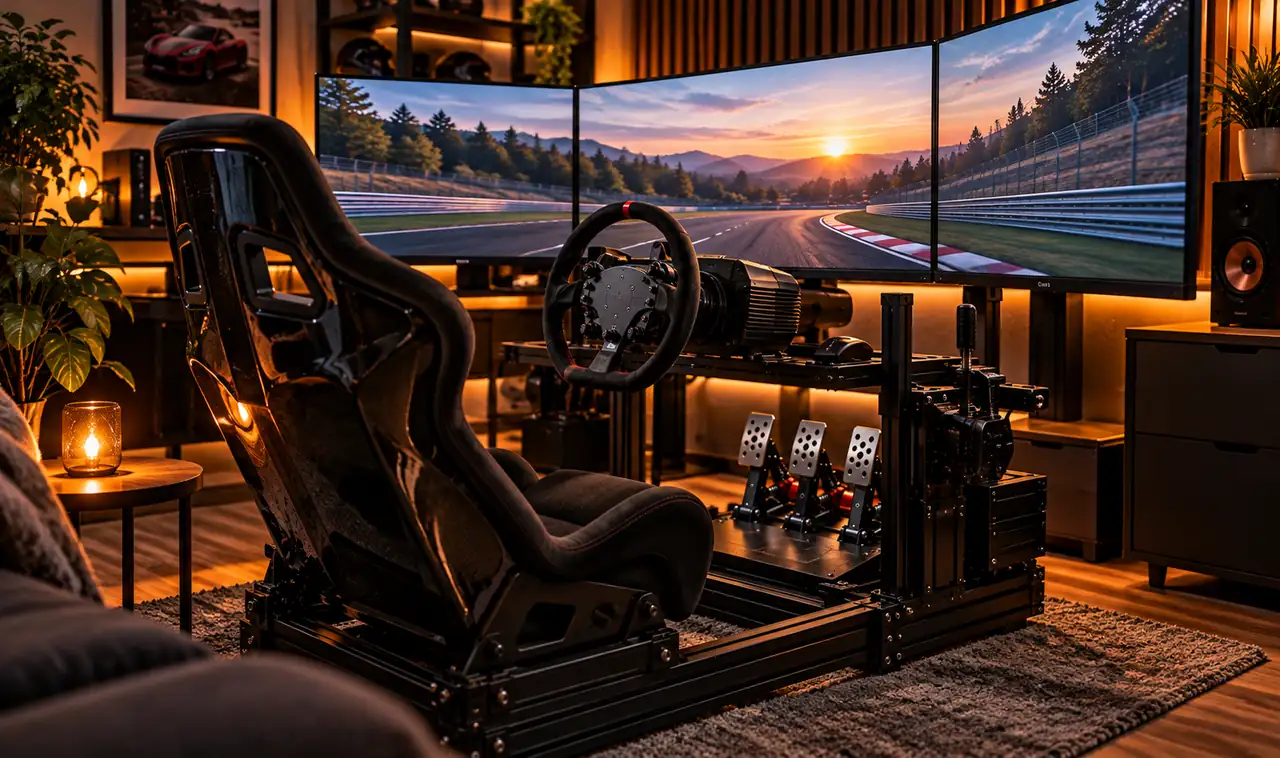
There is a strange gap between playing a racing game and feeling like you are actually driving. On a couch with a controller in your lap, your brain never buys the illusion. Your hands feel plastic, your feet do nothing, and the car on the screen feels disconnected from your body.
Sim racing closes that gap, but only when the setup is right. A wobbly wheel clamped to a shaky desk and an office chair rolling on casters will not fool anyone. The drivers who swear their rig feels real did not get there by spending the most money. They got there by fixing the small things that break the illusion: flex, wrong seating, dead pedal feel, and a view that looks nothing like a windshield.
These 17 sim-racing setup ideas focus on realism you can feel. Each one targets a specific sense: your hands, your feet, your eyes, your ears, even your sense of balance. Work through them in order, and your lap times will improve too.
1. Start With a Direct Drive Wheel Base
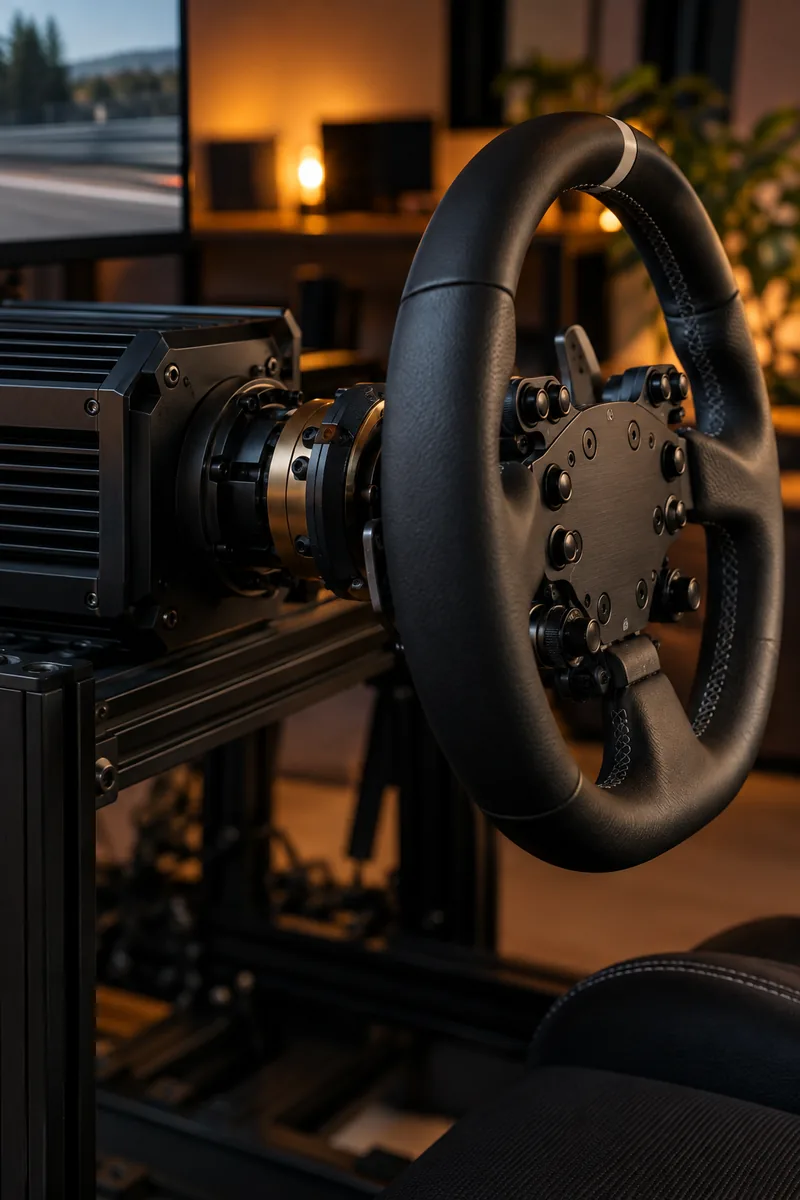
The wheel is the single biggest realism upgrade you can buy, so spend here first.
Belt and gear driven wheels smooth out the details. A direct drive base connects the motor straight to the steering shaft, so you feel the front tires load up in a corner and the rear step out. It is the difference between watching the car and holding it. Start around 8 to 12 Nm of torque and mount it solid. A flexing mount wastes the detail you paid for.
Once you drive with one, going back feels like steering through pudding.
2. Bolt Everything to a Dedicated Rig, Not a Desk
Your desk was built for typing, not for fighting 10 Nm of torque.
Clamp a strong wheel to a normal desk and the whole thing rocks with every corner. That movement eats the fine detail your wheel is trying to send you. A dedicated aluminum rig holds the wheel, pedals, seat, and shifter in one rigid structure, so nothing moves except the car on screen.
✅ Rig shopping checklist
Measure your room first. A full rig is about the footprint of a recliner, and it does not fold away.
3. Sit in a Real Bucket Seat, Not an Office Chair
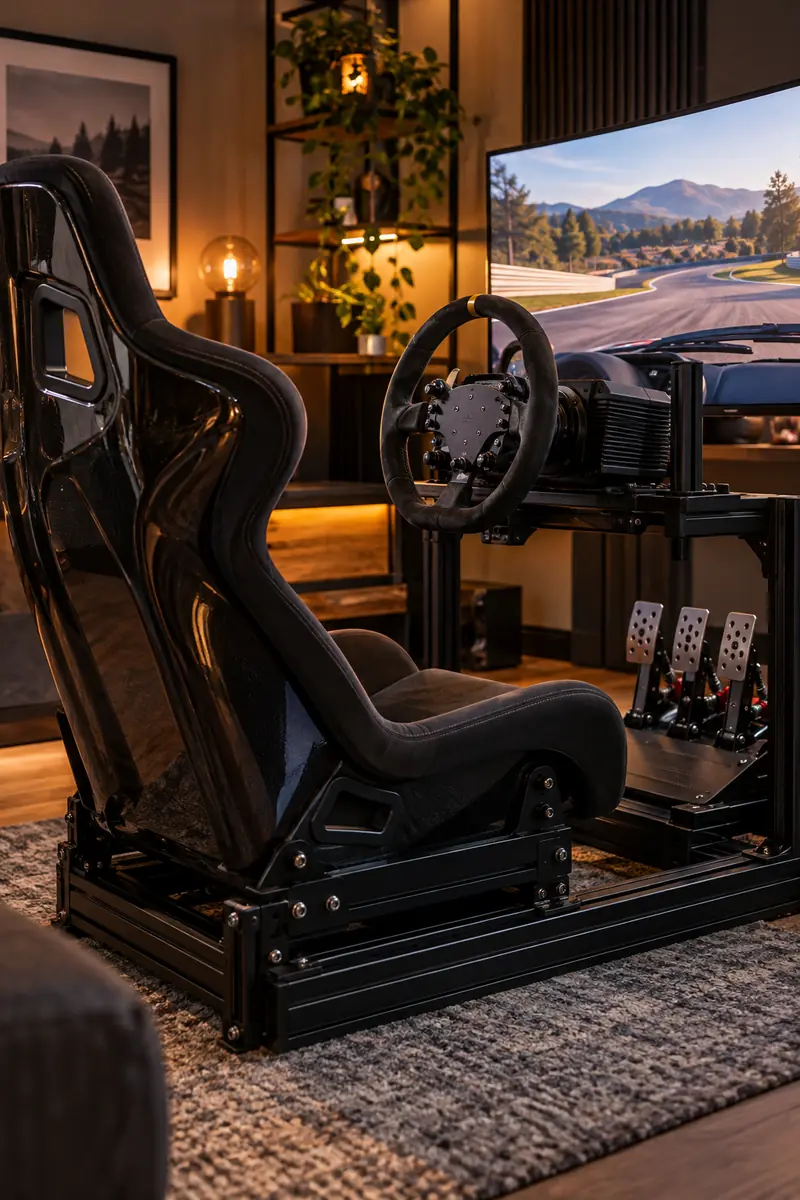
An office chair on wheels is the enemy of consistency.
Every time you brake, a rolling chair slides back a little, so your body is never in the same place twice. A fixed bucket seat holds your hips and shoulders exactly where they were last lap. Your arms learn the steering range, your feet learn the pedals, and braking points start to feel automatic. Fiberglass sim seats are lighter and cheaper than real car seats, and a small lumbar cushion covers the first week while your posture adjusts.
4. Switch to a Load Cell Brake Pedal
Cheap pedals measure how far you push. Real brakes do not work that way.
Real brake pedals are stiff: you press harder for more stopping power, and the pedal barely moves. A load cell brake works the same way, measuring pressure instead of travel, so trail braking becomes something your foot can actually learn. Most drivers gain time in braking zones within a week.
- Start with a medium elastomer stack. Too stiff too soon causes ankle pain.
- Angle the pedal face so your whole foot presses flat.
- Recalibrate in your sim software after any hardware change.
Spend the pedal budget on the brake first. The throttle and clutch matter less.
5. Run Triple Screens for True Peripheral Vision
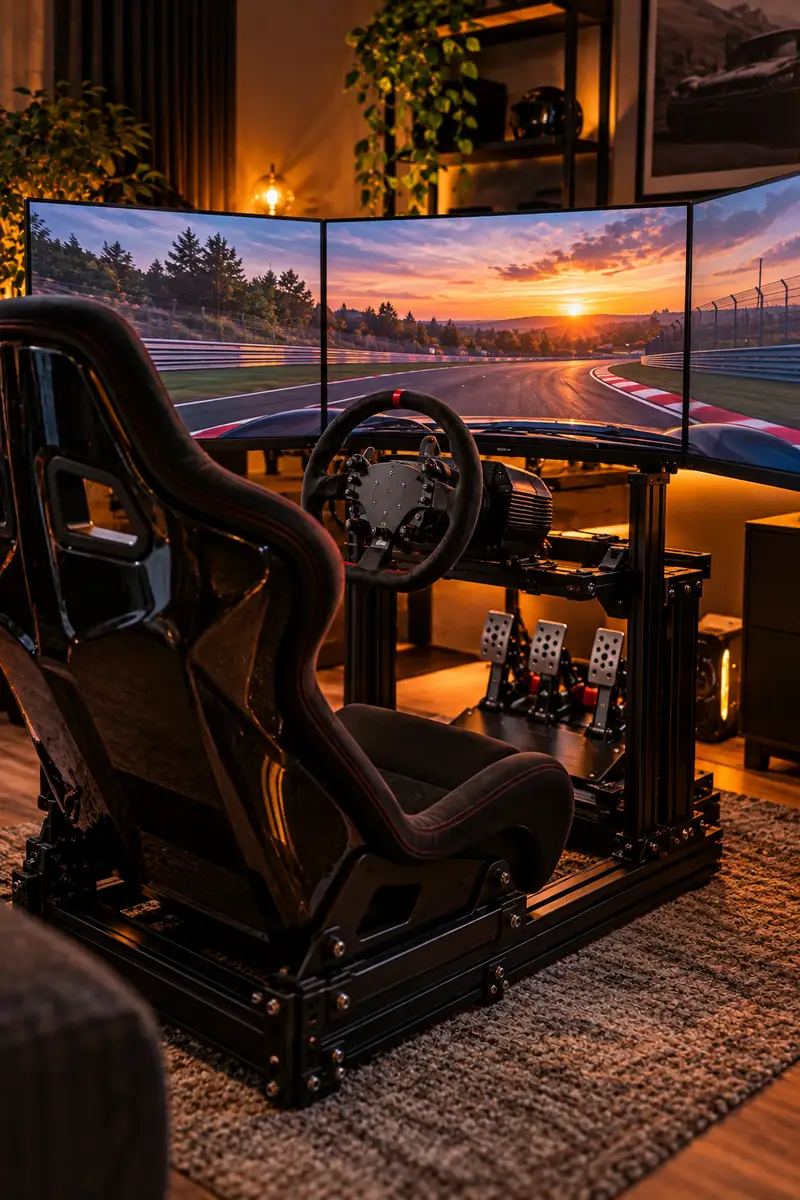
One flat screen shows you the road ahead. Real driving shows you the whole world.
Triple monitors angled around you put the apex in your side vision, exactly where your eyes look when judging a corner in a real car. Side by side racing becomes readable because you can see the car next to you without turning your head. Triples demand a capable PC to push all those pixels, so plan the graphics card into the budget. Our PC gaming setup ideas walk through balanced builds that handle multi-monitor racing without stutter.
6. Set Your Field of View Correctly
Almost every beginner runs their FOV too wide, and it quietly ruins their driving.
A too-wide view makes the track look fast and dramatic, but it shrinks everything. Corners look farther than they are and braking points feel wrong. The correct FOV comes from your screen size and eye distance, and it usually looks narrow and slow at first. Give it three days. Your sense of speed recalibrates, and suddenly you can place the car within inches.
Do this once per screen setup. Move the screens, and the math changes too.
7. Add a Shifter and Handbrake for Manual Cars
Paddle shifters are fast, but some cars deserve a stick.
Driving a classic touring car with paddles feels wrong because your left hand has nothing to do. A proper H-pattern shifter brings back the rhythm: clutch in, slot the gear, feel it engage. Add a handbrake and rally flicks suddenly make sense to your hands. Mount the shifter beside your hip where your hand falls naturally. Too far forward and every shift becomes a reach that upsets the wheel.
8. Feel the Road With a Bass Shaker Under Your Seat
Your ears hear the engine, but your body should feel the track.
A bass shaker is a small transducer bolted under your seat that vibrates with low frequency game audio. Curbs rumble through your spine, the engine buzzes at idle, and lockups shudder the frame. It fills the gap between what you see and what your body expects, and that gap is where the fake feeling lives. One shaker under the seat covers most of the effect. Keep it subtle so it feels like texture, not a massage chair.
9. Tune Force Feedback Instead of Maxing It Out
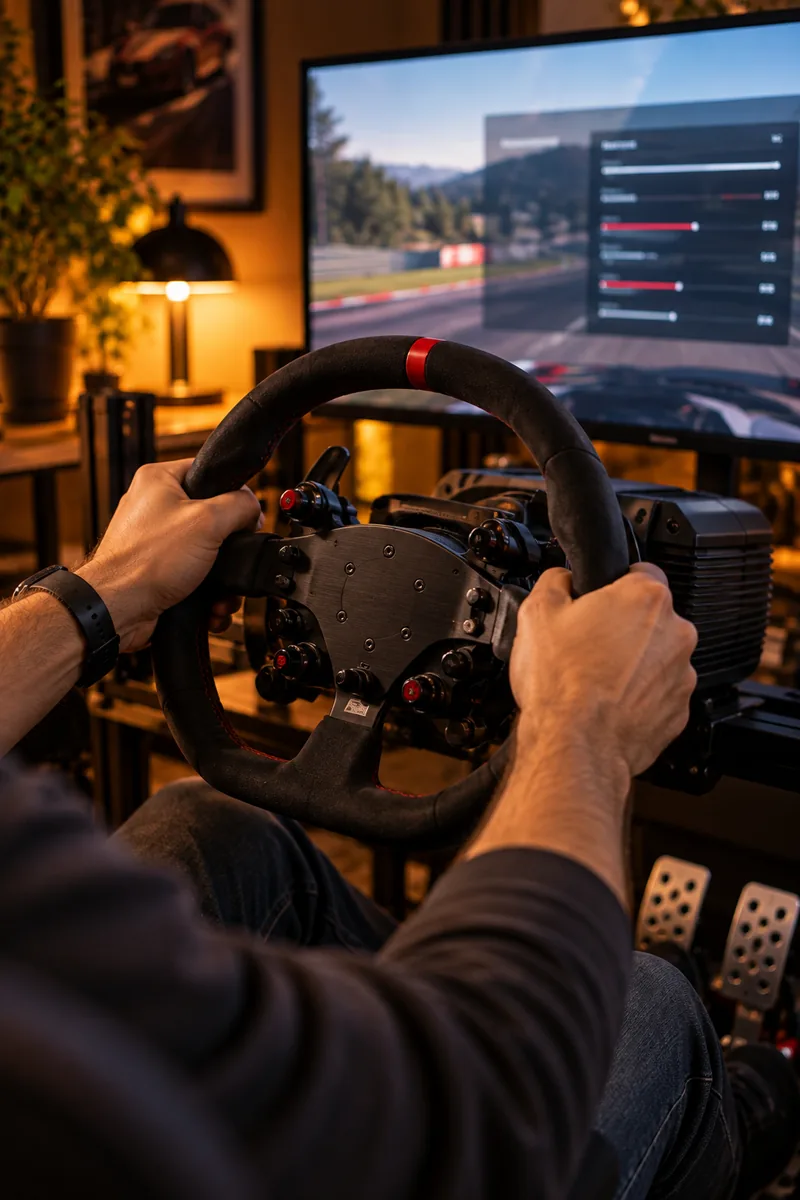
Stronger is not better. This is the sim-racing setup idea most people get backwards.
Cranking force feedback to maximum clips the signal. The wheel goes heavy and numb, and the subtle details drown: the lightening that warns of understeer, the wiggle at the edge of grip. Real steering talks in whispers, not shouts. Turn the strength down until the wheel feels alive but never fights you, and tune per car.
Lower strength until detail returns and the wheel never clips.
Tune per car. A GT3 car and a vintage F1 need different settings.
Running 100 percent strength because bigger numbers feel faster.
Adding damper effects that mask real tire feel.
10. Build a Button Box So Your Hands Stay on the Wheel
Reaching for the keyboard mid-race breaks the spell instantly.
The moment you take a hand off the wheel to hunt for the pit limiter key, you are a person at a computer again, not a driver. A button box puts your most used controls at your fingertips: pit limiter, brake bias, headlights, radio. Label every button. Unlabeled buttons get forgotten, and forgotten buttons might as well not exist.
11. Route Every Cable Before It Costs You a Race
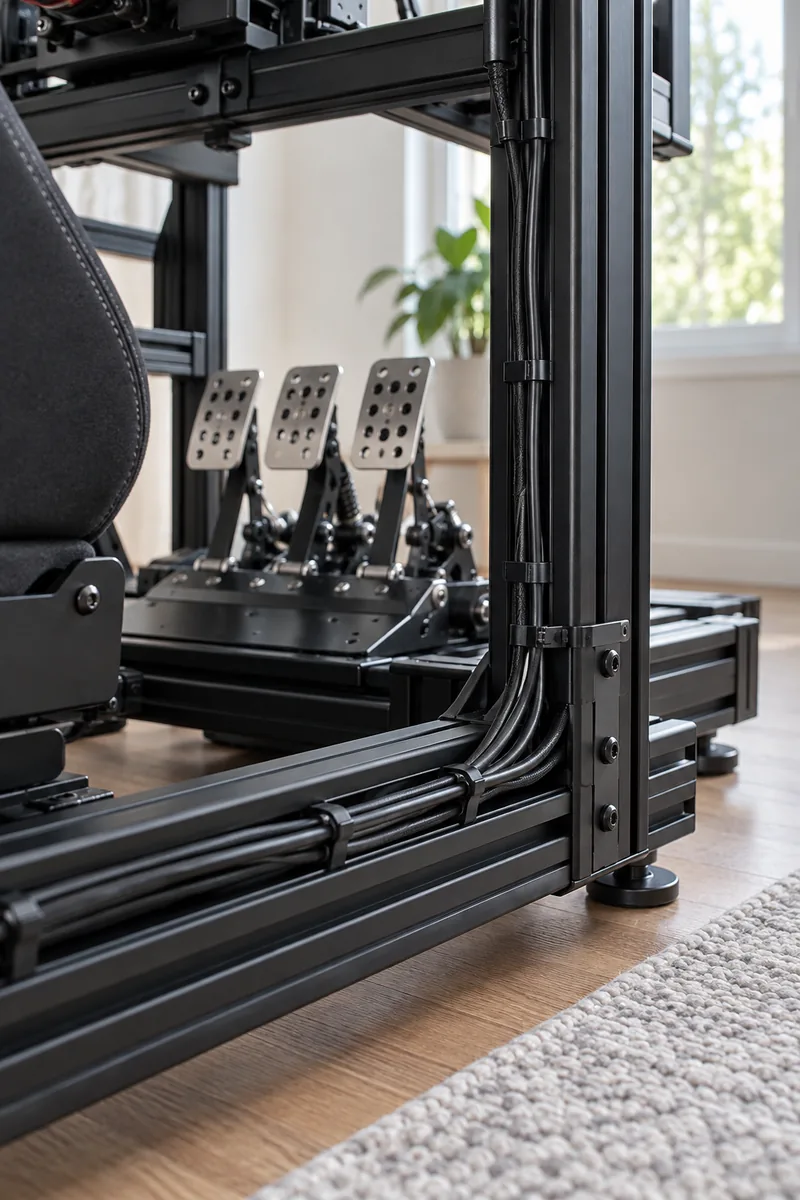
Loose cables are not just ugly. They are race-ending hazards.
A USB cable draped across the pedal box will eventually snag under the brake at the worst moment. Route every cable along the rig frame with zip ties, leave slack at moving joints, and anchor power bricks to the frame. If your whole gaming corner needs the same treatment, these tips for hiding and organizing cables in a gaming setup apply perfectly to a rig.
12. Add Reactive Ambient Lighting Behind Your Screens
Your eyes take in more than the track, and the room around the screens matters.
A dark room with bright screens strains your eyes. Soft ambient light behind the monitors eases the contrast and extends the image past the bezels, which tricks your peripheral vision into feeling more space. Reactive kits that mirror on-screen colors take it further: brake into a corner and the wall glows red with the tail lights. Keep brightness low and colors warm. Our RGB gaming room ideas cover stylish lighting layouts.
13. Upgrade Your Audio: Engines Talk to You
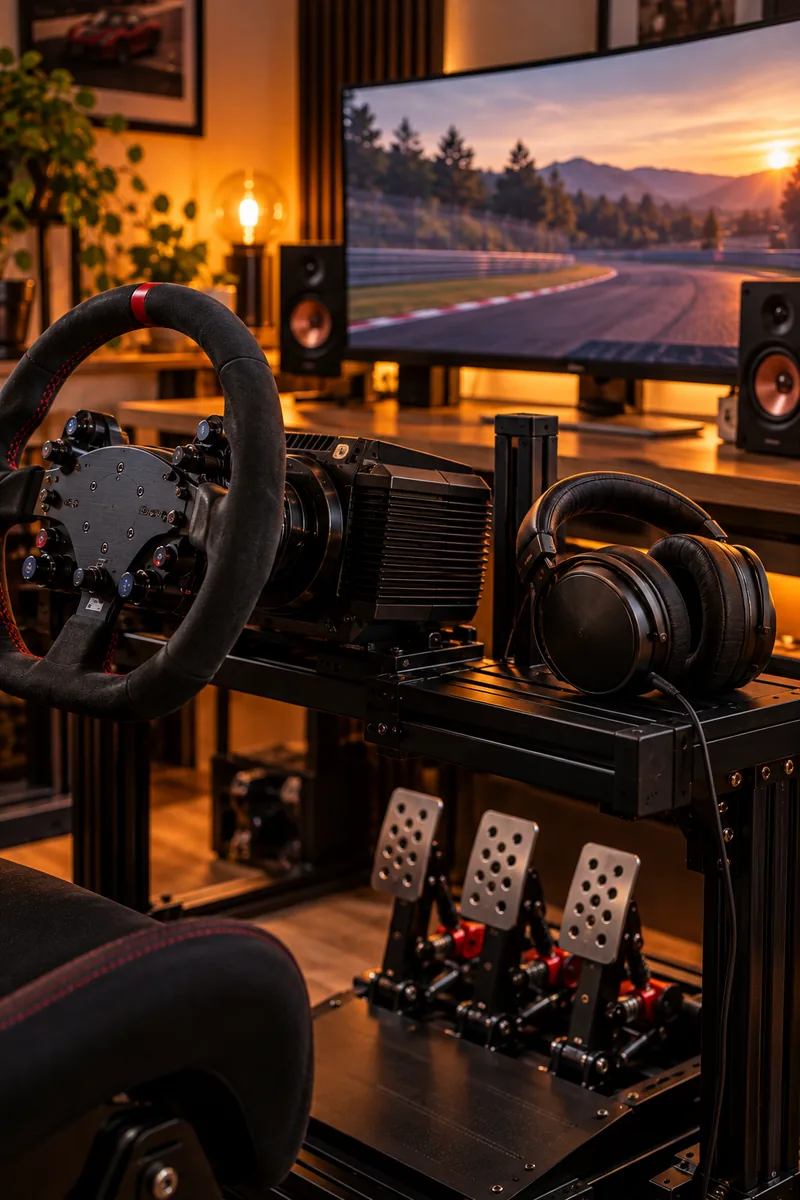
Fast drivers shift by ear as much as by sight.
The engine note tells you when the power band ends, tire scrub whispers before a slide becomes a spin, and opponent engines locate cars your mirrors miss. Laptop speakers flatten all of that into noise. Pick the option that fits your room:
| Option | Best for |
|---|---|
| Closed-back headphones | Detail and focus in shared rooms |
| Bookshelf speakers | Natural soundstage and comfort |
| Racing headset with mic | Online leagues and team chat |
Whatever you choose, turn off music while racing. Your lap times will thank you.
14. Point a Fan at Your Face for Long Stints
Nobody talks about sweat, but every sim racer knows it.
An hour into a race, your core temperature climbs and your concentration fades. Real drivers get airflow through the cockpit. A simple desk fan aimed at your face does the same job: it cools you down and adds a subtle sense of speed your brain reads as motion. Thin driving gloves keep sweat off the wheel rim and protect alcantara from wearing shiny.
15. Calibrate Your Wheel and Pedals Before Every Session
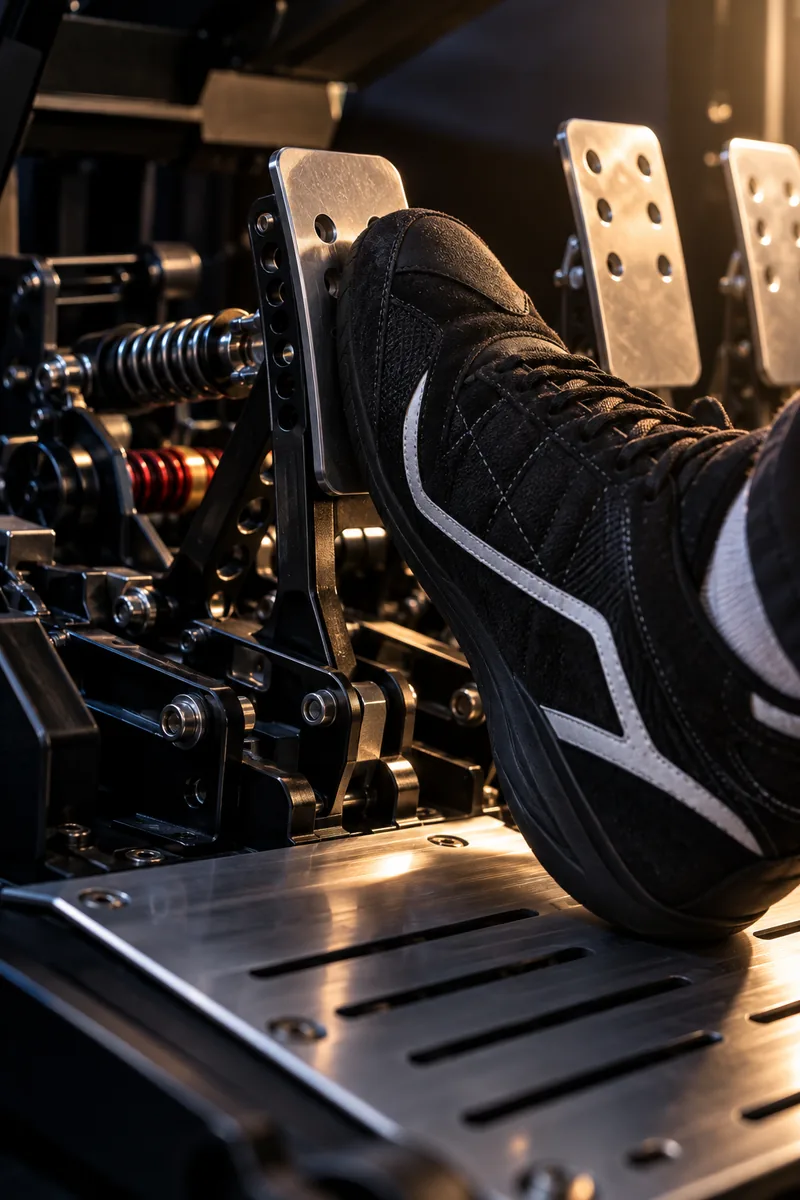
Hardware drifts. Ignoring it makes the car feel different every day.
Wheel centers creep a degree or two off and pedals settle over time. Two minutes of calibration resets everything: full lock left and right, full press and release on each pedal. Calibrate in your wheel software first, then in the sim. Mystery handling changes are usually calibration, not setup.
16. Dial In Seat Distance, Height, and Pedal Angle
Realism dies when your body fights the ergonomics.
Sit too far from the wheel and your shoulders do the steering instead of your hands. Set the seat so your wrists rest on top of the wheel with arms slightly bent, your eyes level with the top third of the center screen, and the pedals angled so your ankles work instead of your whole legs.
💡 Quick Tip
Mark your floor and seat rails with tape once the position feels right, so you can return to the exact spot after anyone else tries your rig.
17. Use Telemetry Data to Find Real Lap Time
Feel gets you close. Data gets you the rest.
Telemetry software records everything: speed, throttle, brake pressure, steering angle, lap after lap. Overlay your lap against a faster driver’s and the time loss lights up. You are braking 20 meters too early here. You are lifting where they stay flat there. Start with one corner per session. Fix it, then move on. Drivers who review data improve in weeks what used to take seasons.
A realistic rig rewards patience. Pick one or two of these sim-racing setup ideas, install them properly, and drive for a week before adding more. Each change needs seat time before your hands and feet trust it.
Start with the wheel, the rig, and the seat. Those three decide most of how real it feels. Save this list and work through it one upgrade at a time, and the gap between game and driving will keep shrinking.