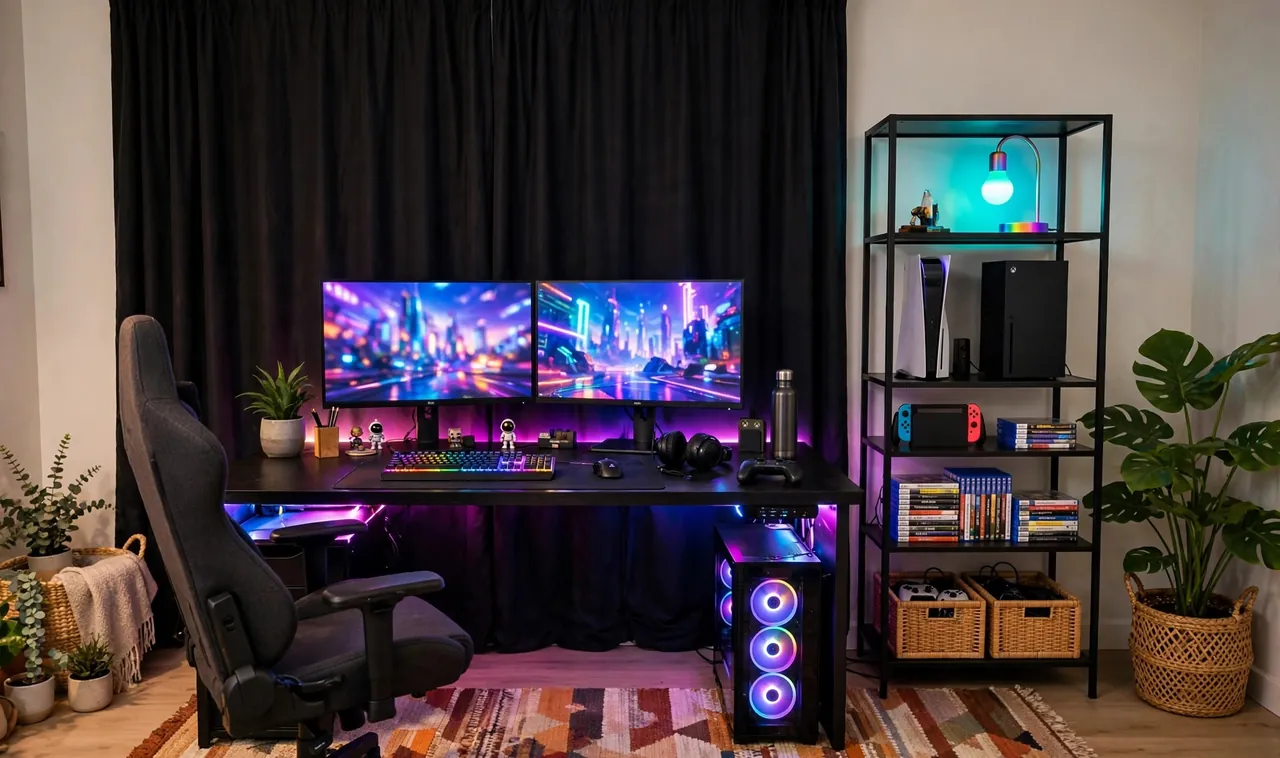
Renting does not mean your gaming setup has to look temporary. The best renter gaming rooms look fully custom, yet every single change peels off, unscrews, or lifts away when the lease ends. No drilled holes, no repainting, no lost deposit.
The trick is thinking in layers instead of alterations. Landlords care about the walls, the floors, and the fixtures. Everything else, light, furniture, textiles, freestanding gear, is yours to play with. These 21 renter-friendly gaming room ideas build a serious setup using nothing but removable, freestanding, and adhesive solutions.
Every idea below passes the move-out test: could you reverse it in an afternoon with no trace? If yes, it made the list.
1. Run Adhesive LED Strips Behind the Desk
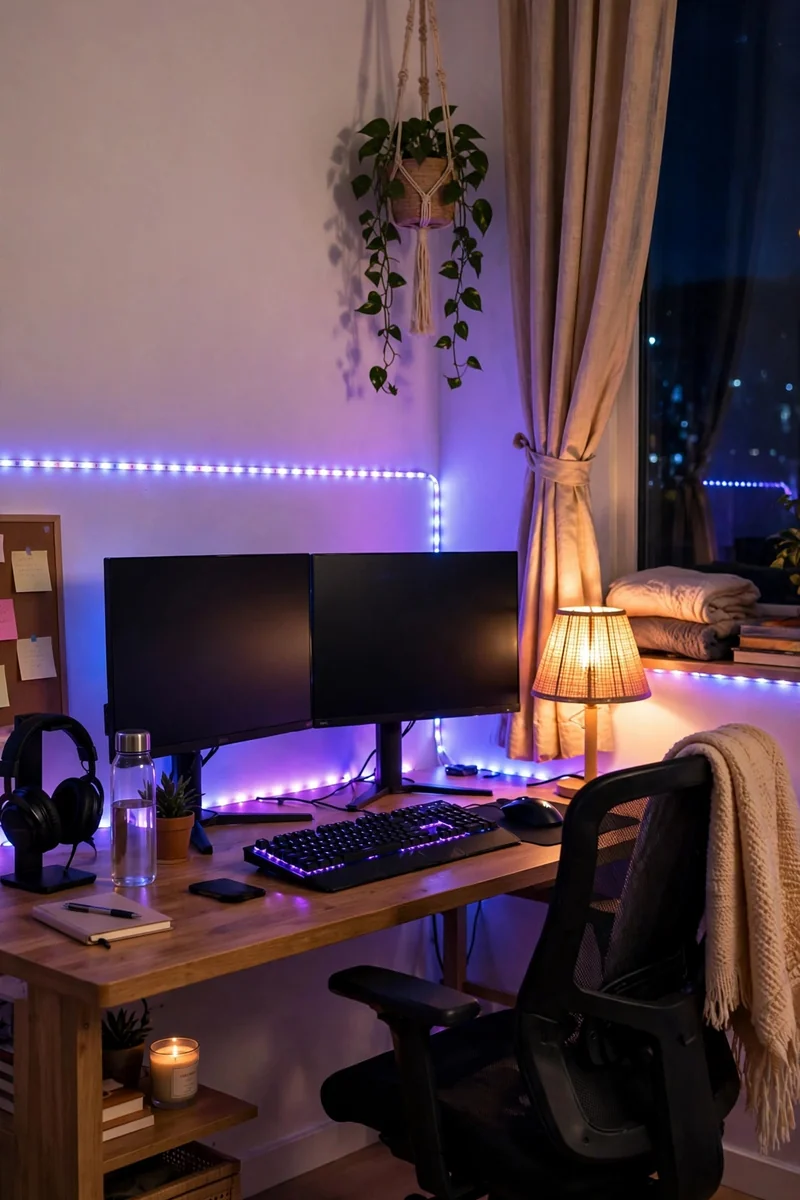
LED strips are the fastest rental transformation there is. Peel-and-stick strips go behind the desk, along the monitor, or under shelves, and the whole room glows like a custom build.
Choose strips with a proper adhesive backing and clean the surface with rubbing alcohol first so they hold for years, not weeks. When you move, warm the adhesive with a hair dryer and it peels off cleanly. For more glow ideas see our RGB gaming room ideas.
2. Create an Accent Wall With Peel-and-Stick Wallpaper
One wall of peel-and-stick wallpaper changes the entire room. Geometric patterns, dark textures, or subtle gradients all work behind a gaming setup, and modern removable wallpaper genuinely peels off without residue.
Do just one wall to keep costs down and removal easy. Smooth the panels with a plastic smoother as you go to avoid bubbles, and keep a spare roll for patches.
💡 Quick Tip
Test a small hidden patch for a week first. Cheap wallpaper can bond too well; quality removable brands release cleanly.
3. Display Gear on Freestanding Shelving
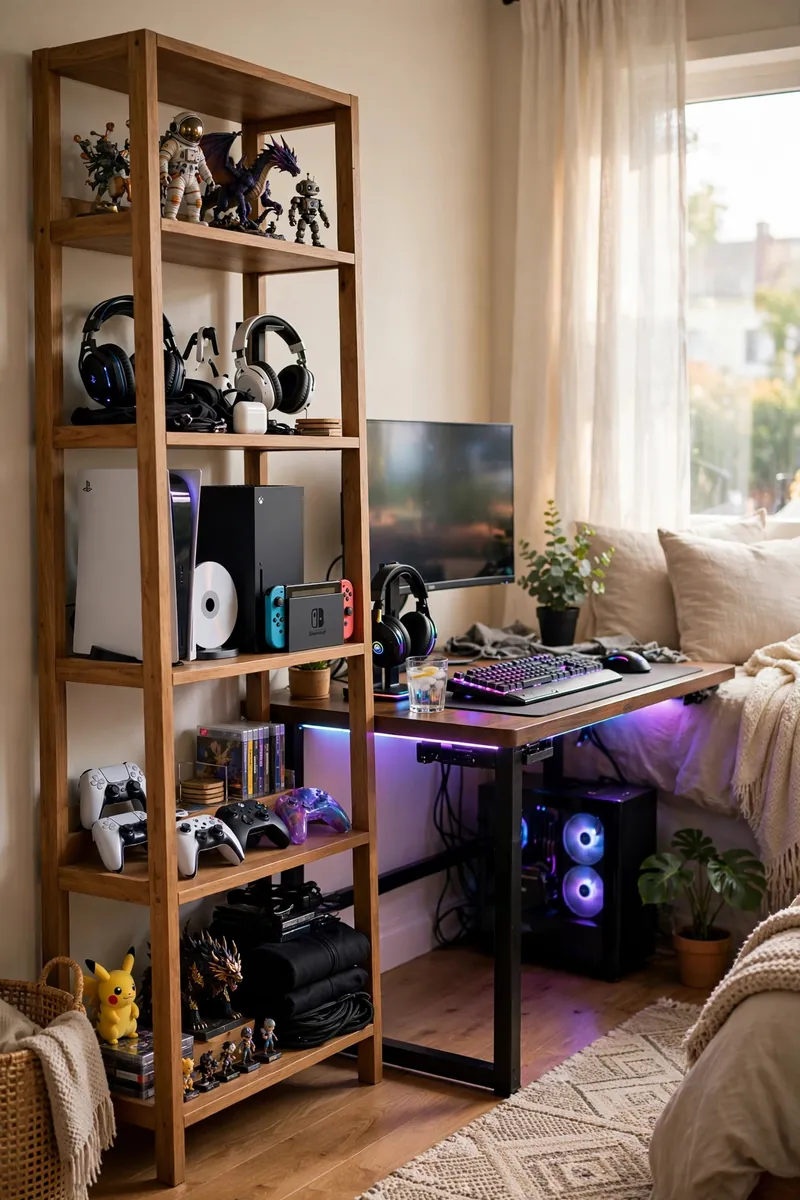
Freestanding shelves need zero wall anchors and hold consoles, collectibles, and headsets beautifully. A tall narrow unit beside the desk becomes your display wall without touching the landlord’s paint.
Anchor tall units with furniture straps that screw into the shelf back and hook under the baseboard, no wall damage. Style shelves with a mix of gear and decor so they read as intentional, not storage overflow.
4. Define the Zone With a Large Area Rug
A big rug does what walls cannot in a rental: it claims territory. Slide one under the desk and chair and your gaming corner becomes a room within the room, no construction needed.
Choose a low-pile rug so your chair rolls smoothly, and go large enough that the chair stays on it when you push back. Dark patterns hide cable shadows and snack accidents alike.
What to grab first
5. Hang Blackout Curtains on a Tension Rod
Glare ruins gaming, and landlords rarely provide blackout curtains. A tension rod fits inside the window frame with zero screws, and blackout panels kill reflections on your monitor.
Measure the inside frame width and buy a rod that springs tight. Layer sheer curtains behind the blackouts for daytime softness that still blocks screen glare.
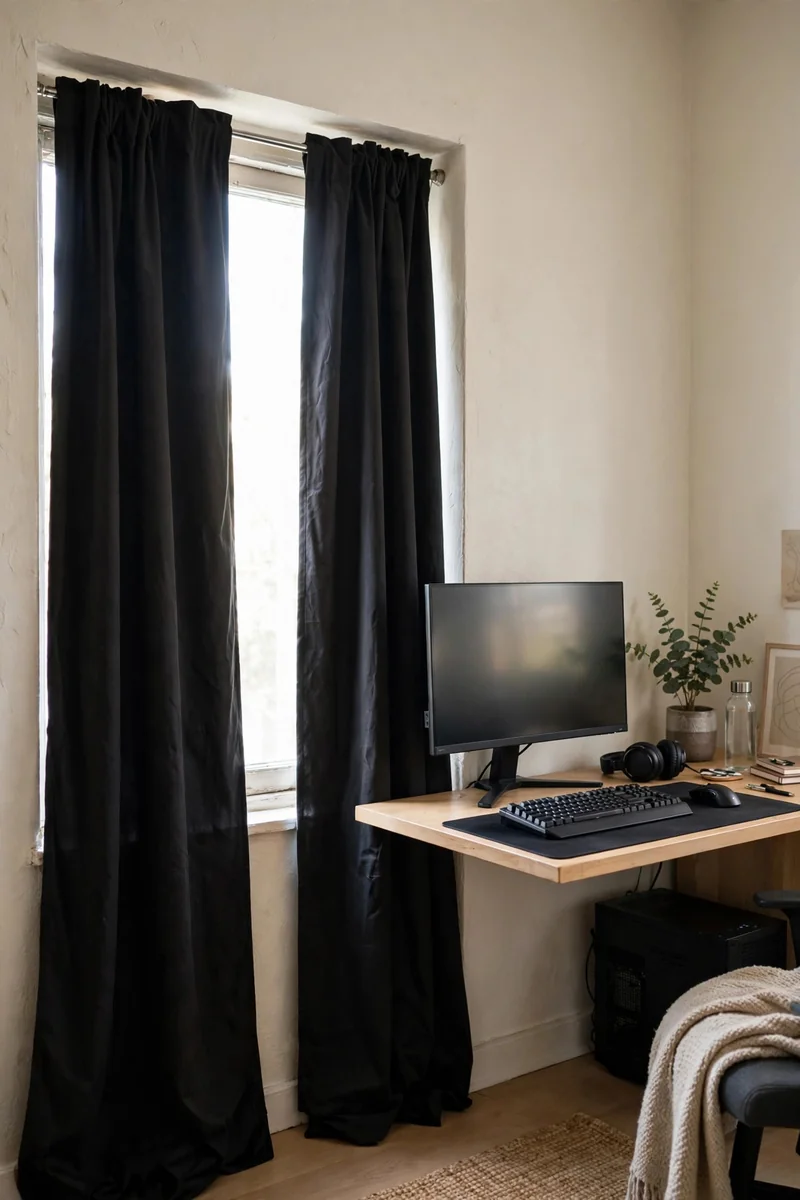
Tension rods hold surprising weight. The spring does the work, the wall never knows.
6. Tame Cables With Command Hooks and Clips
Nothing screams temporary like cables everywhere. Adhesive cord clips and command hooks route every cable along desk edges and baseboards with zero drilling.
Map your cable runs before sticking anything down, then press each clip firmly for thirty seconds. Bundle with reusable velcro ties instead of zip ties so future changes take seconds. Our full cable hiding guide covers the complete system.
Map every cable’s path before sticking a single clip.
Press each adhesive clip firmly for thirty seconds.
Bundle with velcro ties, never permanent zip ties.
7. Light Corners With a Freestanding RGB Floor Lamp
A tall RGB floor lamp washes the corner behind your setup in color, giving you that pro-streamer backdrop glow with nothing mounted anywhere.
Place it behind the desk or in the room’s darkest corner. App-controlled lamps let you match your LED strips exactly, so the whole room reads as one designed system.
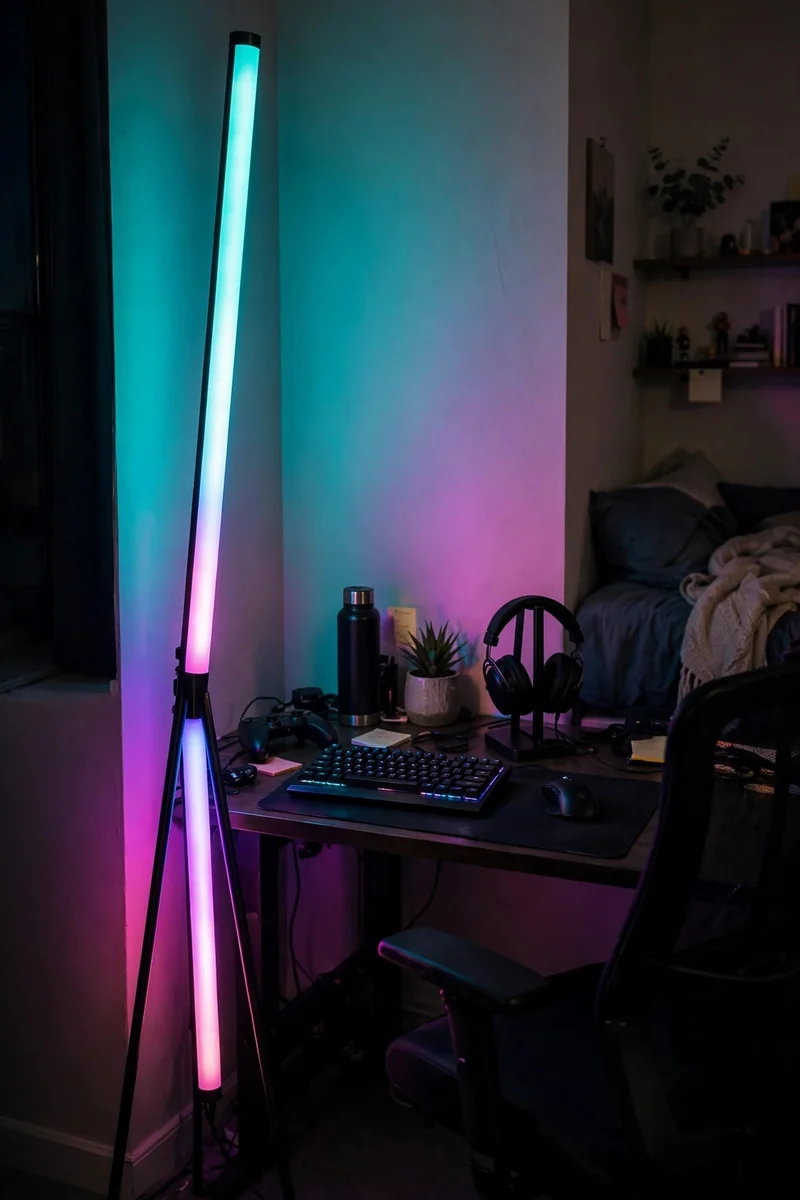
A dark dead corner that makes the room feel smaller.
A glowing color column that anchors the whole setup.
8. Decorate With Removable Wall Decals
Removable vinyl decals give you wall art, logos, and graphics with zero frames and zero holes. Gaming-themed decals turn a blank rental wall into a themed backdrop.
Apply to clean, dry walls and smooth from the center outward. Quality decals lift off in one piece years later, which is exactly what deposit protection looks like.
| Removable Decals | Nailed Frames |
|---|---|
| Zero holes, zero patching. | Every nail needs filling and paint. |
| Peels off in minutes. | Removal plus wall repair. |
9. Store Consoles on a Rolling Cart
A rolling cart keeps consoles, controllers, and headsets organized and ventilated, and it moves wherever you need it. No wall mounting, no TV drilling, no commitment.
Choose a sturdy metal cart with at least three tiers. Consoles on the middle shelf get airflow above and below, controllers charge on top, and games live underneath.
Lock the casters once it is positioned.
Leave gaps around consoles for airflow.
Stacking consoles directly on each other.
Blocking vents against the cart sides.
10. Add Floor Seating for Co-op Nights
Bean bags, floor cushions, and a low pouf turn your solo setup into a co-op lounge in seconds. They stack in a closet when not needed, which wall-mounted seating never does.
Pick seating with washable covers. Gaming snacks happen, and a removable cover is the difference between a stain and a story.
- ▸Bean bags and floor cushions stack away in minutes.
- ▸Washable covers survive every snack accident.
- ▸Zero installation, zero damage, all comfort.
11. Upgrade the Desk With a Mat and Monitor Riser
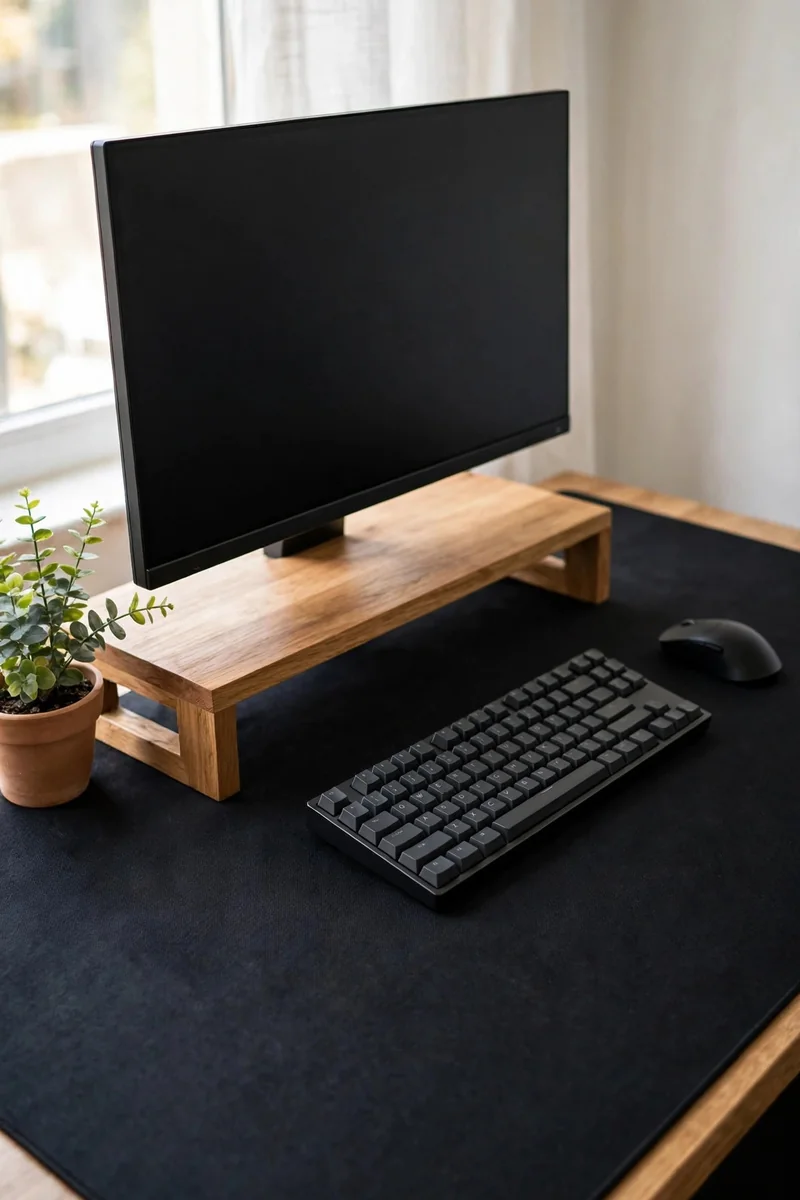
You do not need a new desk. An oversized desk mat and a freestanding monitor riser transform any rental desk into a proper battlestation.
The mat protects the landlord’s desktop from scratches while unifying your keyboard and mouse zone. The riser lifts the monitor to eye level and creates storage space underneath for controllers.
12. Split the Room With a Freestanding Divider
In a studio or shared room, a freestanding divider separates your gaming zone from sleeping or living space. Folding screens, open bookcases, and curtain panels on tension rods all work.
An open bookcase divider doubles as storage and display. Position it perpendicular to the wall to create a genuine sense of two rooms.
💡 Quick Tip
Face the divider’s finished side toward the room entrance. First impressions matter, even in rentals.
13. Swap Bulbs for Smart Lighting, No Rewiring
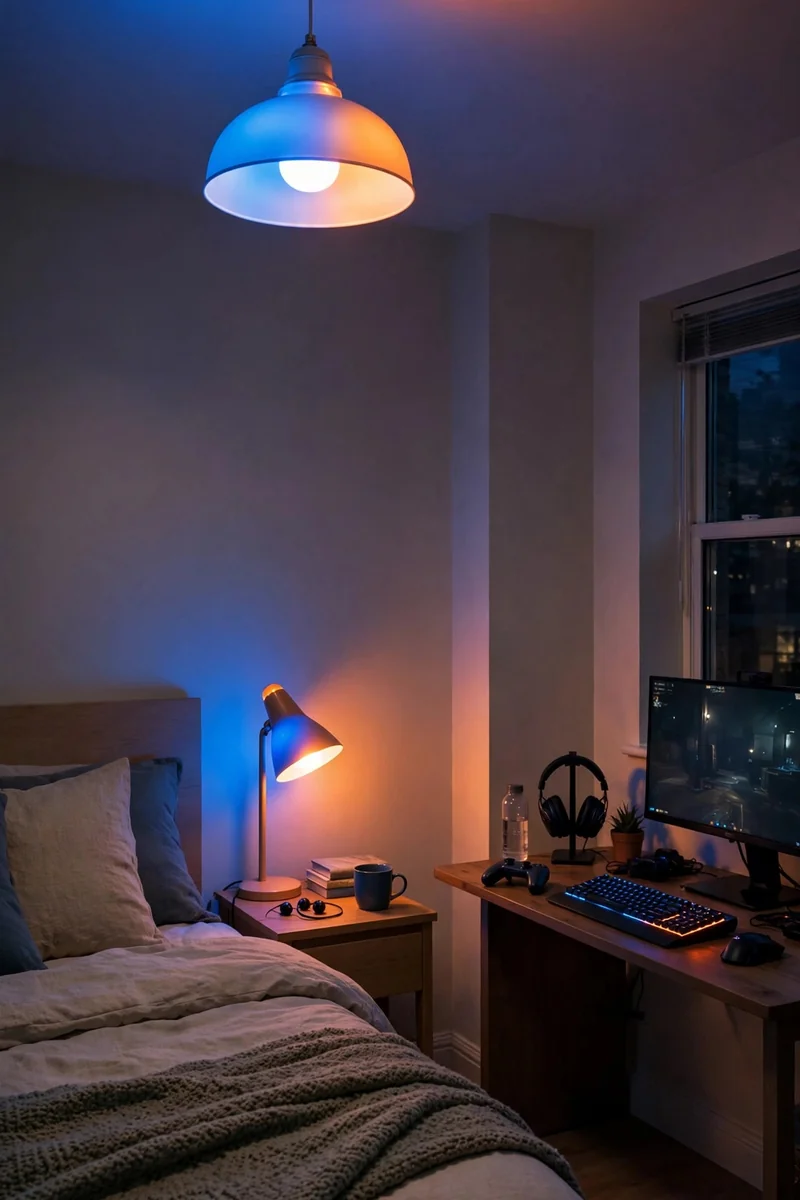
Smart bulbs screw into existing sockets and give you full color control with zero electrical work. Your boring rental ceiling light becomes a gaming light show.
Group bulbs by room in the app and set gaming scenes that trigger with one tap. When you move, unscrew them and take them with you, the ultimate renter upgrade.
14. Hide Wires in Adhesive Raceways
For cables that must cross open walls, adhesive raceways stick on and paint over the mess. They look like trim molding and peel off when you leave.
Run them along baseboards or door frames where the eye naturally skips over. Choose paintable raceways and match your wall color for near invisibility.
What to grab first
15. Hang Tapestries With Command Strips
A large tapestry covers a multitude of rental sins: scuffed walls, odd paint colors, bland everything. Heavy-duty command strips hold fabric tapestries flat with no nails.
Hang it behind your setup as a backdrop that also dampens echo slightly. Gaming tapestries with dark art double as stream backgrounds.
Fabric on the wall is decor, sound softening, and a backdrop in one move.
16. Soften Echo With Freestanding Acoustic Panels
Hard rental walls bounce sound everywhere. Freestanding acoustic panels on stands or leaned against walls tame echo without a single screw.
Place two behind your seating position and one to each side. Fabric-wrapped panels in dark colors look like intentional decor, and our soundproofing guide has more no-renovation tricks.
Place two panels behind your chair, one to each side.
Choose fabric-wrapped panels in dark, room-matching colors.
Use stands or lean them, never drill into rental walls.
17. Add Under-Desk Glow With Battery LEDs
Battery-powered LED pucks and strips under the desk create that floating-desk effect with no outlets and no wires to hide.
Stick them with their adhesive backs under the desk edge and control them with a remote. Rechargeable pucks last weeks between charges.
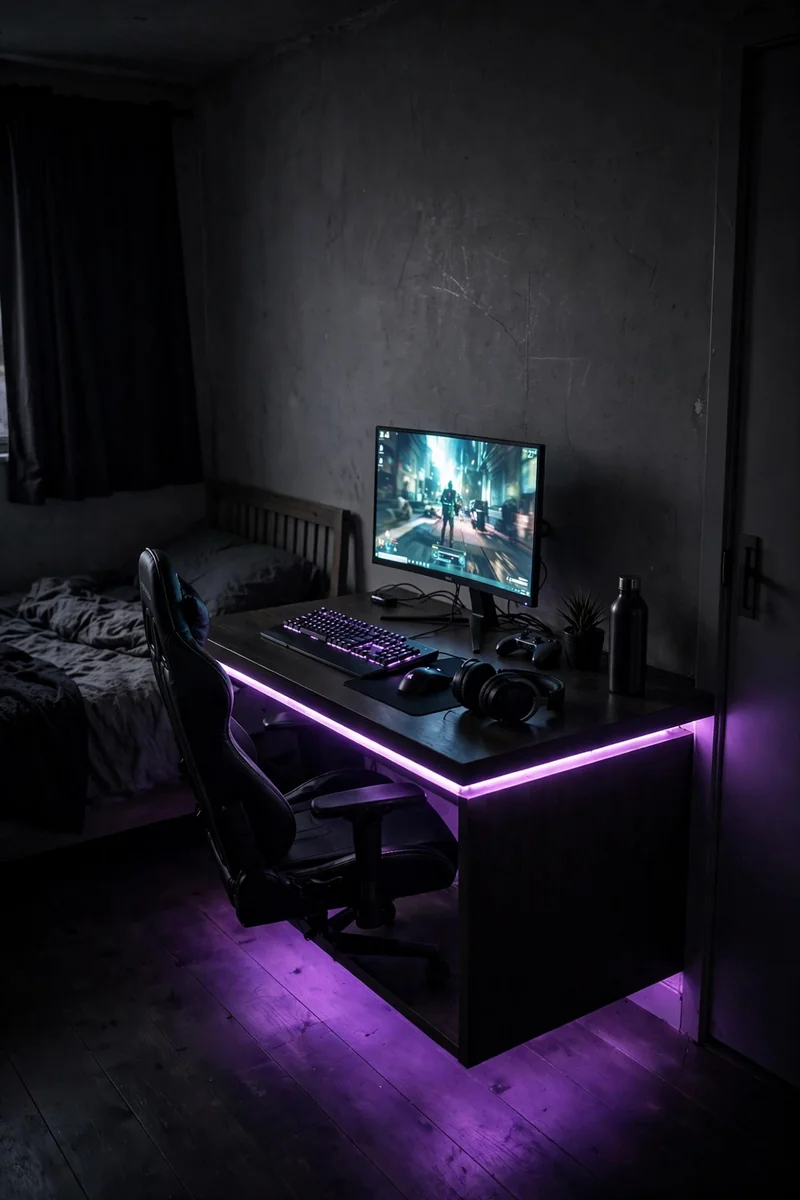
A desk that sits heavy and dark on the floor.
A desk that appears to float on colored light.
18. Park Headphones on a Freestanding Stand
A weighted headphone stand keeps your headset visible, protected, and off the desk. No clamp mounts, no desk drilling, just gravity.
Place it at the desk corner within arm’s reach. Wood and metal stands look like desk sculpture even when the headphones are on your head.
| Freestanding Stand | Clamp Mount |
|---|---|
| Zero desk damage, moves anywhere. | Can dent or scratch desk edges. |
| Doubles as desk decor. | Purely functional look. |
19. Lay Removable Vinyl Floor Tiles
Peel-and-stick vinyl tiles or a large interlocking foam mat transforms ugly rental flooring under your setup. They lift away cleanly at move-out.
Wood-look vinyl planks warm up cold tile floors instantly. Lay them in the gaming zone only to keep the project small and reversible.
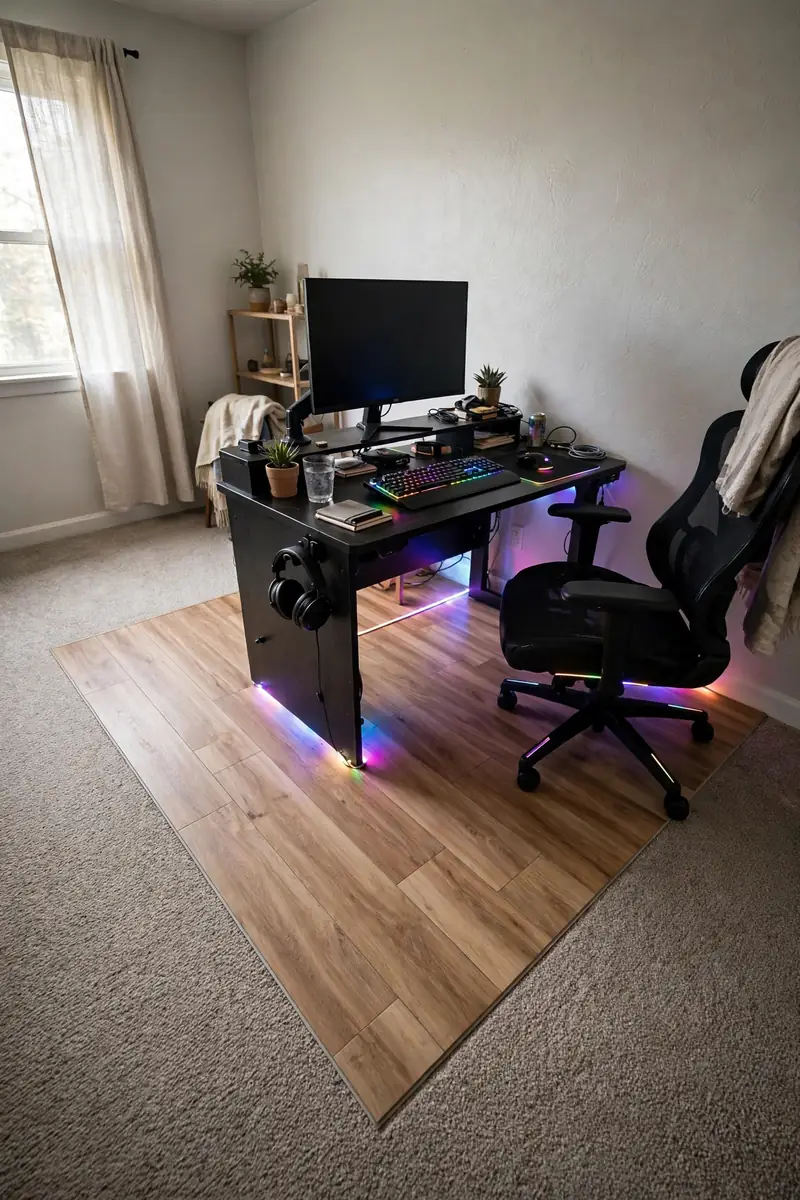
Clean the subfloor thoroughly first.
Do the gaming zone only, not the whole room.
Permanent adhesive tiles in a rental.
Covering heating vents or transitions.
20. Bring the Corner to Life With Plants
A plant in the corner softens every hard edge your gaming gear creates. Snake plants and pothos survive gamer schedules, meaning irregular watering and low light.
One tall plant in a nice pot is enough. It adds life and color contrast that makes RGB lighting look even better.
- ▸Snake plants survive low light and neglect.
- ▸Pothos trails beautifully from shelves.
- ▸One statement plant beats five struggling ones.
21. Build a Damage-Free Gallery Wall
Command strips rated for frames let you build a full gallery wall of posters, art, and LED-accented pieces with zero holes. Plan the layout on the floor first, then hang.
Mix frame sizes but keep one color family for cohesion. At move-out, pull the tabs slowly and the wall looks untouched.
Renting is not a reason to wait for the gaming room you want. Every idea here respects the lease while refusing to look temporary, and each one reverses in an afternoon. Start with lighting, since glow delivers the biggest transformation per dollar, then layer in textiles, storage, and decor. When moving day comes, you will pack up a room that looked custom and leave walls the landlord cannot complain about.
Save this list before your next apartment upgrade, and pin the idea you will try first so it is ready when you are.