
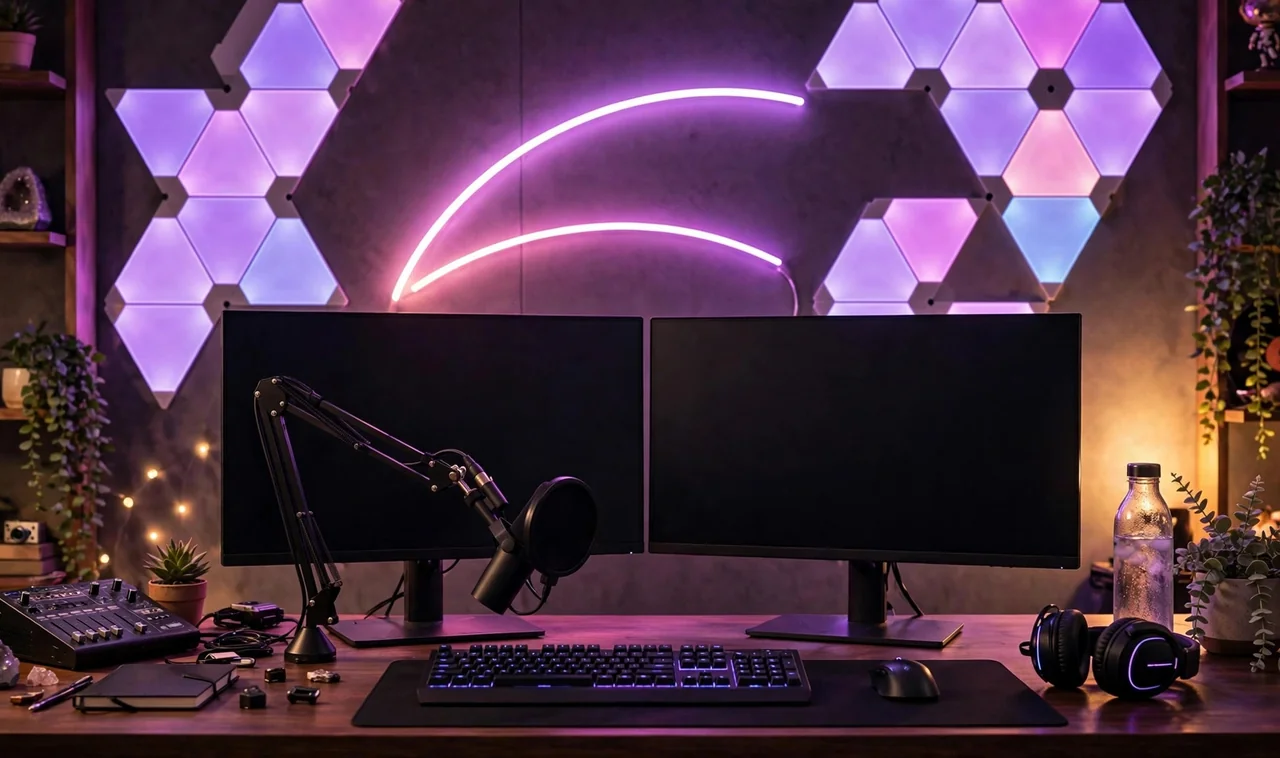
Viewers decide whether to stay within seconds, and half that decision is your background. A professional streaming background tells people you take this seriously before you say a single word.
Professional does not mean expensive. It means intentional. These 17 streaming background ideas look polished on camera, work in real rooms, and scale from a bedroom corner to a dedicated studio.
Think like a camera, not a decorator. The webcam sees a flat rectangle behind you, so depth, lighting, and a few hero objects matter more than filling every inch. Sit in your chair, open your streaming software preview, and judge every idea below exactly as your viewers will see it.
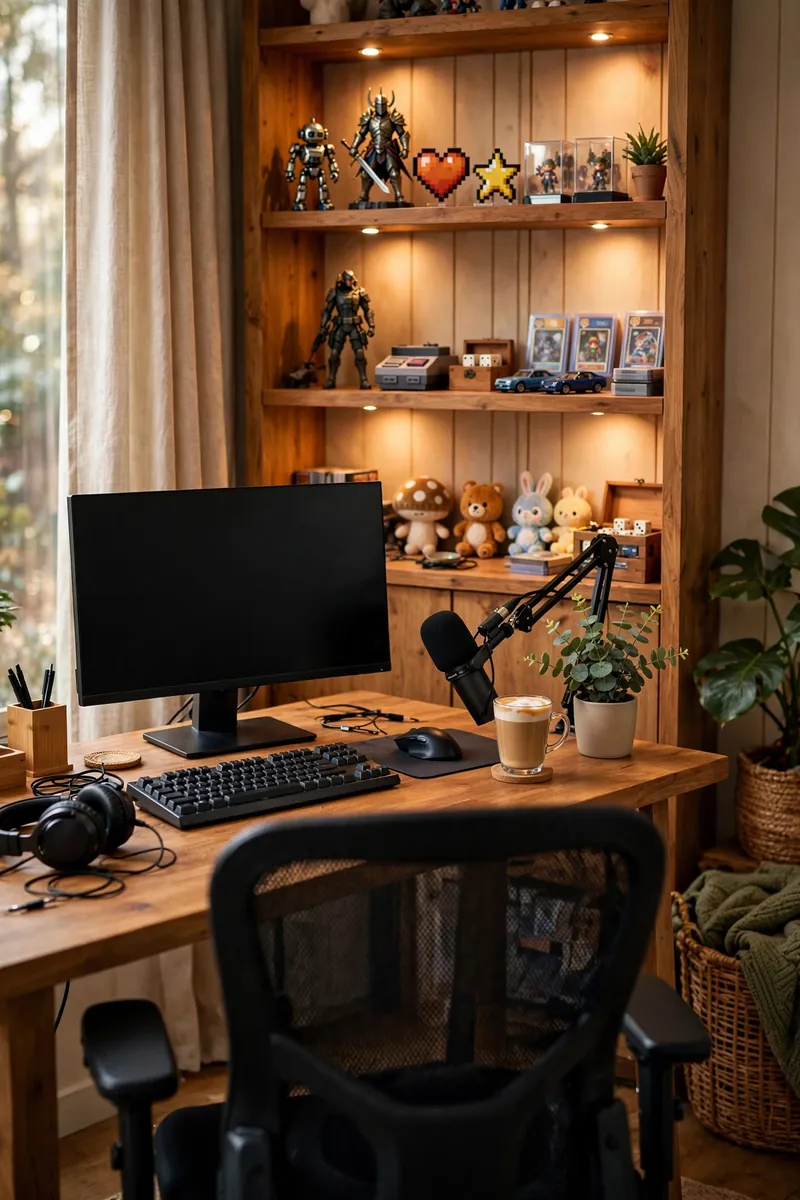
1. Light a Shelf of Collectibles
A shelf of figures, games, or collectibles with small LED spotlights is the classic streamer background for a reason. It reads instantly and photographs beautifully. Viewers recognize the hobby immediately, which builds trust with new visitors who land on your stream for the first time.
Keep the shelf behind and slightly to the side of your chair. Three to five hero pieces beat a cluttered shelf, and warm spotlights flatter every color. More glow tricks in our RGB gaming room ideas.
2. Curate a Clean Bookshelf
A tidy bookshelf with books, a plant, and one or two personal items reads as smart and trustworthy on camera. It is the background of choice for talk streams and podcasts.
Style in groups of three and leave breathing room between groups. The camera loves order, and viewers subconsciously trust an organized shelf. Remove anything with bright brand logos you do not want to promote for free.
💡 Quick Tip
Angle the bookshelf slightly so it is not perfectly flat to the camera. A little angle adds depth.
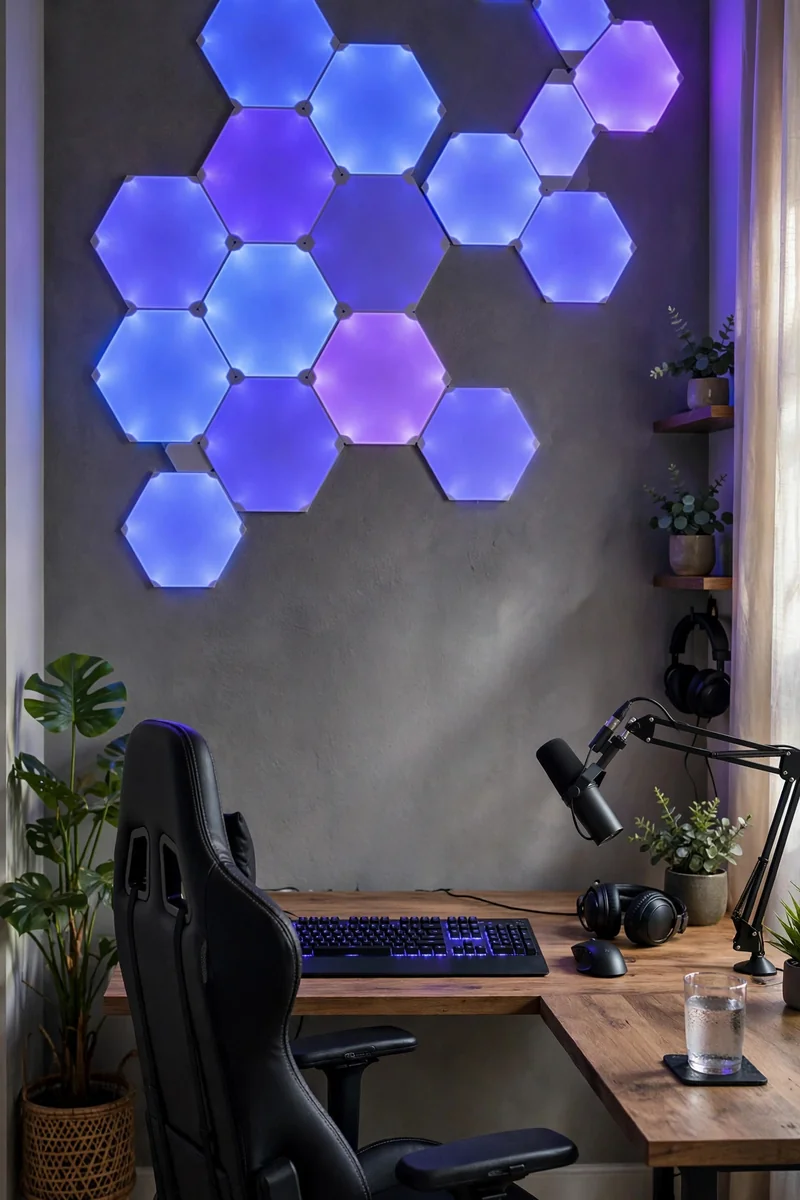
3. Install RGB Hexagon Wall Panels
Hexagon light panels are the modern streamer signature. Arrange them in an asymmetric cluster on the wall behind you and set them to your brand colors.
Stick to two or three colors max. Rainbow chaos looks amateur on camera, while a restrained palette looks designed. Preview the layout on your webcam before sticking anything permanently.
4. Frame Posters With LED Frames
Two or three framed posters with thin LED backlighting give you gallery energy on camera. The glow separates the frames from the wall beautifully.
Choose art that matches your content. Game art for gaming, travel prints for lifestyle, minimal abstracts for talk streams. Keep the frames at the same height so the camera reads them as one deliberate composition.
What to grab first
5. Grow a Greenery Corner
Plants soften every stream. A corner with two or three plants at different heights adds life and color that no LED can fake.
Uplight the plants with a small spotlight for evening streams. Backlit leaves look stunning on camera and cost almost nothing. Just keep plants out of your microphone’s pickup pattern so leaves never rustle into the audio.
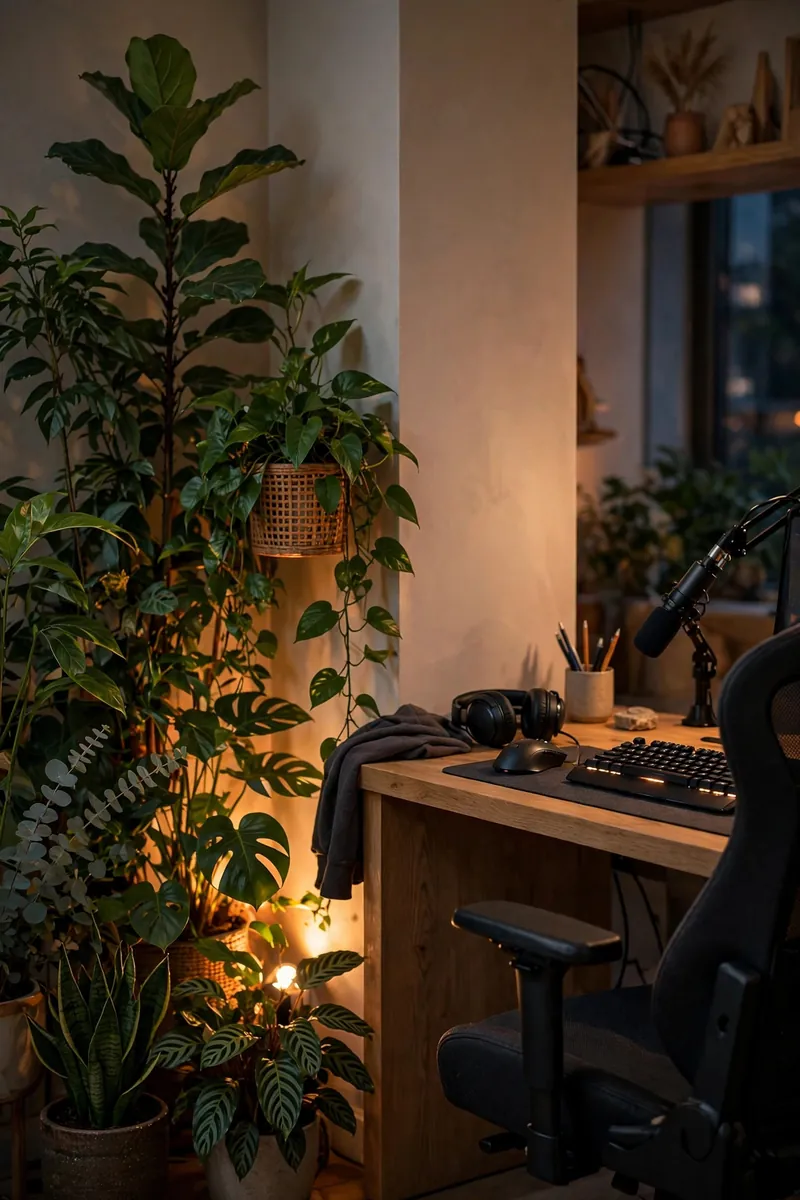
Living things on camera signal care. A thriving plant says more than any poster.
6. Hang a Custom Neon Sign
A neon sign with your channel name or logo is the ultimate branding move. It glows in every clip, every thumbnail, every raid.
Mount it centered behind you at head height so it frames you in every shot. Warm white or your brand color reads best on camera. LED neon flex is cheaper and cooler than real glass neon, and it survives shipping without drama. Budget around fifty to one hundred dollars for a quality custom piece, and check the dimmer before your first stream.
Center it behind you at head height.
Use warm white or your brand color.
Dim it slightly so it glows instead of glaring.
7. Turn Acoustic Panels Into Wall Art
Acoustic foam panels arranged in a pattern look sharp on camera while actually improving your audio. Function and form in one purchase.
Wedge or pyramid foam in dark gray or black reads as studio-professional. Arrange in a symmetrical block behind you for the classic podcast look. Even a 4×4 foot section directly behind your chair makes a visible difference on stream. Foam also tames the hollow room echo that makes budget microphones sound cheap. Our soundproofing guide covers no-renovation options.
Bare wall echoing every word back at the mic.
Studio-patterned wall with cleaner, warmer audio.
8. Drape Curtains With Uplighting
Floor-to-ceiling curtains with uplights at the base create a soft, premium backdrop that hides any ugly wall. The fabric glows gently on camera.
Choose heavy curtains in a solid color. Two small uplights on the floor behind you wash the fabric in your brand colors. Steam the curtains once so wrinkles never distract the camera. If your room is small, mount the curtain rod close to the ceiling to fake extra height.
| Curtain Backdrop | Bare Wall |
|---|---|
| Soft, premium, hides everything. | Every flaw shows on camera. |
| Uplights add brand color easily. | Lighting the wall looks flat. |
9. Float Shelves With Figures
Two or three floating shelves with figures or art toys create depth behind you. Stagger their heights so the camera sees layers, not a flat line.
Add a small LED strip under each shelf. The downward glow makes every piece pop and gives the wall a premium gradient. Leave the middle shelf slightly emptier so the eye has somewhere to rest. Match the shelf finish to your desk so the whole setup feels like one designed system.
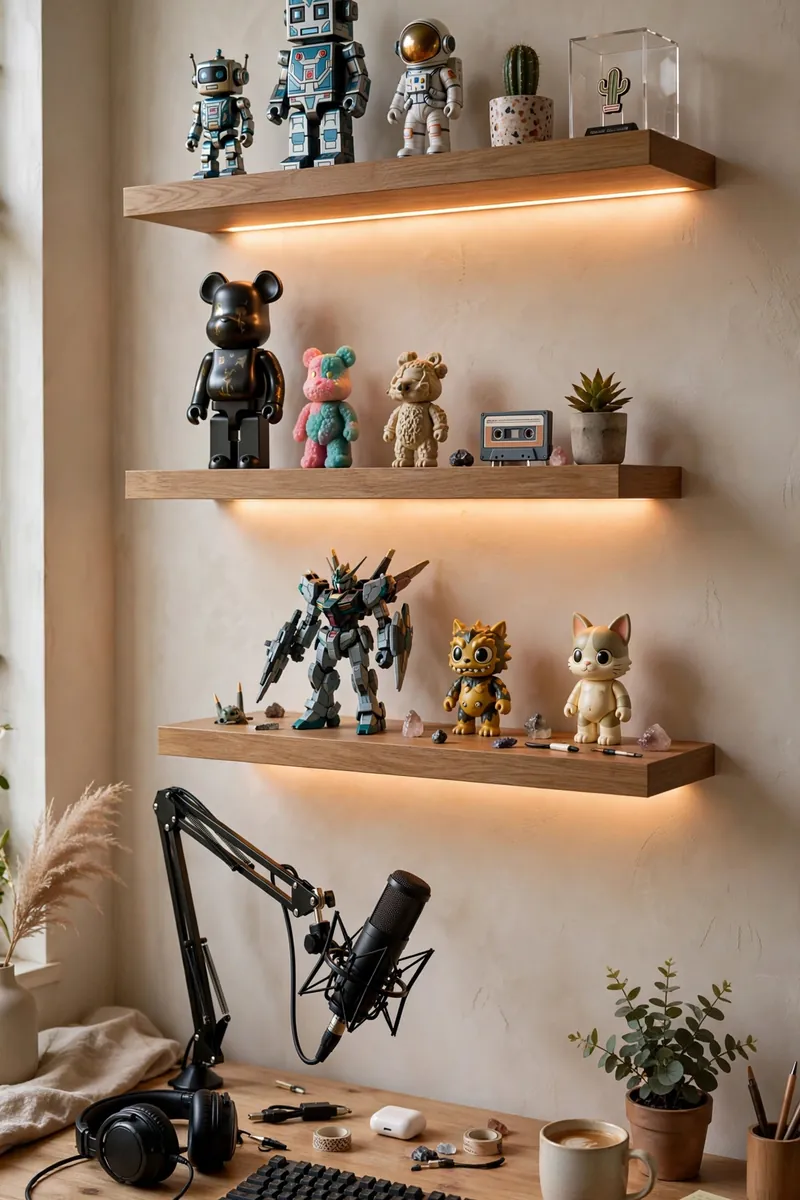
Stagger shelf heights for depth.
LED strip under every shelf.
Shelves in one straight row.
Overloading every shelf edge to edge.
10. Go Minimal With Color and Light
Sometimes the most professional background is the simplest. A clean wall in a solid color with one dramatic light wash looks expensive and modern.
Paint one wall a deep tone or hang a solid curtain, then wash it with a single colored light. Minimalism photographs as confidence. This is also the cheapest background on this list, which makes it perfect while you figure out your style. Many partnered streamers never move past this look, which tells you how well it works.
- ▸One deep wall color or solid curtain.
- ▸One colored wash light, nothing else.
- ▸Nothing in frame that you did not choose.
11. Display a Backlit World Map
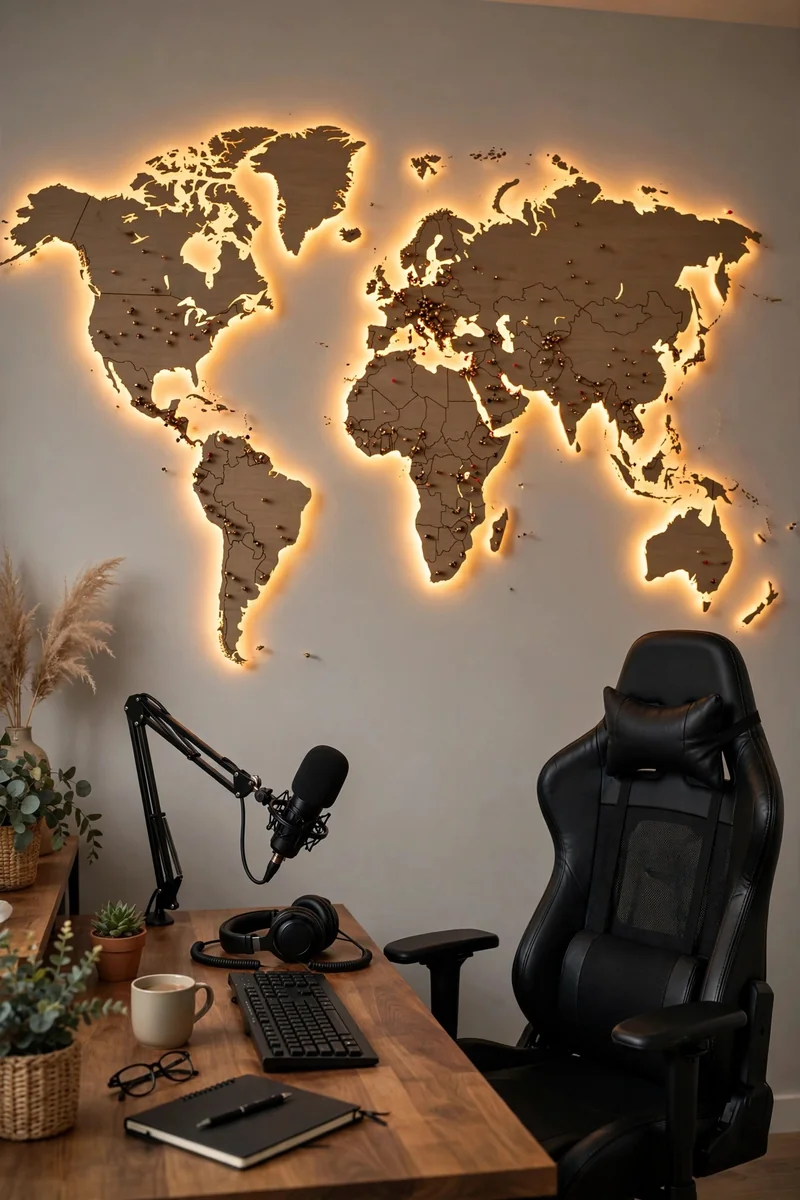
A large world map with pin lights or backlighting gives travel, tech, and talk streams instant personality. Viewers love spotting their city.
Mount it centered and slightly high so it frames you. Warm backlighting keeps it readable on camera without glare. A scratch-off map you update live with viewers becomes interactive content, not just decor.
12. Organize Gear on a Pegboard
A pegboard with headphones, controllers, and tools doubles as storage and background. It reads as creative and hands-on.
Paint the pegboard a bold color and arrange gear in a loose grid. The camera sees texture and personality, not clutter. Hang your most-used gear at arm’s reach so the pegboard stays functional, not just decorative. Spray-paint mismatched hooks one color so the hardware disappears into the design.
💡 Quick Tip
Leave 30 percent of the pegboard empty. Negative space is what makes it look designed.
13. Fake a Window With Light Panels
A rectangle of soft white light panels behind you mimics a window glow, even in a basement. It flatters your face and adds depth.
Use diffused panels, not bare bulbs, so the glow is soft. Frame the rectangle with a dark border so it reads as a window, not a light. Set the panels to 5600K daylight so your face and background color temperatures match. Avoid mixing warm and cool whites in the same shot, because the camera exaggerates the clash.
14. Build a Vinyl Record Wall
Framed vinyl records or album art create a music-lover backdrop with built-in color and texture. It works for any stream with personality.
Hang records in a tight grid with small gaps. Black frames unify different album art into one cohesive wall. Ten to twelve records fill a standard webcam frame nicely without overwhelming it. Thrift stores sell records for a dollar each, so this wall can cost less than a pizza.
What to grab first
15. Showcase Trophies and Achievements
Tournament trophies, plaques, and milestone awards make a powerful background for competitive streamers. They are proof, not decoration.
Light the shelf from above with a single warm spotlight. Let the metal and glass catch the light while the rest stays moody. Dust the shelf before every stream, because the camera finds every speck. Rotate the displayed trophies seasonally so regular viewers notice fresh details. See our cozy gaming room ideas for display styling.
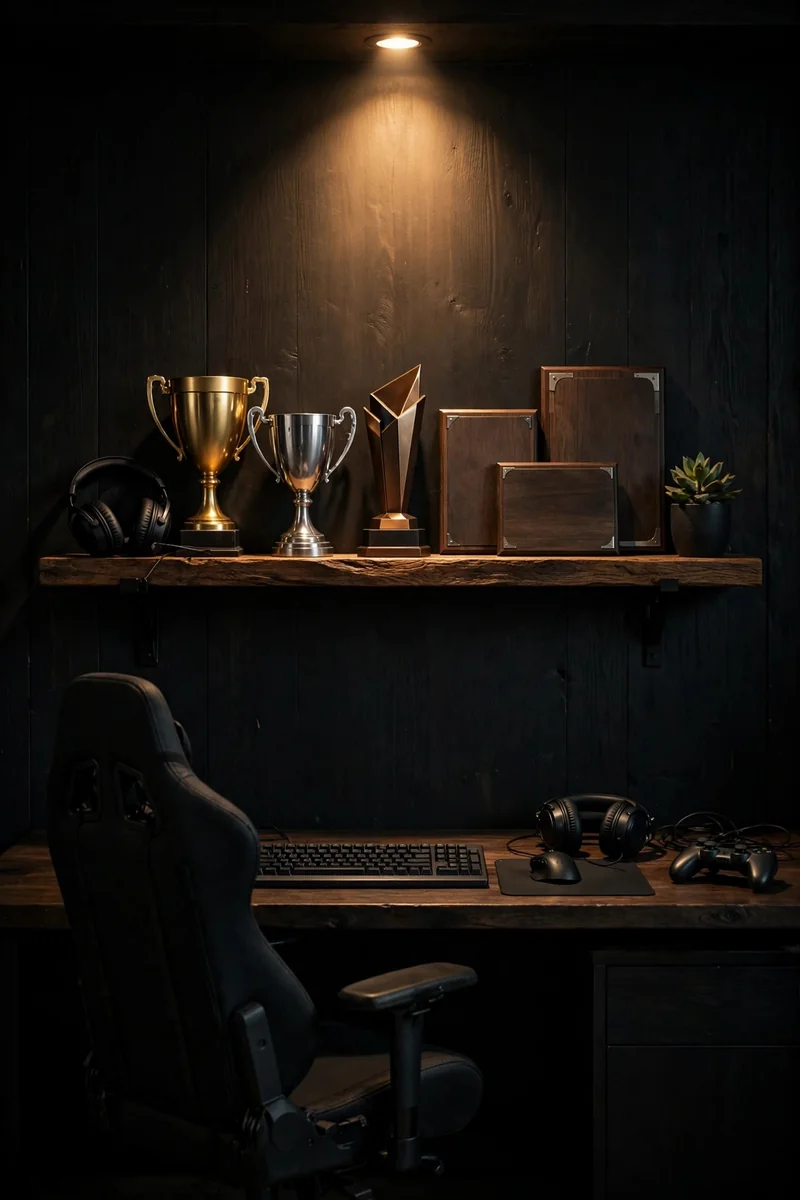
Achievements on the wall do your bragging for you. Let them shine.
16. Light a Tapestry Dramatically
A large tapestry with dramatic side lighting turns a plain wall into a textured, colorful backdrop. It is the budget king of streaming backgrounds.
Hang it flat and tight, then rake a light across it from the side. The fabric texture catches the light and looks far more expensive than it is. Dark, detailed tapestries hide compression artifacts better than light ones. Iron the tapestry or steam it flat, because the camera magnifies every wrinkle.
Hang the tapestry flat and tight.
Rake a light across it from the side.
Keep the rest of the wall dark.
17. Keep It Clean With Monitor Glow Only
The boldest choice is almost nothing. A clean desk, a glowing monitor, and soft room light put all attention on you and the gameplay.
This works best for facecam-heavy streams where the background should never compete. Tidy ruthlessly, light softly, and let your content carry the show. A single key light on your face plus monitor glow is all the lighting this setup needs. Keep a microfiber cloth on the desk and wipe the monitor before going live.
A busy background fighting your facecam for attention.
A clean frame where you and the game own the screen.
Your background is working every second you are live, so treat it as part of your content, not your furniture. Start with lighting, because good light forgives almost any wall, then add one hero element that says who you are.
Test every change on your actual webcam before committing. What looks good in the room can look very different in a 16:9 frame. Record a 30-second test clip for each background you try and watch it on your phone, because most viewers will watch on mobile. Save this list, pick your signature backdrop, and stream like you mean it.
One Response